15 Strategies for Reducing Teacher Workload Burnout (2026)

TL;DR
U.S. K-12 teachers average 53 hours per week, and 84% say there is not enough time during the school day for grading, planning, and communication. Teacher workload burnout is a structural problem, not a personal one, and it demands structural fixes. Evidence from ASCD shows that simplifying marking, cutting data meetings, and streamlining planning reduced extra daily work by roughly 50 minutes with no harm to student performance. The 15 strategies below, drawn from peer-reviewed research and real teacher workflows, give both individual educators and school leaders concrete moves to reclaim time this month.
The Numbers Behind Teacher Workload Burnout
K-12 education has topped Gallup’s national burnout rankings in recent years. Burned-out teachers are 2.6 times more likely to be actively job hunting, which means every unaddressed hour of overwork accelerates the staffing crisis already hitting most districts.
The workload picture is specific and measurable. According to Pew Research Center’s 2024 survey, 84% of teachers report that regular hours are insufficient for grading, planning, paperwork, and email. Seventy percent say their schools are understaffed. Teachers average roughly 53 hours per week, about 7 to 9 more than workers in other fields.
The good news: strategies for reducing teacher workload burnout exist, and the best ones are backed by data. An ASCD analysis found that a combination of simplified feedback policies, fewer data meetings, and streamlined planning templates cut teachers’ extra daily work by approximately 50 minutes, with zero negative effect on student performance. A separate EdResearch for Action brief tied protected planning time, quality collaboration, and teacher autonomy to higher satisfaction, stronger instruction, and improved retention.
The problem is not a shortage of wellness tips. It is a shortage of specific, operational changes. That is what follows.
At-a-Glance: 15 Strategies to Reduce Teacher Workload Burnout
| # | Strategy | Owner | Est. Weekly Time Saved | Difficulty | Evidence Strength |
|---|---|---|---|---|---|
| 1 | “Stop-doing” rule before adding anything new | Admin/Team | Varies (prevents creep) | Low | Strong (ASCD) |
| 2 | Protect planning time from coverage and meetings | Admin | 2-5 hrs | Medium | Strong (EdResearch) |
| 3 | Redesign feedback and grading | Teacher/Team | 2-4 hrs | Medium | Strong (ASCD, Columbia CTL) |
| 4 | Reduce meeting bloat, move updates to async | Admin | 0.5-2 hrs | Low | Moderate (EdWeek) |
| 5 | Run a workload audit on data/marking/planning | Admin | ~4 hrs (50 min/day) | Medium | Strong (ASCD) |
| 6 | Standardize weekly parent communication | Teacher | 1-2 hrs | Low | Moderate (practitioner) |
| 7 | Set explicit email boundaries | Teacher/Admin | 1-2 hrs | Low | Moderate (institutional) |
| 8 | Shift practice to retrieval and auto-graded checks | Teacher | 2-3 hrs | Low | Strong (systematic review) |
| 9 | Use AI to draft materials within FERPA guardrails | Teacher | Up to ~6 hrs (self-reported) | Low | Moderate (Gallup/Walton) |
| 10 | Build team resource banks | Team/PLC | 1-3 hrs | Medium | Strong (EdResearch) |
| 11 | Narrow feedback scope for writing-heavy courses | Teacher | 2-4 hrs | Medium | Strong (ASCD) |
| 12 | Reduce SPED paperwork friction | Admin/Teacher | 2-5 hrs | High | Moderate (CRS) |
| 13 | Cap data submissions, standardize formats | Admin | 1-2 hrs | Low | Strong (ASCD) |
| 14 | Create reusable lesson skeletons | Teacher/Team | 1-3 hrs | Low | Practitioner-reported |
| 15 | Publish a schoolwide communication SLA | Admin | 1-2 hrs | Low | Moderate (institutional) |
Time savings are conservative estimates based on cited research and practitioner reports. Self-reported figures (strategy 9) should be interpreted accordingly.
1. Adopt a “Stop-Doing” Rule Before Adding Anything New
Best for: School leaders managing initiative fatigue across staff.
Every new program, platform, or data requirement adds minutes. Without a corresponding subtraction, the result is workload inflation. ASCD recommends a zero-sum rule: for any new initiative, name exactly what stops or gets reduced, and announce the swap publicly. The formal term is “de-implementation,” and it is one of the most overlooked strategies for reducing teacher workload burnout at the system level.
How to start this week:
- Run a 30-minute staff activity: list every recurring time commitment (meetings, data uploads, marking requirements, committee obligations).
- Vote on three to sunset.
- Announce the trade in writing so no one quietly re-adds them.
What to stop doing: Quietly layering new mandates on top of old ones. If leadership cannot name what goes away, the initiative should wait.
Leaders’ corner: Print a one-page “What We No Longer Require” memo and post it in the staff room. Revisit the list every six weeks.
2. Protect Planning Time and Stop Using It for Coverage
Best for: Administrators controlling the master schedule.
Guaranteed, uninterrupted prep time is the single structural support most consistently linked to teacher satisfaction and instructional improvement. The EdResearch for Action brief connects protected time and collaboration quality to stronger instruction growth and better retention.
Yet planning blocks are the first thing sacrificed when a colleague is absent. Practitioners on Reddit describe planning periods as “theoretical” because they are routinely consumed by coverage assignments, surprise meetings, or IEP scheduling overflows.
How to start this week:
- Lock planning blocks on the master schedule.
- Create a separate coverage roster that shields prep time.
- Track how often planning is interrupted for one month.
Pitfall: Converting protected planning into mandatory group meetings. Collaboration is valuable, but only when teachers choose how to use some of their time.
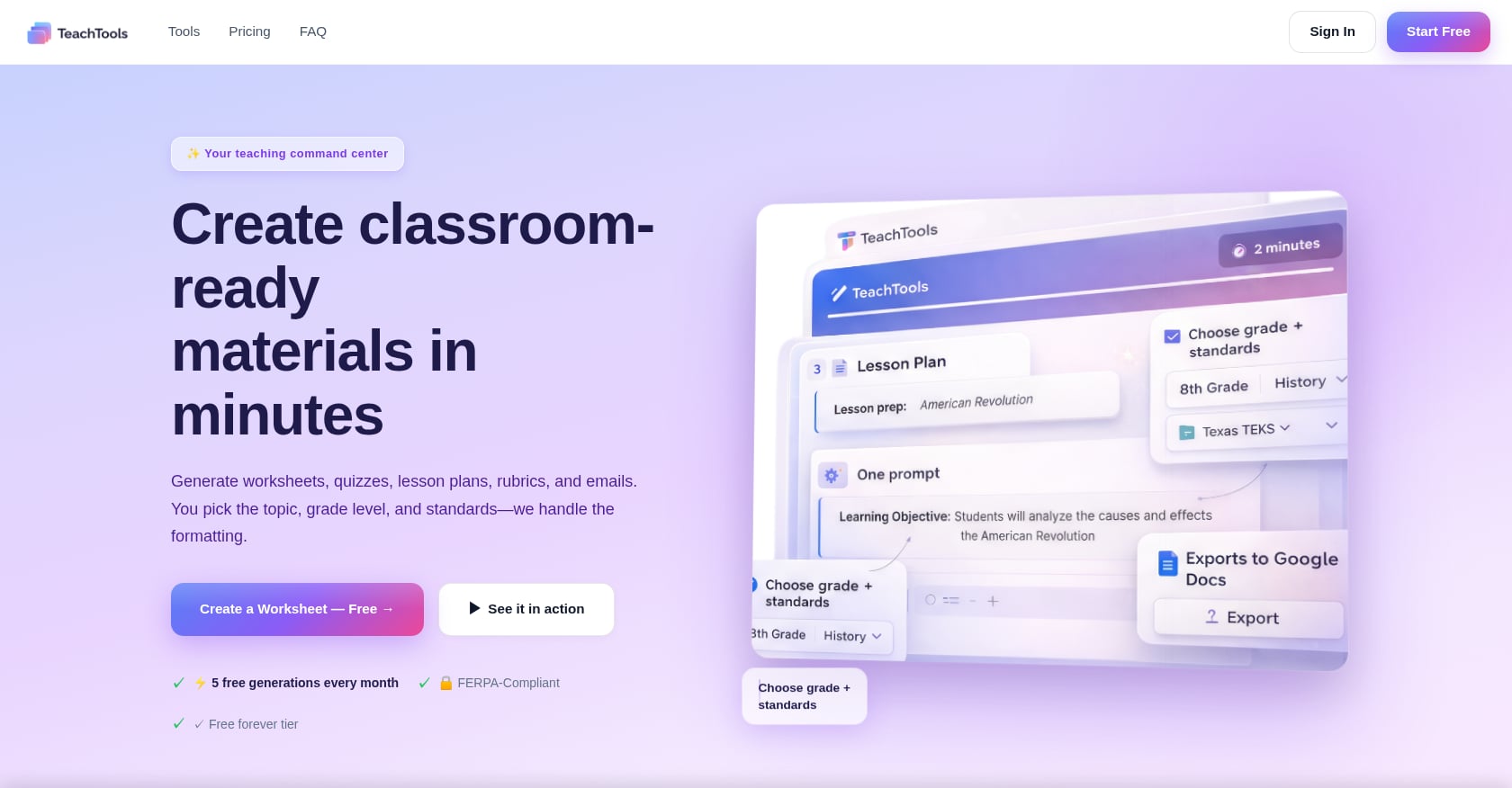
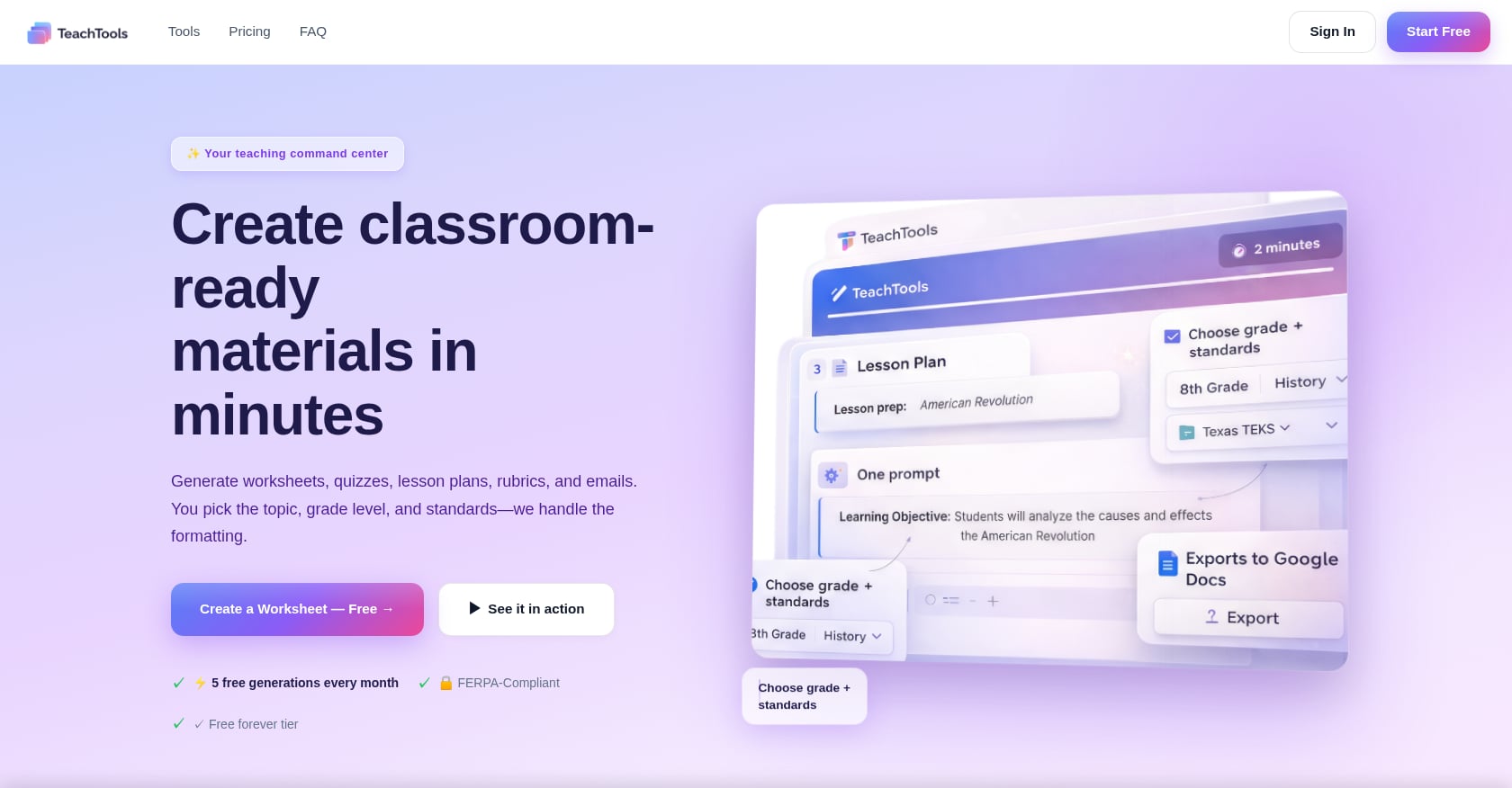
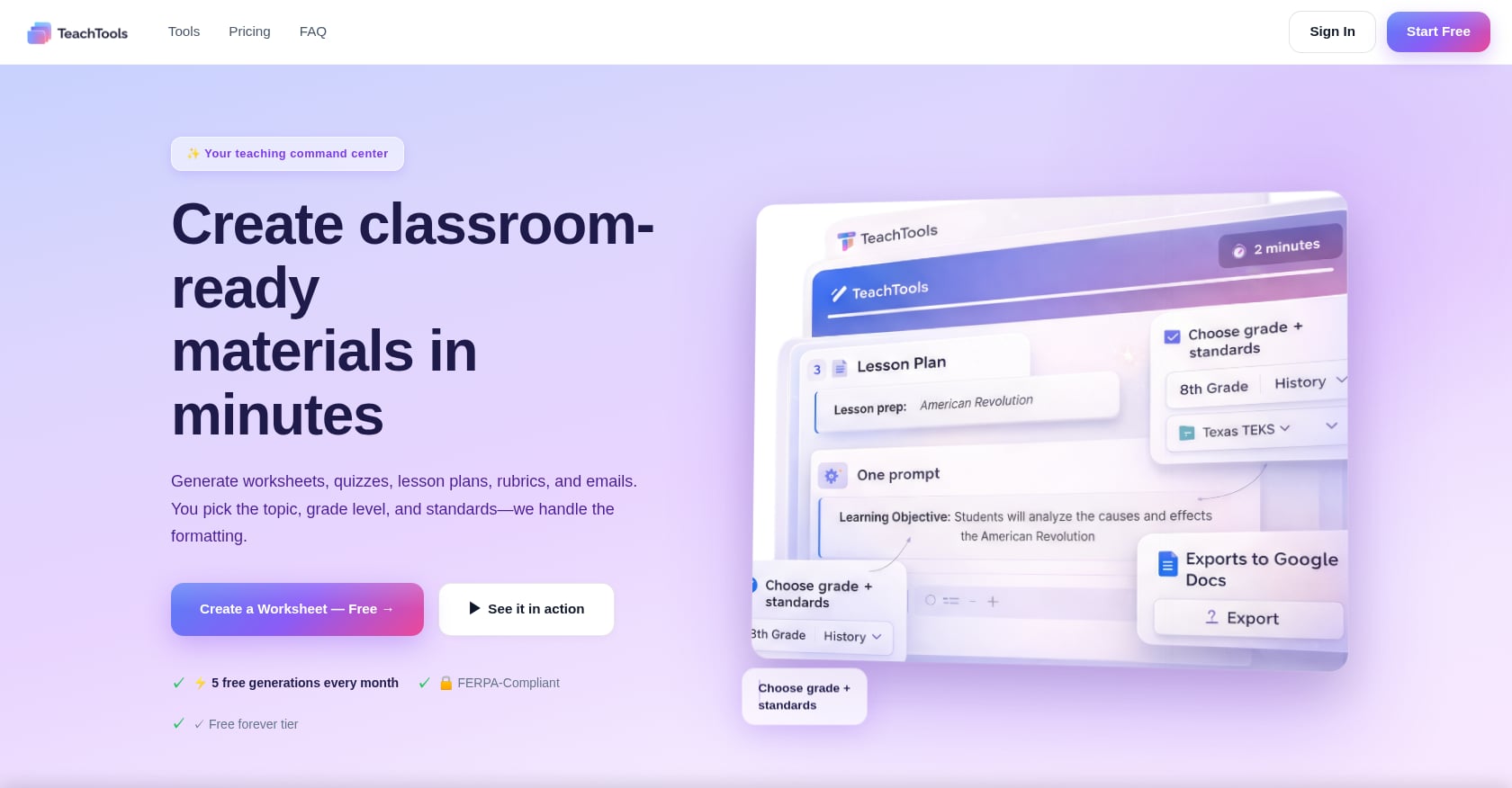
If your bottleneck is the planning itself rather than finding the time, TeachTools’ Lesson Plan Generator turns topic, grade, and standards inputs into full lesson drafts exportable to Google Docs, so your protected time goes further.
Leaders’ corner: Measure “planning periods actually used for planning” monthly. If it drops below 80%, your coverage system needs fixing.
3. Redesign Feedback and Grading to Cut Hours While Improving Learning
Best for: Teachers in writing-heavy or assessment-heavy courses (ELA, social studies, AP).
Grading is the single largest discretionary time sink for most teachers. Redesigning it does not mean lowering standards. It means aligning effort to learning impact.
Key changes:
- Single-point rubrics: List the criteria once at the “proficient” level. Teachers note only where work falls short or exceeds. Columbia CTL and UIC’s Center for the Advancement of Teaching Excellence document how this approach reduces marking time while preserving feedback clarity.
- Whole-class feedback: Instead of writing the same comment on 28 papers, share three class-wide wins, three focus areas, and next steps at the start of the next class.
- Sampling: Grade a strategic sample of work for accuracy checks rather than every single assignment.
- Comment banks: Build reusable phrasing for common feedback patterns.
Practitioners on Reddit’s r/Teachers consistently report that grading one criterion at a time (rather than marking everything on every draft) dramatically cuts essay-grading time while actually focusing student attention on the skill being taught.
How to start this week: Convert one major writing task to a single-point rubric plus five-minute in-class conferences. Replace one weekly homework set with a short auto-graded quiz.
For a deeper look at assessment design that reduces grading time, see this guide on creating assessments that are easy to grade.
Pitfall: Wholesale change overnight. Pick one course or assignment type, test it for a grading cycle, and adjust.
4. Reduce Meeting Bloat and Move Pure Updates to Async
Best for: Building-level administrators controlling the weekly calendar.
“This could have been an email” is not just a meme. It is the most common complaint in teacher workload surveys. EdWeek reported on principals who successfully halved staff meeting time by shifting announcements and data updates to email or LMS posts, reserving live meetings exclusively for collaborative problem-solving.
Practitioners on Reddit’s r/Teachers echo this consistently, describing mandatory hour-long meetings where 50 minutes of content could be absorbed in a two-paragraph email.
How to start this week:
- Audit every recurring meeting. If it is primarily informational, cancel it and send an email.
- Cap remaining meetings at 25 minutes with a shared agenda and a facilitator.
- End every meeting with “what did we decide?” rather than open discussion that drifts.
Pitfall: Replacing meetings with an avalanche of emails that nobody reads. Keep async updates to one concise weekly staff bulletin.
Leaders’ corner: Track total meeting minutes per teacher per week. Set a target (under 90 minutes) and publicize progress.
5. Run a Workload Audit on Data, Marking, and Planning Requirements
Best for: District leaders and building principals during annual planning cycles.
This is the strategy with the strongest published evidence. The ASCD workload study found that simplifying feedback policies, reducing data meetings, and streamlining planning requirements cut extra daily work by approximately 50 minutes, with no negative effect on student performance. Fifty minutes per day adds up to more than four hours per week.
What to audit:
- Data drops: How many times per term do teachers submit student data? Cap it at one purposeful collection per term.
- Marking policies: Eliminate “triple marking” (where teachers mark, students respond, teachers mark again). Replace with whole-class feedback.
- Lesson plan formats: Kill mandatory narrative templates that no one reads. Standardize a one-page skeleton.
How to start this week: Use the ASCD prompts to inventory current requirements. Publish a one-page “What We No Longer Require” memo. Revisit in six weeks with staff feedback.
Pitfall: Auditing without changing anything. The audit only works if it results in visible policy changes.
6. Standardize Weekly Parent Communication to Shrink Email Volume
Best for: Individual teachers drowning in repetitive parent emails (especially elementary and middle school).
Reactive parent communication is a hidden time destroyer. Every “What’s the homework?” or “When is the field trip?” message takes two to five minutes to answer, and they add up fast. The fix is a predictable, weekly digest that pre-answers the most common questions.
What to include in the digest:
- What’s happening this week (topics, projects, due dates).
- Key links (assignments, permission forms, calendars).
- Your response-time SLA (e.g., “I reply to emails within 48 hours during the school week”).
- When to contact the office instead of emailing you.
Practitioners on Reddit report that weekly digests cut repetitive parent emails by half or more. The key is consistency: send at the same time every week so families learn to check it first.
A newsletter generator for teachers can produce these weekly digests in minutes, with a consistent format families learn to expect.
Pitfall: Making the digest so long that no one reads it. One page, bullet points, done.
7. Set Explicit Email Boundaries and Model Them
Best for: Any teacher spending more than 30 minutes daily on email.
Boundaries only work when they are visible. Publishing a 24-to-48-hour response window and sticking to it resets expectations more effectively than hoping people will stop emailing at 9 PM.
Key moves:
- Batch email twice daily (e.g., morning arrival and end of day). Close it otherwise.
- Use delay-send for anything composed outside school hours, so it arrives at 7:30 AM rather than 10 PM.
- Redirect genuinely urgent issues to the front office.
Practitioners on Reddit’s r/Professors describe how delay-sending all replies on a consistent schedule significantly reduces “rapid-fire” email chains, because senders stop expecting instant responses.
If composing parent emails is the bottleneck, templated responses for common scenarios (absence follow-ups, conference scheduling, behavior updates) cut drafting time to under a minute.
Pitfall: Setting boundaries but then breaking them yourself. If you reply at 11 PM once, the expectation resets immediately.
8. Shift Practice to Retrieval and Auto-Graded Checks
Best for: Teachers in any subject who spend hours grading daily practice work.
Retrieval practice (frequent, low-stakes quizzing) produces medium-to-large effects on learning across content areas and grade levels. It is also one of the best strategies for reducing teacher workload burnout because auto-graded retrieval checks require almost zero marking time.
What this looks like:
- Five-item quizzes at the start of class covering material from previous lessons.
- Exit tickets with two or three questions.
- Spaced retrieval schedules that revisit old content at increasing intervals.
One practitioner on Reddit’s r/Professors described switching problem sets to short auto-graded quizzes while reserving hand-grading for a single open-response item, cutting grading time by roughly 60% without reducing learning.
How to start this week: Replace one weekly homework assignment with a five-question auto-graded quiz. For step-by-step help, see this guide on creating AI quizzes for your classroom. TeachTools’ Quiz Generator builds standards-aligned questions by topic, grade, and difficulty, with export to Google Forms for automatic scoring.
Pitfall: Making every quiz high-stakes. The power of retrieval practice depends on low stakes and frequent repetition.
9. Use AI to Draft Materials, Rubrics, and Report-Card Comments Within FERPA Guardrails
Best for: Teachers during peak workload cycles (report cards, unit launches, beginning of year).
A 2025 Gallup/Walton Family Foundation survey found that teachers who use AI weekly self-report saving approximately 5.9 hours per week. That figure is self-reported and should be treated as an upper estimate, but even half of it represents meaningful workload relief.
Where AI drafting helps most:
- First drafts of lesson plans, worksheets, and rubrics.
- Report-card comments (especially when writing 120+ in a single cycle).
- Generating quiz questions from existing content.
- Translating materials for multilingual families.
Privacy guardrails matter. Never enter student names, IDs, grades, or other personally identifiable information into any AI tool unless your district has a signed Data Processing Agreement with that vendor. Look for tools that do not train on your data, encrypt information at rest and in transit, and are designed with FERPA-supportive practices in mind.
TeachTools’ Report Card Comment Generator is built for this use case: form-based inputs (no prompt engineering needed), AES-256 encryption at rest, TLS 1.3 in transit, and no training on user data. You can review their full security posture here.
Pitfall: Blindly publishing AI output. Always edit for tone, accuracy, and your knowledge of the student (or topic). AI drafts are starting points, not finished products.
10. Build Team Resource Banks So No One Starts From Scratch
Best for: PLCs and grade-level or department teams.
The EdResearch for Action brief links collaboration quality to faster instructional growth, and one of the highest-value forms of collaboration is simply sharing what already works. When every teacher on a team builds their own unit from scratch, the collective waste is enormous.
Practitioners on Reddit’s r/historyteachers describe building shared lesson calendars and resource banks as one of the biggest wins for reducing teacher workload. The shift from “I create everything myself” to “I curate and improve what we already have” changes the math on planning time.
How to start this month:
- Choose one upcoming unit.
- Have each team member contribute their best existing materials to a shared drive.
- During a planning meeting, select the strongest version and edit it collaboratively.
- Calendar a monthly “curate and retire” hour to remove outdated resources and add new ones.
Pitfall: Letting the shared bank become a disorganized dump. Assign one person per quarter to organize and prune.
11. For Writing-Heavy Courses, Narrow Feedback Scope Per Draft
Best for: High school ELA, AP, and college-prep writing teachers.
This strategy deserves its own entry because writing-heavy courses face a unique version of the workload problem. A teacher with 150 students and four essays per quarter can easily spend 10+ hours per week on grading alone.
The fix is focus:
- Assign one criterion per draft. If this week’s mini-lesson covered thesis statements, grade only the thesis.
- Use mini-conferences during class (3 to 5 minutes per student) instead of written comments.
- Deliver whole-class feedback on patterns you notice across the set.
- Build and reuse comment banks for recurring issues.
Practitioners on Reddit’s r/AskTeachers report timeboxing essay grading to 5 to 7 minutes per paper and “grading only the introduction” on early drafts. Multiple teachers describe copying and pasting their best feedback comments rather than writing fresh ones for each paper.
How to start this week: On the next essay draft, grade only one skill. Use class time for two-minute conferences. Track how long it takes compared to your usual process.
Pitfall: Students (and parents) expecting marked-up papers back. Explain the pedagogical reasoning up front: focused feedback on one skill is more actionable than scattered comments on everything.
12. Reduce SPED Paperwork Friction With Schedule Design and Templates
Best for: Special education teachers and case managers.
Special education teachers face a compounding version of teacher workload burnout. On top of instruction and grading, they handle IEP documentation, compliance meetings, progress monitoring, and parent communication at higher volumes than general education peers. National studies report approximately five or more hours per week on IEP paperwork alone, with paperwork consistently cited as the top interference with actual teaching.
Structural fixes:
- Carve out protected case-management blocks on the master schedule (not prep time, separate blocks).
- Centralize IEP meeting scheduling through one coordinator rather than each teacher chasing availability.
- Templatize common IEP language for goals, progress notes, and parent notices.
- Use district-approved translation tools for multilingual families.
For more SPED-specific workload strategies, see this guide on reducing paperwork for special education teachers.
Pitfall: Treating SPED paperwork as unchangeable. Much of the friction comes from inefficient scheduling and redundant documentation, both of which leaders can fix.
Leaders’ corner: Survey your SPED staff specifically about paperwork hours. The results will almost certainly justify schedule changes.
13. Cap Data Submissions and Standardize Formats
Best for: District and building leaders setting assessment and reporting policies.
Data collection is important. Data collection six times per term in six different formats is not. The ASCD case study showed that cutting data meetings and simplifying data collection contributed significantly to the 50-minutes-per-day reduction in extra work.
How to start this quarter:
- Reduce data “drops” to one per term for most purposes. If more are needed, justify each one with a specific decision it will inform.
- Standardize one simple template across courses and grades.
- Eliminate data meetings where no decisions are made (replace with an email summary).
Pitfall: Collecting data because “we always have” rather than because a decision depends on it. Ask: “What will we do differently based on this data?” If the answer is unclear, the collection is not worth the teacher time.
14. Create Reusable Lesson Skeletons So Planning Equals Slotting Content
Best for: Individual teachers and teams looking to cut daily planning time.
Stop writing lesson plans from scratch. Instead, build a set of reusable skeletons: standardized structures with slots for content.
Practitioners on Reddit’s r/TeachingUK describe “Column A/B/C/D” templates where planning becomes a matter of choosing a starter activity, a model/explanation method, a practice format, and an exit ticket. Pre-built slide shells let teachers plan a competent lesson in minutes rather than an hour.
What a skeleton looks like:
- Slide 1: Learning objective and do-now prompt (fill in topic).
- Slides 2-3: Direct instruction or model (swap content).
- Slide 4: Guided practice (choose from a menu of activity types).
- Slide 5: Independent practice (worksheet, quiz, or discussion).
- Slide 6: Exit ticket (two to three retrieval questions).
Teachers on Reddit also note that the biggest planning time waste comes from writing narrative lesson plans to satisfy administrative templates that no one actually reads. If your school requires these, advocate for replacing them with the one-page skeleton format discussed in strategy 5.
How to start this week: Build one skeleton for your most-taught class format. Use it for a full week. Measure your planning time on Friday.
15. Publish a Schoolwide Communication SLA and Escalation Map
Best for: Building leaders who want to reduce teacher email overload at the system level.
Individual email boundaries (strategy 7) help, but they work far better when the whole school operates under the same expectations. A schoolwide communication SLA is a one-page document shared with staff and families that answers four questions:
- When should you email a teacher? Non-urgent academic questions, schedule clarifications, brief updates.
- What is the expected response time? 48 hours during the school week. No responses on weekends or holidays.
- When should you call the front office instead? Attendance, safety, schedule emergencies, transportation.
- When should you request a meeting? Ongoing concerns, IEP-related discussions, anything requiring more than two email exchanges.
This reduces teacher workload burnout not just by cutting email volume, but by removing the cognitive weight of “should I respond to this right now?”
How to start this month: Draft the SLA. Share it at back-to-school night and include it in the first newsletter of each quarter.
Leaders’ corner: Model the SLA yourself. If admin emails teachers at 10 PM expecting replies, no SLA will hold.
What Not to Do
Explore 26 free AI tools for teachers
Browse All Tools →The EdResearch for Action brief identifies strategies that sound helpful but do not move the needle, or actively make things worse:
- One-off wellness days without addressing the workload that caused the burnout. A yoga session does not fix a 53-hour week.
- Top-down mandates without teacher input. Imposing new “efficiency” systems without asking teachers what actually consumes their time creates resentment and often more work.
- Generic self-care advice. “Take a bubble bath” is not a workload strategy. Structural problems require structural solutions.
- Adding a wellness committee that meets during planning time. This literally trades planning time for talking about not having enough planning time.
Your 30-Day Adoption Plan
Trying to implement all 15 strategies at once is a recipe for the same overload you are trying to escape. Pick four, one per week.
Week 1: Choose one grading change (strategy 3, 8, or 11). Measure your grading minutes per assignment before and after.
Week 2: Set up your weekly parent digest (strategy 6) and email boundaries (strategy 7). Count emails received per day for the rest of the month.
Week 3: Build one lesson skeleton (strategy 14) or contribute to a team resource bank (strategy 10). Track planning minutes per lesson.
Week 4: Bring your data to your PLC or admin. Advocate for one system-level change: a workload audit (strategy 5), meeting reduction (strategy 4), or a communication SLA (strategy 15).
Track these numbers weekly:
- Grading minutes per assignment
- Emails received per day
- Planning minutes per lesson
- Total meeting minutes per week
If you want to test several of these strategies immediately, TeachTools’ free tier gives you 5 generations per month across all 23 tools (lesson plans, quizzes, rubrics, newsletters, report card comments) with no credit card required. It is a practical way to see how much time AI drafting actually saves in your specific workflow.
Frequently Asked Questions
Can you really cut grading time without hurting student learning?
Yes. Research supports single-point rubrics, whole-class feedback, and increased low-stakes retrieval practice as approaches that maintain or improve learning while reducing marking time. The ASCD case study found that simplified feedback practices saved roughly 50 minutes per day with no decline in student outcomes. The key is shifting effort from marking everything to giving focused, actionable feedback on fewer items.
Which of these strategies can an individual teacher do without admin buy-in?
Strategies 3 (grading redesign), 6 (weekly digest), 7 (email boundaries), 8 (retrieval practice), 9 (AI drafting), 11 (narrow feedback scope), and 14 (lesson skeletons) are all within an individual teacher’s control. They do not require policy changes or administrative approval, just a willingness to change personal workflows.
How much time does AI actually save teachers?
A Gallup/Walton Family Foundation survey reported that weekly AI users self-report saving approximately 5.9 hours per week. This is a self-reported figure, so treat it as an upper estimate. Even at half that number, three hours per week across a school year adds up to over 100 hours.
Are there FERPA risks to using AI tools for lesson planning or report card comments?
The risk depends on what you input. Generating a lesson plan on “fractions for 4th grade” involves no student data and carries no FERPA risk. Writing report card comments that include student names, grades, or disability information is a different matter. Use tools that do not train on your data, encrypt information in transit and at rest, and have a Data Processing Agreement available for your district. See this FERPA-compliant AI checklist for specifics.
How do I convince my principal to reduce meetings or run a workload audit?
Lead with the ASCD data: system-level workload reductions saved 50 minutes per day with no harm to learning. Frame your request as a retention strategy, since Gallup data shows burned-out teachers are 2.6 times more likely to leave. Propose a pilot (one quarter, one team) rather than a schoolwide overhaul, and offer to track metrics.
What about special education teachers? Their workload is different.
It is, and strategies 1 through 11 still apply. But SPED teachers also need protected case-management time (separate from planning), centralized IEP scheduling, and templatized documentation. National reports estimate 5+ hours per week on IEP paperwork alone. Without addressing these structural issues, individual productivity tips will not be enough.
Do weekly parent newsletters really reduce email volume?
Practitioners consistently report they do, often by 50% or more. The mechanism is simple: most parent emails ask questions that a digest would have answered. Once families learn to check the newsletter first, the reactive “quick question” emails drop substantially. The key is sending it at the same time every week so it becomes a habit.
Should I try all 15 strategies at once?
No. Start with the 30-day plan above: one strategy per week, four total. Measure the results, then decide what to add or adjust in the next cycle. Sustainable workload reduction is iterative, not a one-time overhaul.