9 Secure EdTech Tools for K-12 (2026 FERPA & COPPA Guide)

TL;DR
Student data breaches in K-12 schools hit record levels in 2024 and 2025, making secure edtech tools a non-negotiable for any classroom. This guide evaluates nine AI-powered education platforms on privacy first and features second, covering FERPA compliance, encryption standards, data training policies, and pricing. Whether you need a content generator, AI tutor, grading assistant, or design platform, every tool here has been vetted against a 10-point security checklist so you can adopt with confidence.
Why Edtech Security Can’t Wait
In December 2024, PowerSchool disclosed a breach that exposed records for 62 million students and 9.5 million educators, making it the largest known edtech data breach in history. That wasn’t an outlier. The CIS MS-ISAC 2025 K-12 Cybersecurity Report found that 82% of reporting K-12 schools experienced cyber threat impacts, logging 14,000 security events and 9,300 confirmed incidents. Comparitech’s 2025 education ransomware roundup counted 3.9 million records exposed, a 27% increase year over year, with average ransom demands hitting $556,000.
The problem is compounding. Teachers are adopting AI tools faster than districts can vet them. A 2024 EdWeek Research Center survey found that 58% of teachers had received no formal training on AI, despite growing classroom use. A Chalkbeat investigation highlighted the risk: without district guidance, teachers experimenting with AI could “lack crucial understanding of these platforms’ privacy risks, and expose personal student information in ways that could have repercussions for years.” One high school teacher in Albuquerque told Chalkbeat he intentionally avoids using AI for IEPs and grading to protect privacy, a principled approach that costs him hours of time that purpose-built secure tools could save.
Meanwhile, FERPA enforcement is tightening. The Department of Education took the unprecedented step of requiring all state agencies to certify FERPA compliance by April 2025, and third-party data sharing violations rose 34% in 2024. The Wisconsin education cooperative CESA6 flagged that the biggest “hidden AI risks” come from teachers using consumer AI tools like ChatGPT and Gemini without understanding how those platforms handle data.
The takeaway is clear: schools need secure edtech tools built for education, not consumer AI repurposed for classrooms. For a deeper dive into compliance requirements, see our FERPA-compliant AI tools checklist for K-12.
How We Evaluated These Tools
Every tool in this list was assessed on security posture first, functionality second. The evaluation covers ten criteria:
- FERPA compliance with a signed or available Data Privacy Agreement
- COPPA compliance for tools used by students under 13
- Third-party certifications (iKeepSafe, CASA, SOC 2, Common Sense Privacy)
- AI data training policy, specifically whether OpenAI, Anthropic, or Google uses school data
- Encryption standards (AES-256 at rest, TLS 1.2+ in transit)
- Data retention and deletion policies
- DPA availability for district procurement
- Breach notification timelines
- Subprocessor transparency (who else handles the data)
- Student PII requirements (does the tool need student names, emails, or grades to function)
No tool scores perfectly on every dimension. The comparison table and individual reviews below call out exactly where each platform is strong and where it falls short. For guidance on using AI tools without exposing student PII, that resource walks through the practical decisions teachers face daily.
At-a-Glance Comparison Table
| Tool | Starting Price | Free Tier | FERPA | COPPA | SOC 2 | DPA Available | Best For |
|---|---|---|---|---|---|---|---|
| TeachTools | $9/mo | Yes (5 gen/mo) | Supportive | N/A stated | Via infrastructure | Yes | Affordable content creation, no student PII needed |
| MagicSchool AI | $8.33/mo (annual) | Yes | Certified | Certified | Yes | Yes | Widest tool catalog |
| Brisk Teaching | $99.99/yr | Yes (23+ tools) | Compliant | Compliant | Type 2 | Yes | Google Workspace integration |
| Khanmigo | Free (teachers) | Yes | Via Khan Academy | Via Khan Academy | N/A stated | Yes (districts) | Free AI tutoring + lesson planning |
| Diffit | $14.99/mo | Yes (basic) | Compliant | Compliant | N/A stated | Yes | Reading differentiation |
| SchoolAI | Custom | Yes | Compliant | Compliant | Certified | Yes (Scale tier) | Student-facing AI with monitoring |
| Canva for Education | Free | Yes (full) | Certified | Certified | N/A stated | Yes | Visual design |
| Curipod | Custom | Yes (limited) | Compliant | Compliant | N/A stated | N/A stated | Interactive lessons |
| GradingPal | Free to start | Yes | Compliant | N/A stated | CASA Tier 2 | N/A stated | AI grading |
Now, the detailed breakdown of each secure edtech tool.
1. TeachTools
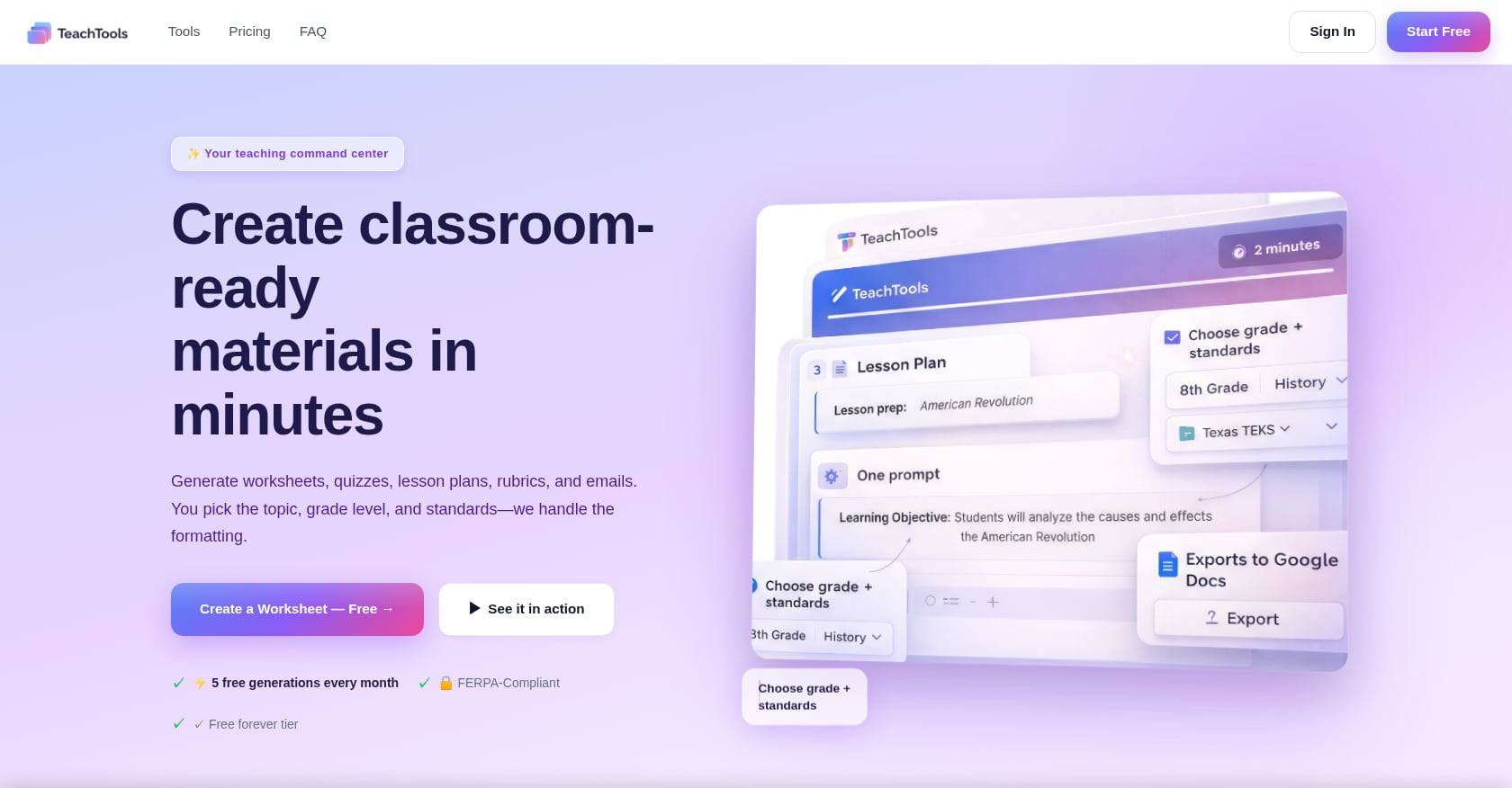
Best for: Individual teachers who want affordable, privacy-conscious AI content creation without ever entering student data.
What it does: TeachTools is an AI-powered platform with 23 purpose-built tools for creating worksheets, quizzes, lesson plans, rubrics, report card comments, and parent communications. Teachers fill in form-based inputs (topic, grade level, difficulty) rather than writing prompts, and the platform generates print-ready materials exportable as PDF or Google Docs.
Security posture:
- FERPA-supportive design: no direct student PII required to use any tool
- AES-256 encryption at rest, TLS 1.3 in transit
- bcrypt password hashing
- OpenAI API integration where data is not used for model training, with 30-day retention for abuse monitoring only
- Hosted on SOC 2 Type II infrastructure (Render, Neon, Cloudflare)
- DPA available for districts
Pricing:
- Free: $0, 5 generations per month across all 23 tools, PDF and Google Docs export
- Pro: $9/month billed monthly, unlimited generations, priority support
- School: Custom pricing per school year, team management, analytics, dedicated support
Teachers can also pause their subscription during summer or winter breaks, a feature that acknowledges the budget seasonality most educators deal with.
Tradeoffs:
- Smaller catalog (23 tools) compared to competitors offering 50 to 80+ tools
- No deep LMS integrations with Google Classroom or Canvas currently advertised
- Early-stage product; independent third-party reviews are still limited
User insight: The platform claims over 30,000 teachers and features testimonials from educators in California, Texas, and New York. The focused 23-tool catalog is a deliberate design choice: enough tools to cover daily needs, few enough to master without a learning curve.
The architectural decision to never require student PII is worth highlighting. Unlike platforms that need student names, emails, or grades to function, TeachTools generates materials from curriculum inputs alone. That’s a fundamental privacy advantage. You can try the AI worksheet generator or quiz generator on the free tier to see this in practice, no credit card required.
2. MagicSchool AI
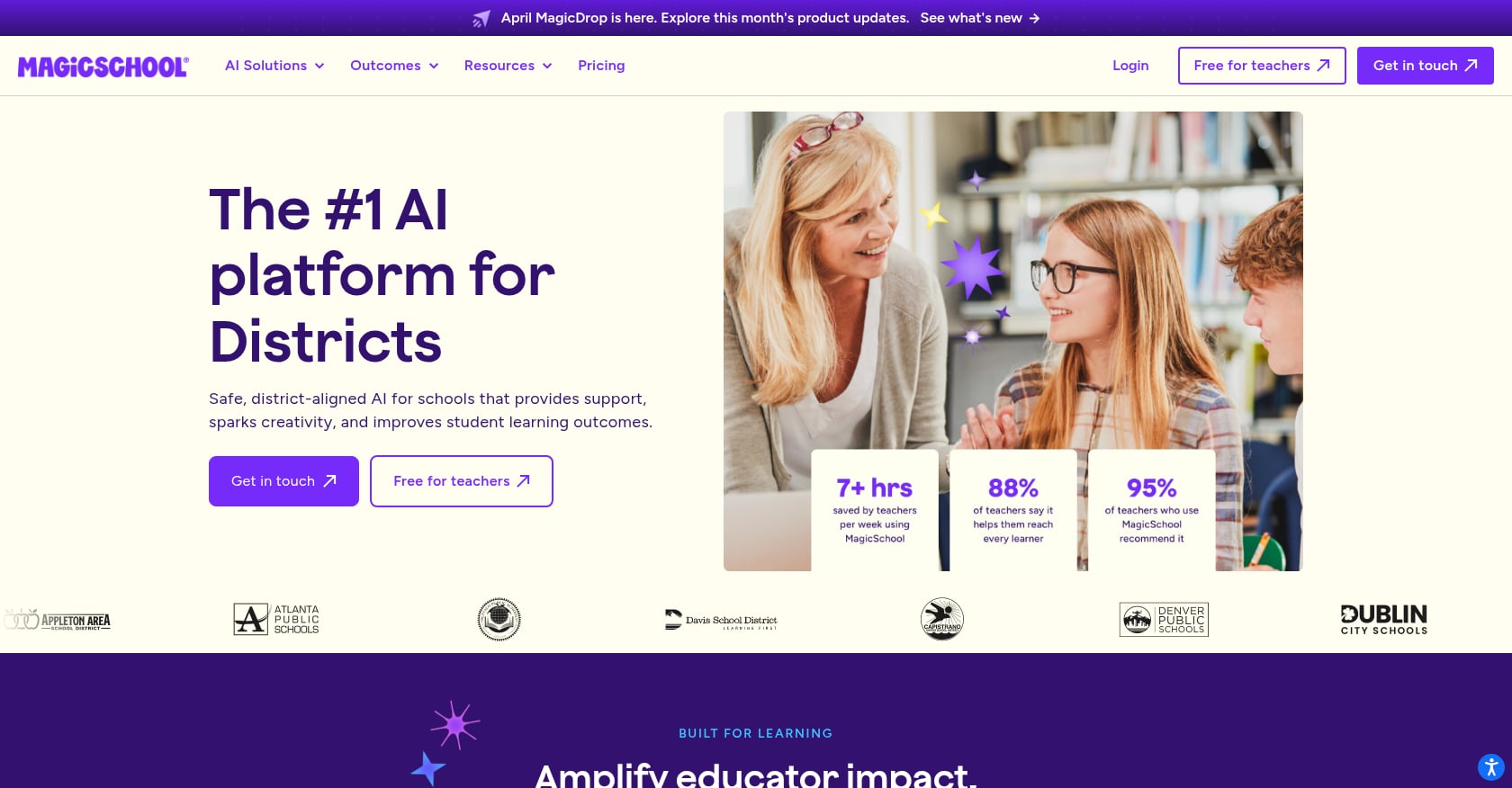
Best for: Districts or schools wanting the widest AI tool catalog with enterprise compliance badges and both teacher and student-facing features.
What it does: MagicSchool AI is the largest AI edtech platform, offering 80+ teacher tools and 50+ student tools. It covers lesson plans, assessments, rubrics, IEP assistance, email drafters, and a student-facing AI chatbot called Raina.
Security posture:
- iKeepSafe FERPA and COPPA certified
- SOC 2 compliant
- 1EdTech certified, Common Sense Privacy verified
- Does not sell or share student conversation data for advertising
- Does not allow student data to be used to train external AI models
- DPA available, with custom DPAs for enterprise clients
Pricing:
- Free: $0 forever, all teacher and student tools, basic support
- Plus: $8.33/month billed annually ($12.99 monthly), unlimited usage, history, advanced features
- Enterprise: Custom, district dashboard, oversight tools, custom DPAs
Tradeoffs:
- The sheer number of tools (80+) can feel overwhelming for teachers who just need the basics
- Enterprise pricing is opaque until you contact sales
- Heavy platform that may be more than individual teachers need or want
User insight: MagicSchool lists named districts on its pricing page, including Atlanta Public Schools, Denver Public Schools, and Seattle Public Schools, which signals serious enterprise-level security vetting. G2 reviews trend positive, though EdTech Impact shows a more mixed 3.5 out of 5 from verified reviews. The gap between those scores suggests that individual teacher experience varies significantly from the district admin experience.
3. Brisk Teaching
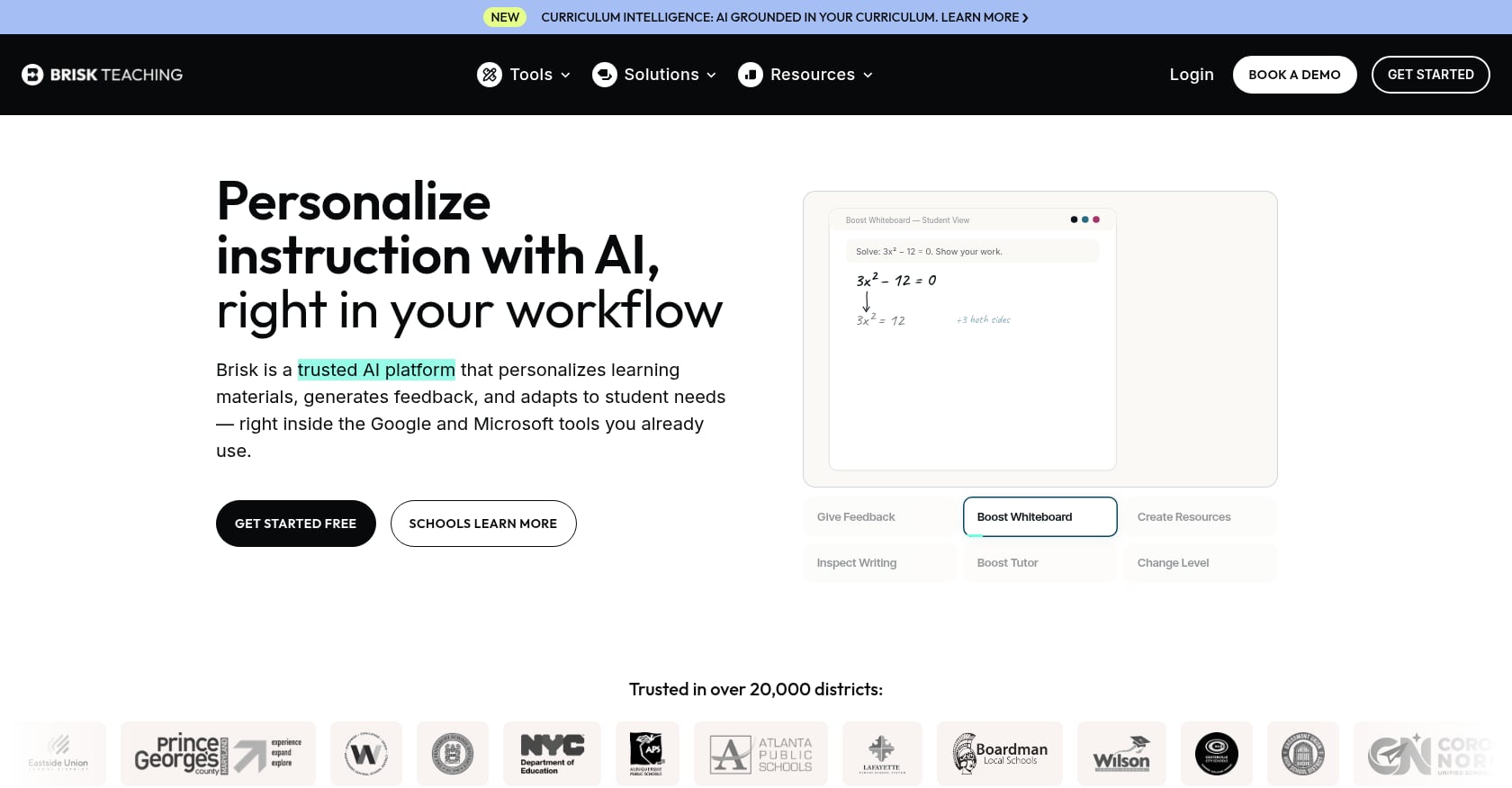
Best for: Teachers already working inside Google Workspace who want AI embedded directly in their existing tools without switching apps.
What it does: Brisk Teaching is a Chrome/Edge extension that layers 30+ AI tools into Google Docs, Slides, Classroom, and Microsoft products. Key features include batch feedback on student work, Inspect Writing (which replays how a student wrote something, useful for catching AI-generated submissions), a text leveler, and a presentation maker.
Security posture:
- FERPA and COPPA compliant
- Signed the Student Data Privacy Pledge
- SOC 2 Type 2 certified as of October 2025
- AES-256 and TLS 1.2 encryption standards
- Does not store the underlying student work it processes
- Custom DPAs for districts
Pricing:
- Free (Educator): $0 forever, 23+ core tools, 3 feedback styles, Inspect Writing, text leveler
- Educator Pro: $99.99/year ($8.33/month), unlimited usage, Turbo AI LLM, targeted feedback, academic standards integration
- Schools & Districts: Custom pricing, admin dashboard, custom DPAs, dedicated CSM
Tradeoffs:
- Chrome extension only, which makes it useless for teachers not on Chrome or Edge
- Pro tier is annual-only for individual purchasers
- No standalone web app; if your browser changes, so does your access
User insight: Reviewers on ToolsForHumans note that at $99.99 per year, Brisk is “one of the more affordable AI tools in the edtech space” and that the free tier is “generous enough to test properly before committing.” Teachers consistently praise the Inspect Writing feature for catching AI-generated student work. The tradeoff is total Chrome dependency: zero context-switching if you’re already in Google, but a dead end if you’re not.
4. Khanmigo
Best for: Teachers wanting a free, trusted AI assistant from a non-profit with deep curriculum alignment and proven privacy practices.
What it does: Khanmigo is Khan Academy’s AI tutor and teaching assistant, built on GPT-4 and integrated into Khan Academy’s content library. It generates lesson plans, rubrics, and exit tickets, and offers student tutoring designed to guide thinking rather than give answers.
Security posture:
- Khan Academy’s agreement ensures no student or teacher data is used to train the AI model
- All information sent to OpenAI is anonymized
- Built-in moderation systems flag problematic content (self-harm, harmful language) and notify connected adults
- Non-profit organizational status adds a structural trust layer
- Data minimization by design
Pricing:
- Teachers: 100% free
- Learners and parents: $4/month
- District licensing available
Tradeoffs:
- Focused exclusively on Khan Academy’s existing curriculum, not a general-purpose content creator
- Limited tool variety compared to platforms like MagicSchool or TeachTools
- No print-ready worksheet or quiz generators
User insight: Khanmigo’s non-profit backing is a genuine differentiator for schools wary of commercial AI vendors. The student-facing tutoring is among the best in the space because it’s built on top of Khan Academy’s massive content library. But if you need to generate custom worksheets, quizzes, or rubrics outside Khan’s curriculum, you’ll need a complementary tool.
5. Diffit
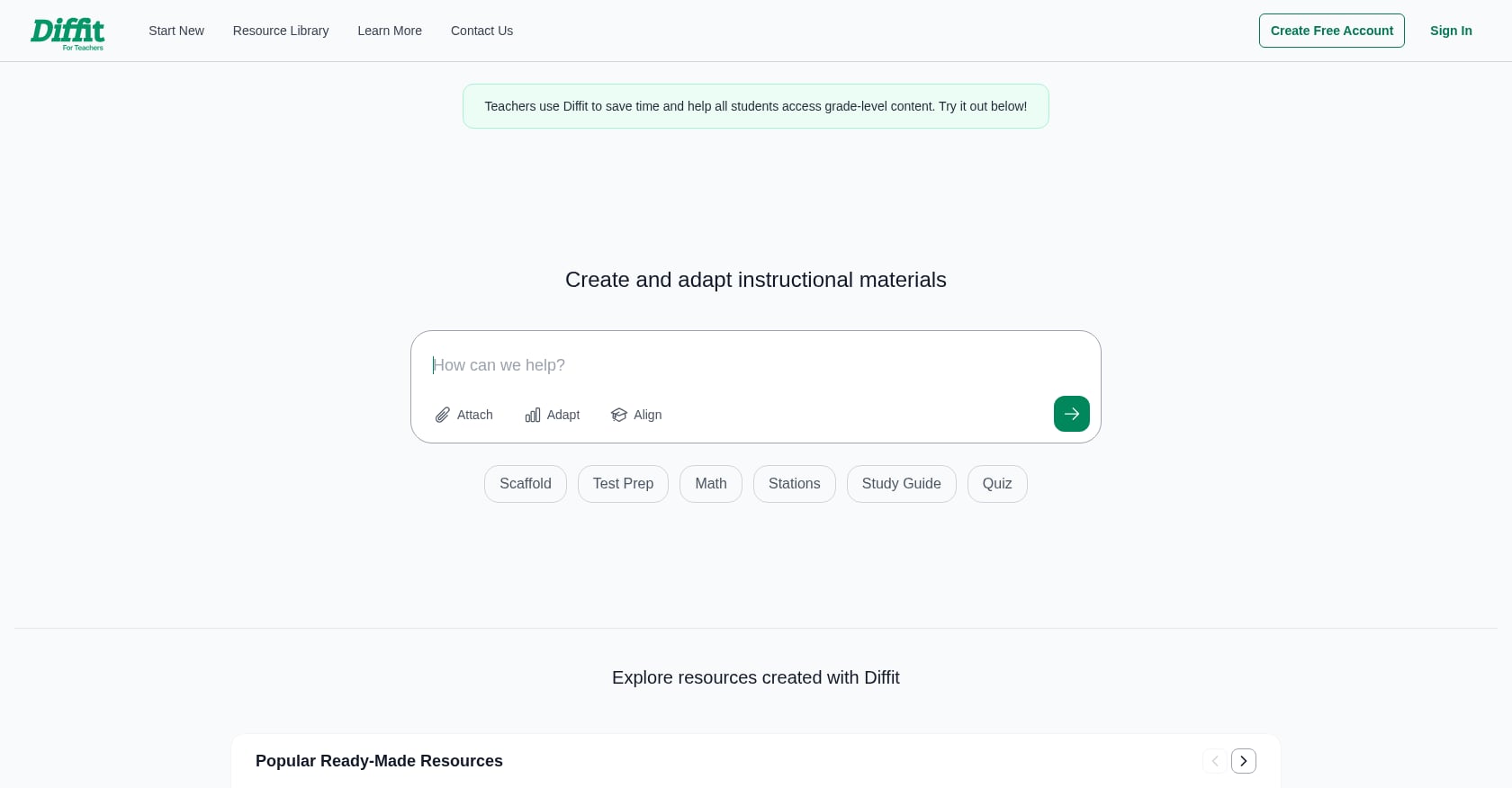
Best for: ELA and social studies teachers focused on reading differentiation, especially in mixed-ability or ELL classrooms.
What it does: Diffit takes any topic, article, or text and produces leveled reading passages with vocabulary lists, comprehension questions, and graphic organizers. It exports to Google Docs, Slides, Classroom, or PDF.
Security posture:
- FERPA, COPPA, and GDPR compliant
- No AI model training on student or teacher data
Pricing:
- Free: Leveled readings with questions and vocabulary, PDF download
- Individual: $14.99/month or $149.99/year (saves 16%)
- Schools: Custom pricing
Tradeoffs:
- Narrow specialization: it’s a differentiation tool, not a full lesson plan or assessment suite
- Individual pricing ($14.99/month) is steep for a single-use-case tool
- No SOC 2 or third-party certification publicly stated
User insight: Teachers working with ELL populations and mixed-ability classes consistently cite Diffit as a time-saver for creating accessible materials. The tool does one thing and does it well. But given that other platforms (including free tiers from TeachTools and MagicSchool) offer differentiation features alongside broader functionality, the price point is hard to justify unless differentiation is your primary daily need. For more on creating materials for diverse classrooms, see our guide to differentiated worksheets for mixed-ability classes.
6. SchoolAI
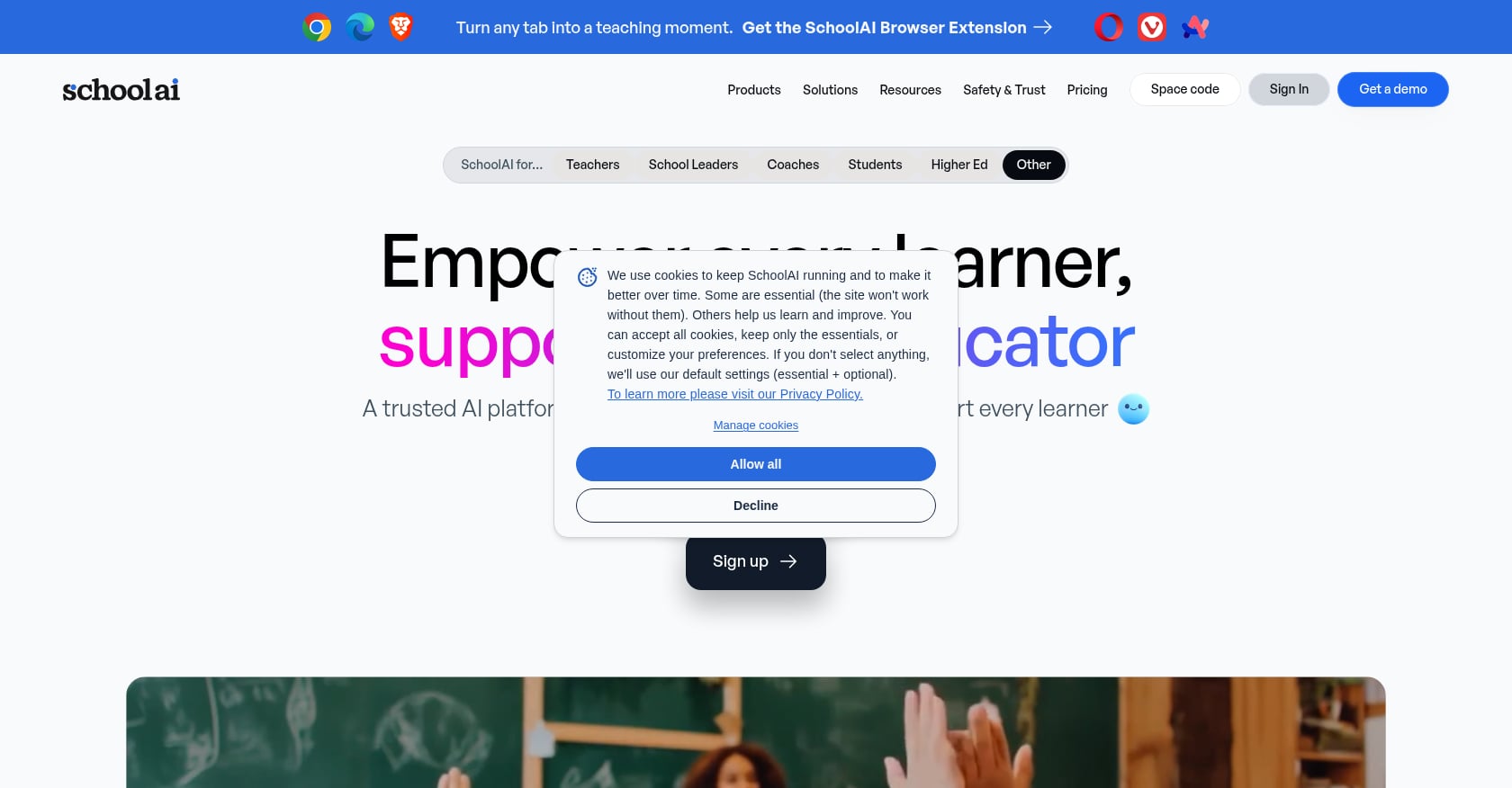
Best for: Schools that want student-facing AI with built-in teacher monitoring, safety rails, and real-time observability.
What it does: SchoolAI lets teachers create customized AI “Spaces” where students interact with AI in controlled environments. Teachers monitor conversations in real time, access learning insights, and maintain full visibility into what students are doing.
Security posture:
- FERPA, FIPPA, and COPPA compliant
- SOC 2 certified
- 1EdTech certified
- Custom DPAs at Scale tier
- Student chat observability and LLM audit traces
Pricing:
- Free: Access to 200,000+ premade Spaces, basic tools
- Pro: Custom pricing, SIS rostering, unlimited PowerUps, analytics, PD Hub
- Scale: Custom, student portals, full LMS/SSO integrations, custom DPAs
Tradeoffs:
- Pricing is completely opaque for Pro and Scale tiers
- Heavy on student-facing features; teachers needing content-creation tools will find it thin
- No published per-seat costs for budgeting
User insight: The audit trail and real-time chat monitoring are the standout features. For districts worried about what students might say or encounter in AI interactions, SchoolAI’s observability model is the strongest in this list. The gap is on the teacher content-creation side, where you’ll still need a separate tool for generating worksheets, lesson plans, and assessments.
7. Canva for Education
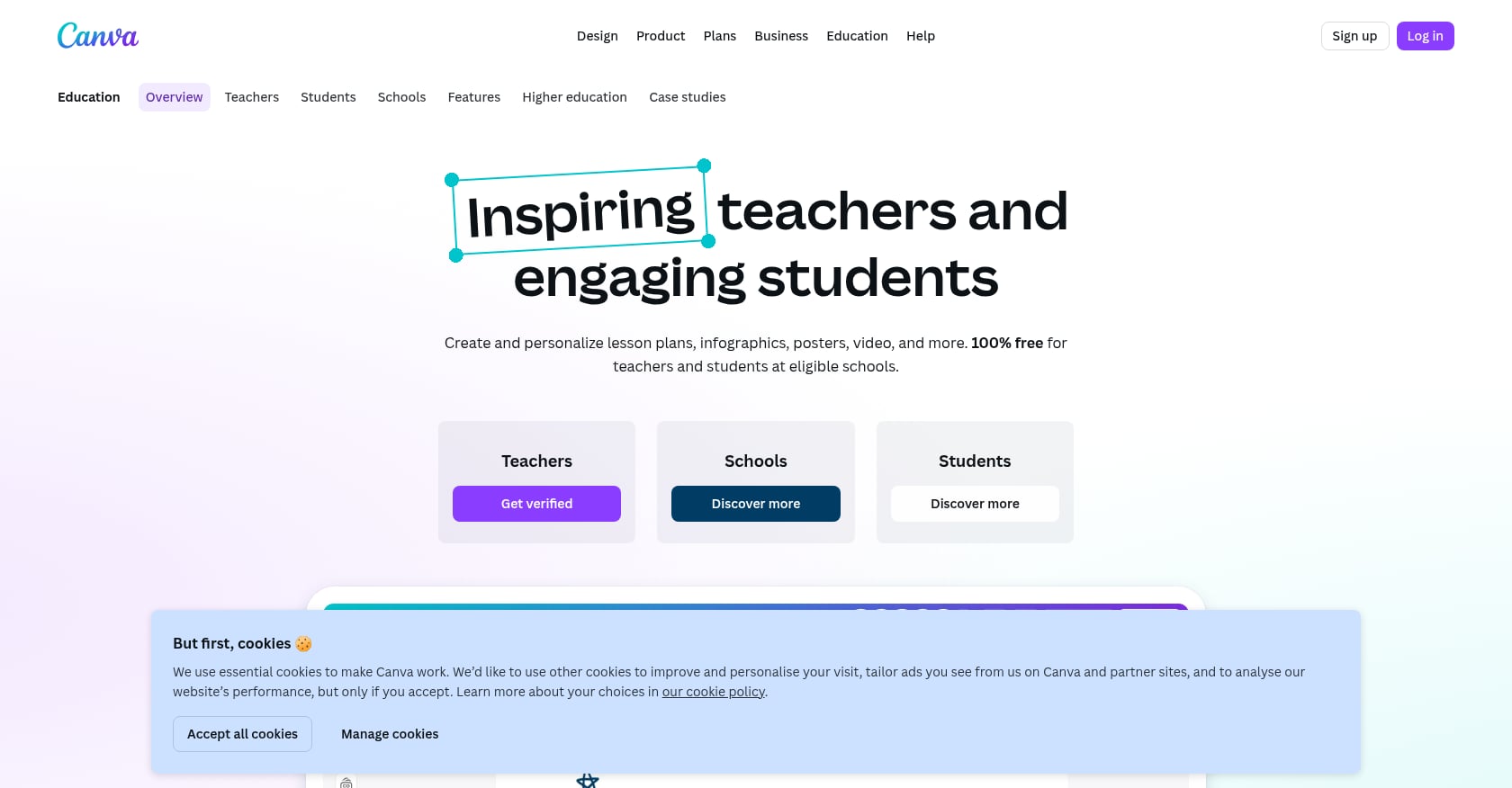
Best for: Teachers creating polished visual materials (presentations, infographics, posters, worksheets) with design quality no other AI tool matches.
What it does: Canva for Education is the K-12 version of Canva’s design platform. It includes 250,000+ education templates, LMS integration, real-time collaboration, and AI features like Magic Write for text generation.
Security posture:
- Certified compliant with FERPA
- Certified compliant with COPPA
- District-level data management and admin controls
- Common Sense Privacy approved
Pricing:
- K-12 teachers and students: 100% free
- Campus/higher-ed edition has separate pricing
Tradeoffs:
- Not an AI content generator in the way that MagicSchool or TeachTools are; it’s design-first, not curriculum-first
- AI features (Magic Write, etc.) are supplementary, not the core product
- Can become a time sink for teachers who get pulled into design refinement
User insight: Canva is the tool teachers reach for when they need something that looks good, not just something that works. The free price point for all of K-12 is unbeatable. But it won’t write your lesson plans, generate standards-aligned assessments, or produce report card comments. Pair it with a dedicated AI content tool for a complete workflow.
8. Curipod
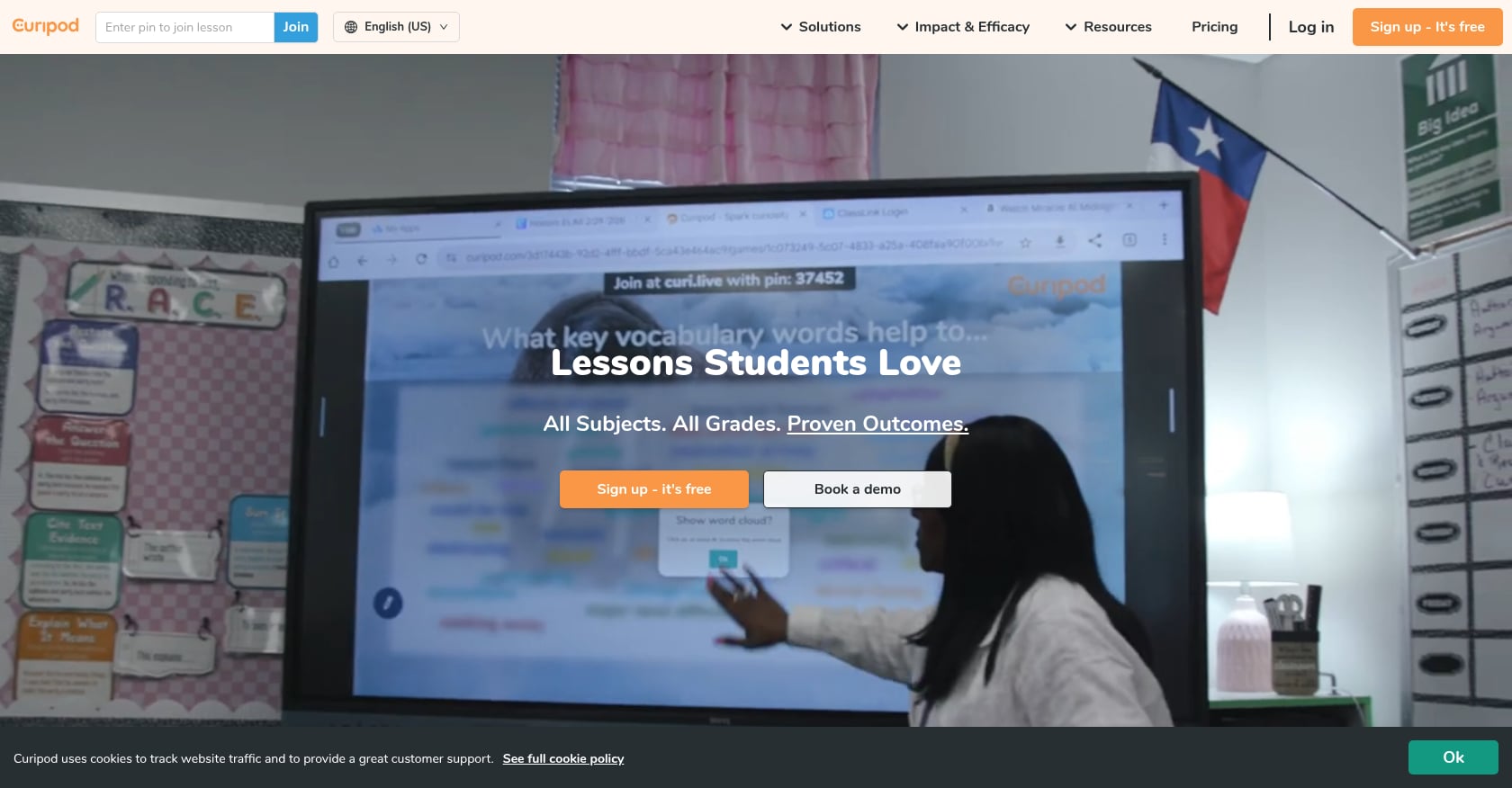
Best for: Teachers who want to turn existing slide decks into interactive lessons with polls, word clouds, and real-time AI feedback, without requiring student accounts.
What it does: Curipod is an AI-powered interactive lesson platform. It transforms static presentations into engaging lessons with polls, open-ended questions, word clouds, and AI-generated feedback. It includes standards-aligned test prep features.
Security posture:
- FERPA, COPPA, and GDPR compliant
- States it never uses teacher or student data to train AI models
- No student accounts required (teacher-driven model)
Pricing:
- Free: Interactive lessons with limited AI, 3 test prep lessons, moderation tools, reports
- School & District: Custom pricing, unlimited usage, standards alignment, admin dashboard
Tradeoffs:
- No individual paid tier: teachers must either convince their school to purchase or use the limited free plan
- Narrower scope than full content-generation platforms
- Custom pricing means no way to budget without a sales conversation
User insight: The no-student-account requirement is a genuine privacy win. Students participate through teacher-generated codes rather than personal logins, which eliminates an entire category of PII collection. The limitation is the pricing model: individual teachers who want more than the free tier have no path forward without school buy-in.
9. GradingPal
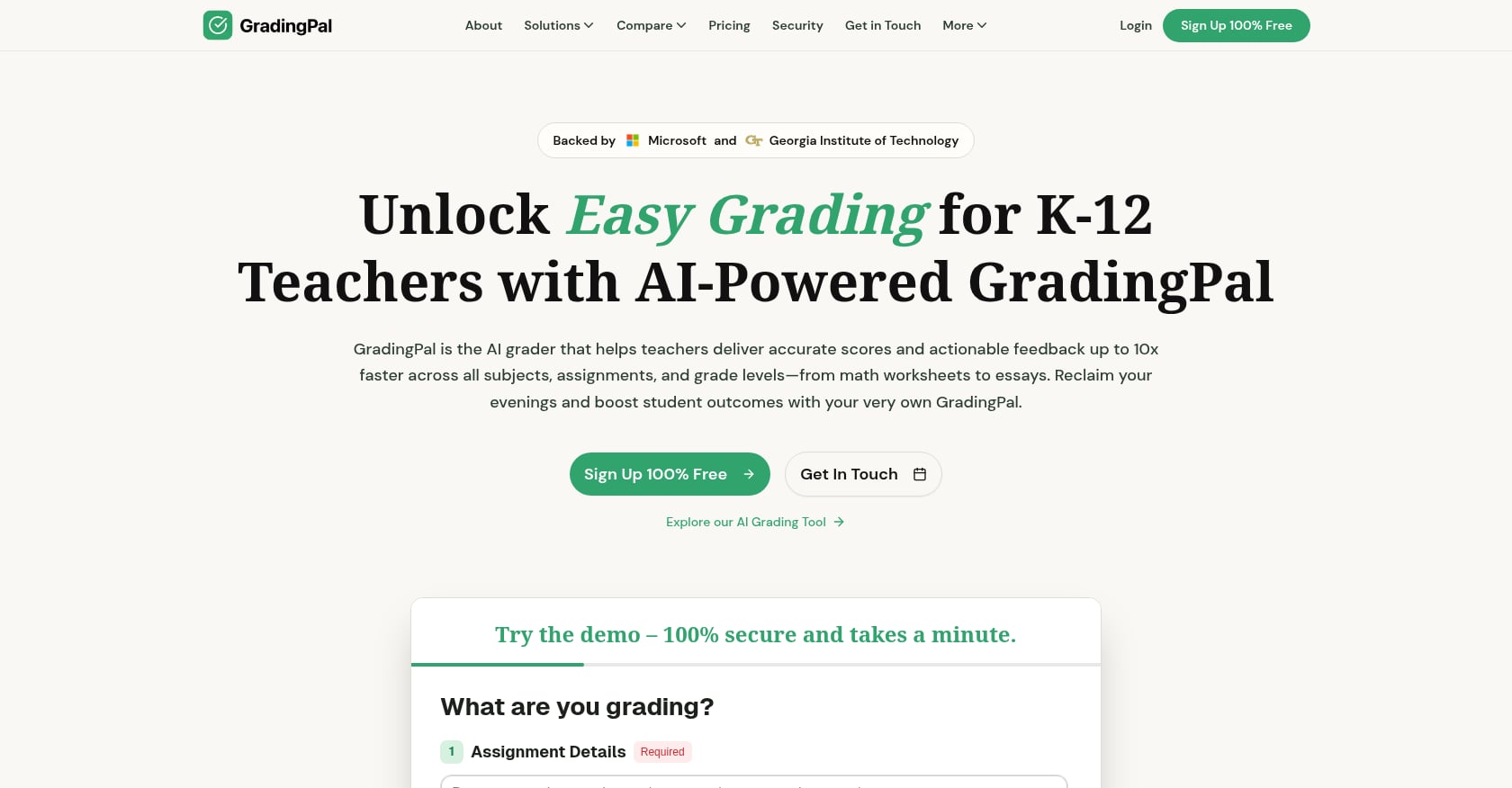
Best for: Teachers whose primary pain point is grading time, especially for essays and handwritten work.
What it does: GradingPal uses AI to grade K-12 student work, including essays, math worksheets, science assignments, and handwritten materials. It integrates with Google Classroom.
Security posture:
- CASA Tier 2 certified with a 9.7 cyber score
- FERPA compliant
- End-to-end encryption
- Routine security audits
Pricing:
- Free to start; specific plan pricing available on their site
Tradeoffs:
- Narrow focus on grading only; not a content creation or lesson planning tool
- Relatively new with less social proof than established platforms
- No published COPPA compliance or DPA availability information
User insight: GradingPal cites EdTech Magazine’s 2025 report that data breaches affect over 1 million K-12 students annually, and positions its CASA Tier 2 certification as the response. The tool fills a real gap for teachers drowning in grading. But for anything beyond grading (content creation, lesson planning, communications), you’ll need additional tools.
The 10-Point Security Checklist for Vetting Any EdTech Tool
Explore 26 free AI tools for teachers
Browse All Tools →No list of secure edtech tools stays current forever. New platforms launch monthly, and existing ones change their data practices. Use this checklist to evaluate any tool before it touches your classroom.
1. FERPA compliance with a signed DPA. “FERPA compliant” on a marketing page means nothing without a formal Data Privacy Agreement. Is the vendor designated as a “school official” under a signed DPA with your district? Since 2016, over 275,000 standard DPAs have been executed through the Student Data Privacy Consortium, and the National DPA framework is now used in 37 states. Check if your state participates.
2. COPPA compliance. If students under 13 will interact with the tool directly, COPPA applies. Verify that the vendor has mechanisms for parental consent or that the school is providing consent on behalf of parents.
3. Third-party certifications. Look for independent audits: iKeepSafe, CASA Tier 2, SOC 2 Type 2, or Common Sense Privacy. Self-declared compliance is a starting point, not an endpoint.
4. AI data training policy. Does the underlying AI provider (OpenAI, Anthropic, Google) use data from your school to train its models? The answer needs to be documented, not assumed. The Future of Privacy Forum’s checklist for vetting AI tools in schools emphasizes that schools should not assume existing DPAs cover new AI features added to a contracted product.
5. Encryption standards. AES-256 at rest and TLS 1.2 or higher in transit are the floor, not the ceiling.
6. Data retention and deletion. How long does the vendor keep your data? Can you request deletion? Get specific timelines.
7. DPA availability. Can your district sign a formal agreement? If not, that’s a red flag for any tool handling educational records.
8. Breach notification process. What’s the vendor’s timeline for notifying you of a breach? Given that 37.6 million records have been breached in U.S. schools since 2005, this isn’t theoretical.
9. Subprocessor transparency. Who else handles the data? Hosting providers, AI API providers, analytics services. All should be documented.
10. Student PII requirements. The safest tool is one that doesn’t need student personally identifiable information to function. If a tool requires student names, emails, or grades, every other item on this checklist becomes more critical.
For a detailed walkthrough of compliance requirements, our AI in education compliance checklist covers each step. You can also review TeachTools’ security practices to see what a privacy-first architecture looks like in practice.
Choosing the Right Secure EdTech Tool
The right tool depends on your role, your biggest time drain, and your district’s procurement process.
If you’re an individual teacher looking for affordable, privacy-safe content creation, TeachTools’ free tier gives you access to all 23 tools with 5 generations per month, no credit card and no student PII required. The $9/month Pro plan offers unlimited generations at the lowest monthly cost in this list.
If your district is evaluating an enterprise platform, MagicSchool AI and SchoolAI offer the broadest compliance certifications and admin dashboards.
If you live in Google Workspace, Brisk Teaching’s Chrome extension embeds directly into your existing workflow.
If budget is the only factor, Khanmigo and Canva for Education are completely free for K-12 teachers, though each serves a different purpose.
The common thread across all nine tools: they were built for education, with privacy architectures that consumer AI tools simply don’t have. That distinction matters more every month as breach numbers climb and regulatory enforcement tightens.
FAQ
What does FERPA actually require of edtech tools?
FERPA requires that any third-party vendor accessing student education records be designated as a “school official” with a legitimate educational interest, typically formalized through a Data Privacy Agreement. The vendor must use data only for the purposes specified in that agreement. Self-declared “FERPA compliance” on a website is not the same as a legally binding DPA signed with your district.
Can teachers use ChatGPT directly and stay FERPA compliant?
It depends on what data you input. If you enter student names, grades, behavioral notes, or any other personally identifiable information into ChatGPT, you are likely violating FERPA because OpenAI’s consumer products are not designed as FERPA-compliant school officials. Tools built specifically for education (with data minimization, no-training policies, and DPA availability) exist precisely to solve this problem. For more detail, see our guide to protecting student privacy with online lesson tools.
What’s the difference between “FERPA compliant” and “FERPA supportive”?
“FERPA compliant” typically means the vendor has signed DPAs with districts and holds third-party certifications. “FERPA supportive” means the tool’s architecture is designed to avoid collecting student PII in the first place, reducing FERPA obligations by design. A tool can be supportive without being certified if it simply never touches the data that would trigger FERPA requirements.
How do I get my district to sign a DPA with a new tool?
Start with your district’s technology or data privacy office. Many districts participate in the Student Data Privacy Consortium’s National DPA process, which streamlines agreements across 37 states. Present the tool’s security documentation (certifications, encryption details, data handling policies) and ask whether the vendor is already in your state’s DPA registry. If not, request that the vendor initiate the process.
Are free edtech tools less secure than paid ones?
Not necessarily. Canva for Education and Khanmigo are both free and carry strong compliance credentials. The risk with free tools is usually on unvetted consumer platforms (like using a free AI chatbot for student data), not on purpose-built education tools with free tiers. Always run through the 10-point checklist regardless of price.
What should I do if a tool I’m already using isn’t on a secure list?
Run it through the security checklist above. Check whether your district has a signed DPA on file. If the tool has no DPA, no published data training policy, and no encryption documentation, bring those gaps to your IT director. Continuing to use an unvetted tool after identifying risks creates liability for both you and your school.