8 Ways to Automate Quiz Creation for High School (2026)

TL;DR
High school teachers can automate quiz creation through eight practical methods, ranging from free DIY setups (Google Forms plus ChatGPT) to dedicated AI quiz generators and all-in-one teacher platforms. The fastest path for most teachers is a form-based AI tool like TeachTools, where you select a topic, grade level, and difficulty, then export a print-ready quiz in minutes. Every method requires a human review step before quizzes reach students. This guide covers each approach honestly, including pricing, tradeoffs, and privacy considerations.
Teachers in developed countries work an average of 50 to 55 hours per week, a figure that includes lesson planning, grading, and extracurricular duties. Quiz creation sits right in the middle of that time crunch: it’s repetitive, detail-heavy, and tied to specific standards. Yet it can’t be sloppy. A badly worded question wastes everyone’s time, and a misaligned assessment undermines the whole unit.
The good news? Teachers who regularly use AI tools save an average of six weeks per school year, according to a 2026 Programs.com analysis. That’s not a rounding error. It’s enough time to rethink a struggling unit, give better feedback on essays, or simply leave school before dark.
This article walks through eight distinct ways to automate quiz creation for high school, from zero-cost solutions you can start today to platforms built specifically for the job. The focus is on methods, not just products, because the right approach depends on your workflow, your school’s tech stack, and how much control you want over the output.
Try the TeachTools quiz generator free, with five generations per month and no credit card required.
At-a-Glance Comparison Table
| Method | Starting Price | AI Generation | Auto-Grading | LMS Export | FERPA-Supportive | Best For |
|---|---|---|---|---|---|---|
| TeachTools Quiz Generator | Free (5/mo); $9/mo Pro | Yes | No | PDF, Google Docs | Yes | Print-ready, form-based simplicity |
| Doc-to-Quiz Converters (Edcafe, Knowt) | Free tiers; ~$7.99/mo | Yes | Yes | Varies | Yes (Knowt) | Repurposing existing materials |
| Google Forms Quiz Mode | Free | No | Yes (MCQ only) | Google Classroom native | Via school Google | Zero-cost formative checks |
| ChatGPT / Claude | Free; $20/mo Plus | Yes | No | Manual copy-paste | Caution needed | Maximum flexibility, prompt skill required |
| MagicSchool AI | Free; $8.33/mo annual | Yes | Yes (formative) | Google, Canvas | Yes | All-in-one teacher toolkit |
| Kahoot! / Quizizz | Free (limited); $12-19/mo+ | Yes (paid) | Live scoring | Limited | Yes | Live review games, engagement |
| Conker | Free; ~$3.99/mo | Yes | Yes | Google Classroom, Canvas | Yes | Standards-aligned formative assessment |
| LMS-Native + AI Add-ons | Free (with existing LMS) | Via extensions | Yes | Native | Depends on add-on | Schools committed to Canvas or Google Classroom |
1. Use a Form-Based AI Quiz Generator
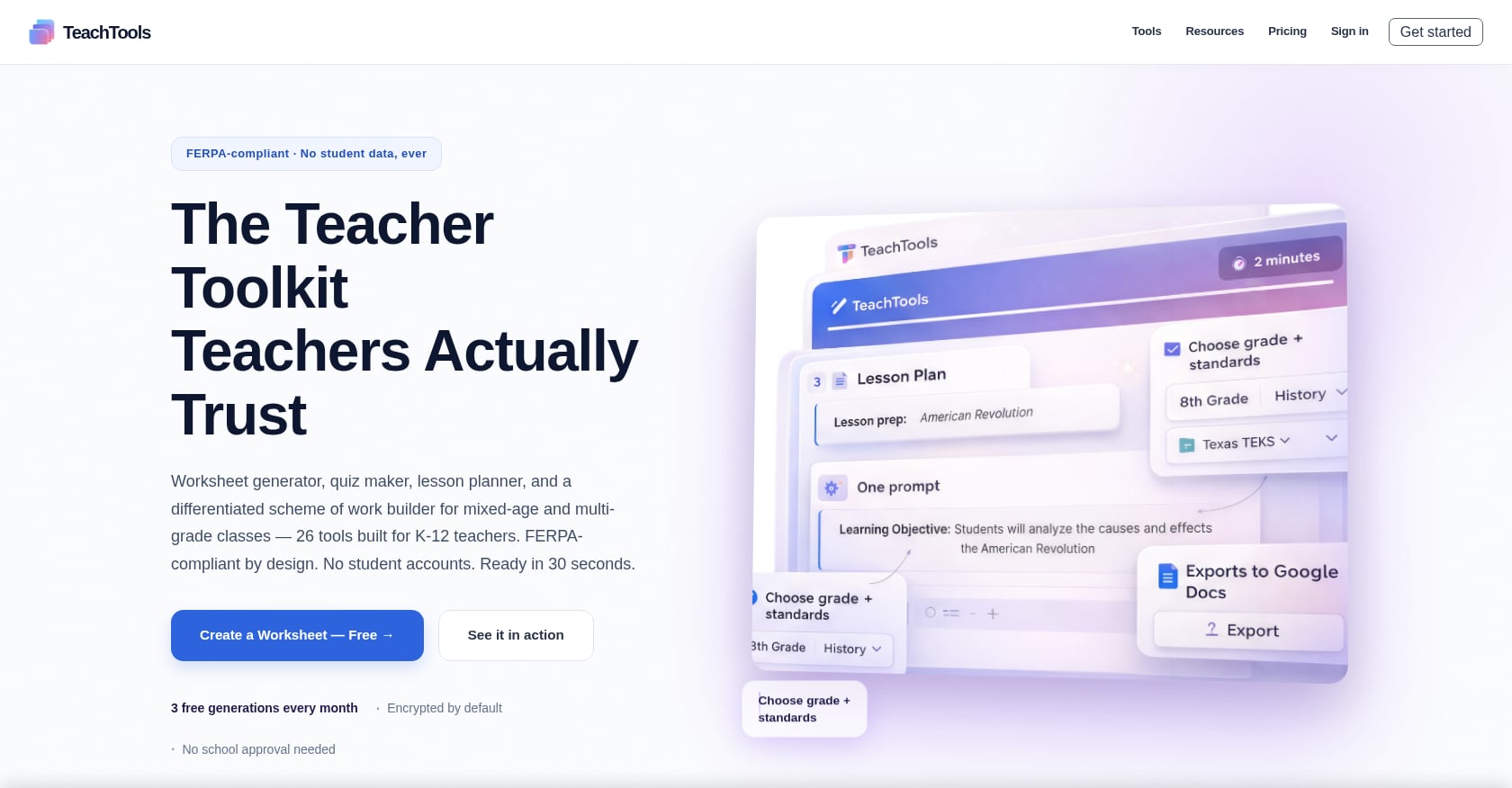
Best for: High school teachers who want print-ready, standards-aligned quizzes without learning prompt engineering.
This is the simplest entry point for automating quiz creation for high school classes. Instead of typing prompts into a chatbot and reformatting the output, you fill in a form: topic, grade level, question type, difficulty. The AI handles the rest and gives you a formatted document ready to print or share.
TeachTools Quiz Generator works exactly this way. It builds multiple-choice, short answer, and matching assessments aligned to your grade and standards selections, then exports to PDF or Google Docs. The form-based input means there’s no guessing about how to phrase a prompt.
Pricing:
- Free: $0, with 5 generations per month across all 23 tools
- Pro: $9/month, unlimited generations and priority support
- School: Custom pricing per school year with team management and analytics
Key features:
- Simple form inputs (topic, grade, difficulty) replace prompt engineering
- Multiple question types: multiple-choice, short answer, matching
- Export to PDF and Google Docs for immediate classroom use
- No student PII required, AES-256 encryption, OpenAI API with no training on user data
- FERPA-supportive design with DPA available for districts
Tradeoffs:
- Smaller tool catalog (23 tools) compared to competitors offering 50-80+
- Limited public detail on direct LMS integrations like Google Classroom or Canvas
- No built-in auto-grading; you’ll need a separate tool for that
For teachers who want to extend automation beyond quizzes, the full tools overview includes worksheet generators, lesson planners, and rubric builders.
When this works best: You teach AP Biology and need a 20-question unit test on cellular respiration by tomorrow. You select “Biology,” set the grade to 11, choose “multiple choice + short answer,” and pick “hard” difficulty. Two minutes later you have a formatted quiz ready for the copier.
2. Generate Quizzes from Your Existing Materials
Best for: Teachers with existing study guides, textbook excerpts, or lecture notes who want to convert them into assessments instantly.
Document-to-quiz AI converters let you upload a PDF, paste in notes, or link a webpage, and the tool generates quiz questions based on that content. This is particularly useful for high school teachers who’ve spent years building unit resources and just want a matching assessment without starting from scratch.
Notable tools in this category:
Edcafe AI offers quiz generation with built-in grading, feedback, and submission tracking. Paid plans start at $7.99/month. Roughly 60% of teachers worldwide are now voluntarily using AI tools as part of their regular teaching routines, according to an Edcafe AI blog analysis, and document-import features are a big reason why.
Knowt takes a different angle. Students can generate their own quizzes from notes and flashcards, with AI handling question creation and spaced repetition. It’s COPPA, FERPA, and GDPR compliant, which matters if students are interacting directly with the platform.
Tradeoffs:
- Output quality depends heavily on input quality (garbage in, garbage out)
- Questions may test surface-level recall rather than higher-order thinking
- You still need to review for accuracy, especially in subjects like AP Chemistry where precision matters
- Some tools lock the best features behind paid tiers
When this works best: You’ve got a 15-page study guide for your 10th-grade English vocabulary unit. Upload it, select “multiple choice and fill-in-the-blank,” and you have a ready quiz that actually matches what students were supposed to study.
If you’re interested in building assessments that align tightly to what you’ve taught, the guide on creating assessments aligned to learning objectives goes deeper on that process.
3. Turn Google Forms Into an Auto-Grading Machine
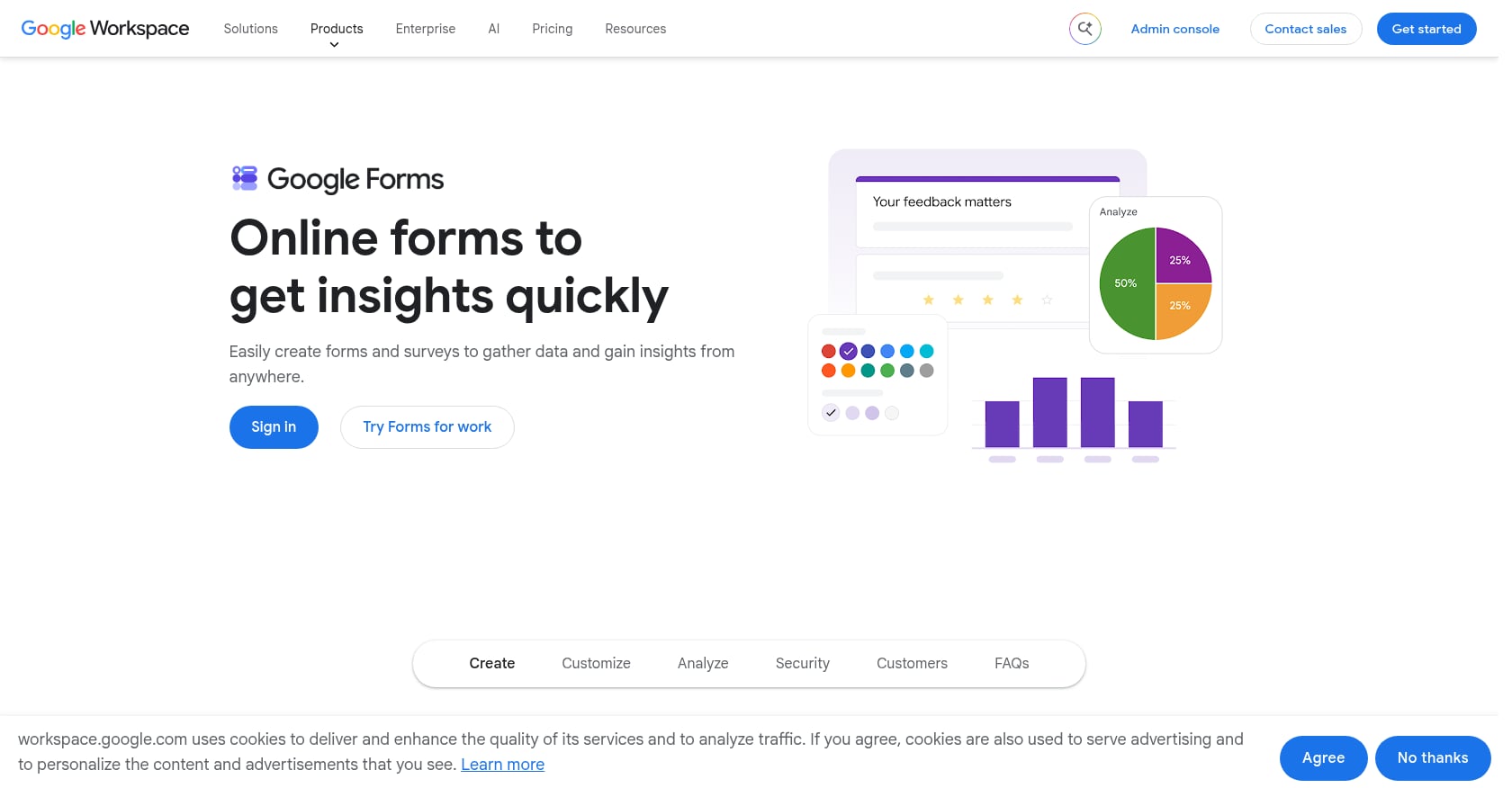
Best for: Schools already on Google Workspace that need zero-cost formative checks with automatic scoring.
Google Forms quiz mode is the unsung workhorse of high school assessment. It’s free, it’s already in your school’s tech stack, and it grades multiple-choice responses automatically. Once quiz mode is active, you can assign point values, set correct answers for multiple-choice, checkboxes, and dropdown questions, and add answer feedback for each option.
Pricing: Free, included in Google Workspace for Education.
Key features:
- Automatic grading for objective question types
- Immediate score sharing after submission
- Native Google Classroom integration
- Custom answer feedback per question
- No additional software to install or approve
Critical limitations for high school use:
- No time limit, not for the quiz and not per question. Without a per-question timer, there’s no protection against students looking answers up mid-quiz. The add-ons teachers install to patch this are third-party tools with their own limits and pricing.
- No partial credit. You can assign points per question but not per answer choice.
- No built-in AI generation. You write the questions yourself or copy them from another tool.
The automation hack: One educator reported creating 20 different automations using Google Apps Script combined with ChatGPT, saving over 100 hours across a school year. The approach works like this: use ChatGPT to generate questions in a structured format, then use an Apps Script to automatically populate a Google Form. It takes some setup, but the payoff is significant for teachers who create weekly quizzes.
Tradeoffs:
- Only practical for formative assessment, not high-stakes summative exams
- The workaround ecosystem (timers, anti-cheating, question randomization) is fragmented
- Building automations requires comfort with basic scripting
For a detailed walkthrough on creating AI-powered quizzes within your classroom workflow, see how to create AI quizzes for your classroom.
4. Use a General AI Chatbot with Structured Prompts
Best for: Teachers who already use ChatGPT or Claude for other tasks and want maximum flexibility with no subscription to a separate tool.
General-purpose AI chatbots are the Swiss army knife approach to automating quiz creation for high school. Teachers can use ChatGPT to generate outlines, develop activities, create assessments, and align lessons with standards. The catch is that you’re the one providing the structure.
Pricing: ChatGPT free tier available; ChatGPT Plus is $20/month. Claude free tier available.
A reusable prompt template for high school quizzes:
Create a [15]-question quiz for [11th grade AP U.S. History] on the topic of [Reconstruction Era]. Include [10 multiple choice] and [5 short answer] questions. Align to [state standards or AP framework]. Set difficulty at [moderate to challenging]. For multiple choice, include 4 answer options with one correct answer clearly marked. Add an answer key at the end.
This kind of structured prompt produces usable output about 70% of the time. The other 30% needs editing, sometimes substantial editing. As one practitioner noted, “It can take some effort to generate appropriate questions for a specific reading level. It can be done, but it may take some time to ultimately craft an effective prompt.”
FERPA-critical rule: Keep prompts generic. “Create a worksheet on quadratic equations for 10th grade” is fine. “Create a remediation worksheet for Johnny who scored 42% on the quadratics test” is not. The safest AI tools are ones where only teachers interact with the AI and students receive the finished output. For a deeper dive on this topic, read about using AI without violating FERPA.
Tradeoffs:
- No built-in formatting, auto-grading, or LMS export
- Output requires manual transfer to Google Docs, Word, or your quiz platform
- No standards alignment built in (you have to specify it in the prompt and verify it yourself)
- Quality varies significantly between sessions
- Prompt engineering is a skill that takes time to develop
When this works best: You need a quick set of review questions for tomorrow’s Algebra 2 class and you’re already in ChatGPT drafting an email. You type a prompt, get 15 questions, spend 10 minutes editing, and paste them into your existing quiz template.
5. Deploy an All-in-One AI Teacher Platform
Explore 26 free AI tools for teachers
Browse All Tools →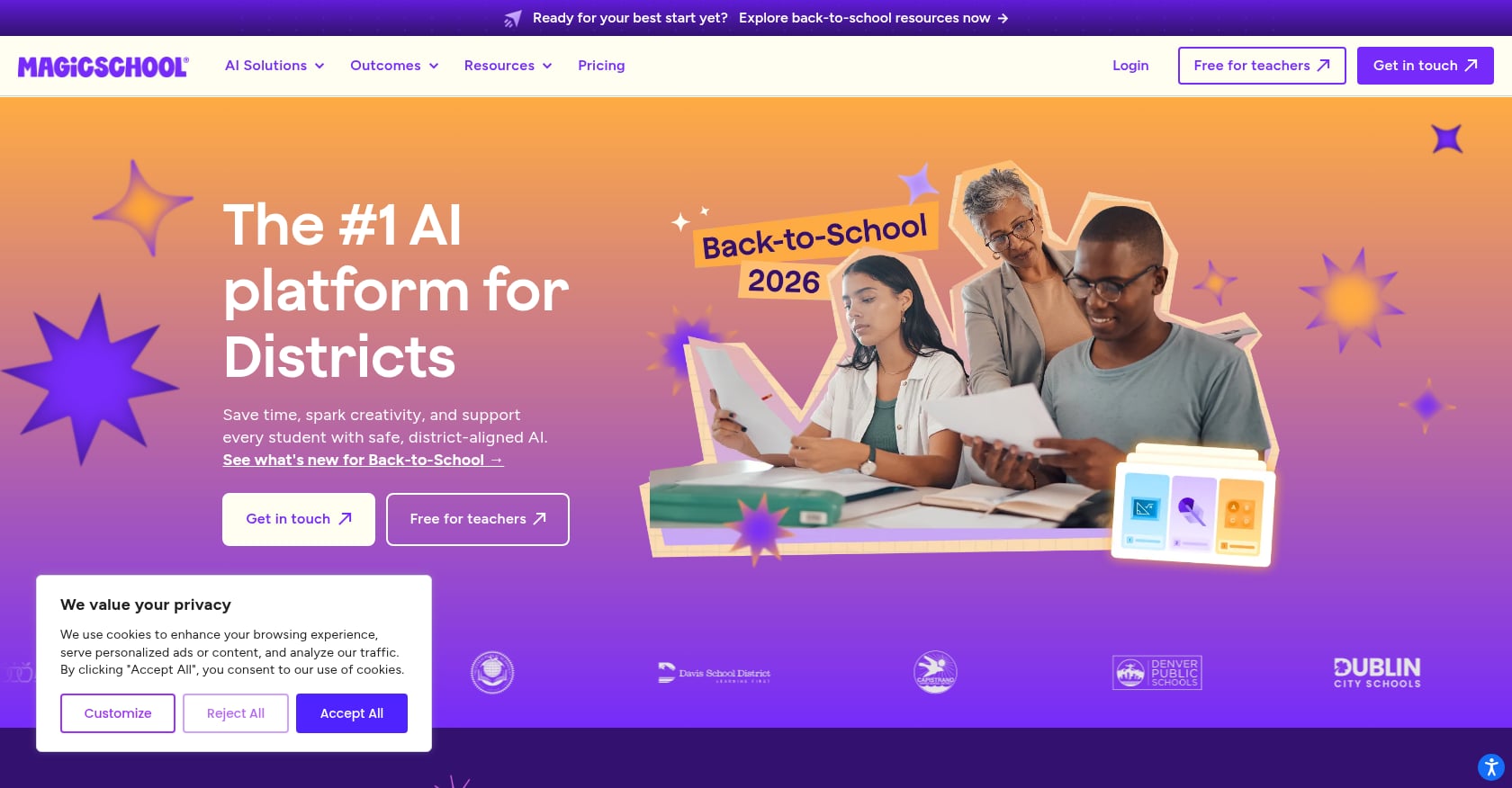
Best for: Teachers or departments that want quizzes, lesson plans, rubrics, and communications in one place.
MagicSchool AI is the most frequently recommended all-in-one platform in teacher forums. It offers over 80 tools for tasks like lesson planning, rubric creation, quiz generation, and presentation building. Used by over 4 million educators across thousands of school districts, it has become one of the fastest-growing edtech platforms.
Pricing:
- Free: $0 for individual teachers (limited usage)
- Plus: $8.33/month billed annually, or $12.99 billed monthly
- Enterprise: Custom pricing for schools and districts
Key features:
- 80+ tools spanning assessment, planning, and communication
- Standards-aligned quiz generation
- Student and teacher data not used to train AI models
- FERPA and COPPA compliant
- Formative assessment grading tools built in
User sentiment: One teacher in a Reddit thread called it “a game changer for me, definitely a 100% recommendation.” A commenter in r/mathteachers described it as “a whole suite of AI tools specifically for teachers.” The platform’s breadth is its main selling point.
Tradeoffs:
- Breadth comes at the cost of depth. If quiz creation is your primary pain point, a dedicated quiz tool will likely produce better results than one feature inside an 80-tool suite.
- If your biggest time sink is grading rather than quiz creation, you should compare MagicSchool directly with platforms designed around AI grading workflows.
- The learning curve is steeper simply because there’s more to explore.
For teachers curious about MagicSchool’s privacy practices, there’s a dedicated analysis on whether MagicSchool AI is FERPA compliant.
How this compares to a focused tool: A platform like TeachTools takes the opposite approach, offering 23 specialized tools with simple form-based inputs instead of 80+ tools that require more navigation. The choice comes down to whether you want a single platform for everything or a focused tool that does quiz generation particularly well.
Compare pricing for TeachTools to see which tier fits your workflow.
6. Run Live Gamified Quizzes with AI Assist
Best for: Live classroom review sessions, bell-ringers, exit tickets, and vocabulary recall. Not for summative, high-stakes tests.
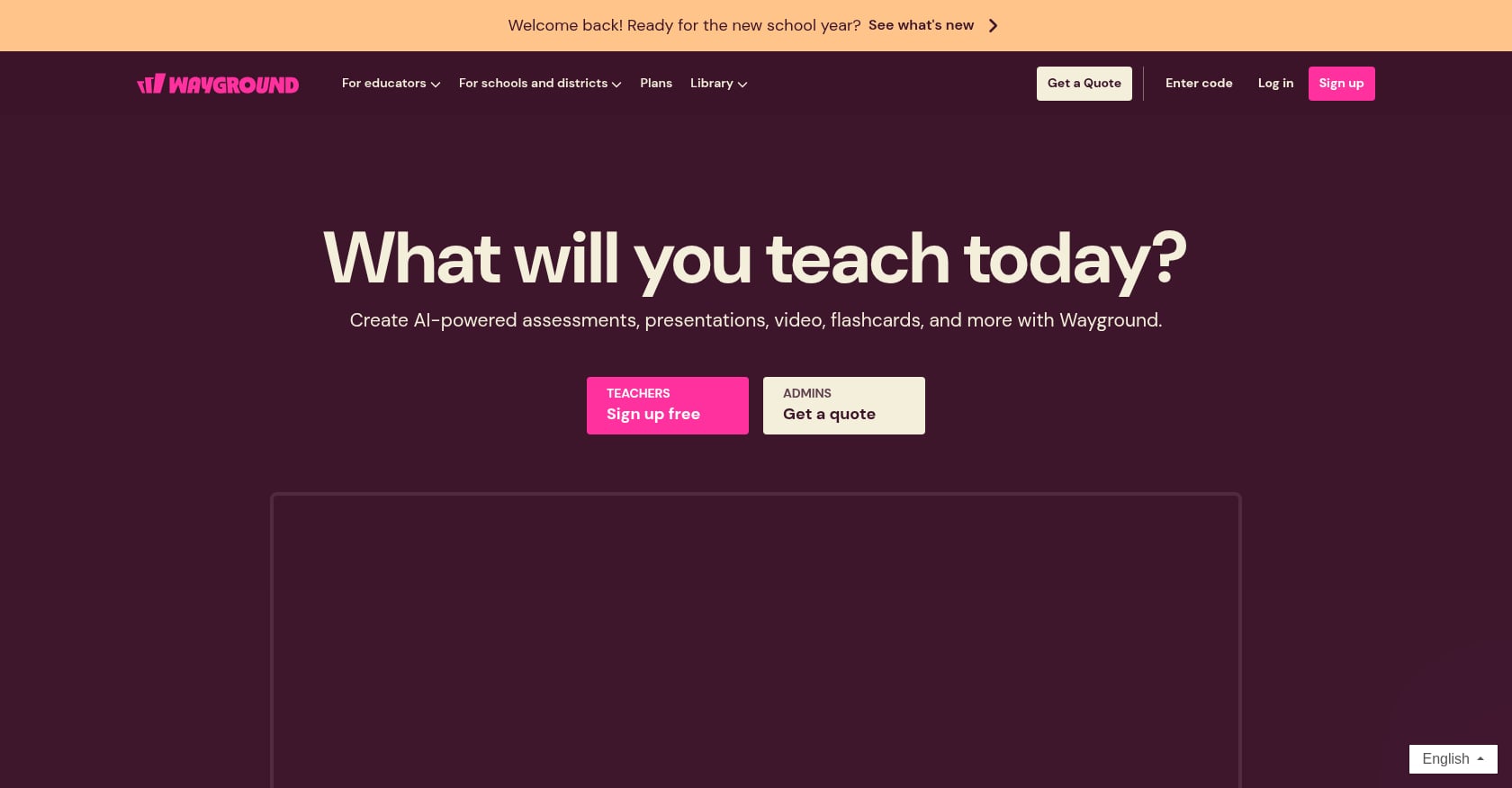
Kahoot! and Quizizz (now rebranded as Wayground) are the familiar names here. Both platforms now offer AI-assisted question generation, but the details matter.
Kahoot!
Pricing:
- Free: Classic quiz mode, flashcards, and a ready-made content library for up to 10 participants
- Kahoot 360 Pro plans: $19/month to $59/month for teachers and organizations
- The free plan does not include AI-generated study sets, test prep tools, or advanced question types
What AI generation does well: It works particularly well for straightforward review questions, vocabulary, factual recall, and getting a first draft of a quiz from material you’re already teaching. But as one reviewer cautioned, “I wouldn’t treat the generated quiz as finished, though. Read through the questions, check the answers, and adjust anything that doesn’t fit what you actually taught.”
Key limitation: The 10-participant cap on the free tier is too small for most high school classrooms.
Quizizz / Wayground
Pricing:
- Free Basic: Unlimited live lessons and homework, 30 participants per session, basic question types, and access to the 20 million+ quiz library
- Individual teacher plan: ~$19.99/month, which is the most expensive option among quiz-focused platforms
- One teacher mentioned the individual plan jumped from $60 to $144 per year
AI question generation sits behind the paid plan on both platforms.
Tradeoffs for both:
- AI features are paywalled, making “free” misleading for automation purposes
- Gamification can undermine rigor (students focus on speed, not accuracy)
- Not designed for summative assessment or anything that goes on a transcript
- Limited formatting options for print-based testing
When this works best: It’s the Friday before a unit test on the Civil War, and you want students to review key dates, figures, and causes in a competitive format that holds attention for 20 minutes. For that purpose, gamified quizzes are unbeatable.
For more ideas on quick classroom check-ins, the guide on exit ticket activities covers related strategies.
7. Use a Standards-Aligned Quiz-Only Tool
Best for: High school teachers who need NGSS, TEKS, or other standards-aligned formative assessments that push directly to Canvas or Google Classroom.
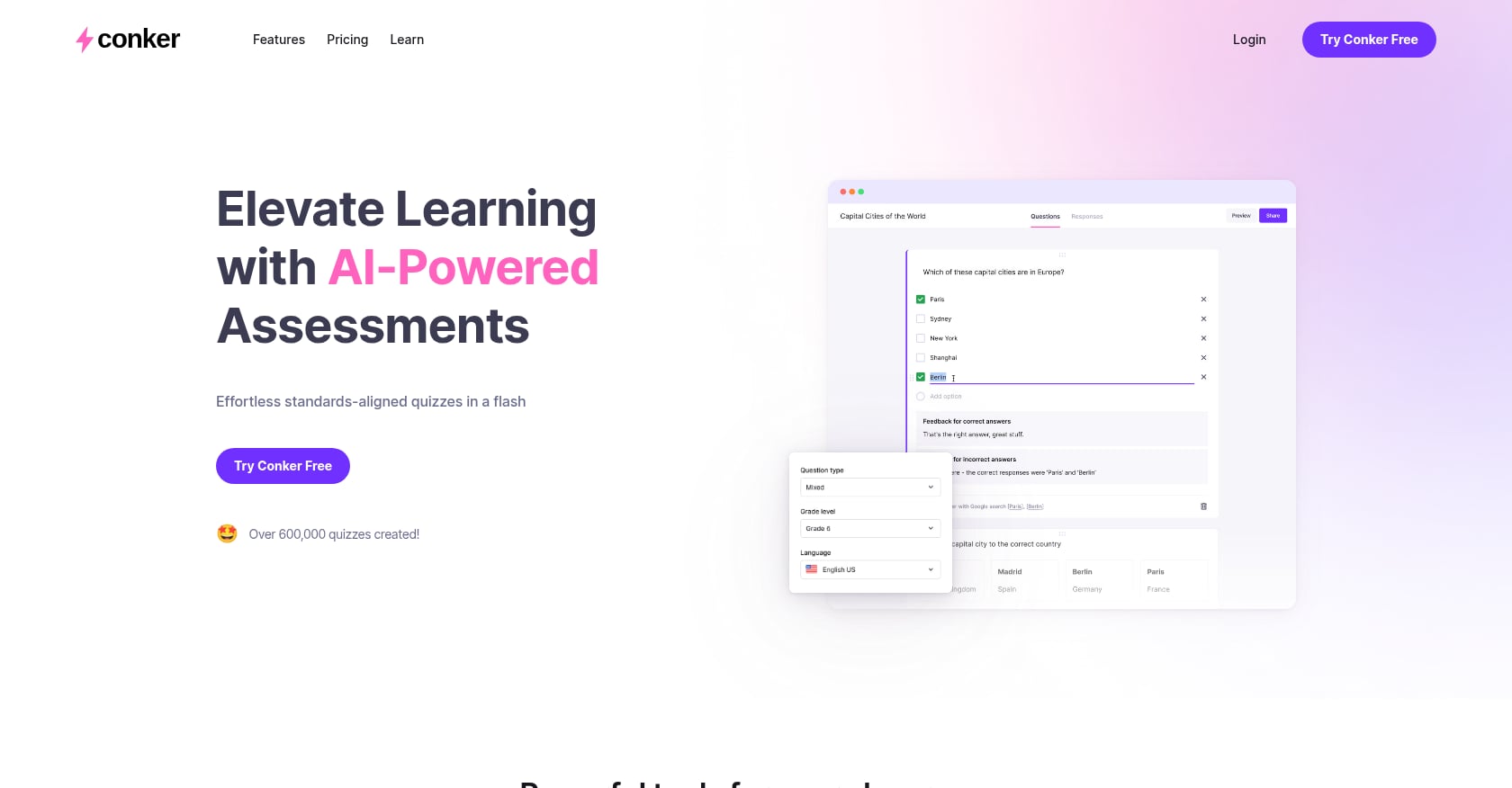
Conker is a quiz-focused platform that uses AI to generate multiple question types (multiple-choice, fill-in-the-blank, short-answer, true/false, and reading comprehension) while ensuring alignment with educational standards. It includes read-aloud functionality and integration with learning management systems such as Google Classroom, Canvas, and Clever.
Pricing:
- Free plan available with limited usage
- Basic: $3.99/month
- Pro: $5.99/month (note: some third-party sources report slightly different pricing, so verify on the official site)
Key features:
- Standards alignment built into the generation process (NGSS, TEKS, Common Core)
- Multiple question types including reading comprehension
- Read-aloud accessibility feature
- Direct LMS integration for assignment distribution
Tradeoffs:
- There’s almost no independent classroom feedback confirming whether the AI output is educationally solid or just looks right on the surface. As one reviewer noted, “use the free plan to judge that for yourself before paying.”
- AI-generated questions may need editing for clarity or difficulty level
- Even basic usage limits can feel restrictive for teachers managing five or six sections
- The platform is narrowly focused, so you’ll need other tools for lesson planning, rubrics, and worksheets
When this works best: You teach 10th-grade Biology and need a formative assessment on natural selection that aligns to NGSS standards and pushes directly into Canvas for Monday. Conker handles that specific workflow better than most general-purpose tools.
8. Build an LMS-Native Quiz Workflow
Best for: Schools and departments already committed to Canvas, Schoology, or Google Classroom that want to automate quiz creation without adding another platform to their tech stack.
For teachers evaluating based on what their school already uses, integration often outweighs raw features. If your school runs Google Workspace, Forms and Classroom integration will carry significant weight. If your school uses a specific LMS, confirm whether your quiz tool supports that LMS’s native grading flow before adopting it.
Brisk Teaching is a Chrome extension that generates quizzes, feedback, and leveled texts directly within Google Docs and Classroom. It’s the best fit for a teacher who lives in Google Docs and wants assessments generated where the work already sits, rather than in a separate platform that requires exporting and importing.
Key features of the LMS-native approach:
- Grades flow directly into the gradebook without manual entry
- Students access quizzes through the same platform they use for everything else
- No additional login or account creation for students
- IT departments are generally happier because fewer third-party tools mean fewer data agreements
Tradeoffs:
- LMS-native quiz builders are typically less sophisticated than dedicated AI tools
- AI add-ons via Chrome extensions may not have the same privacy guarantees as the LMS itself
- You’re dependent on whatever your school has chosen, and switching costs are high
- Auto-generation features tend to be basic compared to purpose-built quiz platforms
A Gallup and Walton Family Foundation survey published in May 2026 found that 82 percent of teachers had received no formal guidance on applying AI across their work tasks. This means many teachers working within an LMS are figuring out automation on their own, which makes simple, well-integrated tools especially valuable.
FERPA and Privacy: A Checklist for Any Method
No matter which way you automate quiz creation for high school, privacy is non-negotiable. Here’s a five-point checklist:
- Never enter student PII into any AI tool. No names, no scores, no IEP details. Keep prompts generic.
- Confirm the tool has a Data Processing Agreement (DPA) available for your district. TeachTools, MagicSchool, and Knowt all advertise this. Learn more about TeachTools’ FERPA approach.
- Check whether student data trains the AI model. Tools that use the OpenAI API with no-training agreements are safer than tools with vague privacy policies.
- Prefer teacher-facing tools over student-facing ones when possible. If only the teacher interacts with the AI and students receive the finished output, the privacy risk drops significantly.
- Keep a log of which AI tools you use and for what purpose. If your administration asks, you want a clear answer.
For a broader look at compliance requirements, the COPPA compliance guide for AI tools covers the rules that apply when younger students are involved.
The Non-Negotiable Review Step
Every expert and every Reddit thread on this topic agrees: AI-generated quiz questions need a human read-through before they reach students. Dan Fitzpatrick, a Forbes contributor who has trained over 150,000 teachers on AI, puts it bluntly: “Outsource the doing, not the thinking.”
Practitioners on Reddit are even more direct. As one teacher noted, “Half of them generate questions a Year 7 student could outsmart.” The one rule every thread agrees on is that anything reaching a parent, a student’s file, or an accusation of AI-generated cheating gets a human read-through first.
This isn’t a failure of the technology. It’s the nature of automation in a high-stakes context. AI generates a strong first draft. You bring the subject expertise, the knowledge of what your specific students have covered, and the judgment about question quality.
A practical review process takes 5 to 10 minutes for a 20-question quiz:
- Read each question for factual accuracy
- Check that distractors are plausible but clearly wrong
- Verify alignment to what you actually taught (not just the textbook chapter)
- Adjust difficulty based on your class, not the AI’s generic “medium” setting
- Confirm formatting works for your delivery method (print, LMS, live)
Web-based quiz tools have been shown to reduce grading time by up to 60%, according to a 2026 iSpring analysis. But that time savings only materializes if the quiz itself is solid. Spending 10 minutes reviewing beats spending 30 minutes fielding complaints about ambiguous questions.
Which Method Should You Start With?
The advice that keeps surfacing in teacher forums is simple: start with whatever is eating the most time this week, whether that’s lesson prep, slides, or differentiation, and add one tool for that specific gap.
Here’s a quick decision framework:
If you want the simplest path with no prompt engineering: Start with a form-based AI quiz generator like TeachTools. Select your inputs, get a formatted quiz, export to PDF or Google Docs.
If your budget is $0: Use Google Forms quiz mode for delivery and grading, paired with ChatGPT’s free tier for question generation. It’s more steps, but it costs nothing.
If you have existing materials you want to convert: Try a document-to-quiz converter like Edcafe or Knowt. Upload your study guide and let the AI do the extraction.
If you need live engagement for review sessions: Kahoot! or Quizizz, keeping in mind that AI generation is behind a paywall on both.
If you want one platform for everything: MagicSchool AI covers quizzes, lesson plans, rubrics, and more, but depth on any single feature may not match a dedicated tool.
If standards alignment is your top priority: Conker builds NGSS and TEKS alignment into the generation process and integrates with Canvas and Google Classroom.
If your school insists on LMS-native solutions: Build your workflow inside Canvas or Google Classroom, adding Chrome extensions like Brisk Teaching for AI assist.
Of all emotionally significant keyword mentions in 415 Reddit posts about AI in schools, 76% reflected negative or uncertain emotional states. The dominant concern isn’t about teachers using AI for prep work. It’s about students using AI to cheat. That context matters: automating quiz creation is broadly accepted as a responsible use of AI in education, as long as you maintain the review step and protect student data.
Conclusion
There are now more ways to automate quiz creation for high school than at any point in education history. The spectrum runs from completely free (Google Forms plus ChatGPT) to specialized AI platforms that generate standards-aligned assessments from a few form fields. None of these methods eliminate the teacher from the process, and none should. They eliminate the tedious parts: formatting, writing distractor options, typing answer keys.
The teachers saving the most time aren’t using the fanciest tools. They’re using one method consistently, reviewing the output carefully, and keeping student data out of AI systems.
If you’re looking for the fastest way to start, a form-based quiz generator removes the most friction for most teachers. No prompt engineering, no reformatting, no copy-pasting between platforms.
Start generating quizzes for free with TeachTools, with five generations per month and no credit card required.
Frequently Asked Questions
Is it safe to use AI tools for quiz creation in high school?
Yes, provided you follow basic privacy practices. Never input student names, scores, or IEP details into any AI tool. Use platforms that offer Data Processing Agreements and don’t train on user data. Tools where only the teacher interacts with the AI, and students receive the finished quiz, carry the lowest privacy risk.
Can AI-generated quizzes align to state standards like NGSS or TEKS?
Some tools build standards alignment into the generation process. Conker explicitly supports NGSS and TEKS. TeachTools allows grade-level and standards selection as form inputs. When using ChatGPT or Claude, you need to specify the standard in your prompt and manually verify alignment in the output.
How much time does automating quiz creation for high school actually save?
Research suggests teachers using AI tools save an average of six weeks per school year across all tasks. For quiz creation specifically, a single assessment that might take 30 to 45 minutes to write from scratch can be generated in 2 to 3 minutes, with another 5 to 10 minutes for review and editing.
Do I need to know prompt engineering to use AI for quizzes?
Not if you use a form-based tool like TeachTools or a standards-aligned platform like Conker. These tools handle the AI interaction behind the scenes. Prompt engineering only matters if you’re using general-purpose chatbots like ChatGPT or Claude directly.
Can students tell if a quiz was AI-generated?
Generally, no. A well-reviewed AI quiz is indistinguishable from a hand-written one. The issues arise when teachers skip the review step and deploy questions with obvious errors, awkward phrasing, or content that wasn’t covered in class.
What’s the best free way to automate quiz creation for high school?
The best zero-cost combination is Google Forms quiz mode (for delivery and auto-grading of multiple choice) paired with ChatGPT’s free tier (for question generation). TeachTools also offers a free tier with 5 generations per month, which removes the need for prompt engineering.
Should I use gamified quiz platforms like Kahoot for graded assessments?
No. Gamified platforms are excellent for formative review, vocabulary practice, and engagement. But they’re not designed for summative assessment. The competitive, speed-focused format can disadvantage students who process information more slowly, and the question formats are limited.
What if my school district hasn’t approved any AI tools yet?
Start by checking your district’s acceptable use policy. Many districts allow teachers to use AI for prep work (where no student data is involved) even without formal approval. The safest approach is using tools that never see student PII, like generating quiz questions from a topic description rather than from student performance data. For guidance on navigating this, the article on whether teachers can use AI without school approval covers the key considerations.