Tips for Reducing Prep Time with Teacher-Focused AI Tools

TL;DR
Teachers who use AI tools weekly save an average of 5.9 hours per week, roughly six extra weeks over a school year. The key is picking the right tasks to automate first, choosing form-based tools over blank prompt boxes, and always treating AI output as a draft. This guide covers 10 practical tips, compares popular teacher AI tools, and addresses the privacy and budget realities that most guides skip.
Public school teachers get about 53 minutes of planning time per day. That’s under 4.5 hours a week to build lessons, create assessments, write parent communications, differentiate materials, and handle the dozen other tasks that make instruction possible. Meanwhile, teachers report working an average of 54 hours per week, with up to 10 of those hours spent just locating instructional materials.
The math doesn’t work. It never has.
But here’s a number worth paying attention to: according to the Gallup-Walton Family Foundation poll, teachers who use AI tools at least weekly save an average of 5.9 hours per week. Over a full school year, that adds up to approximately six weeks of reclaimed time. And when teachers use AI for specific tasks like worksheet creation, over 80% report significant time savings.
Yet 40% of teachers still aren’t using AI at all, and over 60% say they’ve received no formal guidance on how to apply it to their work. That’s a massive gap between what’s possible and what’s happening.
This article bridges that gap. These are concrete, tested tips for reducing prep time with teacher-focused AI tools, organized by what you actually need to do, not by which company wants your attention.
Explore TeachTools’ 23 purpose-built tools to see what form-based AI generation looks like in practice.
At-a-Glance: Teacher-Focused AI Tool Comparison
Before diving into the tips, here’s a quick comparison of the most commonly discussed teacher AI platforms. This table covers pricing, strengths, and practical considerations so you can reference it as you read.
| Tool | Starting Price | Free Tier | Key Strength | FERPA Support | Export Options | Best For |
|---|---|---|---|---|---|---|
| TeachTools | $9/mo | 5 generations/mo, forever | 23 form-based tools, no prompt writing needed | Yes (no PII required, DPA available, AES-256 encryption) | PDF, Google Docs | Teachers wanting simplicity and privacy |
| MagicSchool | Free (individual) | Unlimited (individual) | 80+ tools, largest catalog | Yes (DPA available) | Varies by tool | Teachers wanting maximum variety |
| Diffit | Free (basic) | Limited | Differentiation and reading levels | Signed DPA | PDF, Google Docs | Mixed-ability classrooms |
| Brisk Teaching | Free (K-12) | Pro features free | Chrome extension in Google Suite | Yes | In-document | Google Workspace power users |
| ChatGPT (OpenAI) | Free / $20/mo Plus | Yes (limited) | Flexibility, broad capability | No (consumer); Enterprise needs district DPA | Copy-paste | Advanced prompt writers |
Pricing and features based on published product pages and third-party reviews as of mid-2026.
Now, the tips.
1. Start With One Task, Not Ten Tools
The single most common mistake teachers make with AI is trying to do everything at once. Dan Fitzpatrick, who has trained over 150,000 educators through The AI Educator program, recommends starting with one tool, using it daily for two weeks, and applying the principle of “outsource the doing, not the thinking.”
That means picking one prep task that eats your time and letting AI handle the first draft.
Which task? Lesson planning is the clear winner. Practitioners on Reddit’s r/Teachers community consistently describe lesson planning as the highest-adoption and most positive AI use case. Teachers report using ChatGPT or purpose-built tools to generate a first-draft lesson plan in 2 to 5 minutes, a task that would take 30 to 60 minutes by hand.
One educator on the CSTA blog captured it well: “Before using AI to support my prep, I would spend hours creating multiple versions of lessons… Now, with the help of AI, I can do that in minutes. I still review, revise, and customize the materials.”
The key phrase there is “I still review.” AI produces the draft. You bring the expertise. For ideas on structuring those first drafts, see this guide to lesson plan ideas for elementary teachers.
2. Choose Form-Based Tools Over Open Prompt Boxes
Here’s a stat that explains a lot of AI frustration: roughly 70 to 76% of teachers in the US and UK report receiving little to no formal AI training from their schools. When you sit down in front of ChatGPT’s blank text box, you’re essentially being asked to do prompt engineering, a skill nobody taught you.
Education-specific AI platforms take a different approach. As AVID Open Access explains, these sites ask teachers targeted questions about their needs, then handle “much of the prompt engineering in the background.” This eliminates what they describe as the “potentially overwhelming experience of staring at a blank prompt box.”
Testing across tools supports this. Purpose-built platforms produce higher-quality first drafts because they’re designed around education-specific language patterns. General AI tools require more detailed prompting and more editing after the fact.
TeachTools takes this approach with simple form inputs (topic, grade, difficulty) across all 23 of its tools. You fill in the fields, and the tool generates classroom-ready materials. No prompt writing required.
This matters because the whole point of tips for reducing prep time with teacher-focused AI tools is to actually save time, not to spend 15 minutes crafting a perfect prompt that might not work.
3. Batch Your Biggest Time Sinks
Some prep tasks are painful not because they’re hard, but because they’re repetitive. Report card comments, rubrics, and parent communications fall squarely in this category. AI handles repetitive tasks well, which makes batching one of the highest-value strategies.
Report card comments are the clearest example. Testing with AI report card generators shows that batching capability can reduce total writing time from 8 to 12 hours down to 2 to 3 hours per reporting period. For practical guidance on this specific workflow, see this guide on writing report card comments.
Rubrics are another strong candidate. Instead of building criteria from scratch for each project, AI rubric generators can produce detailed, standards-aligned rubrics in under a minute. You adjust the specifics for your class and move on.
Parent communications round out the batch. Professional tone, clear structure, correct grammar, all things AI handles reliably. Whether it’s a progress update, behavior note, or classroom newsletter, generating the first draft takes seconds. If you’re looking for templates and strategies here, this piece on parent communication tips goes deeper.
The common thread: these are tasks where the format is predictable, the stakes are moderate, and the time cost is high. Perfect for AI.
4. Use AI for Differentiation, Not Just Original Creation
Creating one lesson is hard enough. Creating three versions of the same lesson for different reading levels or learning needs? That’s where prep time explodes.
This is also where AI shines. According to the Gallup research, 74% of teachers report time savings when using AI to modify materials for different student needs. That makes differentiation the second-highest rated AI use case after worksheet creation.
Practical applications include generating the same text passage at multiple reading levels, creating adapted worksheets for mixed-ability classrooms, and building scaffolded versions of assessments. The AI does the mechanical work of adjusting vocabulary, sentence complexity, and question difficulty. You review the output and make sure it actually matches what your students need.
For a deeper look at how to structure this workflow, this article on differentiation strategies with AI walks through specific approaches including UDL frameworks.
This tip matters especially for special education teachers and those with highly mixed classrooms. The prep time burden for differentiation is real, and AI can absorb a significant chunk of it.
5. Always Review Before You Use (The “Draft, Not Done” Rule)
This tip isn’t glamorous, but it might be the most important. AI output is a draft, not a finished product. Skipping review is how teachers end up with lessons that default to lecture-style instruction, contain subtle cultural biases, or include factual errors.
The research backs this up. A group of eleven science education experts assessed AI-generated lesson plans and found that while the platforms supported key competencies, they fell short in capturing iterative and reflective processes. Stanford’s SCALE review reached a similar conclusion: AI tools may reduce time spent on lesson preparation while maintaining quality, but the evidence base still has major gaps.
Practitioners on Reddit have a blunter take. The community consensus is that AI is reliably helpful for “paperwork, lesson plans, rubrics, parent emails” but should be used “more cautiously for anything involving a judgment call about a specific student.”
The practical habit is simple: generate, review, customize. As the AI for Education organization puts it, “even with a great first prompt, GenAI outputs can be too general, not fit for your context, or missing elements.” Sharing feedback and continuing to prompt is how you get good output.
The “Draft, Not Done” rule keeps you in control. It also protects your credibility. Parents and administrators can spot generic AI content, and your students deserve better than unreviewed filler.
6. Automate Assessment Creation, Not Assessment Judgment
AI is excellent at generating quiz questions, matching exercises, and multiple-choice items. It can build a 20-question review packet in under a minute. For structured assessment formats, the time savings are dramatic.
But grading, especially for writing, projects, and open-ended responses, is a different story. Nuanced feedback requires understanding the specific student, their growth trajectory, and the instructional context. AI can assist with structured grading (calculating scores, applying rubric criteria to clearly defined answers), but the final judgment call needs to stay with the educator.
A practical division of labor: use AI to create the assessment, use AI to help with mechanical scoring, but write the qualitative feedback yourself. This keeps the human element where it matters most.
For teachers looking to speed up the creation side of this equation, this guide on ways to make test creation less time-consuming offers concrete workflows that pair well with AI tools.
7. Protect Your Data: Pick FERPA-Supportive Tools
Explore 26 free AI tools for teachers
Browse All Tools →Privacy is the sleeper issue in AI adoption for teachers, and most guides gloss over it. Here’s the straightforward version.
Most free, consumer-facing AI tools were never designed with schools in mind. FERPA and COPPA apply the moment a student’s name, grade, or work sample hits one of those platforms. If you’re using the free version of ChatGPT and you paste in a student’s essay for feedback, you may have just created a compliance issue.
The good news: if you never input student names, grades, work samples, or any personally identifiable information, FERPA isn’t triggered for that specific use. Generated materials like lesson plans, worksheets, and quiz questions are functionally identical to any other instructional resource. No student data, no disclosure.
But that requires discipline. The moment you start personalizing AI-generated report card comments by pasting in actual student performance data, you need a tool that has proper safeguards.
What to look for in a FERPA-supportive tool:
- No model training on user data
- Data Processing Agreement (DPA) available for districts
- Encryption at rest and in transit
- No requirement to input student PII for core functionality
TeachTools, for example, doesn’t require any student PII to function, uses AES-256 encryption at rest and TLS 1.3 in transit, routes through OpenAI’s API with a no-training policy, and offers a DPA for school and district accounts. For a deeper look, see the TeachTools FERPA page and this broader guide on using AI in the classroom without violating FERPA.
8. Export to Your Existing Workflow
Teachers don’t need another platform to log into. One of the most practical tips for reducing prep time with teacher-focused AI tools is choosing tools that fit into workflows you already use.
That means PDF exports for printing and Google Docs exports for digital sharing. If a tool generates beautiful materials but requires you to copy-paste, reformat, and manually adjust spacing before printing, it hasn’t actually saved you time. It’s just moved the work around.
Look for tools that produce print-ready PDFs with consistent formatting across worksheets, quizzes, and rubrics. Google Docs export is equally important for teachers who distribute materials digitally or collaborate with co-teachers.
This sounds minor, but teachers in online discussions frequently cite formatting cleanup as a hidden time cost of generic AI tools. A worksheet generated in ChatGPT might have the right content, but getting it into a printable format adds 10 to 15 minutes of work. Purpose-built tools eliminate that step entirely.
9. Pause, Don’t Cancel: Protect Your Budget Over Breaks
Teachers have seasonal budgets. Summer break, winter break, and spring break mean weeks or months of unused subscriptions. Paying $20/month for a tool you won’t touch in July is frustrating, especially when it’s coming out of your own pocket.
This is where subscription flexibility matters. Some tools lock you into annual contracts. Others, like TeachTools at $9/month, let you pause your subscription during breaks and resume when school starts again. That’s a meaningful difference for a teacher spending personal money on professional tools.
When evaluating any AI tool, check the cancellation and pause policies before signing up. A lower monthly price with a pause option often beats a discounted annual rate that locks you in through summer.
See TeachTools pricing and pause options for a concrete example of how this works.
10. Build a Peer Feedback Loop
The teachers getting the most from AI aren’t working alone. They’re sharing prompts, comparing outputs, and flagging what works (and what doesn’t) at team meetings.
One webinar won’t create lasting change. The research consistently shows that ongoing peer coaching drives better AI adoption than one-time training events. This doesn’t need to be formal. A five-minute share at a PLC meeting, a shared Google Doc of “prompts that worked,” or a quick text to a colleague saying “try this for vocabulary worksheets” all count.
The Reddit debate worth acknowledging here: practitioners on r/Teachers keep raising the question of whether saved time actually reduces workload, or whether it just gets absorbed by rising expectations from administrators. This concern is valid. Building a peer group around AI use creates a shared understanding of what’s realistic, which helps push back on unreasonable expectations.
AI tools work best when teachers talk to each other about how they’re using them. The tool generates the draft. The peer group helps refine the practice.
Tool-by-Tool Breakdown
1. TeachTools
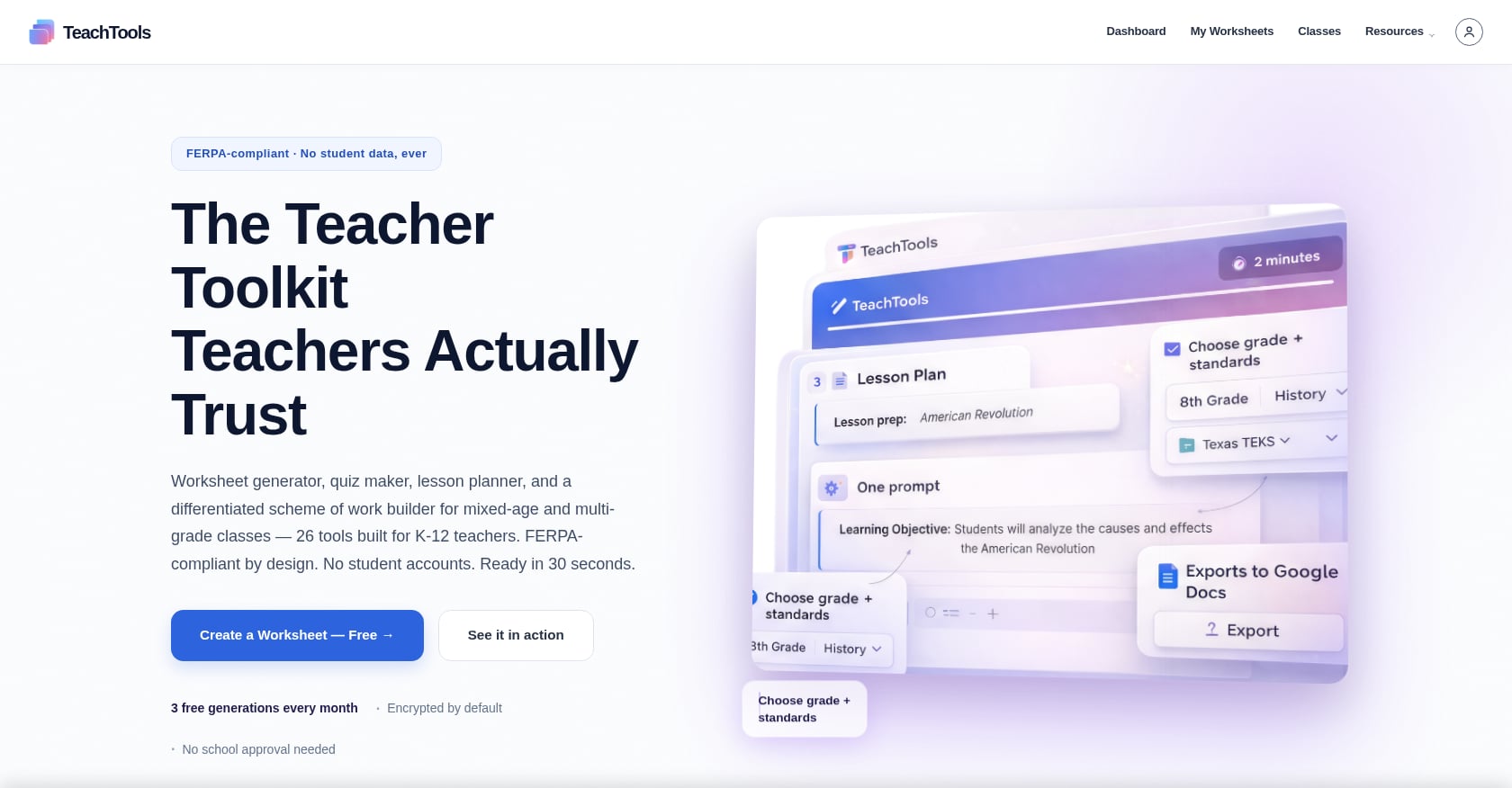
Best for: Teachers who want simplicity, print-ready output, and strong privacy protections without learning prompt engineering.
Pricing: Free tier with 5 generations per month across all 23 tools, forever. Pro plan at $9/month with unlimited generations. School plan with custom pricing per school year, including team management and analytics.
Key Features:
- 23 specialized, form-based tools covering lesson plans, worksheets, quizzes, rubrics, report card comments, parent emails, newsletters, and more
- Simple inputs (topic, grade, difficulty) with no prompt writing required
- PDF and Google Docs export for print-ready and digital distribution
- Subscription pause option during school breaks
Privacy & Compliance:
- No student PII required for core functionality
- AES-256 encryption at rest, TLS 1.3 in transit
- OpenAI API with no-training policy (30-day retention for abuse monitoring only)
- DPA available for school and district accounts
- Hosted on SOC 2 Type II infrastructure
Limitations:
- Smaller tool catalog (23) compared to competitors with 50 to 80+ tools
- No deep LMS integrations (Google Classroom, Canvas) advertised
- Newer platform with less public community discussion than established competitors
Practitioner context: While direct user reviews of TeachTools on Reddit are not yet available, the platform’s form-based approach aligns with what AVID Open Access and education researchers identify as the most effective design pattern for teachers without AI training.
Try TeachTools free with 5 generations per month, no credit card required.
2. MagicSchool
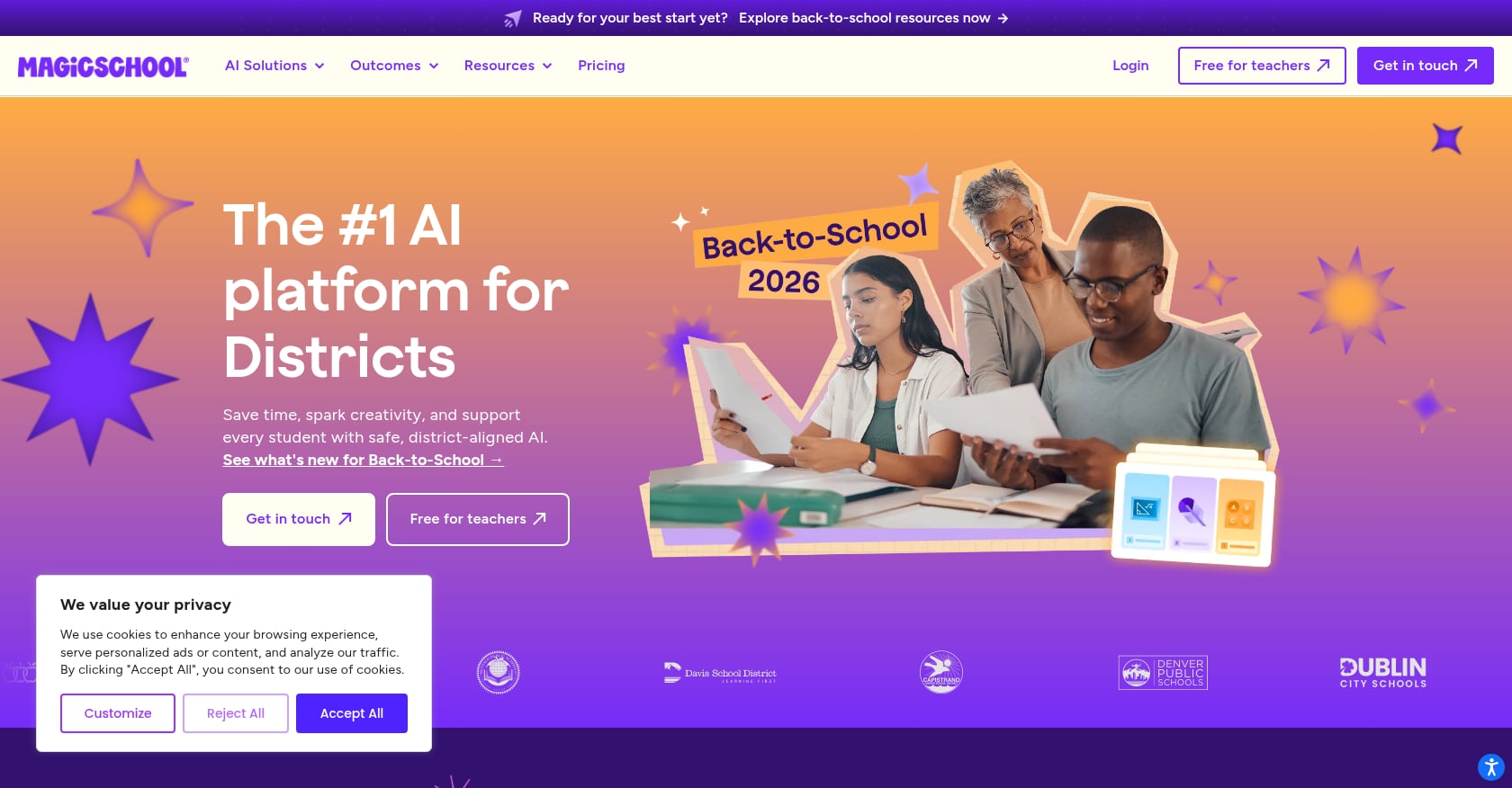
Best for: Teachers who want the widest selection of AI tools in a single platform.
Pricing: Free for individual teachers (unlimited use). Premium and school/district plans available at higher tiers.
Key Features:
- 80+ tools covering nearly every teacher task imaginable
- Standards alignment options for lesson planning
- Active community with regular feature updates
- Widely discussed in teacher communities (frequently mentioned on r/Teachers and Facebook AI education groups)
Limitations:
- The sheer number of tools can feel overwhelming for new users
- Export options vary by tool, not always consistent
- Free individual tier may have feature limitations compared to school plans
Practitioner perspective: MagicSchool is the most frequently named tool in Reddit teacher discussions about AI adoption. Teachers describe it as a solid starting point, though some note that the large tool catalog can create decision fatigue.
3. Diffit
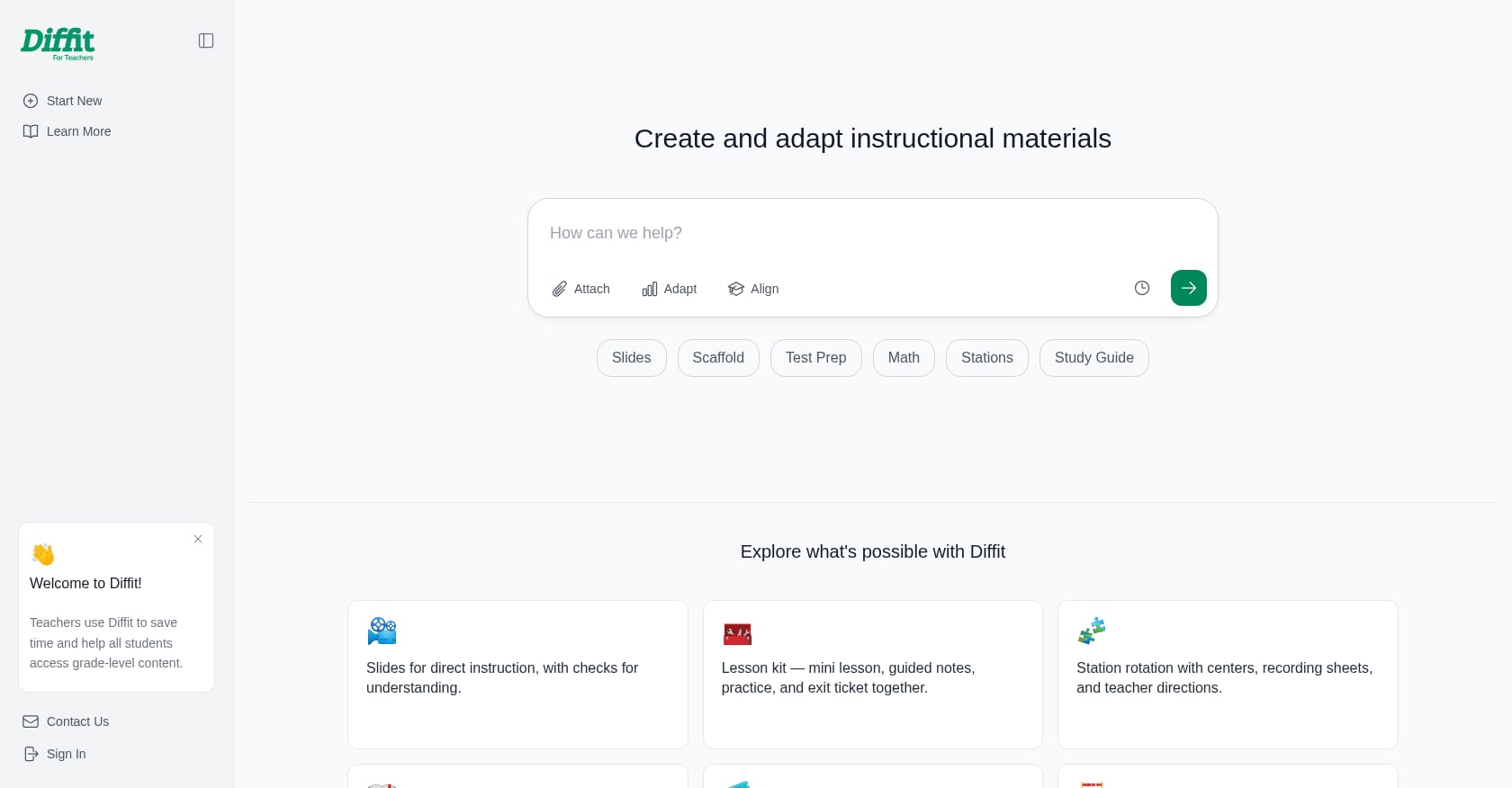
Best for: Mixed-ability classrooms where teachers need the same content at multiple reading levels.
Pricing: Free basic tier with limited features. Premium plans available.
Key Features:
- Specializes in generating differentiated reading passages
- Adjusts text complexity by reading level
- Produces comprehension questions alongside passages
- PDF and Google Docs export
Limitations:
- Narrower focus than full-suite platforms
- Less useful for non-reading tasks like rubrics or parent communications
- Free tier has usage limits
Practitioner perspective: Teachers in differentiation-heavy classrooms (ELL, inclusion, multi-grade) frequently cite Diffit as a time-saver specifically for reading materials, though they typically pair it with other tools for broader prep needs.
4. Brisk Teaching
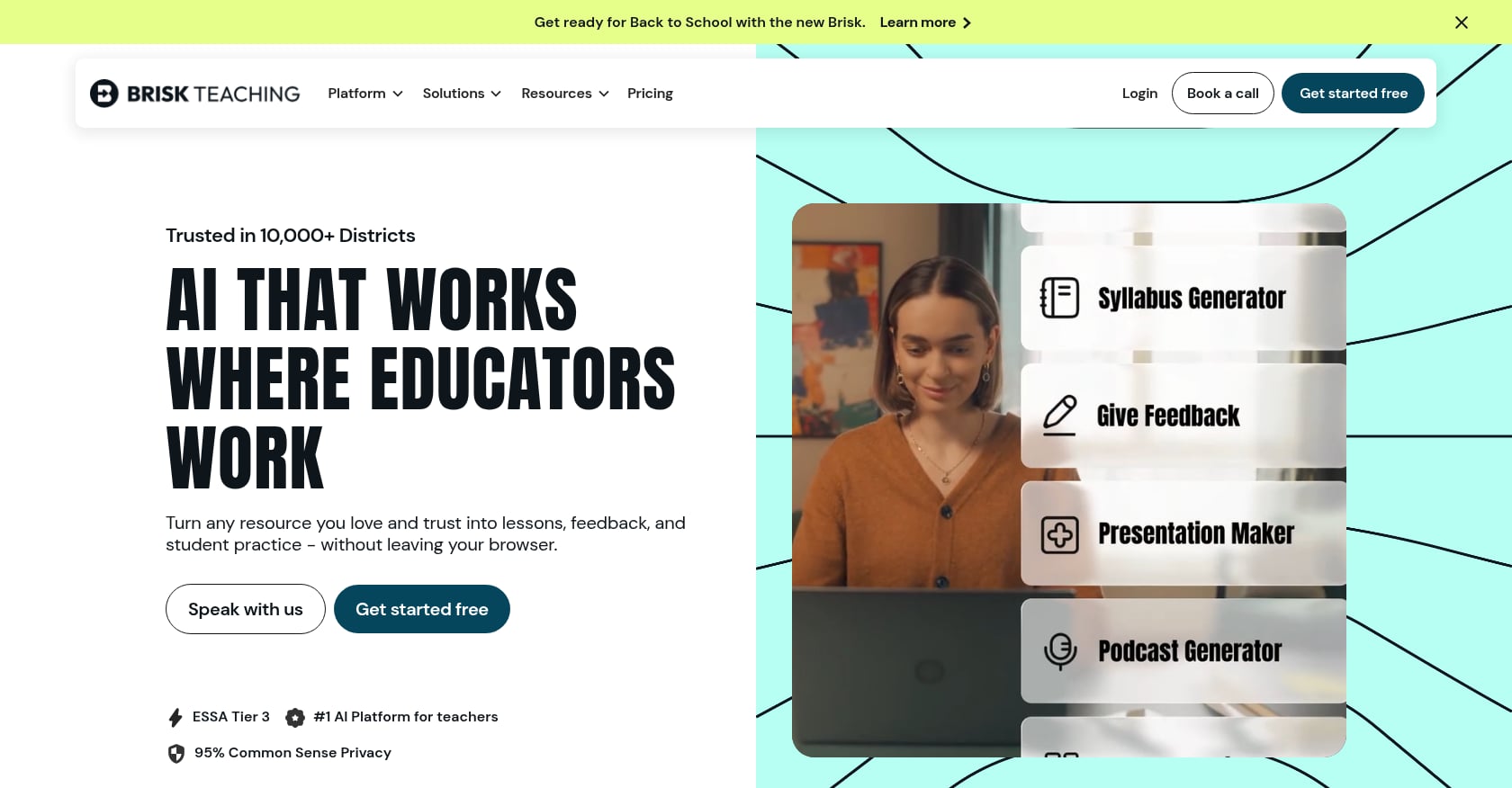
Best for: Teachers who live inside Google Workspace and want AI without leaving their documents.
Pricing: Free for K-12 teachers, with pro features included.
Key Features:
- Chrome extension that works directly inside Google Docs, Slides, and Forms
- Can generate feedback, rubrics, and lesson content within existing documents
- No separate platform to learn or log into
Limitations:
- Tightly coupled to Google ecosystem, less useful for non-Google schools
- In-document workflow may feel constrained for complex generation tasks
- Feature set is narrower than standalone platforms
Practitioner perspective: Google Workspace power users consistently praise Brisk for its frictionless integration. Teachers who use Microsoft 365 or work primarily with printed materials find less value here.
5. ChatGPT (OpenAI)
Best for: Advanced users comfortable with prompt engineering who want maximum flexibility.
Pricing: Free tier with limited access. Plus plan at $20/month. Enterprise plans available through districts.
Key Features:
- Broadest capability of any AI tool (not education-specific)
- Can handle any task with sufficiently detailed prompting
- Regular model improvements and new features
- Large ecosystem of shared prompts and community resources
Limitations:
- No education-specific structure; requires prompt engineering skill
- Output formatting requires manual cleanup for classroom use (no native PDF export)
- Consumer version has no FERPA protections; enterprise requires district-level DPA
- Can produce inaccurate or biased content without careful review
Practitioner perspective: Reddit discussions reveal a split. Teachers who invested time learning prompt engineering find ChatGPT indispensable. Those who tried it cold often describe frustration with generic, lecture-style outputs that need heavy editing. The consensus on r/Teachers is that ChatGPT is powerful but has a steep learning curve for classroom applications.
The 5.9-Hour Math
The numbers tell a clear story. Teachers who use AI weekly save an average of 5.9 hours per week. Over a school year, that’s six weeks. Not six weeks of vacation, but six weeks of breathing room. Time to give better feedback, plan a more engaging activity, or simply go home before dark.
The goal of these tips for reducing prep time with teacher-focused AI tools has never been to replace teacher expertise. AI can’t build relationships with students, read the energy of a classroom, or make the judgment calls that define great teaching. What AI can do is handle the mechanical work that keeps you from doing those things.
A recurring concern on r/Teachers deserves the final word here. Teachers worry that saved time will just get filled with new demands from administrators. That’s a real risk. But the response isn’t to avoid the tools. It’s to use them, document the results, and advocate for how that reclaimed time should be spent.
Start with one task this week. Generate a lesson plan draft. Create a rubric. Write a batch of report card comments. See what 5.9 hours feels like when you get them back.
Start generating classroom materials for free with TeachTools, no credit card needed.
FAQ
How much time can teachers realistically save with AI tools?
According to the Gallup-Walton Family Foundation poll, teachers who use AI tools at least weekly save an average of 5.9 hours per week. The savings vary by task. Over 80% of teachers report significant time savings on worksheet and assignment creation, and 74% report savings when modifying materials for different student needs.
Which prep task should I automate with AI first?
Lesson planning is the strongest starting point. It’s the highest-adoption AI use case among teachers, with the most consistently positive results. Teachers on Reddit describe generating first-draft lesson plans in 2 to 5 minutes that would normally take 30 to 60 minutes. Report card comments and rubrics are strong second choices for batching.
Are free AI tools like ChatGPT safe to use for school work?
Consumer versions of ChatGPT and similar tools were not designed with schools in mind. If you never input student names, grades, or other personally identifiable information, FERPA isn’t triggered for that use. But if you need to work with any student data, you should use a tool that offers FERPA-supportive features like encryption, no model training on user data, and a Data Processing Agreement.
What’s the difference between form-based teacher AI tools and generic chatbots?
Form-based tools ask you to fill in fields like subject, grade, and topic, then handle the prompt engineering automatically. Generic chatbots give you a blank text box and expect you to write detailed instructions. For teachers without AI training (which is 70%+ of educators), form-based tools produce better first drafts with less effort.
Will AI-generated lesson plans be good enough to use in class?
AI lesson plans are best treated as first drafts, not finished products. Research from science education experts found that AI-generated plans support key competencies but fall short on iterative and reflective processes. Community feedback also warns that AI defaults to lecture-style instruction unless you specifically request other approaches. Always review and customize before using any AI-generated material.
How do I handle AI tools on a teacher’s personal budget?
Look for tools with free tiers, reasonable monthly pricing, and the ability to pause during school breaks. TeachTools, for example, offers a free tier with 5 generations per month and a $9/month Pro plan that can be paused over summer and winter breaks. Avoid annual commitments unless you’re confident you’ll use the tool year-round.
Can I use AI tools without my school’s permission?
This depends on your district’s policies and how you use the tool. If you’re generating generic instructional materials (worksheets, quiz questions, lesson outlines) without entering any student data, the compliance risk is low. However, many districts are developing AI use policies, and it’s worth checking. For a fuller discussion, see this guide on using AI without school approval.
What are the biggest mistakes teachers make with AI prep tools?
Three common ones: (1) trying too many tools at once instead of mastering one, (2) using AI output without reviewing it for accuracy, bias, or context-appropriateness, and (3) entering student personally identifiable information into consumer AI tools that lack privacy protections. The fix for all three is straightforward: start small, treat output as a draft, and choose tools designed for education.