8 Time Saving Tools for Elementary Teachers (2026 AI Guide)

TL;DR
Elementary teachers get roughly four hours of weekly planning time but spend ten or more hours on prep, grading, and parent communication. AI-powered tools can reclaim much of that time. This guide covers eight time-saving tools for elementary teachers, organized by the tasks that eat the most hours: worksheets, lesson planning, quizzes, grading, parent emails, differentiation, and interactive content. Each entry includes real pricing, FERPA status, and honest tradeoffs so you can pick the right tool without wading through vendor hype.
The Time Problem No One Has Solved Yet
A nationally representative survey by the EdWeek Research Center found that a typical teacher works a median of 54 hours per week, yet only 46% of in-school time goes to actual teaching. The rest disappears into grading, emails, lesson prep, and administrative tasks.
Elementary teachers have it worse than their secondary counterparts. They get about four hours of weekly planning time on average, which is 40 minutes less than middle school teachers and 49 minutes less than high school teachers. Meanwhile, the EdWeek survey found K-12 teachers spend roughly five hours a week on grading and another five on planning and preparation.
That math doesn’t add up. Something has to give, and for too many teachers, it’s their evenings and weekends.
There’s encouraging data on AI as a partial solution. The 2025 Gallup-Walton Family Foundation study surveyed 2,232 U.S. public school teachers and found that those who use AI tools at least weekly save an average of 5.9 hours per week, amounting to about six weeks over the course of a school year. The top time-saving tasks? Creating worksheets and assessments, administrative work, and lesson preparation.
A fair caveat: this survey captures self-reported sentiment, not a controlled productivity experiment. But even if the actual number is half that, three extra weeks of time per year is significant.
The problem with most “AI tools for teachers” lists is that they’re written by tool companies that rank their own product first (practitioners on teaching blogs have noticed this pattern), and they target K-12 broadly. Elementary teachers have specific needs: print-ready worksheets, vocabulary games, report card comments, parent emails, and materials for mixed-ability classrooms where some kids read at a first-grade level and others at a fourth. Generic lists that emphasize AP essay grading miss the mark entirely.
This guide is different. Every tool below is evaluated for elementary-specific use cases, with transparent pricing and clear tradeoffs.
At-a-Glance Comparison Table
| Tool | Starting Price | Free Tier | Best For | FERPA | Print-Ready |
|---|---|---|---|---|---|
| TeachTools | $0 / $9 mo | 5 gen/month | Fast print-ready worksheets, quizzes, and parent comms | Yes (supportive) | PDF + Google Docs |
| MagicSchool AI | $0 / $8.33 mo | Limited generations | Broadest tool selection + LMS integration | Yes (SOC 2) | Google Docs export |
| Diffit | $0 / $14.99 mo | Core tools free | Reading differentiation for mixed-ability classrooms | Yes | PDF + Google Docs |
| Brisk Teaching | $0 / $99.99 yr | 20+ free tools | In-workflow feedback inside Google Docs | Yes (SOC 2) | Via Google |
| Canva Education | $0 | Full access | Visual materials (posters, newsletters, slides) | Partial | |
| Google Gemini | $0 | Basic AI | Google Workspace schools wanting zero-friction AI | Via Google | Via Google |
| Curipod | $0 | Basic features | Gamified interactive lessons | Check with vendor | Digital only |
| Khanmigo | $0 (teachers) | Teacher access | AI tutoring paired with lesson planning | Via Khan Academy | Digital only |
Now let’s break these down by the tasks that actually consume your time.
For Worksheets and Printable Activities
Elementary teachers print far more than secondary teachers. Word searches for vocabulary, crossword puzzles for spelling practice, worksheets for math facts. These are the daily materials that keep classrooms running. Two tools stand out here.
1. TeachTools
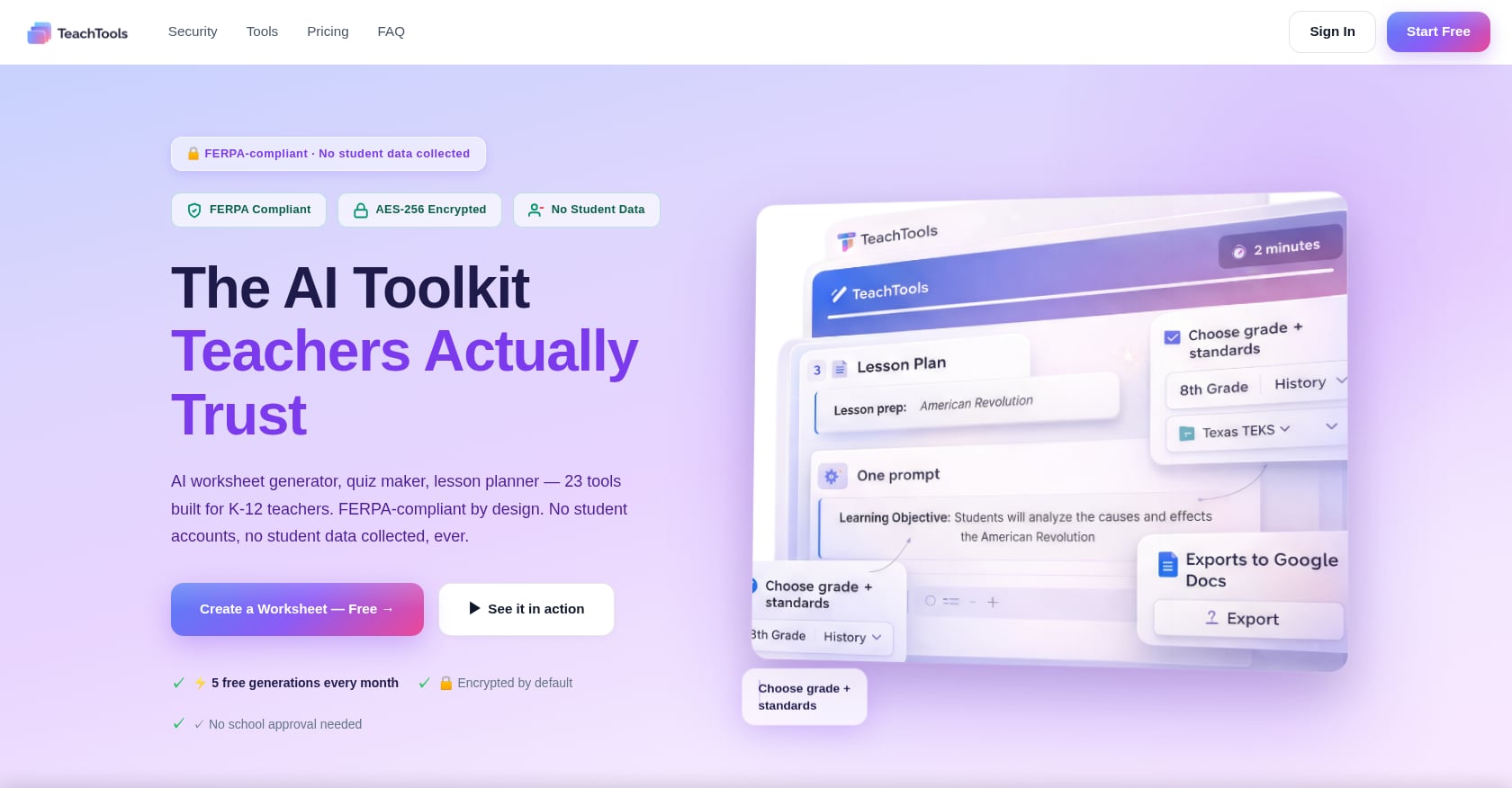
Best for: The fastest path from “I need a 2nd-grade fractions worksheet” to a print-ready PDF, without writing a single prompt.
Pricing: Free tier at $0 with 5 generations per month across all 23 tools. Pro plan at $9/month (billed monthly) with unlimited generations. School plans available at custom pricing per school year. TeachTools also lets you pause your subscription during school breaks, which is a genuinely budget-friendly detail for teachers paying out of pocket.
Key features:
- Worksheet generator that creates customized, printable worksheets by topic, subject, and grade level
- Crossword and word search generators for vocabulary practice
- Bingo card generator for review games
- Simple form inputs (topic, grade, difficulty) instead of prompt engineering
- Exports to print-ready PDFs and Google Docs with consistent formatting
Elementary-specific strengths: The crossword and word search generators are exactly what elementary teachers need for vocabulary stations. The report card comment generator alone can save hours during reporting periods. And the parent email and newsletter tools handle communication that would otherwise eat into planning time.
Tradeoffs:
- Smaller tool catalog (23 tools) compared to platforms like MagicSchool with 80+
- Limited public detail on LMS integrations like Google Classroom or Canvas
- Still building out some resource content
That said, the simplicity is a feature, not a bug. As one elementary teacher blogger put it: “Teachers who try five tools at once tend to use none of them consistently.” TeachTools is designed to do a focused set of things well rather than overwhelm you with options.
Privacy: No student PII required to generate materials. AES-256 encryption at rest, TLS 1.3 in transit. OpenAI API usage with no training on user data. A Data Processing Agreement is available for districts. More details on TeachTools’ FERPA approach here.
2. Diffit
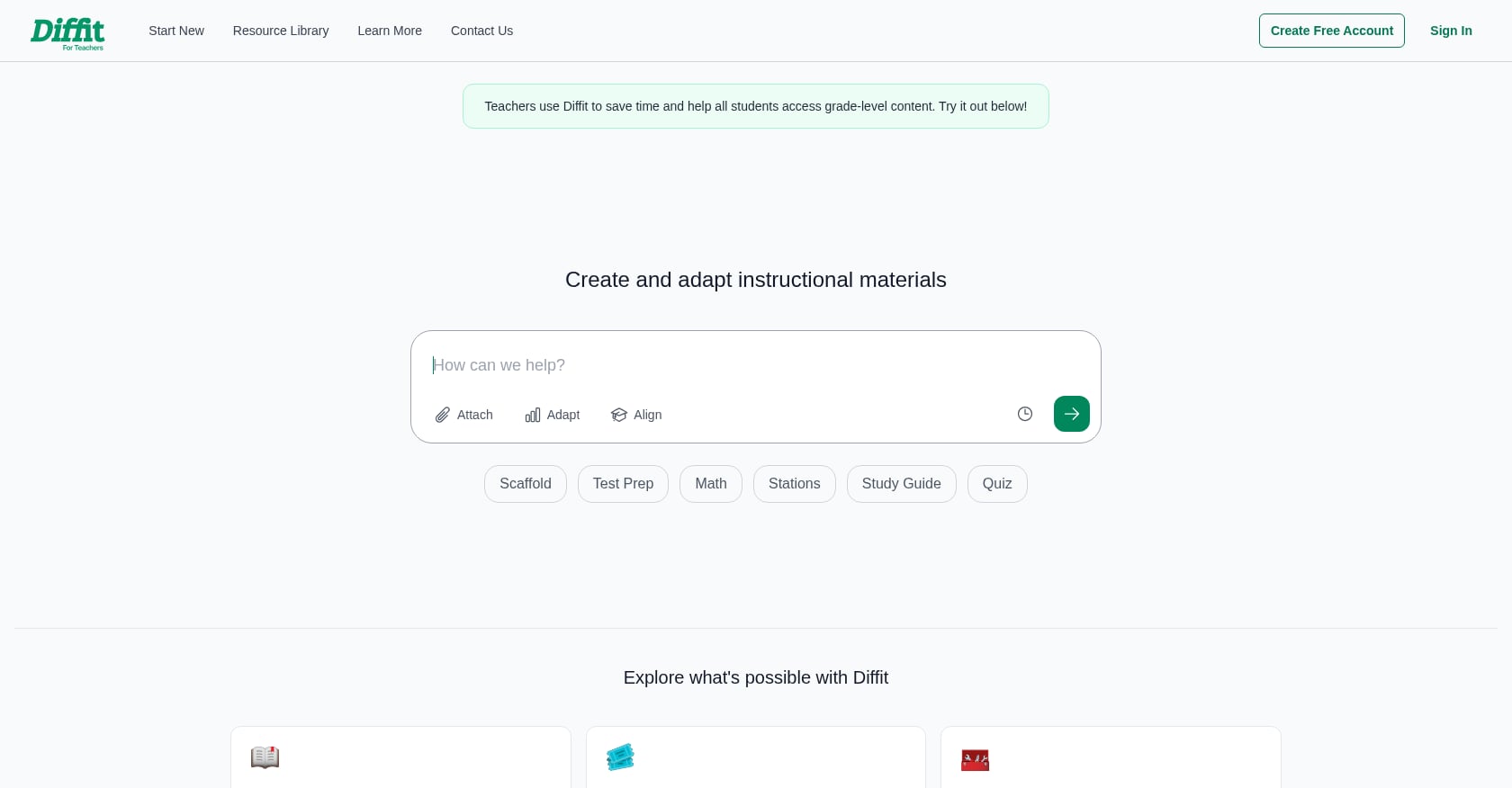
Best for: Generating leveled reading passages and differentiated practice materials for mixed-ability classrooms.
Pricing: Free access to core tools. Premium subscription at $14.99/month or $149.99/year. Every teacher gets a 60-day free trial of premium features automatically, and first-year teachers get free full access for up to 12 months.
Key features:
- Leveled reading passages adapted from a single source
- Exit tickets, task cards, and station rotations
- Decodable phonics readers (huge for K-2)
- Tiered practice at three difficulty levels
- PDF and Google Docs export
Elementary-specific strengths: If you teach a mixed-ability class where reading levels span three or more grades (which describes most elementary classrooms), Diffit is the specialist. One teacher profiled by EdSurge used Diffit alongside assessment tools to reduce administrative task time by five to six hours per week.
Tradeoffs:
- Not a full content creation platform; handles text adaptation well but doesn’t generate lesson plans, quizzes, or communication materials
- Often needs to be paired with other tools to cover a full workflow
- Higher price point than some alternatives for individual teachers
For a deeper comparison of worksheet generation tools, see our guide to the best AI worksheet generators for teachers.
For Lesson Planning
Teachers spend roughly five hours per week on planning and preparation. Two tools can cut that significantly.
1. MagicSchool AI
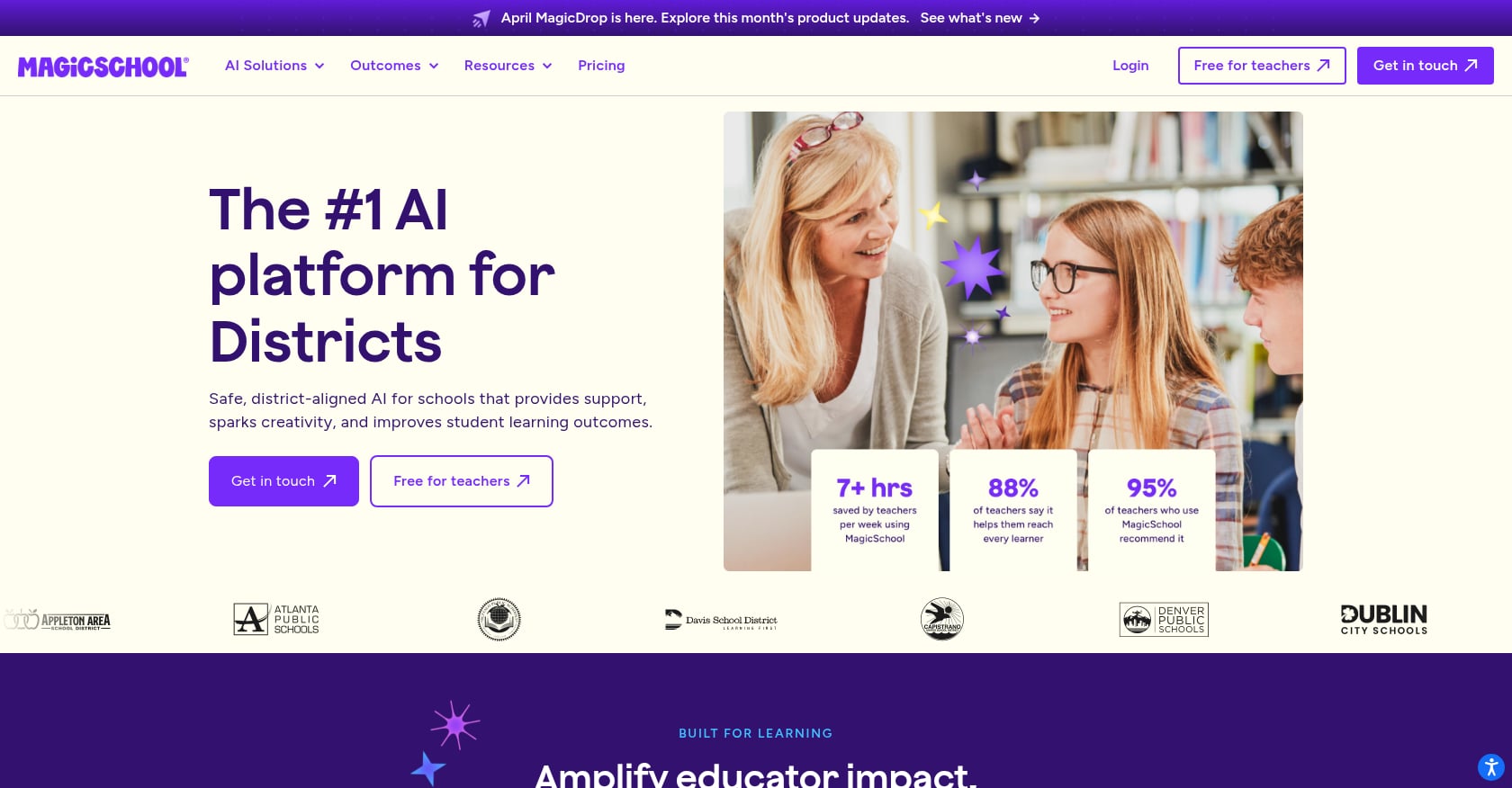
Best for: Teachers who want the widest selection of AI tools in one platform, especially if their district already holds a license.
Pricing: Free for individual teachers with limited generation history (last 5 outputs only). Plus plan at $8.33/month billed annually, or $12.99 billed monthly. Enterprise pricing for schools and districts.
Key features:
- Over 80 AI-powered tools covering lesson plans, assessments, IEPs, and professional communications
- Standards-aligned content generation
- Full integrations with Google Docs, Classroom, Canvas, Schoology, Clever, and ClassLink
- SOC 2 certification and 93% Common Sense Privacy Rating
Elementary-specific strengths: The breadth is genuine. MagicSchool can generate lesson plans, vocabulary lists, rubrics, parent letters, and IEP goals from one platform. For teachers at schools where MagicSchool is already district-approved, it’s the path of least resistance.
Tradeoffs:
- The sheer number of tools can feel overwhelming at first
- Individual tools may lack the depth of specialized alternatives
- Free tier limits generation history, making it hard to revisit past materials
- Some practitioners on education forums report that breadth comes at the cost of output quality for specific formats
MagicSchool claims teachers save 7+ hours each week on planning, differentiation, assessments, and communication. That’s a vendor claim, so take it accordingly, but the tool count and integration depth are real.
For those considering MagicSchool, it’s worth understanding whether it meets FERPA requirements before entering any student context.
2. Google Gemini for Education
Best for: Schools already on Google Workspace for Education that want AI baked into the tools teachers already use.
Pricing: Free. Google rolled out Gemini features across all Education editions in early 2026, so teachers on even the free Education Fundamentals tier now get Gemini in Gmail, Docs, Slides, and Sheets. Google Gemini for Education Pro costs $15 per user for advanced features.
Key features:
- AI assistance directly in Google Docs, Slides, Sheets, Drive, Gmail, and Classroom
- No copy-pasting between platforms
- Writing, planning, organizing, and design help without leaving the Google ecosystem
Elementary-specific strengths: If your school runs on Google Workspace (and most do), Gemini is the zero-friction option. Draft a parent email in Gmail, outline a lesson plan in Docs, create a vocabulary activity in Slides, all with AI assistance and no new login.
Tradeoffs:
- Gemini doesn’t know your standards, your pacing guide, or your students; it’s a general AI, not education-specialized
- Outputs need more editing and formatting than purpose-built tools
- No print-ready worksheet templates or vocabulary game generators
- Quality varies significantly based on how well you write your prompts
Google Gemini works best as a complement to a specialized tool rather than a replacement for one.
For Quizzes and Assessments
Explore 26 free AI tools for teachers
Browse All Tools →Grading and assessment creation consume about five hours per week for the average teacher. This tool targets that specific time sink.
1. Brisk Teaching
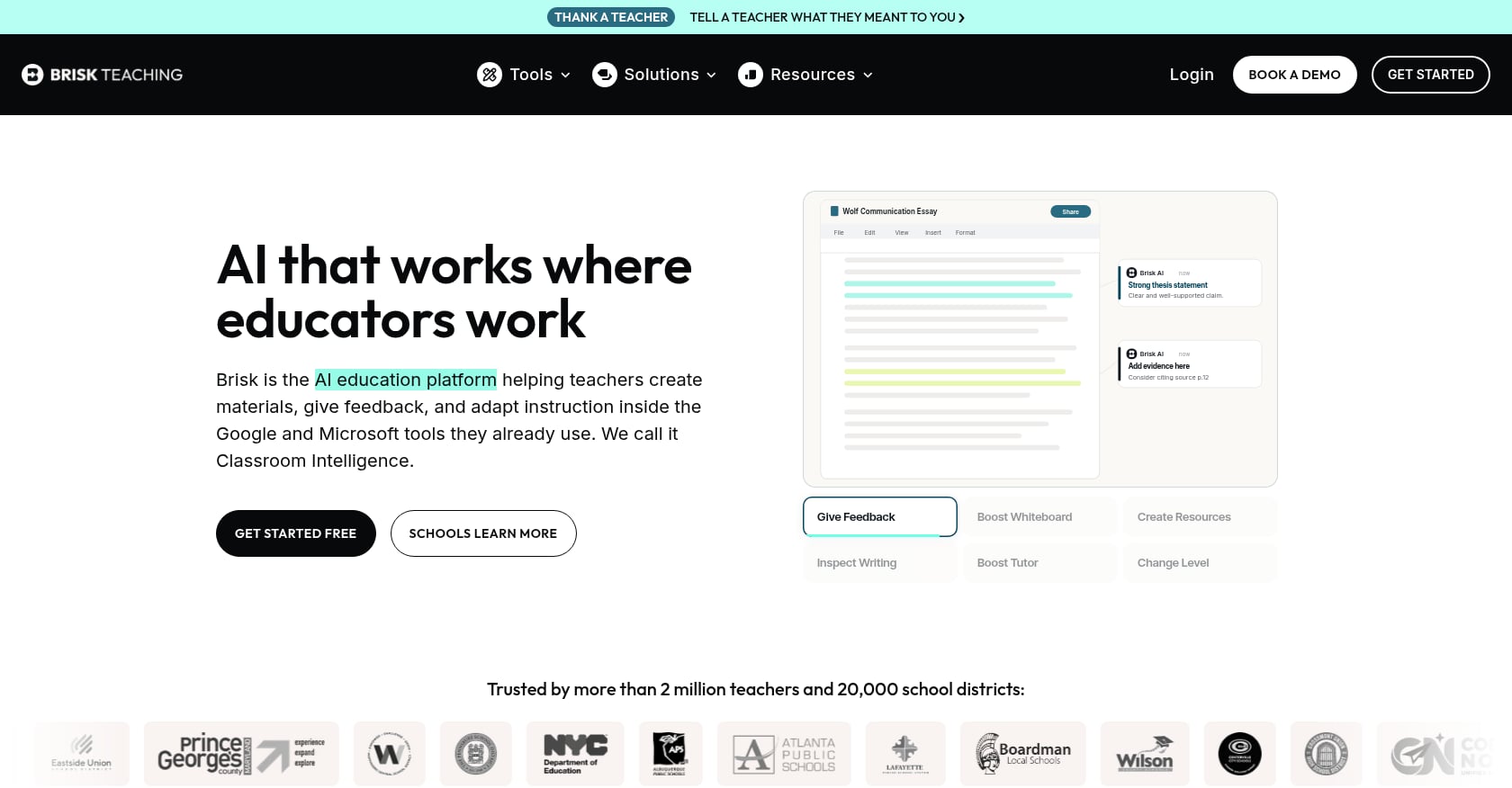
Best for: Teachers who live in Google Workspace and want AI feedback, quiz creation, and writing analysis without ever switching tabs.
Pricing: Free forever with 20+ AI tools. After a 14-day premium trial, users can continue with the free plan or upgrade to Brisk Educator Pro for $99.99 per year. Premium features may require a school- or district-level subscription.
Key features:
- Chrome extension that embeds directly into Google Docs, Slides, and Classroom
- “Inspect Writing” feature creates a video replay of how a student wrote their document, showing every keystroke, paste, and deletion
- Quiz creation inside Google Forms
- In-document feedback and rubric-based grading
- FERPA and COPPA compliant, SOC 2 certified, 93% Common Sense Privacy Rating (the highest among AI teaching tools)
Elementary-specific strengths: The Inspect Writing feature is particularly useful for elementary writing instruction, where understanding a student’s writing process matters as much as the final product. The Chrome extension approach means there’s nothing new to learn; it just appears inside the tools you already use.
Tradeoffs:
- Only works on a computer (Chrome extension, not a mobile app)
- Some teachers may feel limited by developer-created prompts rather than open-ended AI
- Premium features are gated behind school/district subscriptions, which individual teachers can’t always access
For more detail on Brisk’s privacy posture, see this analysis of Brisk Teaching’s FERPA compliance.
TeachTools also offers a quiz and test generator that builds multiple-choice, short answer, and matching assessments aligned to grade and standards selections, with direct PDF export for paper-based testing (still common in elementary classrooms).
For Parent Communication and Report Cards
One teacher in an EdWeek survey said it plainly: it’s “much quicker to type in the general idea and receive an email I could have written, but it would have taken me 15 minutes or more.” Multiply that across 25 families and you’ve lost an entire afternoon.
Report card comments are even worse. At elementary level, teachers often write individualized narrative comments for every student across multiple subjects. During reporting periods, this can consume entire weekends.
TeachTools addresses both of these pain points directly. The family email generator produces professional, warm parent communications from a few bullet points. The class newsletter generator handles weekly or monthly updates. And the report card comment generator drafts personalized, professional comments that sound like you wrote them, not a robot.
MagicSchool AI also includes parent communication tools within its broader suite, though these aren’t as prominently featured or elementary-focused.
For Differentiation and ELL Support
The Gallup-Walton study found that 64% of teachers say the materials they modify with AI to meet student needs are better quality than what they’d create manually. And 57% say AI has improved accessibility for students with disabilities.
For multilingual classrooms, MagicSchool AI offers text leveling and translation features. TeachTools includes a text translator tool that can help prepare materials for families who communicate in languages other than English.
For Visual and Interactive Content
1. Canva for Education
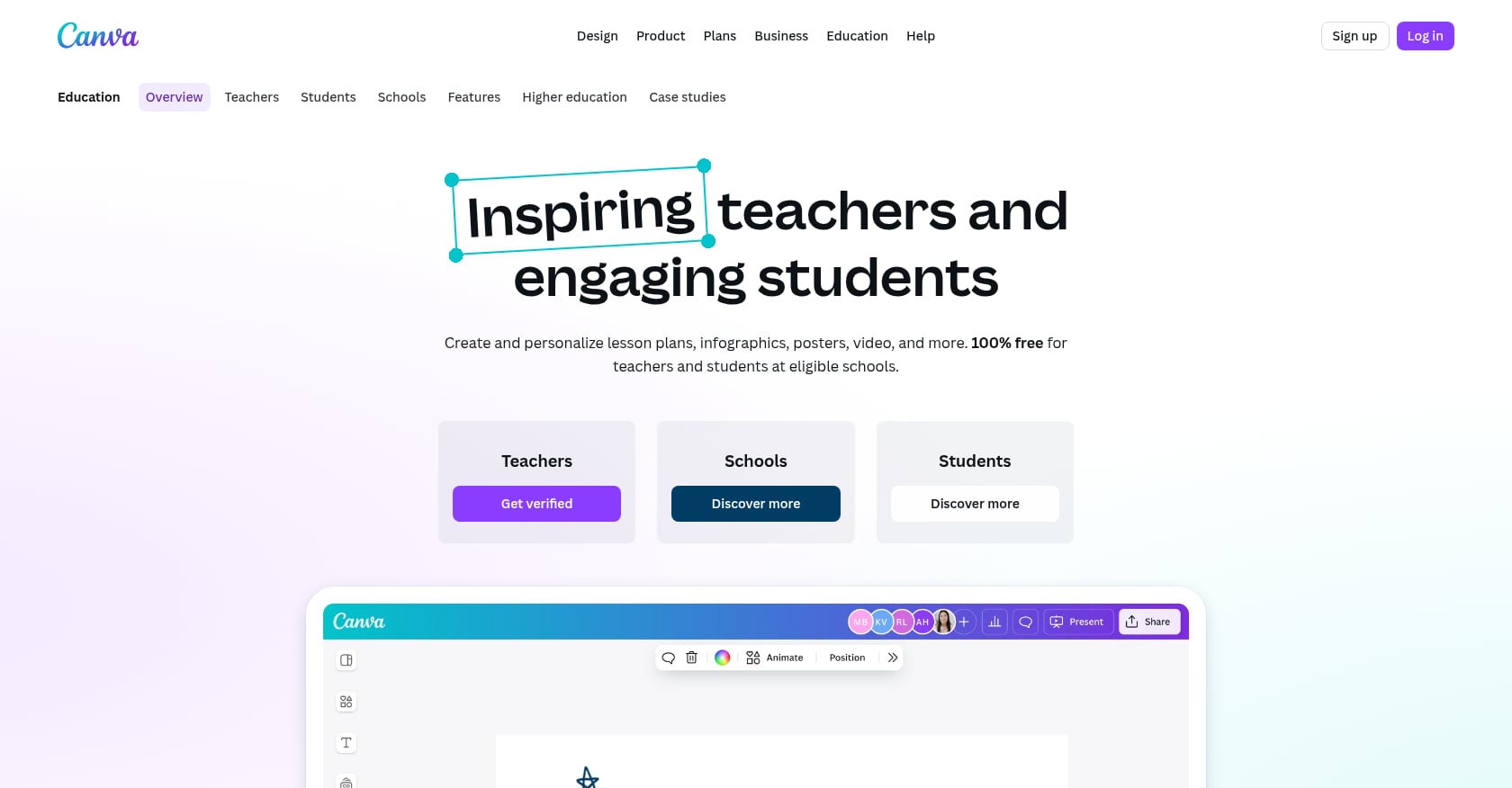
Best for: Teachers who need visually polished materials like posters, newsletters, and slide presentations.
Pricing: Completely free for verified K-12 educators. Teachers sign up with a work email or proof of credentials and get full access to the platform, including premium templates.
Key features:
- Thousands of education-specific templates for worksheets, posters, presentations, and classroom displays
- AI features including Magic Write (text generation) and image generation
- Drag-and-drop design that requires zero graphic design skill
- PDF export for printing
Elementary-specific strengths: Classroom displays, visual schedules, behavior charts, anchor charts, and parent night presentations. Canva handles the visual side of elementary teaching that text-based AI tools don’t touch.
Tradeoffs:
- Not purpose-built for education; AI features generate designs, not standards-aligned content
- AI features have usage caps even on the free education plan
- You still need another tool for lesson plans, quizzes, and assessments
- Learning curve is modest but real for teachers who’ve never used design software
2. Curipod
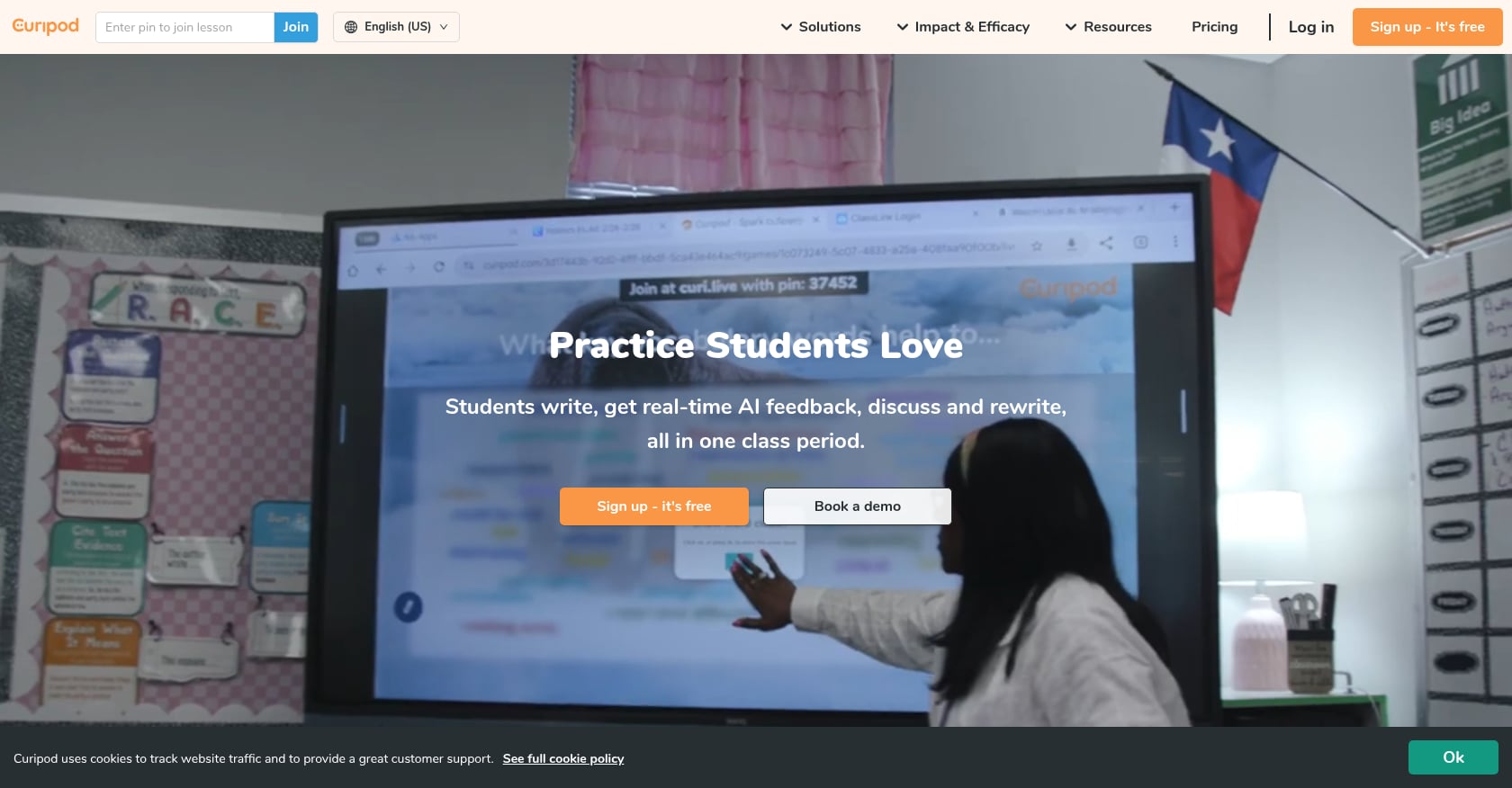
Best for: Elementary teachers who want interactive, gamified lessons that replace static slide decks.
Pricing: Free plan for basic use. Schools package with expanded features requires contacting Curipod for pricing.
Key features:
- Enter a topic and Curipod generates a live lesson with slides, AI-generated questions, polls, word clouds, drawing activities, and SEL check-ins
- Interactive student participation via device
- Gamification elements that keep elementary students engaged
Elementary-specific strengths: The drawing activities and word clouds are age-appropriate and engaging for younger students. SEL check-ins woven into academic lessons address the whole-child approach common in elementary schools.
Tradeoffs:
- More about engagement than material creation; doesn’t generate printable worksheets or assessments
- Requires student devices, which aren’t available in every elementary classroom
- Premium features locked behind school-level pricing
- Limited print output for classrooms that still rely on paper materials
Honorable Mention: Khanmigo
Khanmigo from Khan Academy is free for teachers and helps with lesson plans, quiz questions, student groupings, exit tickets, rubrics, and differentiation. It covers elementary through college across most academic subjects. Fast Company called it “an AI assistant that teachers will actually use.”
The catch: individual teachers cannot grant students access to Khanmigo. Classroom-level access is only available through school or district implementations. If your district has a Khan Academy relationship, it’s worth exploring. If not, you’ll only get the teacher-side planning tools.
Privacy and FERPA: What Elementary Teachers Need to Know
FERPA concerns matter more at the elementary level. Parents of young children are (rightly) more protective about data, and elementary students can’t consent to anything on their own.
Before adopting any AI tool, ask these questions:
-
Does the tool require student PII? Tools like TeachTools are designed so you never enter student names, IDs, or personal information. You input a topic, grade, and difficulty level, and the tool generates materials. No student data touches the platform.
-
Is your data used to train the AI model? Both TeachTools and MagicSchool AI explicitly state that user data is not used for model training. Brisk Teaching makes the same commitment.
-
Is a Data Processing Agreement available? For district-level adoption, you need a DPA. TeachTools, MagicSchool, and Brisk all offer them.
-
What certifications does the tool hold? MagicSchool and Brisk both carry SOC 2 certification. TeachTools uses SOC 2 Type II certified infrastructure through its hosting vendors.
Only 1 in 5 teachers work at a school with a formal AI policy, according to EdSurge reporting. If your school hasn’t established guidelines yet, the safest approach is to use tools that never require student PII in the first place.
For a deeper guide, read how to use AI in the classroom without violating FERPA.
How to Start Without Getting Overwhelmed
The Gallup-Walton study found that 52% of teachers using AI taught themselves how. No professional development session, no district mandate. They just started experimenting.
But here’s the practitioner wisdom that keeps surfacing in teacher communities: pick one tool. Not five. One.
As one elementary teacher blogger wrote: “You don’t need to use every tool on this list. Start with one tool, one lesson, one task you already do every week. Let AI handle the time-consuming parts so you can focus on what matters most: your students.”
Here’s a simple decision framework:
- If worksheets and printable activities eat the most time: Start with TeachTools. The free tier gives you 5 generations per month, enough to test whether it fits your workflow.
- If differentiation across reading levels is your biggest challenge: Start with Diffit’s 60-day free trial.
- If you live in Google Docs and want AI without leaving your browser: Start with Brisk Teaching’s free Chrome extension.
- If you want the broadest selection and your district already has a license: Start with MagicSchool AI.
Every tool on this list has a free tier. You can test any of them this week without spending a dollar or getting IT approval.
The key is consistency. Teachers who use AI at least weekly are the ones reporting significant time savings. An occasional experiment won’t change your workload. A weekly habit will.
The Bottom Line
Elementary teachers face a structural time deficit that no amount of hustle can fix. Four hours of planning time per week is not enough, and the 10+ hours of grading and prep work have to come from somewhere. Time-saving tools for elementary teachers aren’t a luxury anymore. They’re a practical necessity.
The tools in this guide won’t replace your judgment, your relationships with students, or your classroom expertise. But they can handle the repetitive production work (worksheets, quizzes, parent emails, report card comments) that keeps you at school until 6 PM.
If you’re looking for the simplest starting point, explore TeachTools’ full set of 23 teacher-focused tools. The free tier requires no credit card and no student data, just a topic, a grade level, and a few clicks.
Frequently Asked Questions
What AI tools do elementary teachers actually use?
According to the 2025 Gallup-Walton Foundation survey, the top time-saving AI tasks for teachers are creating worksheets and assessments, administrative work, and lesson preparation. Elementary teachers specifically gravitate toward tools that produce print-ready materials (worksheets, word searches, crosswords), generate report card comments, and draft parent communications. Tools like TeachTools, MagicSchool AI, and Diffit are among the most commonly cited in practitioner communities.
How much time can AI save elementary teachers?
The Gallup-Walton study found that teachers who use AI at least weekly report saving an average of 5.9 hours per week, which adds up to about six weeks over a school year. It’s worth noting this is self-reported data, not a controlled experiment, so the actual productivity gain may vary. Even conservative estimates suggest several hours per week in time savings on repetitive tasks like worksheet creation and grading.
Are AI teaching tools safe to use under FERPA?
It depends on the tool and how you use it. The safest approach is to choose tools that don’t require student personally identifiable information. TeachTools, for example, only asks for topic, grade, and difficulty level, so no student data enters the system. Tools like MagicSchool AI and Brisk Teaching hold SOC 2 certifications and FERPA compliance. Always check whether a Data Processing Agreement is available before entering any student context, and read the full FERPA guide for AI in classrooms for detailed steps.
Do I need my school’s permission to use AI tools?
Only about 1 in 5 teachers work at schools with formal AI policies. If your school hasn’t issued guidance, the safest path is to use tools that never collect student PII and to avoid entering student names, grades, or identifying details. For a deeper look at this question, this guide covers whether teachers can use AI without school approval.
What’s the difference between TeachTools and MagicSchool AI?
TeachTools offers 23 purpose-built tools with a focus on simplicity, print-ready output (PDF and Google Docs), and elementary-friendly generators like crosswords, word searches, and bingo cards. It starts at $0 (5 generations/month) with a $9/month Pro plan. MagicSchool AI offers 80+ tools with broader coverage including IEP support and deep LMS integrations. It starts at $0 with a $8.33/month Plus plan. The choice often comes down to whether you want depth and simplicity (TeachTools) or breadth and ecosystem integration (MagicSchool).
Are there free time-saving tools for elementary teachers?
Yes. Every tool in this guide offers a free tier. TeachTools gives 5 free generations per month across all 23 tools. MagicSchool AI offers free access with limited generation history. Diffit provides core tools for free with a 60-day premium trial. Brisk Teaching’s free plan includes 20+ tools. Canva for Education is entirely free for verified K-12 educators. Google Gemini is free within Google Workspace for Education. You can browse free worksheet resources to see examples of what AI-generated materials look like before signing up for anything.
Which tool is best for report card comments?
TeachTools’ report card comment generator is specifically built for this task. You provide the student’s strengths, areas for growth, and general context, and it produces a personalized, professional narrative comment. For elementary teachers who write individual comments across multiple subjects for every student, this single feature can save entire evenings during reporting periods. MagicSchool AI also includes a report card comment tool within its larger suite.
Can these tools create materials aligned to state standards?
Most tools in this guide allow you to specify grade level and learning objectives, which helps produce standards-adjacent content. TeachTools and MagicSchool AI both accept standards or topic inputs when generating materials. However, no AI tool should be trusted to perfectly align to your specific state standards without review. Think of AI-generated materials as a strong first draft that you verify against your curriculum, not a finished product.