Teacher Time Saving in 2026: 9 Proven Ways to Save 6+ Hours

TL;DR
Teachers using AI tools at least weekly save an average of 5.9 hours per week, roughly six extra weeks over a school year. This guide covers nine teacher time saving strategies organized by task type (planning, grading, communication, differentiation, and more), with honest pricing, FERPA notes, and practical non-tech tactics. Start with whatever is eating the most time this week, pick one tool, and build from there.
The Time Crisis Every Teacher Already Knows About
Teachers reported working an average of 49 hours per week in 2025, according to the RAND State of the American Teacher Survey. About five of those hours go to grading and feedback. Another five go to planning and prep. Meanwhile, schools provide an average of just 266 minutes of dedicated planning time per week, roughly four and a half hours. The math doesn’t work.
The consequences are real. In the U.S., 44% of teachers report feeling burned out “always” or “very often,” and 55% of educators have considered leaving the profession earlier than planned due to increasing work obligations. Sixty-eight percent cite workload as the primary cause of work-related stress.
Here’s the good news: a 2025 Gallup-Walton Family Foundation study found that teachers who use AI tools at least weekly save an average of 5.9 hours per week. That adds up to about six recovered weeks per school year. When teachers use AI for any of nine common work tasks, between 60% and 84% report that it saves them time.
Yet only 32% of teachers use AI weekly. Another 28% use it infrequently, and 40% haven’t tried it at all. The guidance gap is part of the problem: 58% of teachers say they’ve received no guidance on using AI for grading and feedback.
This article covers every major teacher time saving approach, from AI-powered tools to practical workflow strategies, so you can pick what fits your situation. Pricing is transparent. Tradeoffs are honest.
Explore all 23 TeachTools to see which ones match your biggest time drains.
At-a-Glance Comparison: Top Teacher Time Saving Tools
| Tool | Best For | Free Tier | Paid Price | FERPA Compliant | Output Format |
|---|---|---|---|---|---|
| TeachTools | All-in-one prep + communication | 5 generations/month | $9/month (Pro) | Yes (FERPA-supportive) | PDF, Google Docs |
| MagicSchool AI | Broadest tool catalog (80+) | Generous free tier | $8.33–$12.99/month | Yes (95% Common Sense Privacy rating) | In-platform, export |
| Brisk Teaching | In-document grading (Google ecosystem) | Free forever (standard) | Quote-based for schools | Yes | Chrome/Edge extension |
| Diffit | Text differentiation & leveled reading | Free basic | $14.99/month | Yes | PDF, Google Classroom |
| Khanmigo | Student-facing AI tutoring | Free for teachers | $4/month (students) | Yes | In-platform |
| Gradescope | STEM exam grading at scale | Free basic | $1–$3 per student | Yes | In-platform |
Now, the full breakdown by task type.
1. AI Lesson Plan Generators
Best for: Cutting multi-hour planning sessions down to minutes.
Planning is the single biggest time sink most teachers can address immediately. Teachers using AI lesson planning tools report cutting two-hour planning sessions to about 15 minutes. Given that schools provide only 4.5 hours of planning time per week, that efficiency gain is transformative.
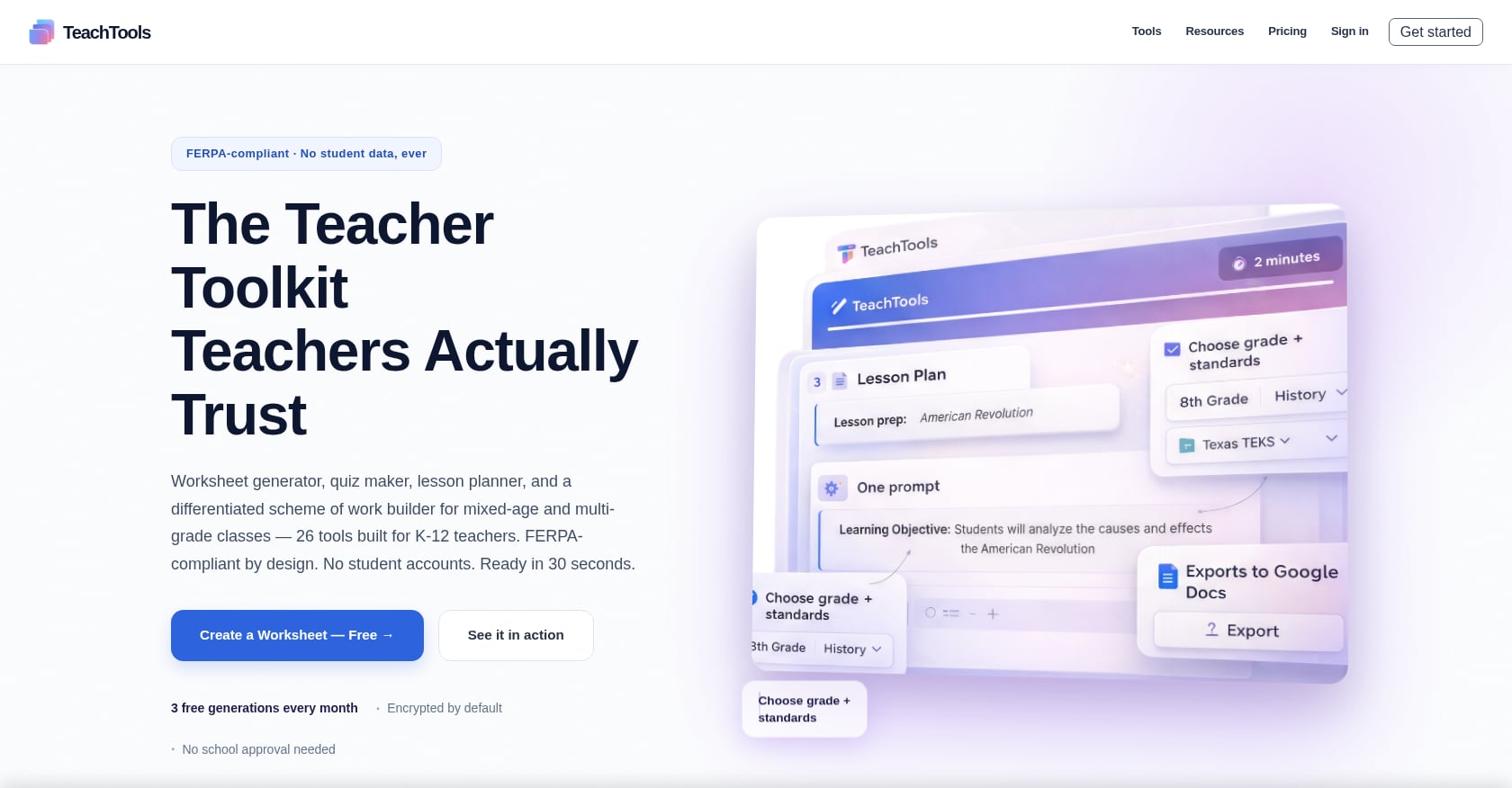
TeachTools Lesson Plan Generator takes a form-based approach. You enter a topic, grade level, and difficulty, and the tool produces a full lesson plan with objectives, activities, and assessments. No prompt engineering required. Output exports to PDF and Google Docs.
- Free: 5 generations/month across all tools
- Pro: $9/month for unlimited generations
- Exports are classroom-ready without reformatting
For teachers who want more breadth, MagicSchool AI bundles over 80 tools, including lesson planning. Its free tier is generous, and paid plans run $8.33 to $12.99 per month. One G2 reviewer noted: “All of the tools are listed right on the main page and you just have to click what you want it to do for you.” The tradeoff is that 80+ tools can feel overwhelming, which is the opposite of what a stressed teacher needs at 9 PM on a Sunday.
Limitations to know:
- AI-generated plans still need your professional judgment. As one practitioner blog from Structural Learning warns, if teachers outsource all planning to AI, they lose the opportunity to develop deep subject knowledge and anticipate learner responses.
- Generic chatbots (ChatGPT, Gemini) can write lesson plans, but practitioners on Reddit consistently report that purpose-built teacher tools produce more classroom-ready output with less editing.
If you want to generate lesson plans tailored to your grade level, that’s a strong first step for any teacher time saving workflow.
2. AI Worksheet and Quiz Generators
Best for: Eliminating the template hunt and producing print-ready materials fast.
Every teacher knows the drill: searching through three different websites, downloading a PDF that’s almost right, then spending 30 minutes tweaking it in Word. AI worksheet generators skip that entire loop.
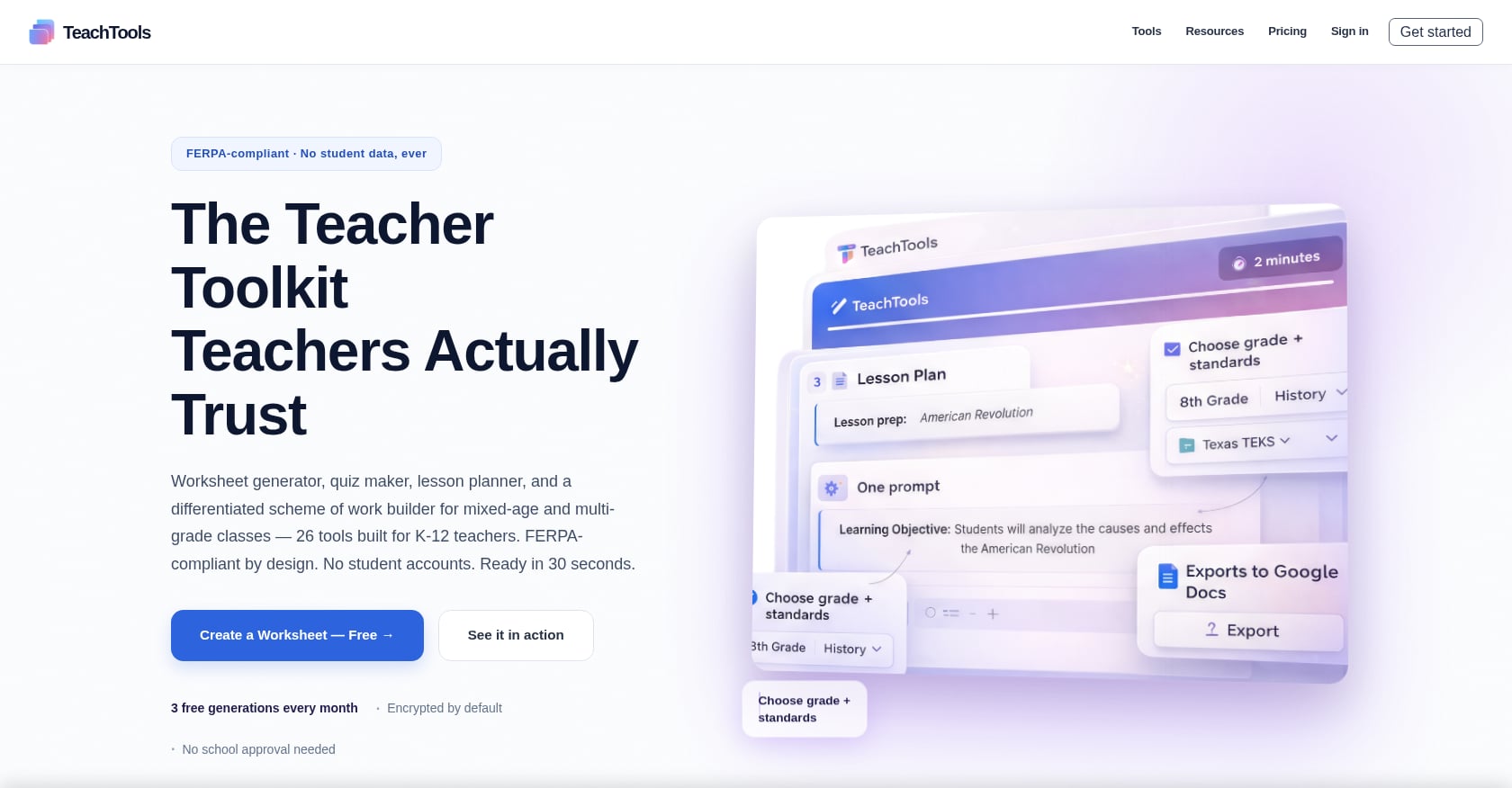
TeachTools Worksheet Generator creates customized worksheets by topic, subject, and grade level in print-ready PDF format. The Quiz/Test Generator builds multiple-choice, short answer, and matching assessments aligned to grade-level standards.
- Simple form inputs (no prompt crafting)
- Consistent formatting across outputs
- Export to PDF and Google Docs
Tradeoffs:
- AI-generated questions need a quick review for accuracy, especially in math and science
- Highly specialized or niche topics may require more editing
- Five free generations per month on the free tier means you’ll want to batch your creation sessions strategically
For teachers in mixed-ability classrooms, combining a worksheet generator with differentiated difficulty levels can save substantial prep time. Our guide on creating differentiated worksheets walks through the process.
3. AI Grading and Feedback Tools
Best for: Tackling the five-to-ten hour weekly grading burden.
An EducationWeek survey found K-12 teachers spend about five hours a week on grading and feedback. Providing high-quality, personalized feedback for every student would require a completely unmanageable 43 to 58 extra hours per week. This is the task where teacher time saving tools make the most dramatic difference.
Brisk Teaching is a Chrome extension that sits inside Google Docs and Google Classroom. You open a student essay, click the extension, and get AI-generated feedback without copy-pasting into a separate app. It’s always free for teachers on standard models, and the company reports that over 300,000 teachers have collectively saved more than 10 million hours. If you grade in Google Workspace, Brisk is hard to beat for in-document feedback.
Gradescope, originally built at UC Berkeley, handles large-class exams, STEM problem sets, and multi-grader coordination. Pricing starts at $1 per student for basic plans, rising to $3 per student for team features. It’s best suited for STEM teachers and higher education. G2 users flag one important limitation: “I don’t like that it can inaccurately grade sometimes which means that teachers have to personally grade.”
TeachTools Easy Grader helps review and score assignments, shifting teacher time from mechanical scoring to meaningful feedback.
The non-negotiable rule: Anything that reaches a parent, ends up in a student’s file, or touches an academic integrity question gets a human read-through first. Practitioners on Reddit are emphatic about this. Budget 10 to 15 minutes per AI-generated feedback pass for review.
For a deeper dive, our article on grading time saving strategies covers both AI and non-AI approaches.
4. Report Card Comment Generators
Best for: Surviving peak reporting cycles without losing your weekends.
Report card season compresses an enormous amount of writing into a few high-pressure days. Teachers often write 25 to 30 individualized comments per class, sometimes across multiple sections. This is a narrowly specialized but deeply valued category of teacher time saving.
TeachTools Report Card Comment Generator drafts personalized, professional comments that you can edit and finalize. Few competitors offer a purpose-built version of this tool. Most teachers either copy from a generic comment bank (which sounds robotic) or write everything from scratch (which takes hours).
- Generates comments based on student-specific inputs
- Professional tone that still sounds like a real teacher
- Exports to formats you can paste into your SIS
Tradeoffs:
- Comments still need personalization, especially for students with unique circumstances
- Don’t let generated comments replace your actual knowledge of the student
- Some schools have specific formatting requirements that may need manual adjustment
For practical guidance on writing better comments faster, check out our piece on quick report card comments.
5. AI Differentiation Tools
Best for: Reaching every reading level without tripling your prep time.
Differentiation is one of those tasks every teacher values and almost no one has enough time to do well. Creating three versions of the same reading passage at different Lexile levels used to mean an entire afternoon of work.
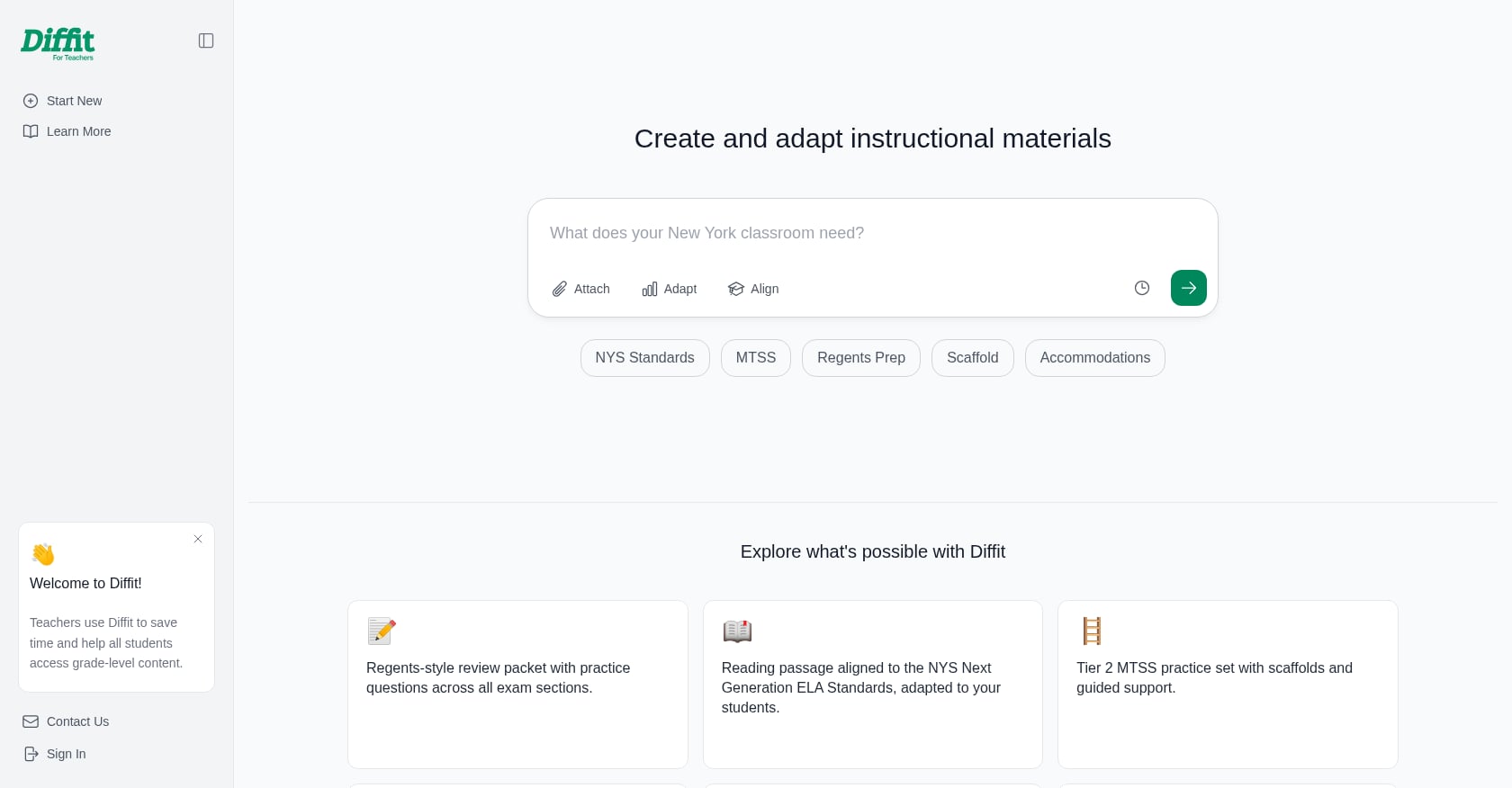
Diffit is the standout specialist here. It’s an AI-powered tool that creates and adapts reading materials, resources, and activities for any topic, text, or reading level. Multiple education reviewers have called it the best differentiation tool available for classroom teachers in 2026.
- Individual subscription: $14.99/month or $149.99/year
- Free basic tier available
- Outputs to PDF and Google Classroom
Tradeoffs:
- Narrow by design. Diffit is not a lesson planner or assessment tool.
- Individual pricing is higher than MagicSchool’s Plus tier
- Best for ELL support and mixed-ability classrooms, less useful if your classes are relatively homogeneous
For teachers who need differentiated worksheets (not just reading passages), the TeachTools Worksheet Generator lets you adjust difficulty level by grade, which covers a related but distinct need.
6. Parent Communication Tools
Best for: Writing professional emails and newsletters in 60 seconds instead of 20 minutes.
Parent communication is a stealth time sink that most teacher productivity guides overlook entirely. A single difficult parent email can eat 30 minutes of careful wording. Multiply that by a few emails a week, plus newsletters, plus announcements, and you’re looking at hours of writing that has nothing to do with instruction.
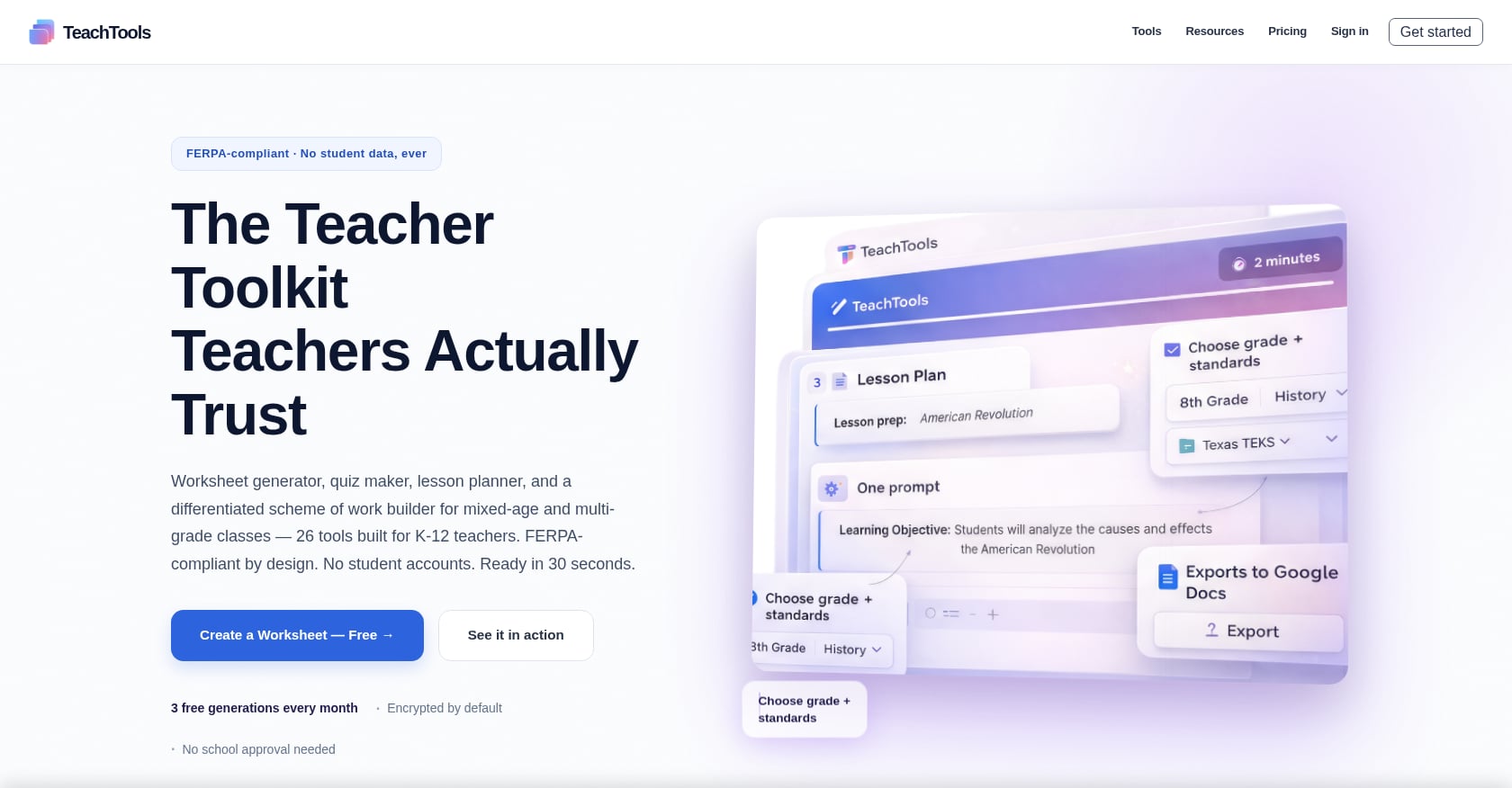
TeachTools has the most comprehensive communication suite among tools reviewed here: a Family Email Generator, Class Newsletter Generator, Professional Email Generator, and Email Response tool. Each takes form-based inputs and produces polished, professional text.
- Covers behavior-related messages, progress updates, event announcements, and general newsletters
- Consistent professional tone
- Part of the same $9/month Pro subscription (no add-on pricing)
Tradeoffs:
- Generated emails still need a personal touch, especially for sensitive conversations
- Your school may have specific communication policies or approved platforms
- Templates can sound formulaic if you don’t customize them
One Reddit thread put it well: the one rule every teacher agrees on is that anything reaching a parent gets a human read-through first. That said, having a polished draft to start from instead of a blank screen is a significant teacher time saving advantage.
7. Rubric Generators
Best for: Clarifying grading criteria upfront so scoring goes faster later.
A good rubric saves time twice: once when students understand expectations clearly (fewer confused emails), and again when you’re grading (decisions are faster with defined criteria).
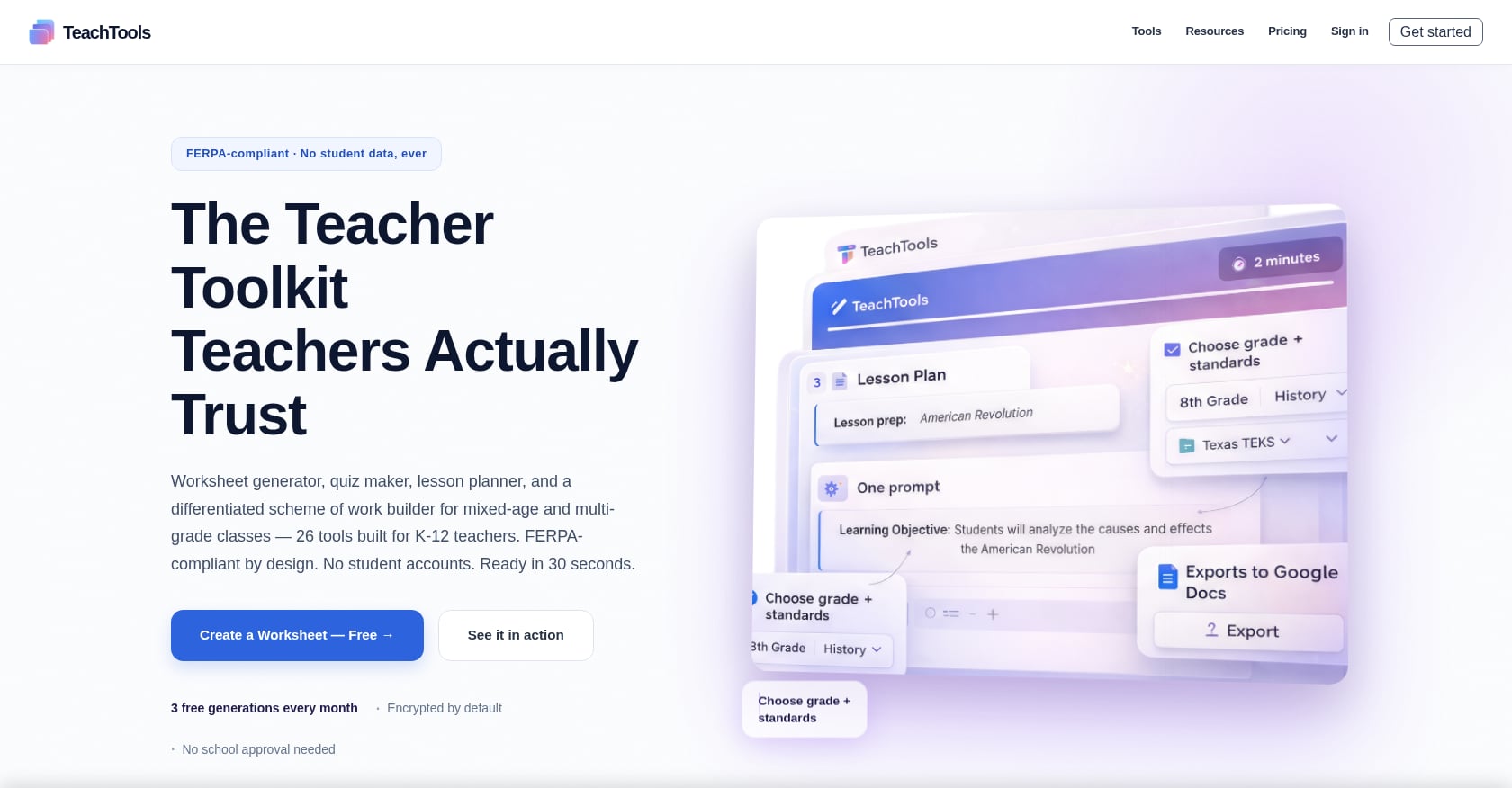
TeachTools Rubric Generator auto-creates detailed rubrics aligned to learning expectations. You input the assignment type and standards, and the tool produces a structured rubric with clear criteria and performance levels.
- Aligned to grade-level expectations
- Reduces grading ambiguity
- Works alongside the Easy Grader for a faster scoring workflow
Tradeoffs:
- Rubrics for highly creative or open-ended projects may need substantial customization
- Not every assignment benefits from a rubric (sometimes a checklist or holistic score is better)
For a complete guide on building rubrics efficiently, see our article on writing meaningful rubrics.
8. Student-Facing AI Tutoring
Best for: Reducing one-on-one reteaching demand so teachers can focus on small groups.
This category works differently from the others. Student-facing AI tutoring tools don’t save teacher prep time directly. Instead, they free up instructional time by handling routine reteaching and practice.
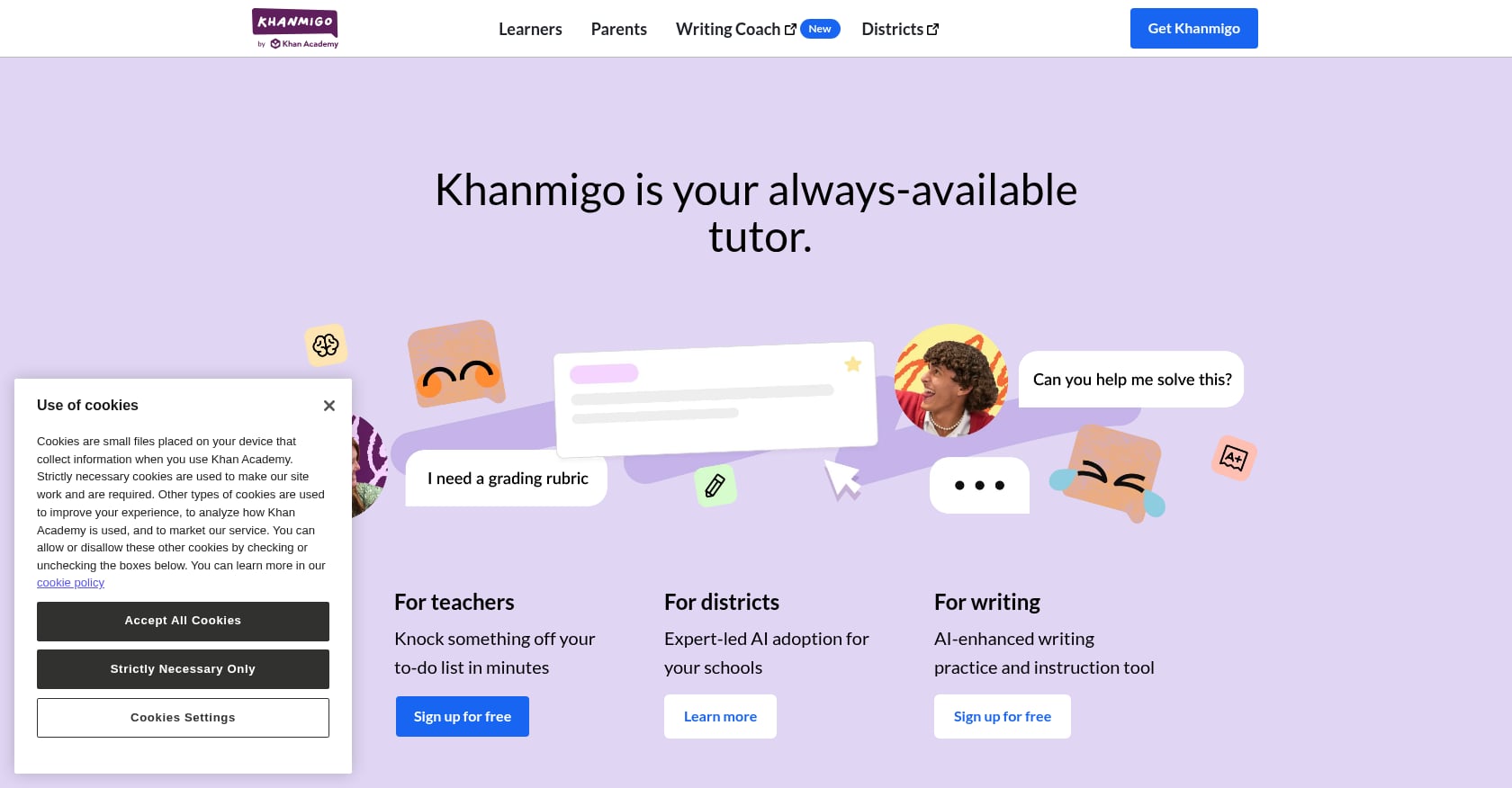
Khanmigo, powered by Khan Academy and supported by Microsoft, is free for teachers in 44+ countries and costs $4/month for students and parents. For math and science teachers specifically, its Socratic tutoring approach is among the best available, with strong content safety standards.
Tradeoffs:
- One Reddit user (a teacher) tried Khanmigo and found it “falls far short” of expectations, noting it struggled with a geometry problem
- It’s not a teacher prep tool, so it doesn’t directly reduce your grading or planning hours
- 69% of teachers say they’ve received no guidance on one-on-one instruction or tutoring tools, so you may be figuring out implementation on your own
Student-facing tools are worth considering as part of a broader teacher time saving strategy, but they shouldn’t be your first adoption if grading and planning are your biggest bottlenecks.
9. Non-AI Time Saving Strategies That Still Work
Best for: Teachers who want immediate wins without adopting new technology.
Not every teacher time saving tactic requires software. These strategies cost nothing and can be implemented this week.
Batch your grading. Grade all copies of one assignment before moving to the next. Context-switching between different assignment types is one of the biggest hidden time costs. Batching keeps your mental rubric consistent and speeds up each paper.
Set communication hours. The 24/7 parent email trap is real. Establish and communicate specific response windows (for example, emails received by 3 PM get a same-day reply; otherwise, next business day). This isn’t rude. It’s sustainable.
Use a “Sunday 30.” Thirty minutes of intentional weekly planning on Sunday prevents scrambling all week. Map out your five days at a high level, identify what materials you need, and flag any gaps. This small ritual pays for itself many times over.
Say no to one committee per semester. This is the hardest one. But every hour spent in an optional meeting is an hour not spent on instruction, rest, or your own family. Protecting your time is not selfish.
Use planning periods for actual planning. It sounds obvious, but email, hallway conversations, and administrative requests have a way of consuming every available minute. Block at least half of your planning period for genuine instructional prep.
These strategies pair well with AI tools. In fact, they’re the foundation. McKinsey estimates AI could automate 20 to 40% of teacher administrative tasks, but the non-automated 60 to 80% still benefits from better habits.
How to Choose Without Getting Overwhelmed
Explore 26 free AI tools for teachers
Browse All Tools →The Reddit advice here is spot on: “Start with whatever is eating the most time this week, lesson prep, slides, or differentiation, and add one tool for that specific gap.” Don’t try to adopt five tools at once. Pick one, use it consistently for a month, and then evaluate.
A quick FERPA checklist before you try any tool:
- Does the tool require student PII (personally identifiable information)? If not, that’s ideal.
- Does the vendor train its AI models on your data? Look for explicit no-training policies.
- Is a Data Processing Agreement (DPA) available for your district?
- What encryption standards are in place for data at rest and in transit?
TeachTools, for example, uses AES-256 encryption at rest, TLS 1.3 in transit, and does not train on user data. The platform is designed so teachers don’t need to input student PII in the first place. For more details, see the FERPA compliance page or our guide on using AI in the classroom without violating FERPA.
One important caveat that practitioners on Reddit raise frequently: saved time can get reabsorbed by rising expectations. If you save two hours on grading, don’t let those hours get filled with new committee obligations. Use recovered time intentionally, whether that means better instruction, more rest, or deeper student relationships.
The 5.9-Hour Opportunity
The data is clear. Teachers who adopt AI tools weekly save nearly six hours every week. That’s 5.9 hours that can go toward actual teaching, professional growth, or simply going home at a reasonable hour. Sixty-four percent of teachers say the materials they modify with AI are better quality, and 57% say AI has improved the quality of their student feedback.
The key is starting small, being honest about what needs human judgment, and treating AI as an assistant rather than a replacement. The tools are genuinely good in 2026. The question isn’t whether they work. It’s whether you’ll give yourself permission to use them.
See TeachTools pricing, start with 5 free generations, no credit card required.
Frequently Asked Questions
How much time can teachers actually save with AI tools?
According to a 2025 Gallup-Walton Family Foundation study, teachers who use AI tools at least weekly save an average of 5.9 hours per week. Over a full school year, that amounts to roughly six additional weeks of time.
Are AI teacher tools FERPA compliant?
It depends on the tool. Look for platforms that don’t require student PII, don’t train on your data, and offer a Data Processing Agreement for districts. TeachTools, MagicSchool AI, Brisk Teaching, and Diffit all claim FERPA compliance, but you should verify each tool’s specific practices against your district’s policies.
What’s the best free AI tool for teachers?
For grading in Google Docs, Brisk Teaching offers a free-forever tier. For all-in-one lesson planning, worksheets, quizzes, and communication, TeachTools offers 5 free generations per month across all 23 tools. Khanmigo is free for teachers who want student-facing tutoring support.
Will AI tools replace teachers?
No. The Gallup data shows that AI improves the quality of teacher work, not that it eliminates the need for teachers. Human review remains essential for anything that reaches students or parents. The consensus among practitioners is that AI handles routine generation while teachers focus on judgment, relationships, and adaptation.
How do I convince my school to approve an AI tool?
Start by using a free tier on your own to gather personal evidence of time saved. Document specific examples (for instance, “lesson planning took 15 minutes instead of 90”). Then present the FERPA compliance details and a Data Processing Agreement to your administration. Many tools, including TeachTools, offer school-level plans with team management and analytics.
What if saved time just gets filled with more work?
This is a real and common concern among teachers. Practitioners on Reddit flag it frequently. The answer is intentionality: decide in advance how you’ll use recovered hours. Communicate boundaries. Saved time should reduce your workload, not expand your to-do list.
Should I use a specialized tool or just ChatGPT?
The consensus from Reddit discussions is that dedicated teacher tools (like TeachTools, MagicSchool, Brisk, and Diffit) outperform generic chatbots for classroom workflows. Purpose-built tools produce more consistently formatted, classroom-ready output with less editing. Generic chatbots are more flexible but require prompt engineering and heavy reformatting.
How many AI tools should I use at once?
Start with one. Experienced teachers on Reddit recommend identifying your single biggest time drain, adopting one tool for that task, and using it for at least a month before adding anything else. Trying to learn five tools simultaneously is a recipe for abandoning all of them.