How to Use AI to Support English Learners: Scaffolds 2026

TL;DR
More than 5.3 million English learners attend U.S. public schools, and their teachers are stretched thin. AI tools can generate scaffolded materials (leveled texts, sentence frames, vocabulary games, translated family communications) in minutes instead of hours. This guide covers eight specific strategies for using AI to support English learners with scaffolded materials, maps each strategy to WIDA proficiency levels, and compares the best tools by price, privacy, and ease of use. Teachers who use AI weekly report saving nearly six hours per week, so the payoff is real.
Why AI Scaffolding Matters for English Learners Right Now
In fall 2021, English learners made up nearly 11 percent of total K-12 enrollment, with 14.7 percent of kindergarteners classified as ELs. That population is growing in 38 states. Meanwhile, teachers spend an estimated 40 percent of their working hours on tasks outside direct instruction, and those who differentiate across multiple proficiency levels can easily double the 3-5 hours per week that average teachers spend creating custom materials.
AI changes that math. According to a 2025 Walton Family Foundation/Gallup survey, teachers who use AI tools at least weekly save an average of 5.9 hours per week, amounting to roughly six weeks over the course of a school year. And 64 percent of those teachers say AI improves the quality of materials adapted to meet student needs.
The catch: 68 percent of teachers surveyed said they received no training on AI tools during the 2024-25 school year. Roughly half taught themselves. That training gap explains why form-based tools that skip prompt engineering matter so much for busy ELL teachers.
Create scaffolded worksheets in minutes with TeachTools’ Worksheet Generator, no prompt engineering required.
This article walks through eight concrete ways to use AI to support English learners with scaffolded materials, organized by the type of scaffold rather than by tool name. Each strategy includes the pedagogical rationale, specific tools, honest limitations, and tips for matching scaffolds to student proficiency levels.
At-a-Glance Tool Comparison
Before getting into strategies, here is a quick comparison of the tools referenced throughout this article.
| Dimension | TeachTools | Diffit | MagicSchool AI | Brisk Teaching | ChatGPT |
|---|---|---|---|---|---|
| Best for | Print-ready worksheets, quizzes, vocabulary games, family emails | Text leveling and differentiated reading passages | Large tool suite with 80+ options | Google Workspace integration | Flexible open-ended prompting |
| Free tier | 5 generations/month, all 23 tools | Generous free tier with most features | Free for individual teachers | Free Chrome extension | Free tier with GPT-4o mini |
| Paid price | $9/month Pro (unlimited) | $14.99/month | Custom school pricing | School licensing | $20/month Plus |
| FERPA posture | FERPA-supportive; no student PII required; DPA available | FERPA and COPPA compliant | FERPA, COPPA, SOC-2 compliant | FERPA compliant | Not FERPA-certified |
| Key ELL scaffold | Differentiated worksheets, quizzes, vocab games, translated emails | Leveled reading passages, vocabulary lists | Sentence starters, text leveling, IEP support | Text translation (48+ languages), in-doc leveling | Anything you can prompt for |
| Export format | PDF, Google Docs | Google Docs, Slides, Forms, PDF | Google Docs, Slides | Inline in Google Workspace | Copy/paste only |
| Prompt engineering needed? | No (form-based inputs) | Minimal (select grade/level) | Minimal (guided forms) | Minimal (highlight + click) | Yes (significant) |
Now, onto the strategies.
1. Level and Simplify Reading Texts by Proficiency
Best for: Making grade-level content accessible across WIDA Levels 1-5
Reading is where the scaffolding need hits hardest. A 5th-grade science textbook written at a Lexile level of 900 is inaccessible to a newcomer student at WIDA Level 1, but that student still needs to learn the same content. Traditionally, teachers spent hours manually rewriting passages at multiple reading levels. AI tools now do this in seconds.
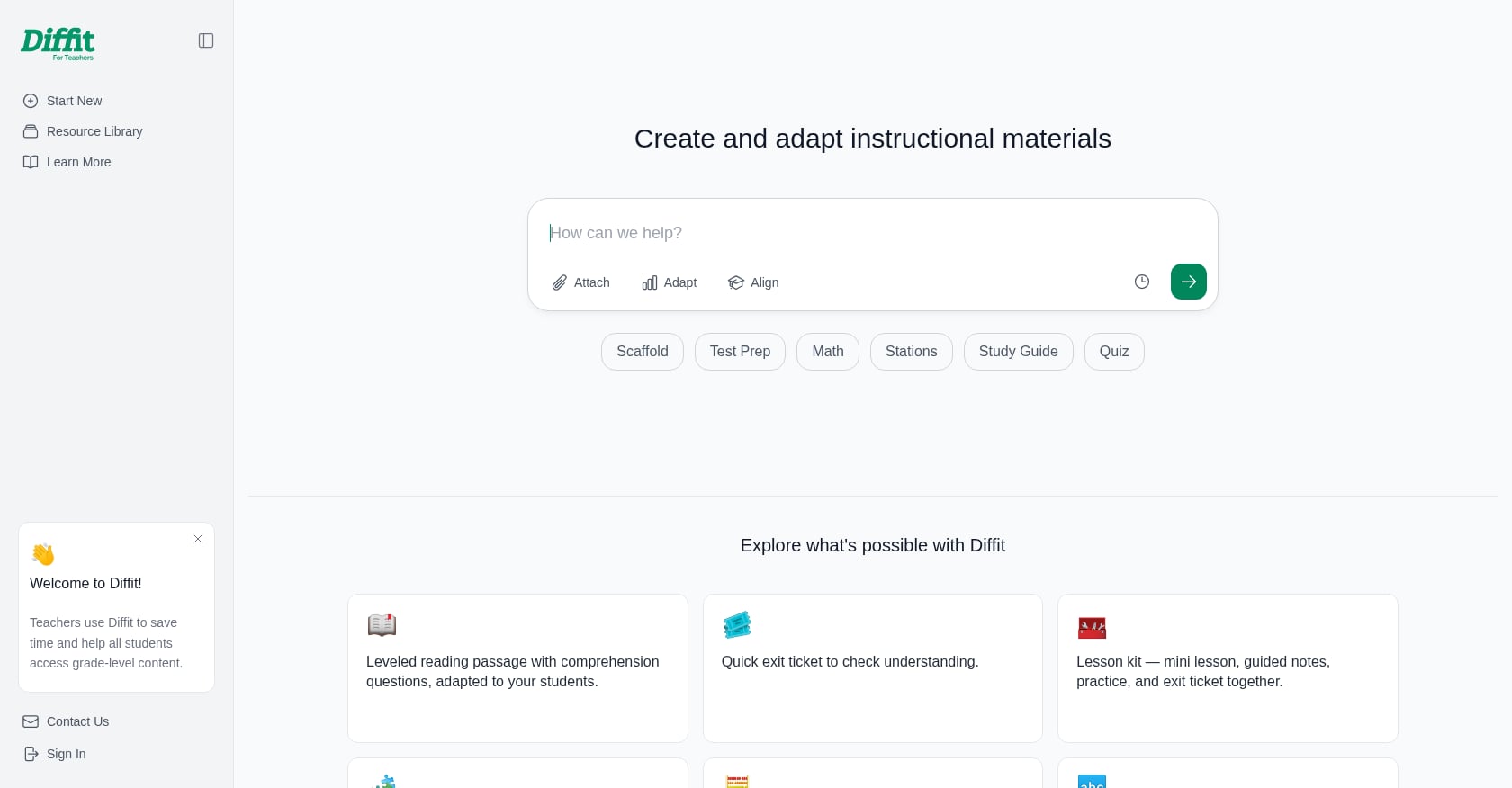
Diffit is the market leader for text leveling. You paste in a URL, upload a document, or describe a topic, and it generates reading passages at multiple grade-band levels complete with vocabulary highlights and comprehension questions. One reviewer on an education forum noted that Diffit “does one thing and does it exceptionally well,” with teachers reporting 2-5 hours saved per week when they regularly adapt materials.
For teachers who need comprehension worksheets to accompany leveled texts, the TeachTools Worksheet Generator produces customized, print-ready activities by topic, subject, and grade level. You select the difficulty, and the output comes formatted for immediate use, no copy-paste cleanup required.
Practical prompt for ChatGPT/Claude: “Rewrite the following paragraph about photosynthesis at a 2nd-grade reading level. Keep the terms ‘chlorophyll’ and ‘carbon dioxide’ but simplify all surrounding language. Add a 5-word vocabulary bank with simple definitions.”
Limitations to know:
- Automated text leveling is all-or-nothing. You cannot easily tell the tool “keep this specific vocabulary word but simplify everything else.” Sometimes it simplifies a term you actually wanted students to learn.
- Readability scores are approximations. Always read the output through the lens of your specific students.
- Cultural context can get flattened. A passage about a quinceañera, simplified to a 1st-grade level, might lose the cultural specificity that makes it relevant to your students.
2. Generate Sentence Frames, Stems, and Word Banks
Best for: Supporting academic writing and discussion for students at WIDA Levels 1-3
Sentence frames model English grammar and syntax while exposing students to content-area vocabulary. They let students focus on what they want to communicate rather than struggling with how to phrase it. For a student at WIDA Level 1, a frame like “The character felt ___ because ___” provides the structural runway for meaningful participation.
MagicSchool AI includes a dedicated Sentence Starter tool that generates frames for any topic. Teachers input the subject and context, and the tool returns a list of starters calibrated to the discussion type (compare/contrast, cause/effect, opinion, etc.).
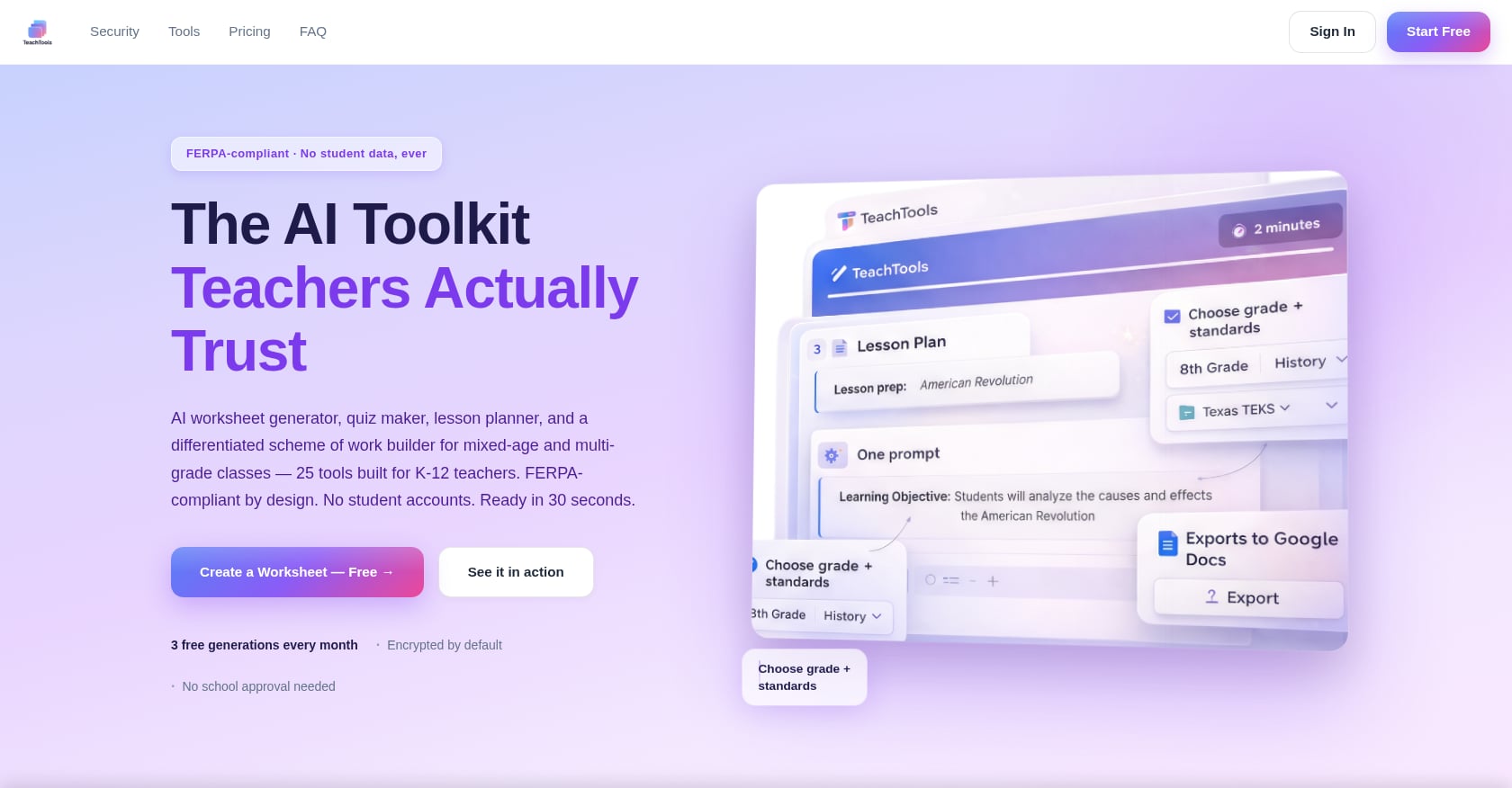
TeachTools’ Worksheet Generator can also produce worksheets with embedded sentence frames and word banks when you specify the topic and difficulty level. The form-based input means you don’t need to write a detailed prompt. Just select the grade, subject, and difficulty, and the output includes the scaffolding structures your ELLs need.
Critical nuance that most guides miss: Sentence frames should be temporary scaffolds, not permanent crutches. As the organization AchieveTheCore warns, making sentence frames mandatory for all students or using them too frequently can stunt creativity and lead to parroting of phrases rather than deeper thought. The goal is always to build toward independent expression.
What this looks like in practice:
- WIDA Level 1-2: Full sentence frames with word banks (“The main idea is ___ . One detail is ___ .”)
- WIDA Level 3: Sentence stems with partial structure (“According to the text, ___ because ___”)
- WIDA Level 4-5: Academic discussion starters only (“The evidence suggests…” or “A counterargument would be…”)
For more ideas on teaching English language learners, including vocabulary and discussion strategies, see our full teacher’s guide.
3. Create Standards-Aligned Scaffolded Lesson Plans
Best for: Building full instructional sequences with built-in ELL supports
Planning a single lesson that works for native English speakers and students across four proficiency levels is one of the most time-consuming tasks in education. AI can generate unit or lesson outlines aligned to standards, with scaffolds baked in: activity ideas, discussion prompts, text summaries for building background knowledge, and adjustments for multiple proficiency levels.
MagicSchool AI’s lesson planning tools generate editable drafts that include scaffolded versions for multilingual learners, handouts with images for visual reference, and exit tickets. Practitioners on G2 report that the platform “helps unpack standards, create aligned and rigorous questions, and provide customizable scaffolding and support” including text leveling and EB vocabulary support.
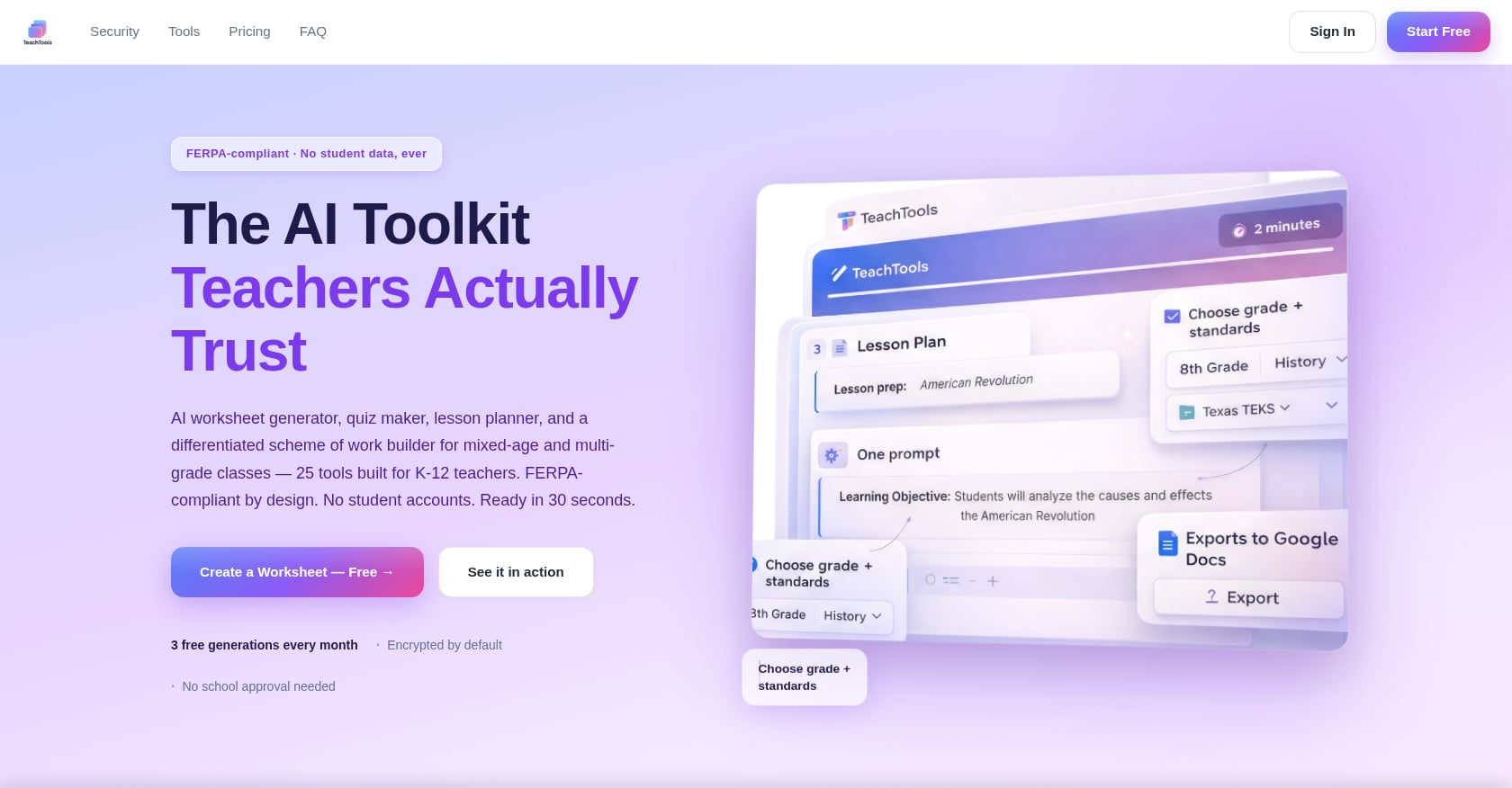
TeachTools’ Lesson Plan Generator takes a simpler approach: you input the topic, grade, and difficulty, and it produces a full lesson plan with objectives, activities, and assessments. The output exports to PDF or Google Docs, ready for your planning binder or shared drive.
Limitations:
- AI-generated lesson plans are drafts, not finished products. You will always need to adjust for your specific classroom dynamics, available materials, and the particular proficiency mix of your students.
- Standards alignment is approximate. Double-check that the generated plan actually maps to your state or district standards, not just a generic version.
- Background knowledge sections may include assumptions that don’t match your students’ cultural and linguistic experiences.
For guidance on creating assessments aligned to learning objectives, which pairs well with scaffolded lesson planning, see our assessment alignment guide.
4. Build Differentiated Worksheets and Assessments
Best for: Giving ELLs a fair chance to demonstrate content knowledge
A single quiz written at one reading level penalizes English learners who understand the content but cannot parse the question language. Teachers need multiple versions of the same assessment, fast, so that a WIDA Level 2 student taking a science quiz is assessed on science knowledge, not reading comprehension.
This is where AI-powered generators pay for themselves. You type in the subject, topic, grade level, and question format, and the tool returns a full worksheet or quiz with questions, instructions, and often an answer key. The whole process takes a few minutes. Creating differentiated versions of the same material is one of the most valuable features of these tools.
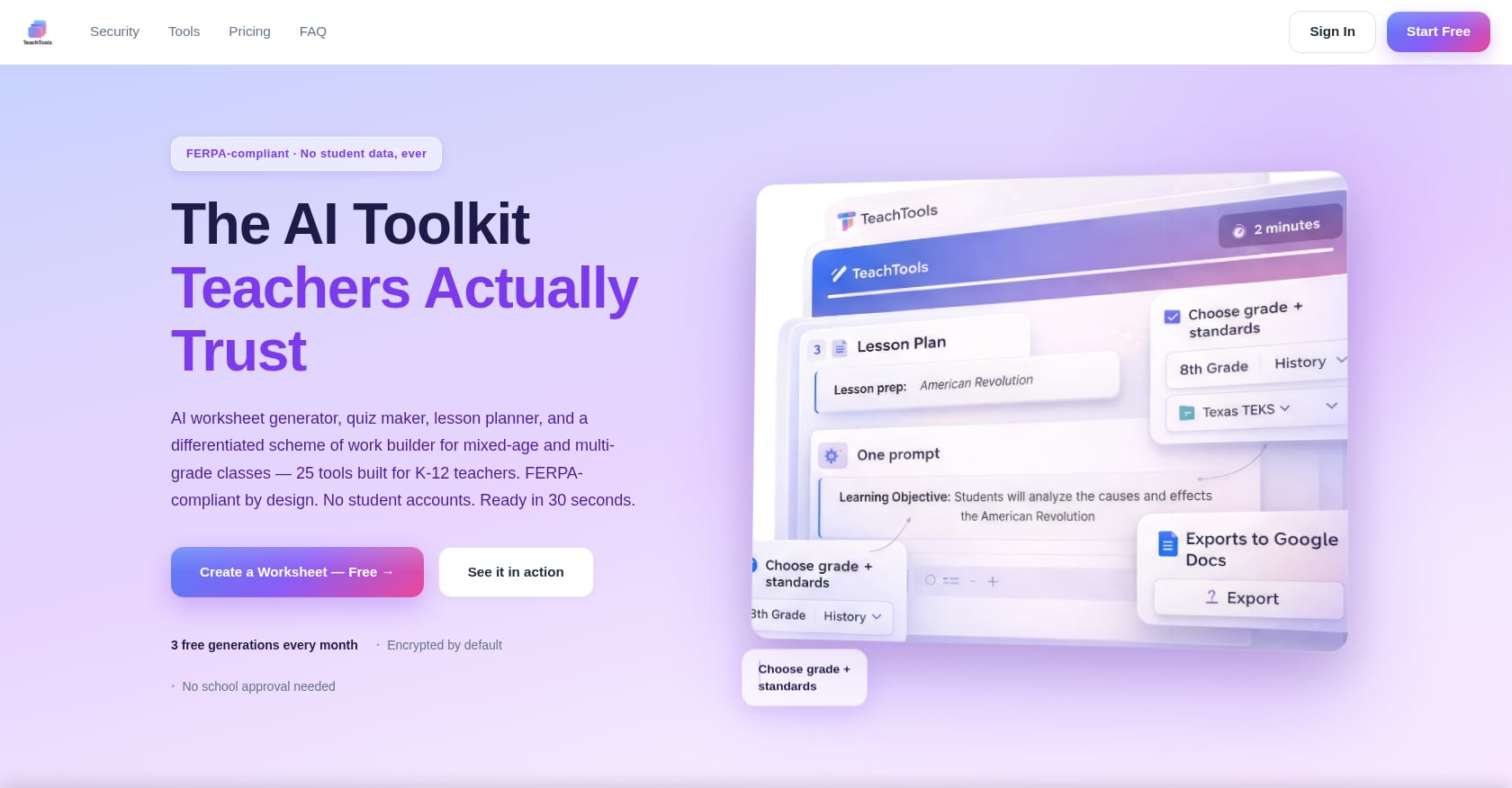
The TeachTools Quiz Generator builds multiple-choice, short answer, and matching assessments by topic and difficulty level. Because inputs are form-based, teachers who have never written a prompt can create a Level 1 version (simpler vocabulary, image support, word banks) and a Level 4 version (more complex syntax, open-ended questions) of the same content assessment in under ten minutes. If you need tips on customizing quiz difficulty for elementary, middle, and high school, we have a separate walkthrough.
Diffit also generates comprehension questions alongside its leveled texts, making it a natural choice when the assessment is tied directly to a reading passage.
Practitioner perspective: An EdSurge profile featured a teacher named Homer who, by using Diffit for differentiation and Gradescope for assessments, cut administrative tasks by five to six hours per week. That kind of time savings is especially meaningful for ELL teachers who serve students across three or four proficiency levels in a single period.
Limitations:
- Auto-generated answer keys sometimes contain errors, particularly in open-ended or short-answer formats. Always review before distributing.
- Multiple-choice distractors can be culturally confusing. An AI might generate options that rely on idiomatic English or U.S.-specific cultural knowledge that newcomer students lack.
- Over-scaffolding assessments can mask gaps. If every question includes a word bank, you may not get an accurate picture of vocabulary acquisition.
5. Translate and Localize Family Communications
Best for: Engaging multilingual families and building home-school connections
With Spanish as the home language for 76.4 percent of all EL students, and hundreds of other languages represented across U.S. schools, family communication in English alone shuts out the families who most need to be partners in their children’s education.
AI translation has improved dramatically. TalkingPoints provides two-way automatic translation in over 150 languages, designed specifically for school-to-family messaging. Brisk Teaching, a free Chrome extension, translates content into 48+ languages while also leveling text for different proficiencies. MagicSchool’s Text Translator covers 98 languages.
TeachTools offers a Text Translator tool alongside dedicated family email and class newsletter generators that produce professional, ready-to-send communications. The combination means you can draft a parent update about an upcoming field trip, translate it, and export it as a PDF, all without switching between tools.
Important warning from Colorín Colorado: Translation technology “can open up communication with newcomers, scaffold instruction, and support family engagement. At the same time, it isn’t foolproof and it can also impede students’ language development if they and/or their teachers over-rely on it.” Use translation to bring families into the conversation, not to replace the student’s own language development work.
Limitations:
- Machine translation still struggles with low-resource languages (Karen, Marshallese, certain indigenous languages). For these, a human interpreter remains necessary.
- Tone and formality vary across cultures. A direct English email translated to Korean may come across as blunt. Review translations with bilingual staff when possible.
- Never send sensitive communications (discipline, special education, immigration-related topics) through AI translation alone. These require certified interpreters.
6. Produce Vocabulary-Building Games and Activities
Best for: Low-stakes, repeated exposure to academic vocabulary at all proficiency levels
English learners need to encounter new words 10-15 times in varied contexts before those words stick. Vocabulary games like crossword puzzles, word searches, and bingo boards create engaging, low-pressure practice opportunities. They also work well as warm-ups, early finisher activities, or homework.
TeachTools has dedicated Bingo card, crossword, and word search generators that produce printable activities aligned to any topic and grade. You enter the vocabulary list and subject area, and the tool creates a formatted, print-ready PDF. This matters because many ELL classrooms serve students without individual devices, making printable materials a requirement, not a luxury.
ChatGPT and Claude can also generate vocabulary games, but the output typically requires significant formatting cleanup before it is classroom-ready. Teachers on Reddit have noted that generic chatbot outputs often need 15-20 minutes of reformatting in a word processor, which defeats the purpose of using AI for time savings.
How to calibrate by proficiency level:
- WIDA Level 1-2: Picture-based vocabulary matching, word searches with visual clues, bingo with images
- WIDA Level 3: Crosswords with simple definitions as clues, fill-in-the-blank with word banks
- WIDA Level 4-5: Crosswords with context-clue sentences, vocabulary application in short writing tasks
Limitations:
- Game generators work best with concrete, defined vocabulary lists. If you give vague instructions (“make a crossword about the water cycle”), the tool might include terms that are too advanced or too basic.
- These are practice activities, not instruction. Students still need explicit vocabulary teaching before the game reinforces it.
7. Draft ELL-Sensitive Feedback and Report Card Comments
Best for: Writing personalized, growth-oriented comments that acknowledge language development stages
Report card season is brutal. Teachers with large ELL populations need comments that acknowledge what students can do at their current proficiency level while identifying specific next steps. Writing “needs improvement in reading” for a WIDA Level 2 student misses the point entirely. That student may have made extraordinary growth from Level 1.
AI comment generators help teachers draft personalized, professional feedback faster. The TeachTools Report Card Comment Generator produces comments that teachers can calibrate to subject, grade, and student needs. The Easy Grader tool speeds up the grading loop so more time goes to meaningful feedback.
If you are looking for ready-made language for ESL report card comments organized by skill level, our guide breaks down what to write for each proficiency stage.
A teacher quoted by EdWeek described how she uses AI to tailor feedback: “We have a large population of English language learners, with 86 percent of my student population being Hispanic, and I go in there and tailor lessons more to them or to my students on IEPs.”
Limitations:
- AI-generated comments can sound generic if you don’t add specific student details. Use the AI output as a starting draft, then personalize with concrete examples of what the student did.
- Be careful with deficit language. AI models sometimes default to framing ELL status as a problem rather than a stage of development. Edit any comment that positions bilingualism as a deficiency.
- Never include information about a student’s immigration status, home language, or family composition in AI tools that are not FERPA-compliant.
8. Scaffold Speaking and Listening Practice with AI Partners
Best for: Giving students low-pressure conversation practice outside class time
Some AI tools focus on pronunciation and speaking practice, giving students a conversation partner that never runs out of patience and never judges. Tools like Gliglish provide AI tutoring for independent oral practice. ChatGPT’s voice mode allows students to have back-and-forth conversations on any topic. MagicStudent offers structured AI tutoring designed for school settings.
A study published in NIH/PubMed found that among 150 EFL learners over 16 weeks, the group using AI with teacher scaffolding “achieved significantly greater and more sustained proficiency gains than both the AI Only and Control groups.” The key phrase there is “with teacher scaffolding.” AI speaking tools work best when teachers frame the task beforehand and debrief afterward.
How to structure AI speaking practice:
- Before: Give students a specific speaking prompt, target vocabulary, and sentence frames to use during the conversation.
- During: Students practice with the AI tool for 5-10 minutes.
- After: Debrief as a class. Ask students what phrases they used, what was difficult, and what they want to practice next.
Limitations:
- AI pronunciation feedback is imperfect, especially for speakers of tonal languages or languages with sounds not found in English.
- Student-facing AI tools raise additional privacy concerns. Verify that any tool students interact with directly is age-appropriate and compliant with both FERPA and COPPA.
- Without teacher framing, students may default to simple yes/no exchanges that don’t push language development forward. The research is clear: qualitative findings highlight “teacher scaffolding’s pivotal role in contextualizing AI feedback, mitigating algorithmic rigidity.”
WIDA Proficiency Level Scaffold Mapping Table
Explore 26 free AI tools for teachers
Browse All Tools →No other guide maps specific AI scaffold types to WIDA proficiency levels. Use this table to match the right scaffold to each student’s current stage of English language development.
| WIDA Level | Description | Recommended AI Scaffolds | Suggested Tools |
|---|---|---|---|
| Level 1: Entering | Single words, memorized phrases | Visual vocabulary cards, word banks with images, picture-based matching, bilingual word lists | TeachTools Bingo/Word Search, Diffit (lowest level), translation tools |
| Level 2: Emerging | Short phrases, simple sentences | Sentence frames with word banks, simplified texts, matching activities, illustrated worksheets | TeachTools Worksheet Generator, MagicSchool Sentence Starters |
| Level 3: Developing | Simple and some complex sentences | Sentence stems (partial frames), leveled reading passages, fill-in-the-blank with context clues, crossword puzzles | Diffit, TeachTools Crossword Generator, ChatGPT with specific prompts |
| Level 4: Expanding | Variety of sentence lengths, approaching grade-level | Academic discussion starters, close reading guides, peer editing checklists, open-ended writing prompts | MagicSchool, TeachTools Quiz Generator (medium difficulty), Brisk Teaching |
| Level 5: Bridging | Near grade-level, specialized academic language | Grade-level texts with glossary support, peer discussion rubrics, self-assessment tools, academic writing feedback | ChatGPT/Claude for feedback, TeachTools Report Card Comments |
Guardrails: What Can Go Wrong and How to Prevent It
Using AI to support English learners with scaffolded materials is powerful, but it comes with real risks. Here is what to watch for.
Over-reliance on translation can replace instruction. If students receive every assignment translated into their home language, they lose the productive struggle that drives language acquisition. Use translation for family communication and for building background knowledge. For assignments, provide scaffolds in English so students are always working in the target language with support.
AI output needs human review for cultural sensitivity. AI models are trained on internet text, which means they can produce content that reflects stereotypes, uses culturally inappropriate examples, or misrepresents cultural practices. Always read through generated materials with your specific student population in mind.
Never input student personally identifiable information into non-FERPA tools. ELL student data is particularly sensitive because it may include immigration status, home language, and family composition. Tools like ChatGPT are not FERPA-certified. TeachTools is designed to be FERPA-supportive and does not require student PII to function, making it a safer choice for generating student-specific materials. For a deeper dive on using AI without violating FERPA, read our compliance guide.
AI plus teacher scaffolding beats AI alone. An MDPI systematic review covering 14 studies found that AI tools, when implemented thoughtfully, can reduce cognitive load, foster ideation, and support self-regulated learning, but only without undermining student autonomy. The research consistently shows that teacher guidance around AI-generated materials produces better outcomes than handing students AI tools and walking away.
Scaffold removal matters. The whole point of scaffolding is that you take it down once the building can stand on its own. Periodically reassess whether a student still needs sentence frames, word banks, or simplified texts. If a WIDA Level 3 student is still receiving Level 1 scaffolds six months later, the support has become a barrier.
Getting Started: Your First Week
Pick one strategy from this list. Just one. Try it with one class or one lesson. Assess the output against what you know about your students. Then iterate.
A good starting point for most ELL teachers is Strategy 4 (differentiated worksheets and assessments) because the time savings are immediate and visible. Generate a quiz at two difficulty levels, print them both, and see how your students respond.
If family engagement is your bigger pain point, start with Strategy 5 and send your next parent communication in both English and a home language.
The tools will get better. Your prompts will get sharper. And your students will get materials that actually meet them where they are.
Explore all 23 AI tools built for teachers at TeachTools, with a free tier that includes 5 generations per month and no credit card required.
Frequently Asked Questions
Do I need to know prompt engineering to use AI for ELL scaffolding?
No. Several tools, including TeachTools and Diffit, use form-based inputs where you select the topic, grade, and difficulty level. This design specifically addresses the 68 percent of teachers who received no AI training during the 2024-25 school year. If you can fill out a form, you can generate scaffolded materials.
Which AI tool is best for creating scaffolded materials for English learners?
It depends on the scaffold type. Diffit is the strongest option for leveling reading passages. TeachTools is best for print-ready worksheets, quizzes, vocabulary games, and family communications. MagicSchool AI offers the widest range of tools (80+), though G2 reviewers note that the sheer number can feel overwhelming. Many teachers combine two tools rather than relying on one.
Is it safe to use AI tools with English learner data?
Only if the tool is FERPA-compliant or, better, designed so that you never need to enter student PII in the first place. TeachTools does not require student names, ID numbers, or personal details to generate materials. Its FERPA-supportive design and available Data Processing Agreement make it appropriate for school use. For general chatbots like ChatGPT, avoid entering any student-identifiable information.
How do I align AI-generated scaffolds to WIDA proficiency levels?
Use the WIDA mapping table in this article as a starting framework. For Level 1-2 students, generate materials with heavy visual support, word banks, and full sentence frames. For Level 3-4, shift to sentence stems and leveled reading passages. For Level 5, provide grade-level texts with glossary support and academic discussion starters. Always verify that the AI output matches the complexity appropriate for each level.
Can AI-generated scaffolded materials replace specialized ELL instruction?
No. AI tools produce materials, not pedagogy. A worksheet with sentence frames is only effective if a teacher introduces the frames, models their use, provides practice opportunities, and gradually removes the scaffold. Research consistently shows that AI with teacher scaffolding outperforms AI alone.
What about students who don’t have devices? Are AI-generated materials still useful?
Yes, and this is actually a strength of tools that export to PDF. Many ELL classrooms, particularly those serving newcomer students, rely heavily on print materials. TeachTools and Diffit both export to printable formats, so you generate the material on your computer and hand students a physical worksheet, quiz, or vocabulary game.
How much time will I actually save using AI for ELL scaffolding?
The 2025 Gallup/Walton Family Foundation data shows that teachers using AI weekly save an average of 5.9 hours per week. For ELL teachers who differentiate across multiple proficiency levels, the savings may be even greater since you are generating multiple versions of the same material in minutes instead of hours.
What are the biggest risks of using AI to scaffold for English learners?
Three main risks: over-reliance on translation (which can replace rather than support language development), cultural insensitivity in AI-generated content (which requires human review), and data privacy violations (which require using FERPA-supportive tools). Start with the guardrails section of this article and build your review habits early.