How to Generate Short Formative Quizzes for Remote Learning

TL;DR
Short formative quizzes are one of the most effective ways to check student understanding during remote learning, and AI tools now let you generate them in minutes. This guide walks through the research behind retrieval practice, a five-step workflow for creating and delivering quizzes at a distance, and honest breakdowns of seven tools (from free to paid) that handle the job. It also covers the FERPA and privacy questions that most guides skip entirely.
At-a-Glance Comparison
| Tool | Starting Price | AI Generation | Async Mode | LMS Integration | FERPA Stance | Best For |
|---|---|---|---|---|---|---|
| TeachTools | Free (5 gen/mo); $9/mo Pro | Yes, form-based | Export PDF/Docs | Export only | FERPA-supportive, DPA available | Print-ready, privacy-first K-12 |
| Quizizz/Wayground | Free; $5/mo Super | Yes (paid tiers) | Homework mode | Google Classroom, Canvas, Schoology | Compliant | Gamified live + self-paced |
| Kahoot! | Free; ~$3-6/mo educator | Yes ($20/mo tier) | Challenge mode | Teams, Google Classroom | Claims compliance | High-energy review sessions |
| Conker AI | Free; $3.99/mo | Yes, core feature | Share codes/Forms | Canvas, Google Classroom, Clever | Not specified | Standards-aligned quizzes on a budget |
| Formative | Free; Paid Teacher plan | Yes (Luna AI) | Student-paced | Clever, ClassLink, Google Classroom | FERPA + COPPA compliant | Real-time data + feedback |
| MagicSchool AI | Free; $8.33/mo annual | Yes, core feature | Student rooms | Google Classroom, Canvas, Schoology | FERPA, COPPA, SOC-2 | All-in-one AI educator platform |
| Google Forms | Free | No (manual) | Always async | Google Classroom native | Workspace for Edu compliant | Zero-cost, zero-friction baseline |
Prices reflect publicly listed rates as of mid-2026. Check each provider’s site for current pricing.
Why Short Formative Quizzes Matter More in Remote Learning
When you teach in person, you read the room constantly. A furrowed brow during a worked example, the silence after a question that should have been easy, the side conversations during partner work. Remote learning strips all of that away. A grid of muted camera tiles tells you almost nothing about comprehension.
Short formative quizzes fill that gap. They give you data you can act on, sometimes within the same class period.
The research backs this up convincingly. A meta-analysis by Rowland (2014) found that retrieval practice produced a mean effect size of g = 0.50 compared to simply re-reading material. That is a meaningful bump in retention. Even more useful for quiz design: a study published in Mind, Brain, and Education found that short-answer formats produced learning gains of g = 0.638, while matching and fill-in-the-blank formats pushed even higher (g = 0.913 and g = 0.773, respectively). The question type you choose actually matters.
Alice Keeler, whose teacher tech blog is widely cited in education circles, puts the purpose plainly: “The purpose of formative assessment is not to put a grade in the gradebook. When we are teaching we want to collect evidence and data as to how the students are understanding the material. We then use that evidence to form or change what we do next.”
This distinction between formative and summative is critical in remote settings. You are not trying to catch students cheating on a high-stakes exam from their bedroom. You are running a quick diagnostic so you know what to teach next. That shift in purpose changes everything about how you design and deliver these quizzes.
One practitioner blogger describes an approach that makes particular sense for remote contexts: making formative quizzes open-note, open-book, and open-internet, with the emphasis being on engaging with concepts and vocabulary students don’t yet know. When proctoring is impractical, this philosophy turns a limitation into a learning feature.
If you want to explore how assessments connect to broader learning goals, our guide on creating assessments aligned to objectives goes deeper on that front.
The 5-Step Workflow for Generating Remote Formative Quizzes
Most articles about formative quiz tools give you a list and leave you to figure out the process yourself. Here is the actual workflow, from blank screen to adjusted instruction.
Step 1: Choose Your Source Material
Start with what you need to assess. That might be a specific standard (NGSS, TEKS, Common Core), a chapter from a textbook, a video students watched asynchronously, or a concept from your lesson plan. The tighter your source material, the better your quiz questions will be.
Step 2: Generate Questions With an AI Tool
Feed your topic, grade level, difficulty, and preferred question types into an AI quiz generator. Form-based tools (where you fill in fields rather than writing a prompt from scratch) tend to produce more consistent results and save you the trial-and-error of prompt engineering. Most tools let you choose from multiple-choice, short answer, true/false, matching, and fill-in-the-blank.
Aim for 5 to 8 questions. That is enough to surface misunderstandings without eating into instructional time.
Step 3: Review and Edit
This step is non-negotiable. AI-generated questions are a draft, not a finished product. Practitioners on review sites and forums consistently caution that AI output needs human review. As one reviewer put it, “there’s almost no independent classroom feedback to confirm whether the AI output is educationally solid or just looks right on the surface.” Check for accuracy, ambiguous wording, grade-level appropriateness, and alignment to what you actually taught.
Step 4: Deliver (Synchronous or Asynchronous)
Remote learning splits into two modes, and different delivery methods serve each:
Synchronous (live session): Share a join code or link during your Zoom or Google Meet. Students complete the quiz in real time while you monitor responses. Tools with live dashboards (Quizizz, Kahoot!, Formative) work best here.
Asynchronous (independent study): Post the quiz to your LMS, email a link, or share a PDF through Google Classroom. Students complete it on their own schedule. This is where exported PDFs and Google Docs shine, since they work regardless of internet stability. For more ideas on structuring remote activities across both modes, see our collection of remote learning activities for K-12.
Step 5: Review Results and Adjust Instruction
The whole point of formative assessment is the “formative” part. Look at which questions students missed, identify patterns, and change what you do next. If 60% of the class missed the same concept, that is not a student problem. That is a signal to reteach.
Tools with built-in analytics make this faster, but even a quick scan of a Google Form’s response summary can tell you what you need to know.
Try TeachTools’ Quiz Generator free to walk through this workflow yourself.
7 Best Tools to Generate Short Formative Quizzes for Remote Learning
Explore 26 free AI tools for teachers
Browse All Tools →1. TeachTools Quiz Generator
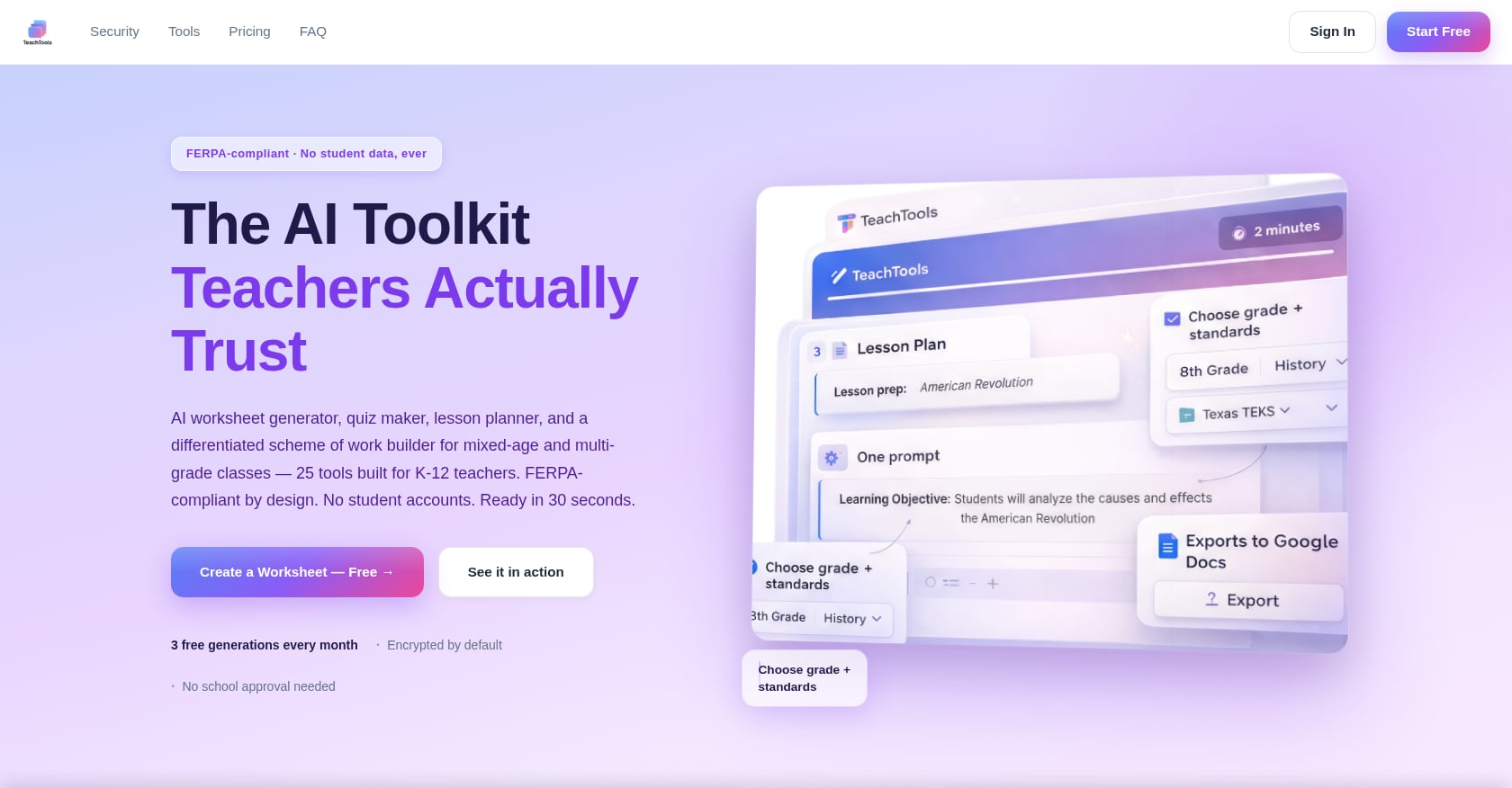
Best for: K-12 teachers who want print-ready, consistently formatted quizzes without learning prompt engineering.
TeachTools takes a form-based approach to quiz generation. You select your topic, grade level, difficulty, and question type, then the tool produces a formatted quiz ready for export.
Pricing:
- Free: $0, 5 generations per month across all 23 tools, PDF and Google Docs export
- Pro: $9/month, unlimited generations, priority support
- School: Custom pricing with team management and analytics
Key features:
- Multiple-choice, short answer, and matching question types
- Aligned to grade and standards selections
- Simple form inputs (no prompt engineering required)
- PDF and Google Docs export for easy remote distribution
- Subscription pause option during school breaks
Privacy and compliance:
- FERPA-supportive design with no student PII required
- AES-256 encryption at rest, TLS 1.3 in transit
- OpenAI API with no training on user data
- 30-day request retention for abuse monitoring only
- Data Processing Agreement available for districts
For a deeper look at how the AI works behind the scenes, the AI information page explains the data handling model.
Tradeoffs:
- Smaller tool catalog (23 tools) compared to competitors offering 50-80+
- Limited public detail on deep LMS integrations (Canvas, Schoology). Export works cleanly, but direct integration is not currently advertised.
- No independent Reddit or forum reviews found yet, though the platform claims 30,000+ teachers
Who should pick this: Teachers who need a quiz in five minutes that looks professional on paper or screen, and who care about privacy guardrails. The export-focused model works well for asynchronous remote delivery where you just need a clean document in Google Classroom. The quiz generator also pairs naturally with the AI worksheet generator for a complete formative cycle.
2. Quizizz (Wayground)
Best for: Gamified formative checks that work both in live sessions and as self-paced homework.
Quizizz (which announced its transition to Wayground in October 2025) is one of the most widely used quiz platforms in education, operating in roughly 80% of US K-12 schools.
Pricing:
- Free Starter: basic quiz creation, live sessions, access to 20+ million teacher-made activities
- Super: $5/month, adds more question types
- Premium: AI-generated quizzes and deeper class analytics
Key features:
- 18 question formats including multiple choice, fill-in-the-blank, audio, and video
- Asynchronous homework mode for remote learners to complete on their own schedule
- Students join via code on any device
- Integrates with Google Classroom, Canvas, and Schoology
Tradeoffs:
- No offline mode; requires stable internet
- Time-pressured quizzes are the default, which can stress slower-paced students unless you adjust settings
- AI quiz generation locked to paid tiers
- The gamification elements, while engaging, can make some students focus on speed over understanding
User evidence: On G2, Quizizz holds a 4.9/5 from 253 reviews. Capterra shows 4.7/5 from over 540 reviews.
3. Kahoot!
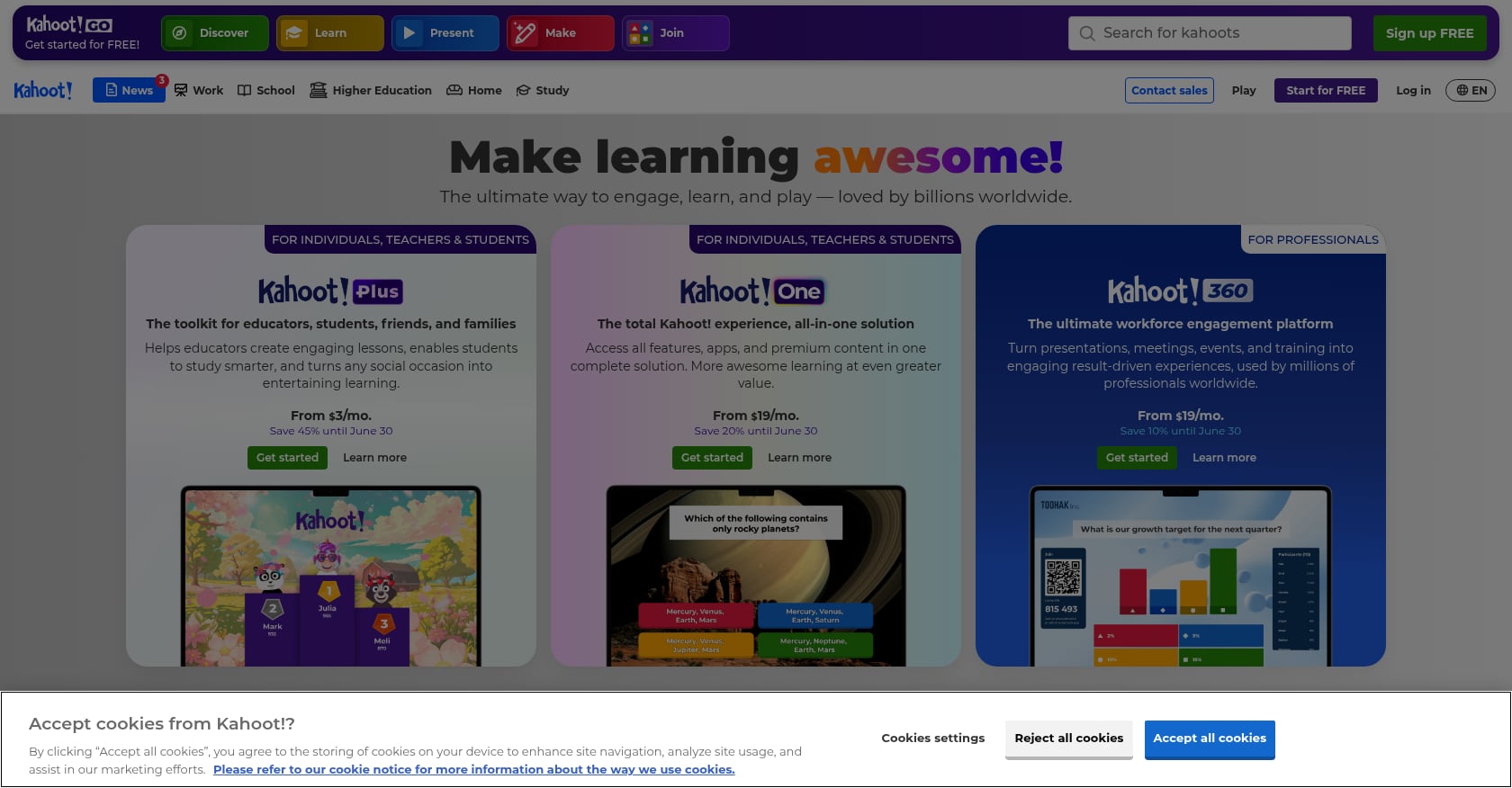
Best for: High-energy, short formative review sessions during live remote classes.
Kahoot! remains the most recognized name in gamified quizzing, with over 8 million educators using it in the past year alone.
Pricing:
- Basic free version available
- Educator plans (Kahoot!+ Start, Prime, Premium): roughly $3 to $6/month billed annually
- AI question generator: included only with Kahoot!+ Max at around $19.99/month
Key features:
- Multiple-choice, true/false, polls, puzzles, and word clouds
- Challenge mode lets students complete kahoots at their own pace (async-friendly)
- Integrates with Microsoft Teams and Google Classroom
Tradeoffs:
- The AI quiz generator is locked behind the most expensive tier (~$20/month), which is hard to justify on a teacher salary
- Lacks depth for longer-form or nuanced assessment
- The competitive leaderboard format can feel more like a game than a learning check, which may not suit every classroom culture
4. Conker AI
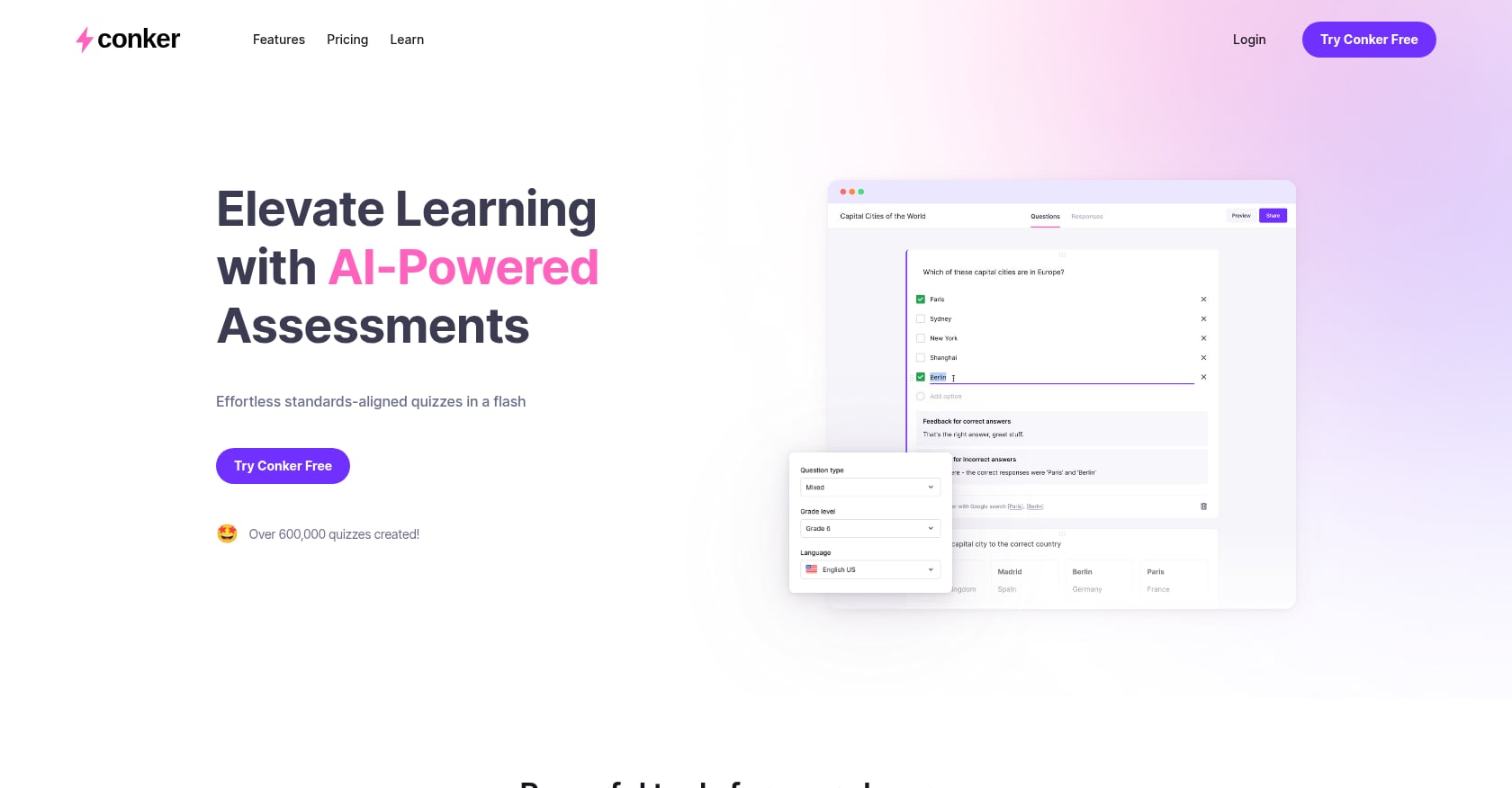
Best for: Budget-conscious teachers who want AI-generated, standards-aligned quizzes with accessibility features.
Conker generates quizzes aligned to specific educational standards like NGSS and TEKS, which is a meaningful differentiator for teachers who need that alignment without doing the mapping themselves.
Pricing:
- Free plan with basic features
- Premium: $3.99/month or $5.99/month
- Custom school plans available
Key features:
- Multiple question types: multiple-choice, fill-in-the-blank, short-answer, true/false, reading comprehension
- Standards alignment (NGSS, TEKS, and others)
- Read-aloud functionality for accessibility
- Integrates with Google Classroom, Canvas, and Clever
- Share via unique codes, export to Google Forms, or download as PDFs
Tradeoffs:
- You cannot edit questions inside the platform after generation. If something needs fixing, you generate a new quiz entirely.
- Despite claiming 600,000+ quizzes created, there is a striking absence of independent user discussion online. You cannot confirm pedagogical quality without testing it yourself.
If you want to customize quiz difficulty for different grade bands, our guide on adjusting quiz difficulty by level walks through that process.
5. Formative (formative.com)
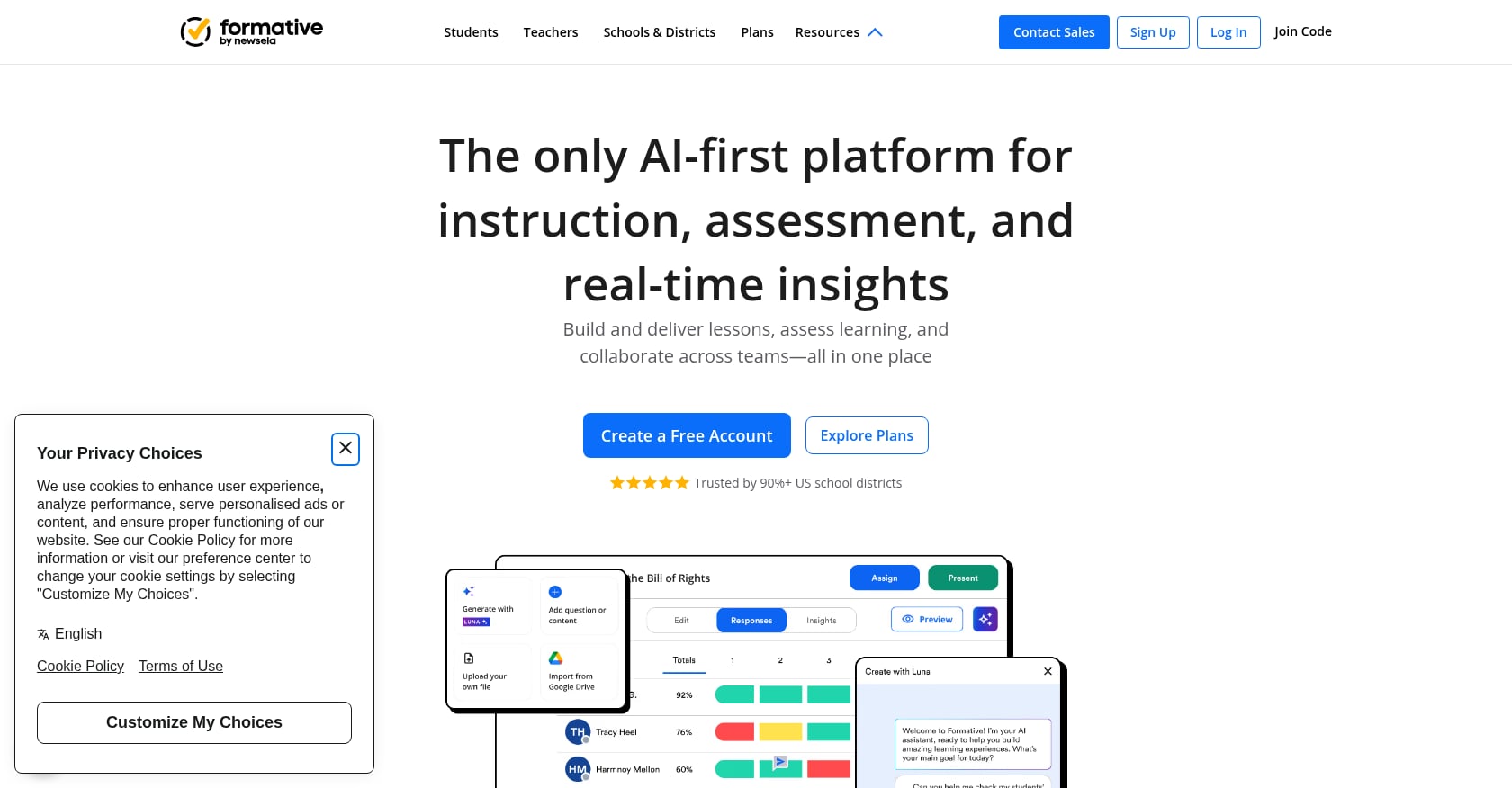
Best for: Teachers who need real-time visibility into student work during remote lessons.
Formative stands out for its live-monitoring capabilities. You can watch students respond in real time, which is the closest you get to “reading the room” in a remote setting.
Pricing:
- Free Teacher plan available
- Paid Teacher plan with extended features
- School and District license with shared libraries and system-wide analytics
Key features:
- 20+ tech-enhanced question types and multimedia content
- Luna AI powers question generation and paper-to-digital worksheet conversion
- Integrates with Google Classroom, Clever, ClassLink, and other major LMS/SIS platforms
- FERPA and COPPA compliant
Tradeoffs:
- The strongest features (advanced question types, Google Classroom grade passback, anti-cheating tools) require the paid plan
- Interface has a steeper learning curve compared to simpler generators
- The free tier is useful but limited enough that most active teachers will feel the push toward paid
6. MagicSchool AI
Best for: Teachers who want a comprehensive AI platform for quizzes, lesson plans, rubrics, IEPs, and more.
MagicSchool positions itself as an all-in-one AI suite for educators, and quizzes are one piece of a much larger toolkit.
Pricing:
- Free: $0 for individual teachers (with usage limits)
- Plus: $8.33/month billed annually, or $12.99 billed monthly
- Enterprise: custom pricing for schools and districts
Key features:
- Generate formative assessments like exit tickets and assign them directly to students
- Real-time response summaries
- Export to Google Forms or Microsoft Forms
- FERPA, COPPA, SOC-2, and GDPR compliant
Tradeoffs:
- The quiz generator currently focuses on multiple-choice questions only. You cannot create a quiz with mixed question types in a single generation.
- Free usage limits are somewhat unclear and can change
- The breadth of the platform (50+ tools) can feel overwhelming if you just want a quick quiz
For teachers considering MagicSchool, it is worth understanding its compliance stance. Our analysis of MagicSchool’s FERPA compliance covers that in detail.
7. Google Forms
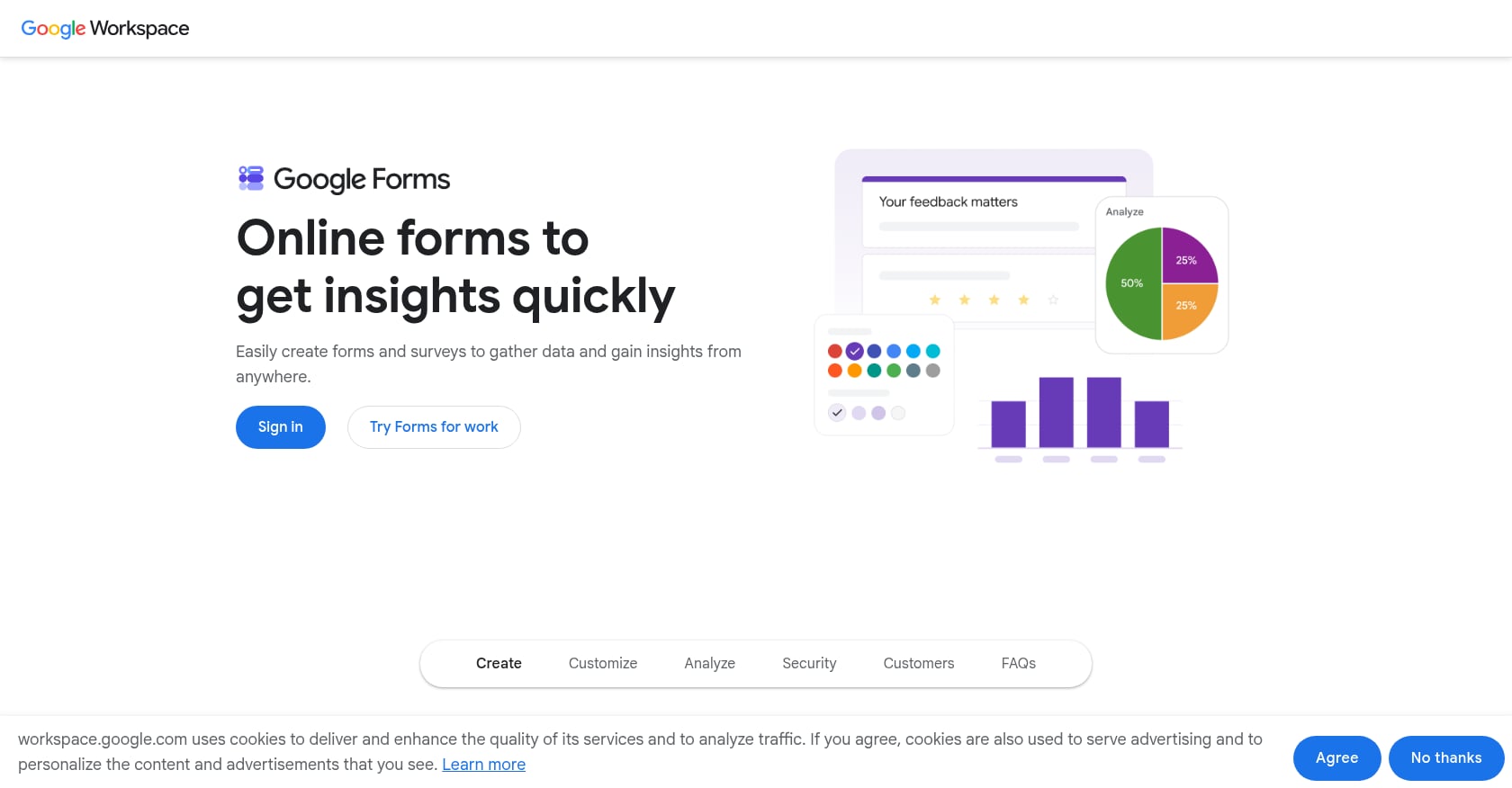
Best for: Zero-cost, zero-friction formative checks for teachers already in the Google ecosystem.
Google Forms is not a quiz tool in the traditional sense, but it remains the most accessible option for teachers who need something right now with no budget and no new accounts to create.
Pricing: Free with any Google account. Schools on Google Workspace for Education get additional features like Locked Mode on managed Chromebooks.
Key features:
- Auto-grades multiple-choice questions
- Works on any device with a browser
- Integrates with Google Classroom natively
- Locked Mode prevents tab-switching on managed Chromebooks
Tradeoffs:
- No built-in AI generation. You write every question manually, or use an external generator (like TeachTools) that exports to a format you can paste in.
- Missing features that dedicated quiz tools offer: no question banks, no multiple versions, no built-in time limits
- Response analysis is basic compared to purpose-built assessment platforms
Google Forms works best as a starting point. Teachers who want to pair it with AI-generated content can create quizzes in an external tool and transfer the questions. For tips on working within the Google ecosystem, check out our Google Docs workflow guide for teachers.
Privacy and Compliance Checklist for Remote Quiz Tools
This is the section most formative quiz guides skip entirely, and it is arguably the most important one for remote learning. When students take quizzes at home on personal devices, student data leaves the school network. That raises real FERPA questions.
Teachers on education forums frequently raise concerns about using AI tools that process student data without clear privacy protections. The worry is legitimate: under FERPA, schools must ensure that third-party tools handling student information meet specific data protection requirements.
Before adopting any quiz tool for remote use, ask these questions:
Does the tool require student PII? Some platforms need student names, email addresses, or school IDs. Others (like TeachTools) are designed so no student PII enters the system at all, since the teacher generates the quiz and distributes it independently.
Does the vendor train AI models on user data? This is a critical question. If your quiz content or student responses are used to train the vendor’s AI, that creates both privacy and intellectual property concerns. For a fuller picture of what to look for, read our guide on using AI in the classroom without violating FERPA.
Is a Data Processing Agreement (DPA) available? Districts increasingly require signed DPAs before approving tools. Ask the vendor directly.
Where is data stored, and for how long? Look for specifics: encryption standards (AES-256 at rest, TLS 1.2+ in transit), data residency, and retention policies.
Is the tool compliant with both FERPA and COPPA? If you teach students under 13, COPPA applies in addition to FERPA. Not every tool that claims FERPA compliance also addresses COPPA.
Among the tools reviewed here, Formative and MagicSchool AI explicitly claim both FERPA and COPPA compliance. TeachTools takes a FERPA-supportive approach by not requiring student PII and offering AES-256 encryption with a DPA for districts. For deeper compliance guidance, our FERPA compliance page breaks down the specific requirements.
Quick Tips From Experienced Remote Teachers
These are patterns that come up repeatedly in practitioner communities and education blogs:
Keep quizzes short. Five to eight questions is the sweet spot. Anything longer starts to feel like a test, and the formative purpose gets lost. The research on retrieval practice shows that even brief, low-stakes testing improves long-term retention when it is spaced and followed by feedback.
Mix your question types. The research is clear that short-answer and fill-in-the-blank formats produce stronger learning gains than multiple-choice alone. Use MCQs when you need auto-grading at scale, but mix in other formats when you can.
Use exit tickets as your simplest formative check. A two-question exit ticket at the end of a synchronous session gives you immediate data with minimal student burden. Our guide on exit ticket activities has templates you can adapt.
Make them open-note in remote settings. When proctoring is impractical, lean into it. Open-note formative quizzes shift the emphasis to identifying what students don’t know rather than policing what resources they use.
Never grade formative quizzes punitively. The moment a low-stakes check carries grade consequences, students stop treating it as a learning opportunity and start treating it as a threat. Completion credit is fine. Point deductions defeat the purpose.
Review results the same day if possible. Formative data loses value quickly. If you wait a week to look at quiz responses, the instructional window has already closed.
Conclusion
Generating short formative quizzes for remote learning does not need to eat your evenings. The workflow is straightforward: pick your source material, generate questions with an AI tool, review the output, deliver through your LMS or as an exported document, and use the results to adjust your teaching.
The tools available in 2026 make each step faster than it was even two years ago. For teachers who prioritize privacy and want clean, print-ready output without fiddling with prompts, TeachTools is a strong starting point.
Generate your first quiz free with TeachTools
Frequently Asked Questions
How many questions should a formative quiz have for remote learning?
Five to eight questions hits the balance between gathering useful data and respecting student time. Shorter quizzes feel low-stakes (which is the point) and take 5 to 10 minutes to complete. Research on retrieval practice shows that even brief quizzing sessions produce meaningful learning gains.
Should I grade formative quizzes?
No, not in the traditional sense. Formative quizzes are diagnostic tools, not evaluation tools. You can give completion credit to encourage participation, but attaching point values to correct answers undermines the purpose. Students need to feel safe getting things wrong so you can see what they actually understand.
Can AI tools generate reliable quiz questions, or do I need to write them myself?
AI quiz generators produce solid first drafts, but they require human review. Practitioners consistently report that AI-generated questions sometimes contain ambiguous wording, factual errors, or misalignment with what was actually taught. Think of AI as a time-saving starting point, not a finished product.
What is the difference between synchronous and asynchronous quiz delivery?
Synchronous delivery happens during a live session. You share a join code, students complete the quiz in real time, and you see results immediately. Asynchronous delivery means students access the quiz on their own schedule through an LMS link, email, or exported document. Async works better for students in different time zones or with unreliable internet.
Are AI quiz tools FERPA compliant?
It depends on the specific tool and how it handles student data. Some tools require student accounts and collect PII, which triggers FERPA obligations. Others, like TeachTools, are designed so the teacher generates content without student data ever entering the system. Always ask vendors about their data handling, encryption, and willingness to sign a Data Processing Agreement before adopting any tool at scale.
How do I prevent cheating on remote formative quizzes?
Reframe the question. If the quiz is truly formative (no grade impact), cheating is less of a concern because the data is for you, not for a transcript. Making quizzes open-note removes the incentive to cheat and shifts the focus to genuine engagement with material. For summative assessments, that is a different conversation entirely.
Can I use these tools for both remote and in-person classes?
Yes. Every tool listed in this guide works in both contexts. Exported PDFs print well for in-person use, while digital links and join codes serve remote students. The workflow is the same either way.
What is the fastest way to generate a formative quiz for remote learning?
Use a form-based AI quiz generator. Enter your topic, select your grade level and question types, and generate. With tools like TeachTools, you can have a formatted, exportable quiz in under three minutes. The bottleneck is not generation but review, so budget a few extra minutes to check the output before sending it to students.