English Tutoring Resources: 12 Best Free & Paid (2026)

TL;DR
Teachers spend a median of 54 hours per week working, and lesson planning eats up 14% of that time. The best english tutoring resources in 2026 fall into three categories: AI-powered generators that create custom materials in seconds (TeachTools, Twee, MagicSchool), free worksheet libraries (ESL Galaxy, ISLCollective, Share My Lesson), and subscription lesson plan platforms (Off2Class, ESL Brains). This guide covers 12 resources with honest tradeoffs, pricing, and “best for” designations so you can pick the right tools without hours of research.
The Planning Time Problem
A nationally representative survey found that a typical teacher works a median of 54 hours per week, but just 46% of their time in the school building is spent actually teaching. Lesson planning is the second most time-consuming activity, eating up roughly 14% of total workload. According to NCES data, public school teachers get about 53 minutes of planning time per day, which works out to just under 4.5 hours per week.
This isn’t a scheduling quirk. Around 84% of teachers say they lack time during work hours for grading, planning, and emails. NCTQ’s 2025 research found that 92% of teachers have contracts requiring 21 to 40 hours per week, but 88% report actually working 41 to more than 80 hours.
The english tutoring resources listed below are organized from AI generators to fully free libraries to paid subscriptions, so you can match your budget, teaching context, and prep-time reality to the tools that will actually help.
Try TeachTools free to generate worksheets, quizzes, and lesson plans in minutes.
At-a-Glance Comparison Table
| Resource | Type | Starting Price | Best For | K–12 Aligned? | AI-Powered? |
|---|---|---|---|---|---|
| TeachTools | AI Generator | $0 (5 gens/mo) | K–12 teachers, print-ready materials | Yes | Yes |
| Twee | AI Generator | $0 (5 trials) | English/ESL, CEFR-aligned | CEFR | No |
| MagicSchool AI | AI Generator | Free tier | Schools & districts, all subjects | Yes | Yes |
| Diffit | AI Generator | Free tier | Differentiated reading materials | Yes | Yes |
| ESL Galaxy | Free Library | $0 | ESL young learners, beginners | No | No |
| ISLCollective | Free Community | $0 | Teacher-created ESL materials | No | No |
| British Council | Free Library | $0 | PD + vetted lesson plans | No | No |
| Share My Lesson | Free Library | $0 | U.S. K–12 standards-aligned plans | Yes | No |
| Teachers Pay Teachers | Marketplace | $0–$30+ | Niche, specific materials | Varies | No |
| Off2Class | Subscription | $24/mo | Structured ESL A1–C1 | Partial | No |
| ESL Brains | Subscription | $12/mo | Adult ESL, video-based lessons | No | No |
| Fluentize | Per-Lesson | $2.99/lesson | Video-based current topics | No | No |
AI-Powered Material Generators
This is the category that no top-ranking page for english tutoring resources adequately covers, despite the fact that a Microsoft survey of 21,000 educators found 31% already use AI to brainstorm assignments and 29% use it to create or update lesson plans. Over 70% of educators using AI tools weekly report cutting planning time by at least 30%.
AI worksheet and lesson generators work differently from static libraries. Instead of browsing and downloading someone else’s material, you input your topic, grade level, and question type, and the tool produces a draft worksheet, quiz, or lesson plan. Some tools have curriculum alignment built in. Others are general-purpose.
The privacy question matters here. Research consistently identifies concerns about data privacy, reliability, and the potential loss of human interaction as key themes among teachers evaluating AI tools. For guidance on navigating these concerns, see this overview of using AI without violating FERPA.
1. TeachTools
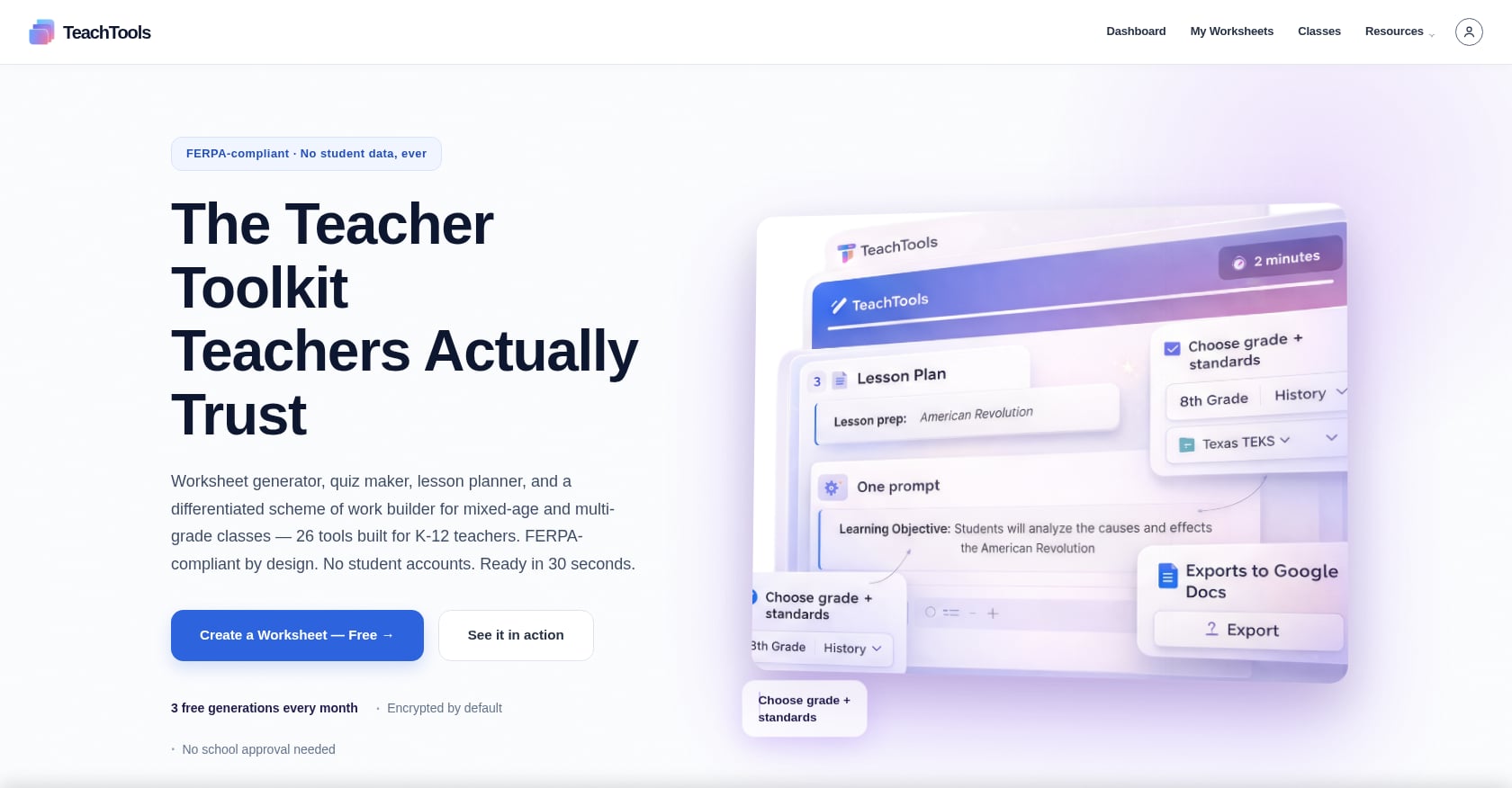
Best for: K–12 teachers who want quick, print-ready worksheets, quizzes, lesson plans, and vocabulary games without learning prompt engineering.
Price: Free tier at $0 with 5 generations per month across all 23 tools, including PDF and Google Docs export. Pro plan at $9/month with unlimited generations. School plan with custom pricing.
Key features:
- 23 purpose-built tools including worksheet generator, quiz/test generator, lesson plan generator, crossword and word search generators, rubric generator, and report card comment generator
- Simple form inputs (topic, grade, difficulty) instead of open-ended prompt writing
- PDF and Google Docs export for print-ready materials
- FERPA-supportive design with AES-256 encryption and no training on user data
- Subscription pause option during school breaks
Tradeoffs:
- Smaller tool catalog (23 tools) compared to competitors offering 50 to 80+ tools
- Limited public detail on LMS integrations like Google Classroom or Canvas
- Relatively new platform, so the community and resource library are still growing
Differentiation: Where generic AI chatbots require you to write careful prompts, TeachTools uses structured form inputs that guide you through topic, grade level, and difficulty. The focused 23-tool catalog avoids the overwhelm of platforms with dozens of tools you’ll never use. The $9/month Pro plan with month-to-month flexibility and a pause option during breaks acknowledges the reality of teacher budgets.
See TeachTools pricing and plans
2. Twee
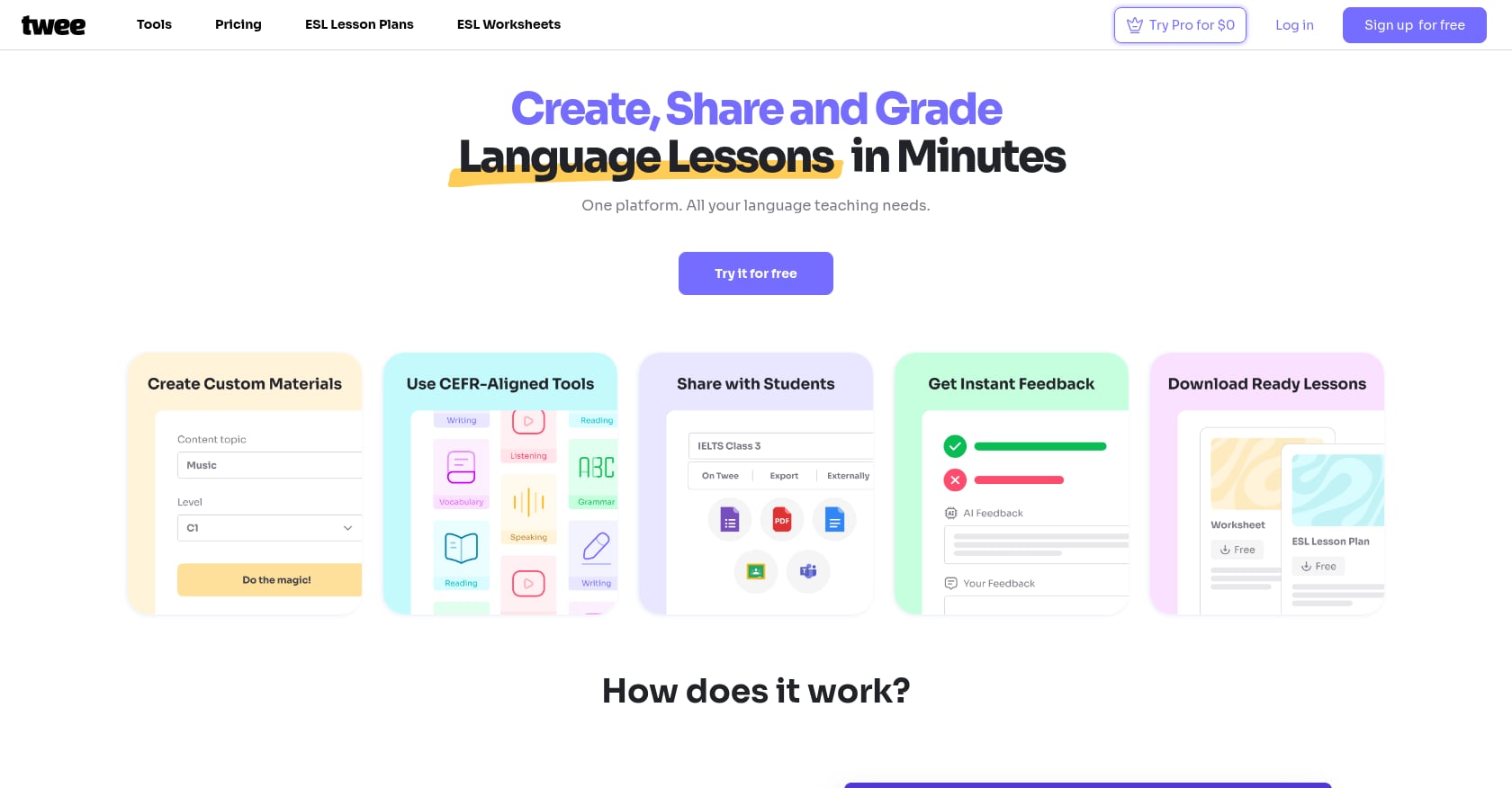
Best for: English and ESL teachers who want CEFR-aligned content generation with 40+ specialized language teaching tools.
Price: Free trial with 5 runs. Basic plan at $6.50/month (annual billing) with 100 runs. Pro at $10.50/month (annual) with unlimited basic features.
Key features:
- 40+ dedicated tools for teaching all English language skills
- Generates questions, dialogues, exercises, and reading materials from any topic or YouTube video
- Automatic CEFR level determination across levels A1 through C2
- Optimized specifically for language teaching needs
Tradeoffs:
- English and language-focused only, so not useful for other subjects
- CEFR alignment is less useful for U.S. K–12 teachers working with state standards
- New users may need time exploring to discover the full range of features
- Annual billing required for best pricing
User perspective: Teachers comparing Twee to ChatGPT note that unlike generic chatbots where you “need to know how to write good prompts,” Twee “uses built-in tools that have effective prompts already set up.” This distinction matters for teachers who want results without becoming prompt engineers.
3. MagicSchool AI
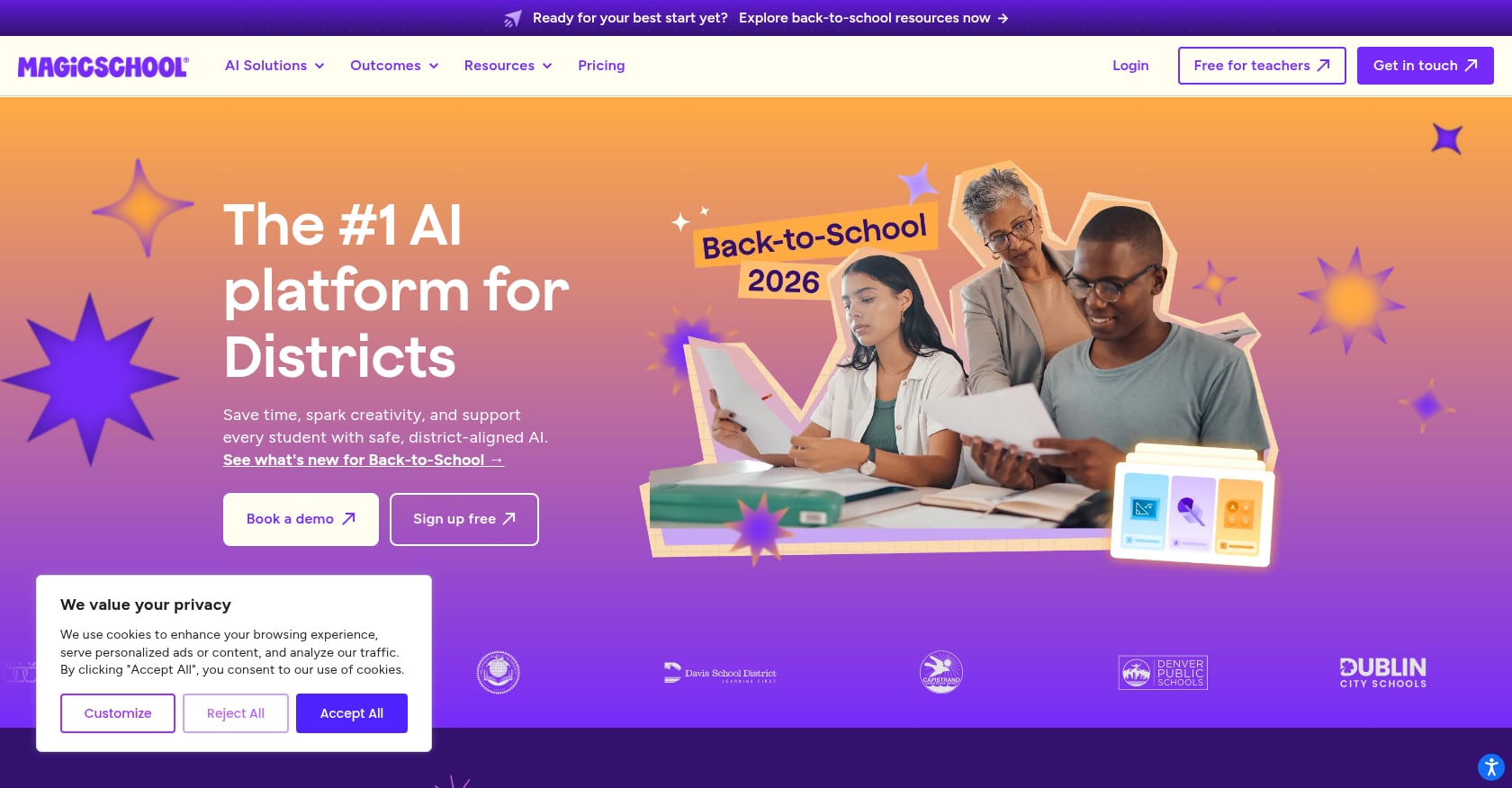
Best for: Schools and districts that want a single AI platform covering worksheets, quizzes, rubrics, and everything in between.
Price: Free tier available; paid plans designed for school and district adoption.
Key features:
- Most widely adopted AI platform in K–12 education
- 80+ teacher tools with a strong worksheet generator
- Worksheet generator aligns to state and district standards
- SOC 2 and FERPA/COPPA compliant
Tradeoffs:
- The large tool catalog (80+) can feel overwhelming, especially for teachers just getting started
- Enterprise-oriented pricing is less friendly for independent tutors or individual teachers
- Setup and onboarding designed for institutional buyers, not solo users
- Feature breadth sometimes comes at the cost of depth in individual tools
MagicSchool is the right fit if your school or district is buying in and wants a single vendor solution. For individual teachers, the enterprise focus can feel like overkill. You can read more about its FERPA compliance in a separate analysis.
4. Diffit
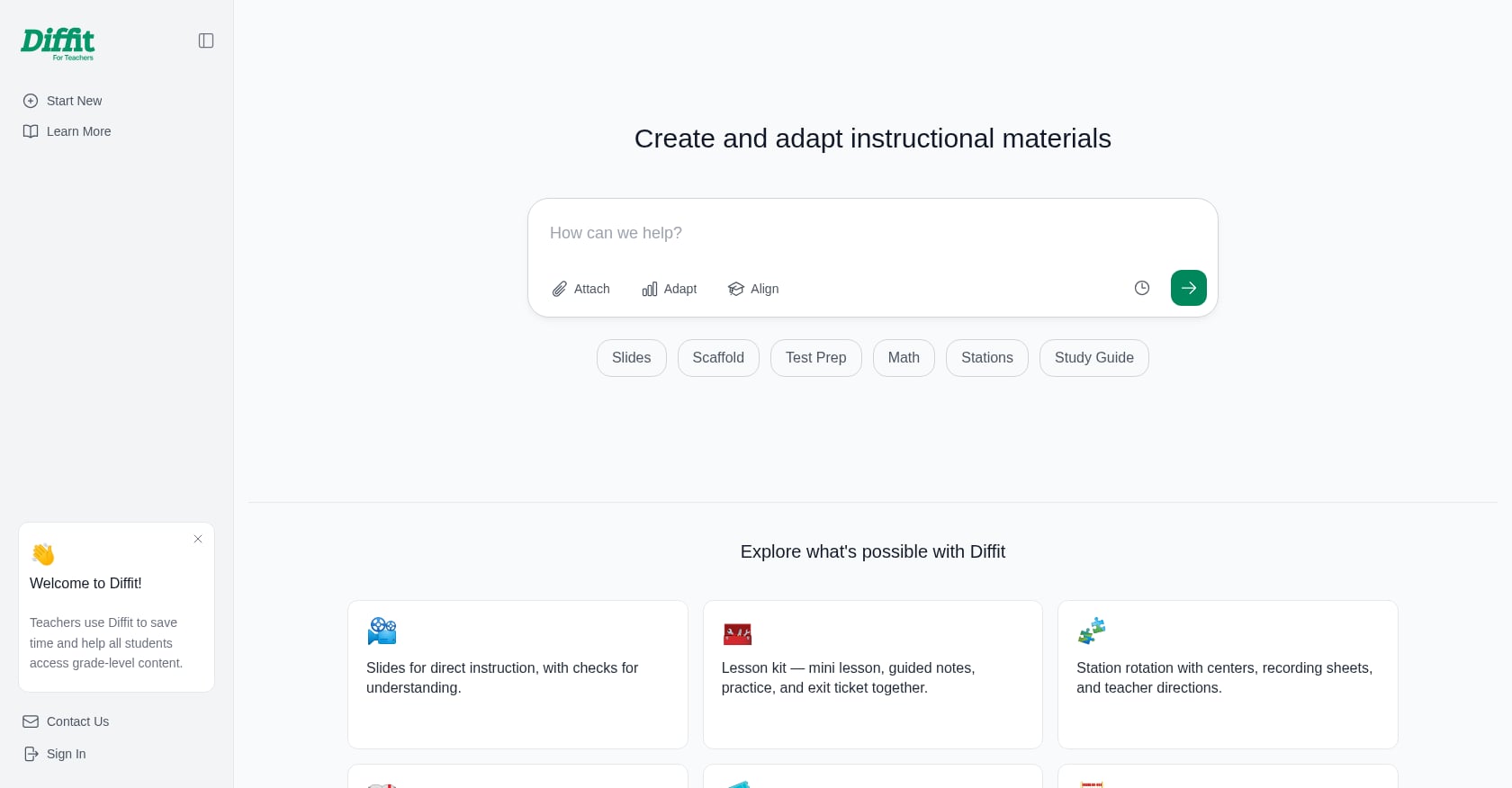
Best for: Teachers who need to differentiate reading materials across multiple grade levels and languages.
Price: Free tier available; paid plans for additional features.
Key features:
- Converts any content source into materials adapted to specific grade levels
- Supports over 70 languages
- Particularly strong for creating leveled reading passages
- Useful for classrooms with wide ability ranges
Tradeoffs:
- Narrower use case focused on differentiation rather than full lesson creation
- Less relevant for ESL-specific speaking and listening resources
- Not a standalone solution for comprehensive english tutoring resources
- Best used as a supplement alongside other tools
Diffit shines in a specific scenario: you have a text and need it at three different reading levels for tomorrow. For teachers working with differentiated instruction strategies, it’s a strong complement to a broader toolkit.
Free Worksheet and Lesson Plan Libraries
Explore 26 free AI tools for teachers
Browse All Tools →These english tutoring resources cost nothing and have been the backbone of teacher prep for years. They’re best for browsing when you have a general idea of what you need but want inspiration or ready-made materials.
1. ESL Galaxy
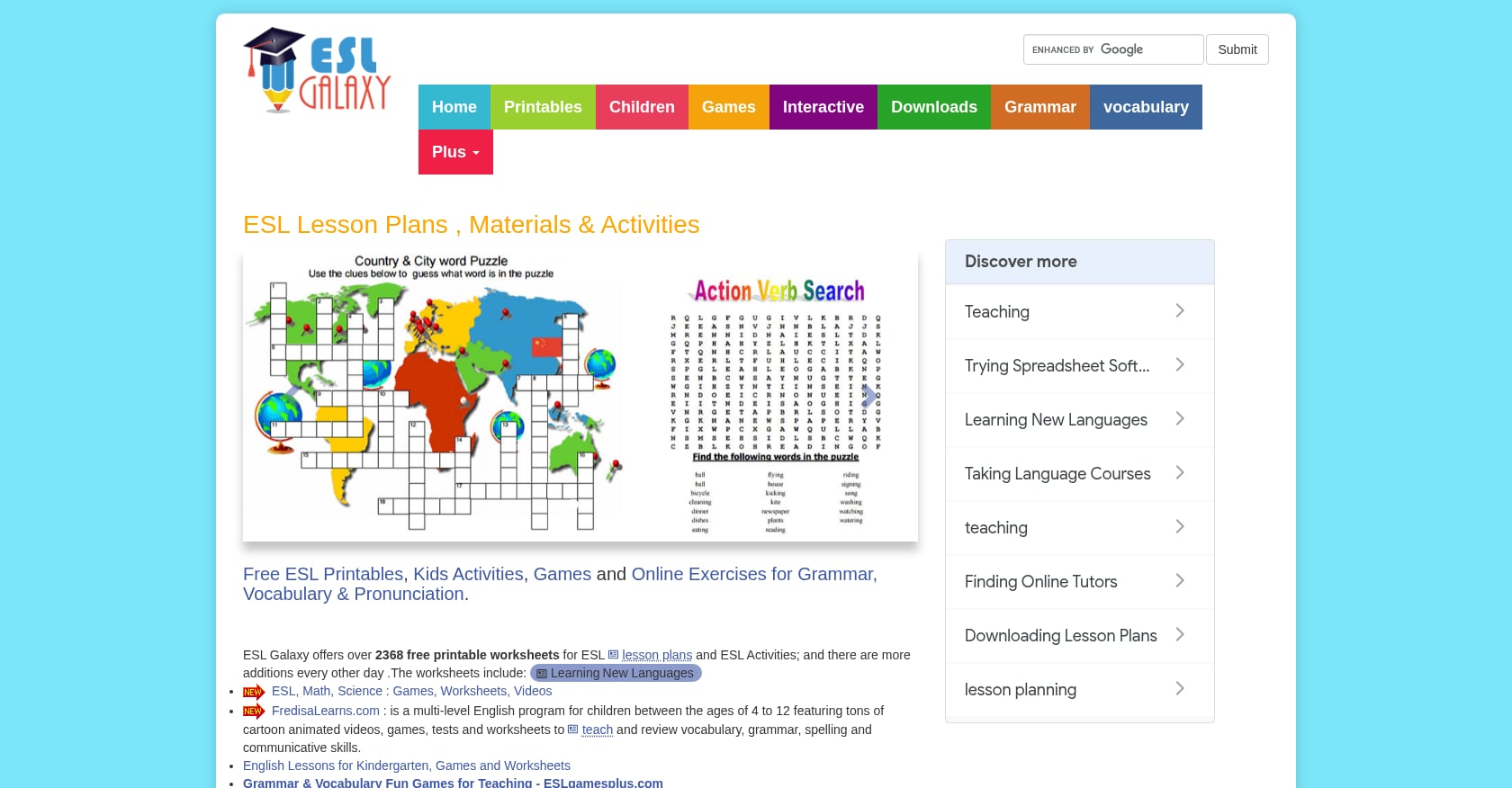
Best for: ESL teachers working with young learners and beginners who need high-volume printable materials.
Price: Completely free, no account required.
Key features:
- Over 2,368 free printable worksheets covering grammar, vocabulary, reading, and writing
- PowerPoint presentations, board games, flashcards, and self-grading quizzes
- Materials organized by topic and skill area
- No login wall for most downloads
Tradeoffs:
- The interface looks like it hasn’t been updated since the early 2010s
- No AI customization or personalization options
- Content skews heavily toward young learners and beginners, leaving intermediate and advanced students underserved
- Zero alignment with U.S. state standards
ESL Galaxy ranks at the top of search results for english tutoring resources purely on volume and utility. If you teach beginner ESL and just need a quick grammar worksheet, it works. But you’ll spend time hunting through an outdated site to find exactly what you need.
2. ISLCollective
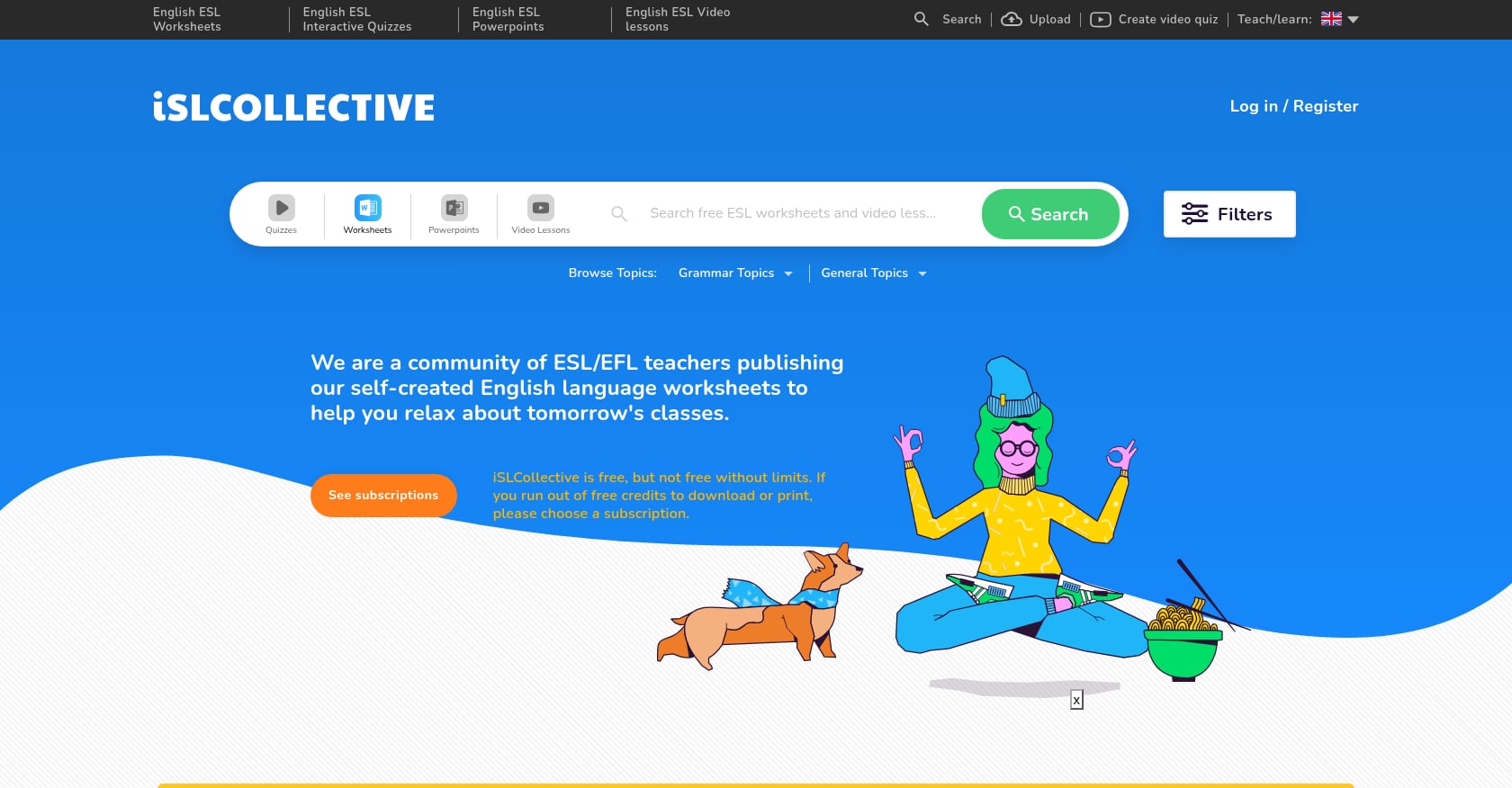
Best for: ESL teachers who want community-sourced variety and are willing to sift through uneven quality.
Price: Free (account required to download).
Key features:
- An international community of ESL/EFL teachers sharing self-made resources
- Huge library of worksheets spanning grammar, vocabulary, listening, and speaking
- Includes PowerPoint presentations and video-based lessons
- Searchable by topic, grammar point, level, and skill
Tradeoffs:
- Quality varies significantly since all materials are user-generated
- Requires login and account creation to download anything
- Some worksheets contain formatting issues or typos
- No editorial review process, so pedagogical soundness isn’t guaranteed
Practitioners on Reddit frequently mention ISLCollective as a go-to for quick ESL activities, though the common advice is to always preview before printing because quality is inconsistent.
3. British Council / TeachingEnglish
Best for: Teachers wanting pedagogically vetted professional development alongside classroom resources.
Price: Free.
Key features:
- Free training courses, live webinars, and lesson plans for English teachers
- Articles and videos on teaching methodology
- Online communities for professional discussion
- Partner content shared through platforms like Share My Lesson
Tradeoffs:
- Skews toward British English conventions, which may confuse U.S. students
- Less emphasis on ready-to-print worksheets, more on PD and methodology
- K–12 U.S. standards alignment is minimal
- Better as a professional growth resource than a daily material source
If you’re looking to improve your teaching practice alongside gathering materials, the British Council offers more depth than most free sites. But if you need a grammar worksheet for tomorrow’s class, you’ll find the other libraries faster.
4. Share My Lesson
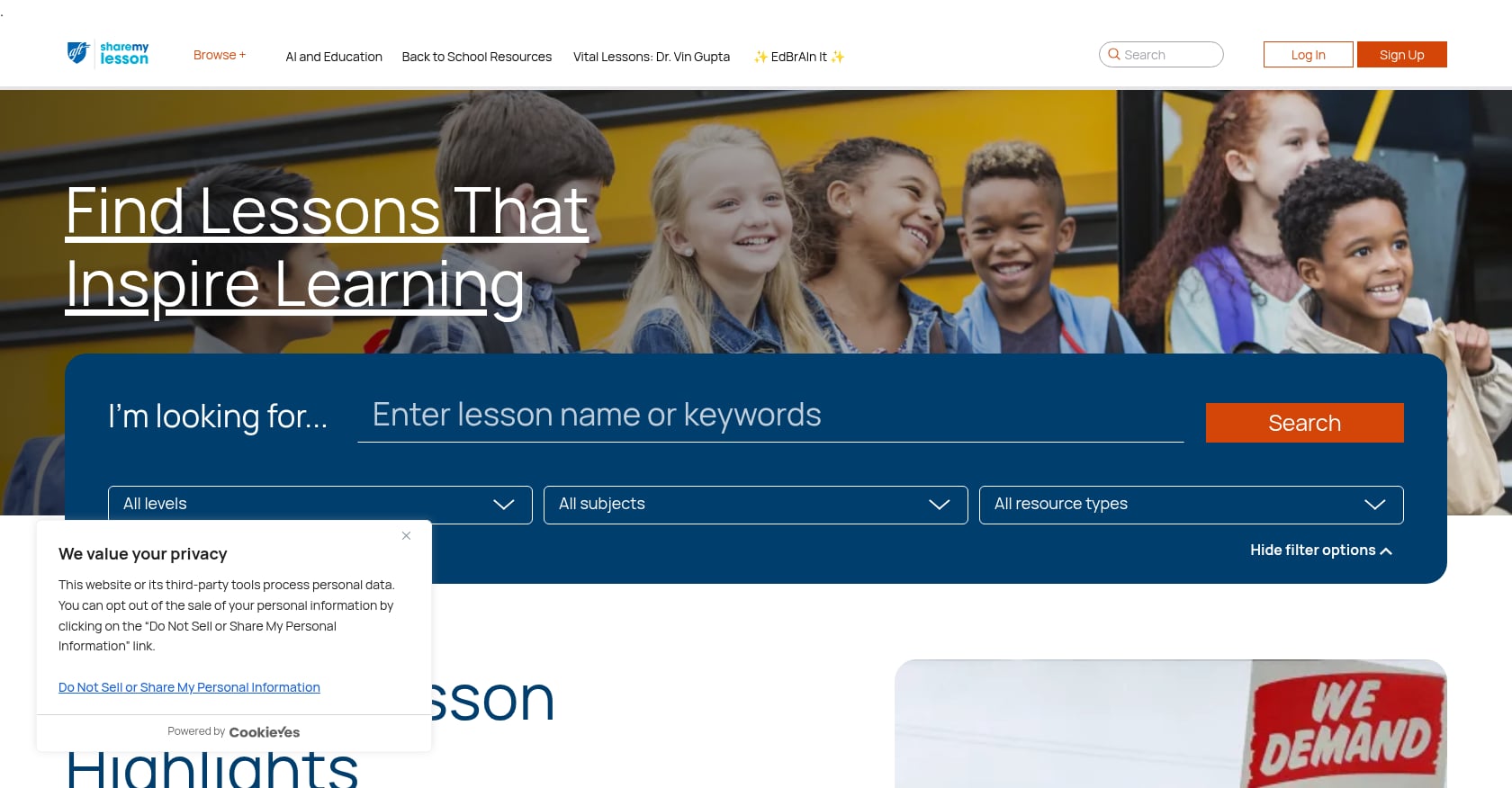
Best for: U.S. K–12 teachers who need standards-aligned lesson plans across all subjects.
Price: Free.
Key features:
- Backed by the American Federation of Teachers (AFT)
- Broad coverage across subjects and grade levels
- Includes partner content from organizations like the British Council
- Lesson plans often include teacher guides and student handouts
Tradeoffs:
- Not ESL-specific, so English language tutoring resources are mixed in with general ELA content
- Search and filtering can be clunky, making discovery frustrating
- Quality varies across the large library
- Downloads occasionally require multiple clicks through partner redirects
Share My Lesson is strongest when you need lesson plans aligned to Common Core or state standards. For ESL-specific content, you’ll find the pickings thinner.
5. Teachers Pay Teachers (TPT)
Best for: Teachers who need hyper-specific, niche materials and don’t mind paying for the best ones.
Price: Free tier available; paid resources typically range from $1 to $30+.
Key features:
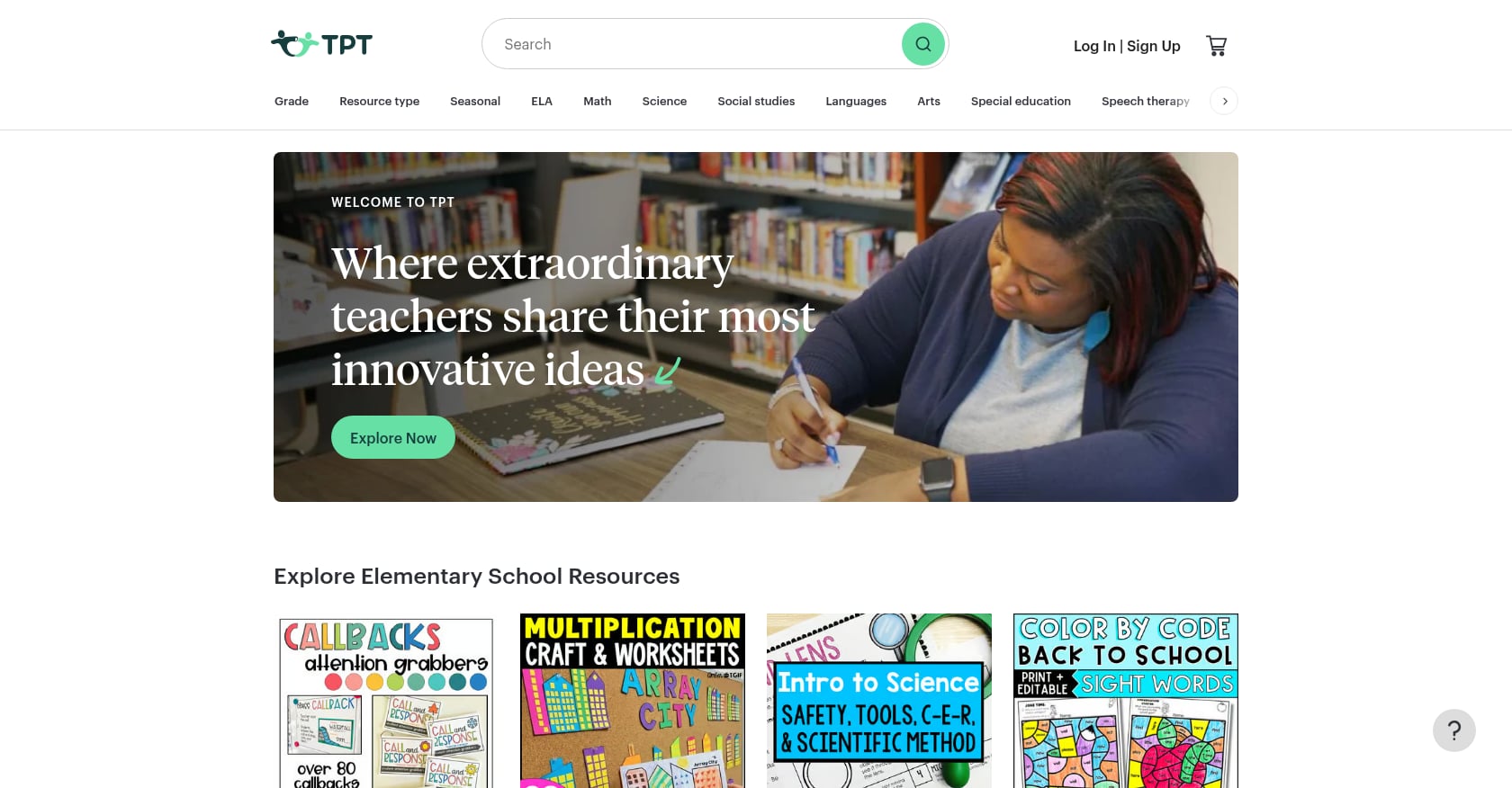
- An online marketplace with over 2.6 million active users and sales exceeding $60 million
- PreK–12 coverage with extraordinary specificity (e.g., “5th grade figurative language escape room”)
- Teacher-created, teacher-reviewed content
- Mix of free and premium resources
Tradeoffs:
- Free materials are hit-or-miss; the strongest content is almost always paid
- Browsing can be overwhelming due to the sheer volume of listings
- No AI generation or customization
- Quality control relies on user reviews rather than editorial oversight
TPT is the place to go when you have a very specific need and want someone else’s polished, tested version. But the cost adds up quickly if you’re buying materials regularly, and the free section rarely matches the quality of paid offerings.
For teachers exploring how AI can support English learners with scaffolded materials, the AI generators section above covers platforms that generate custom content on demand.
Subscription-Based Lesson Plan Platforms
These platforms sit between free libraries and AI generators. You pay a monthly fee for access to professionally created, structured lesson content. They’re particularly strong for ESL tutors who want a curriculum backbone rather than one-off worksheets.
1. Off2Class
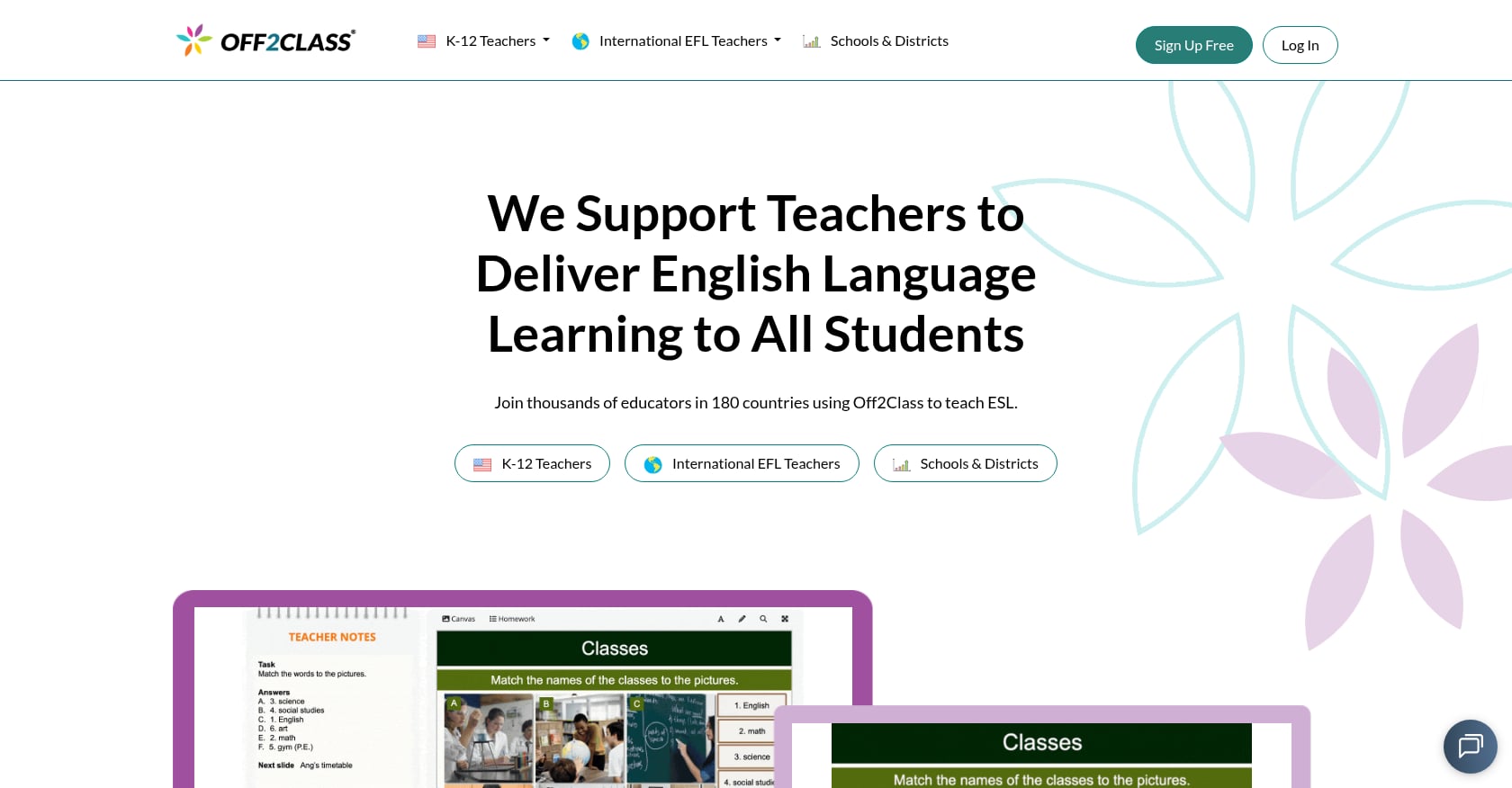
Best for: ESL tutors and teachers who want a fully interactive digital platform with student tracking, covering levels A1 through C1.
Price: Free plan includes 150 to 200 lessons. Paid plan starts at $24/month (annual subscription) for individual teachers.
Key features:
- Over 1,500 lessons for newcomers and long-term English learners
- Fully interactive digital platform with downloadable materials
- Integrates lesson content, student management, and progress tracking in one platform
- Designed for middle and high school students, with some adult lessons
Tradeoffs:
- Per-student pricing structure becomes steep for independent tutors
- Advanced materials sometimes teach grammar concepts as if the student is encountering them for the first time, which frustrates C2-level learners
- IELTS preparation materials have been criticized as needing updates
- At $24/month, it’s the most expensive option in this list
User perspective: On Trustpilot, teachers describe Off2Class as a “huge time-saver” with “professional, engaging, and flexible” ready-made lessons. However, independent tutors frequently note that pricing “becomes quite steep” when you’re paying per student.
2. ESL Brains
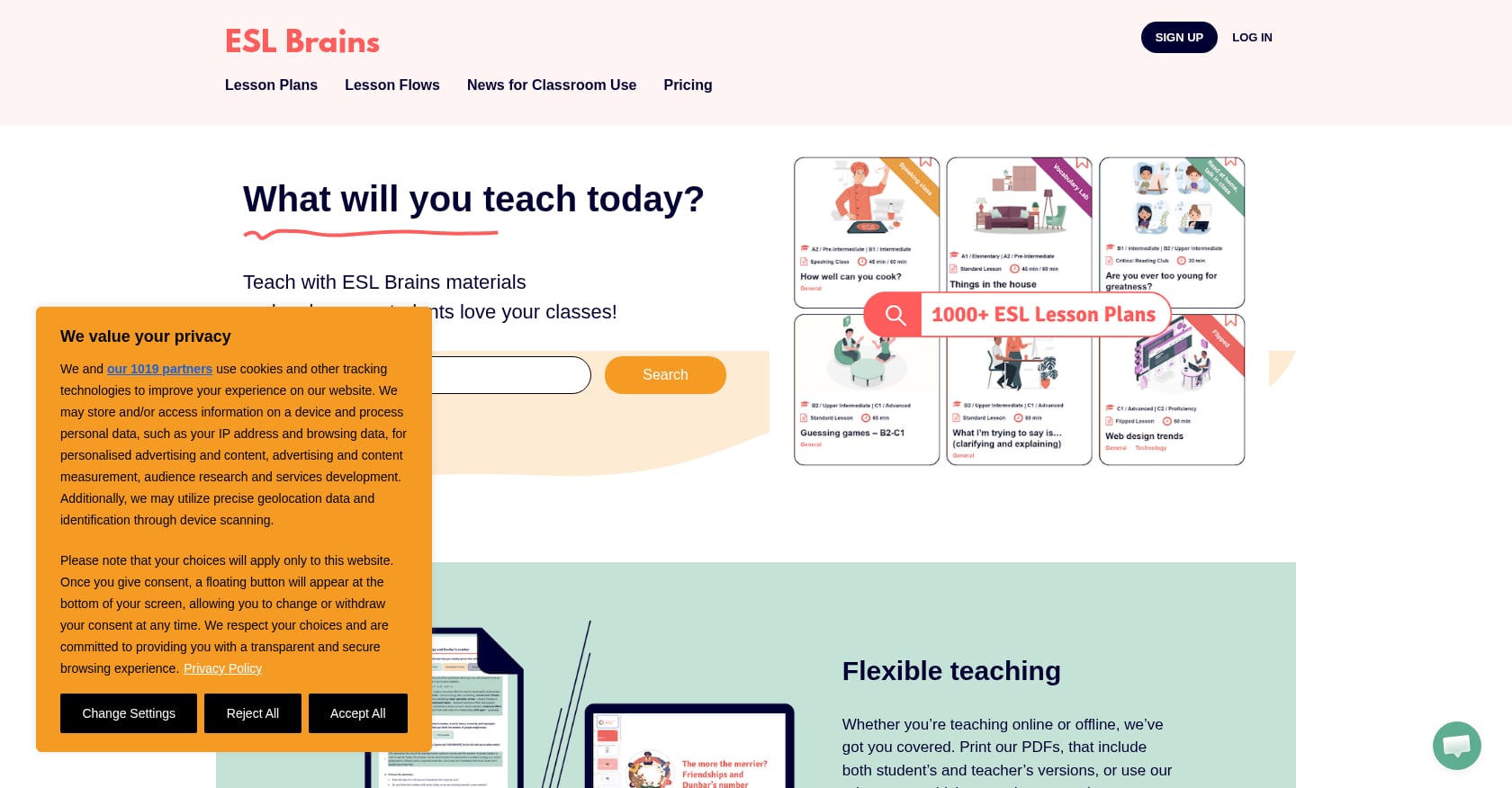
Best for: Teachers of adult ESL learners who want video-based lessons across all proficiency levels (A1 through C2).
Price: $12/month for full library access. Free trial includes 36 lesson plans.
Key features:
- Over 1,000 lessons with approximately 17 new lessons added monthly
- Almost all lessons are built around authentic videos
- Editable slides that let you customize lessons to match specific student needs
- Coverage from complete beginner (A1) to proficient (C2)
Tradeoffs:
- Video-dependent lessons require reliable internet, which limits offline use
- Less suited for young learners or K–12 contexts
- Monthly subscription cost accumulates over time
- Smaller community than free platforms, so fewer peer reviews
The editable slides are widely cited by ESL tutors as the biggest advantage. Being able to swap out vocabulary or adjust difficulty without rebuilding a lesson from scratch saves real time.
3. Fluentize
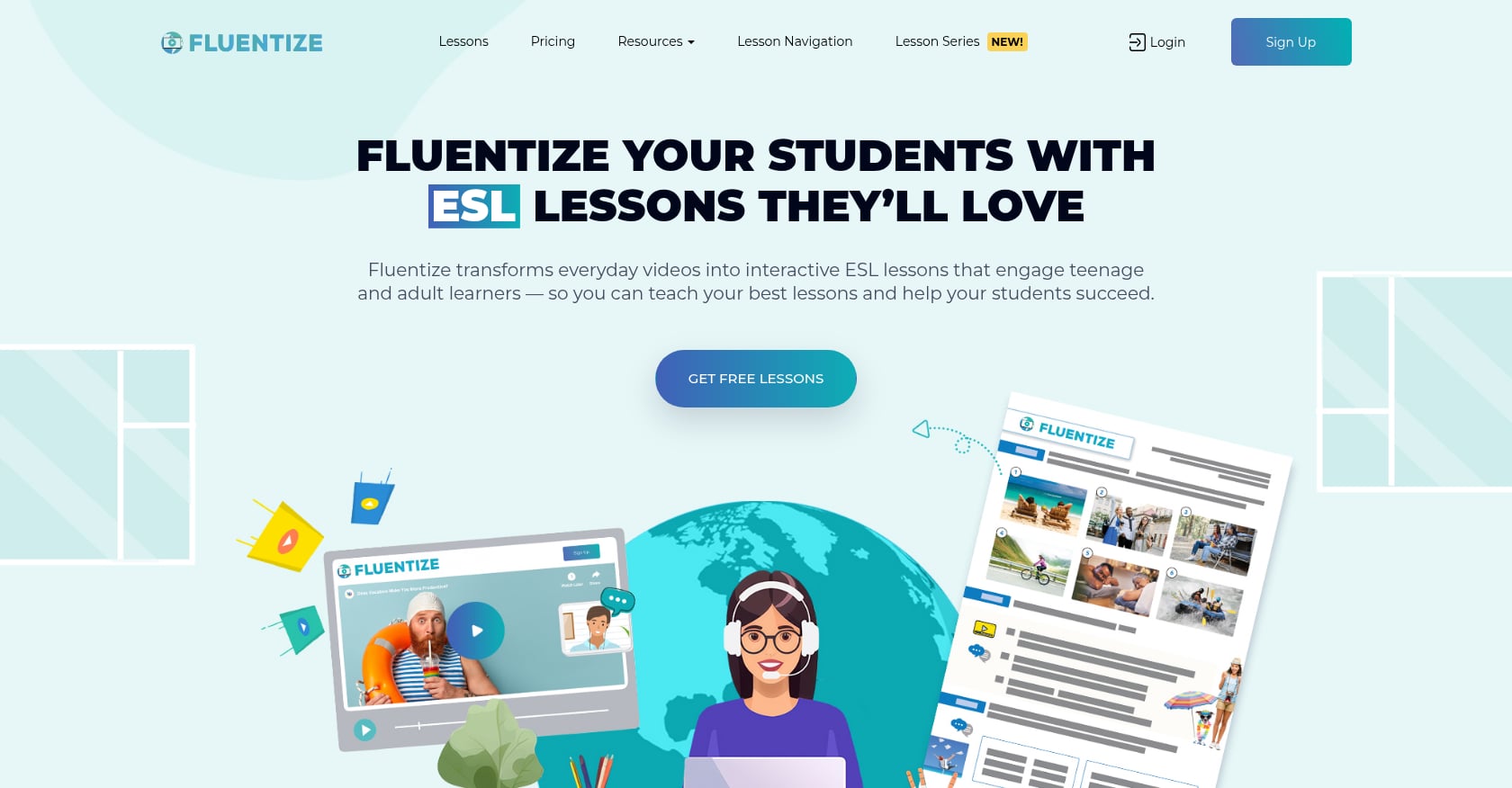
Best for: English tutors who want pay-per-lesson flexibility without a subscription commitment, using video-based current topics.
Price: $2.99 for a single lesson, $12.49 for five, $22.49 for ten.
Key features:
- Hundreds of teaching resources based on real-life videos
- New lesson plans added each month with teacher guides
- Many lesson plans available on Google Slides for online teaching
- Content focuses on current events and contemporary topics
Tradeoffs:
- Per-lesson pricing gets expensive quickly for heavy users (10 lessons = $22.49 vs. ESL Brains’ $12/month for 1,000+)
- Smaller library compared to Off2Class or ESL Brains
- Less suited for systematic curriculum building
- Limited grammar-focused content
Fluentize makes the most sense for tutors who teach infrequently or want to supplement an existing curriculum with topical, engaging video lessons.
Reference and Grammar Tools
These aren’t primary english tutoring resources in the way that worksheet libraries or AI generators are, but they fill important gaps in both teacher prep and student-facing work.
Cambridge English Dictionary and Learner’s Dictionary remain reliable tools for building vocabulary and improving comprehension. The standard dictionary provides detailed definitions with usage examples, while the Learner’s Dictionary offers simplified definitions better suited for ESL students. Both are free and widely trusted.
Grammarly and QuillBot serve double duty. Teachers use them to polish their own materials and communications, while students benefit from immediate feedback on their writing. Applications like these give learners access to real-time language development feedback, which is particularly valuable for English language learners working independently.
How to Choose the Right English Tutoring Resource
The right tool depends on three factors: who you teach, how much you can spend, and how much prep time you have.
By Teaching Context
K–12 ELA teachers benefit most from standards-aligned tools. Share My Lesson for free lesson plans, TeachTools for AI-generated worksheets and quizzes aligned to grade level, and TPT for niche materials when you need something very specific.
ESL teachers of adults should look at ESL Brains ($12/month) or Off2Class ($24/month) for structured curriculum, supplemented by free resources from ESL Galaxy and ISLCollective.
Online tutors working independently need flexibility. Fluentize’s per-lesson pricing avoids subscription waste during slow months, while TeachTools’ free tier covers basic material generation without recurring costs.
Volunteer tutors starting from scratch will find the British Council’s free PD resources and Share My Lesson’s standards-aligned plans the most accessible starting points.
By Budget
- $0/month: ESL Galaxy, ISLCollective, British Council, Share My Lesson, plus free tiers of TeachTools (5 generations/month) and MagicSchool
- $9–$12/month: TeachTools Pro (unlimited AI generations) or ESL Brains (1,000+ video-based lessons)
- $24/month and up: Off2Class for full curriculum and student tracking, or MagicSchool’s paid plans for school-wide adoption
Privacy Checklist for AI Tools
Before adopting any AI-powered resource for your classroom, verify these basics:
- Does the tool train its AI model on your data? (TeachTools and MagicSchool both state they do not.)
- Is student PII required to use the tool? (TeachTools does not require student PII.)
- Does the vendor offer a Data Processing Agreement for districts?
- What encryption standards are used for data at rest and in transit?
- Is the tool SOC 2 or FERPA/COPPA compliant?
For a deeper look at evaluating EdTech privacy, see this student data privacy checklist.
The most practical approach for 2026 is combining tools. Use an AI generator for the custom materials you can’t find anywhere else, free libraries for browsing and inspiration, and a subscription platform if you need curriculum structure.
Explore all 23 TeachTools generators and start creating english tutoring resources for free.
Frequently Asked Questions
What are the best free english tutoring resources for teachers?
ESL Galaxy (2,368+ free worksheets), ISLCollective (community-created ESL materials), Share My Lesson (AFT-backed K–12 lesson plans), and the British Council’s TeachingEnglish platform are all completely free. TeachTools also offers a free tier with 5 AI generations per month across all 23 tools.
Are AI-powered english tutoring resources reliable enough to use in classrooms?
Yes, with caveats. A Microsoft survey of 21,000 educators found that 31% already use AI for assignment creation, and 70%+ of weekly AI users report cutting planning time by at least 30%. The key is to review AI-generated content before distributing it. Tools with form-based inputs (like TeachTools and Twee) produce more consistent results than open-ended chatbots because the prompts are pre-engineered.
Which english tutoring resources are best for ESL vs. ELA teachers?
ESL teachers should prioritize ESL Galaxy, ISLCollective, ESL Brains, Off2Class, and Twee (built specifically for language teachers with CEFR alignment). ELA teachers in U.S. K–12 settings will find Share My Lesson, Teachers Pay Teachers, TeachTools, and MagicSchool more relevant because these tools align to state standards rather than CEFR levels.
How much should I expect to spend on english tutoring resources?
You can build a functional toolkit for $0 using free libraries and free tiers of AI tools. For significantly better output and time savings, $9 to $12/month covers either TeachTools Pro (unlimited AI material generation) or ESL Brains (1,000+ structured lessons). Heavy users who want full curriculum and student tracking should budget $24/month or more for platforms like Off2Class.
Are AI tutoring tools FERPA compliant?
It depends on the specific tool. TeachTools uses FERPA-supportive design with AES-256 encryption, does not train on user data, and does not require student PII. MagicSchool AI is SOC 2 and FERPA/COPPA compliant. Always verify compliance claims directly with the vendor and check whether they offer a Data Processing Agreement before deploying AI tools with any student-connected data.
Can I use these resources for private tutoring, not just classroom teaching?
Absolutely. Independent tutors often combine free resources from ESL Galaxy or ISLCollective with a subscription platform like ESL Brains or Fluentize. AI generators like TeachTools are particularly useful for private tutors because you can create custom materials matched to each student’s exact level and interests, rather than using generic worksheets.
What’s the fastest way to create custom english tutoring materials?
AI generators are the fastest option. With TeachTools, you fill in a form with your topic, grade level, and difficulty, and receive a print-ready PDF or Google Docs export in under a minute. Twee offers a similar workflow with 40+ specialized tools for English language content. Both are dramatically faster than searching through free libraries or building materials from scratch.
Do any of these resources work for both online and in-person tutoring?
Most do. Free libraries like ESL Galaxy and ISLCollective provide downloadable PDFs that work in any setting. ESL Brains and Fluentize offer Google Slides-compatible lessons designed for screen sharing. AI generators like TeachTools export to both PDF (for printing) and Google Docs (for digital sharing), making them flexible across online and in-person formats.