ChatGPT vs Purpose-Built AI for Teachers (2026): 7 Key Wins

TL;DR
ChatGPT is powerful but requires prompt engineering skill, produces raw text that needs formatting, and isn’t FERPA-compliant on consumer accounts. Purpose-built AI tools for teachers trade flexibility for speed, print-ready output, and built-in compliance. The best choice depends on your technical comfort, privacy requirements, and how much time you’re willing to spend formatting. Most teachers benefit from using both, but purpose-built tools win for daily material creation.
The Case for Rethinking Your AI Setup
Teachers who use AI tools at least weekly save an average of 5.9 hours per week, which adds up to roughly six weeks over a school year. That’s not a rounding error. That’s an entire grading period returned to instruction, feedback, or just breathing room.
Yet 40% of teachers still aren’t using AI at all. The adoption gap isn’t about skepticism anymore. According to EdWeek Research Center data, 61% of teachers now use AI-driven tools at least a little, nearly double the 34% who said the same in December 2023. The real barrier is friction. Teachers who tried ChatGPT and bounced often cite the same complaints: the output doesn’t look right, the prompting takes too long, and nobody told them whether it’s even legal to paste student names into the chat box.
This is where the ChatGPT vs purpose-built AI conversation gets practical. The question isn’t which technology is better in the abstract. It’s which approach gets you from “I need a worksheet” to “students are working on it” in the fewest steps.
Explore TeachTools’ 23 purpose-built tools to see what form-based AI generation looks like.
At-a-Glance Comparison Table
| Dimension | ChatGPT for Teachers | MagicSchool AI | Brisk Teaching | TeachTools |
|---|---|---|---|---|
| Starting Price | Free (verified educators) | Free / $8.33/mo annual | Free / ~$8.33/mo annual | Free (5 gen/mo) / $9/mo |
| Edu-Specific Tools | 0 (open-ended prompting) | 80+ | 20+ (Chrome extension) | 23 |
| Prompt Engineering Needed? | Yes, significant | Minimal (form-based) | Minimal (in-context) | None (form-based) |
| Print-Ready Output? | No, manual formatting | Partial | Partial | Yes, PDF & Google Docs |
| FERPA Posture | Compliant (education workspace only) | Compliant (95% Common Sense) | Compliant (SOC 2) | FERPA-supportive, DPA available |
| Best For | Flexible power users | Widest tool catalog | Google Docs-native users | Simple, print-ready materials |
| Pause Billing? | N/A (free) | No | No | Yes |
Now, here are the seven differences between ChatGPT and purpose-built AI that determine which path saves you the most time, risk, and money.
1. Prompt Engineering vs. Form-Based Inputs
This is the single biggest dividing line between ChatGPT and purpose-built AI tools, and it’s the one most comparison articles gloss over.
ChatGPT requires you to write an effective prompt. That sounds simple until you’re a second-year teacher trying to generate a grade-appropriate vocabulary quiz at 9 PM. You type “make me a quiz about photosynthesis for 7th graders,” get something halfway usable, rephrase, regenerate, tweak again. Dr. Philippa Hardman, an education researcher, puts it bluntly: without significant expertise and advanced prompt engineering skills, the value from generic AI models like ChatGPT is severely limited.
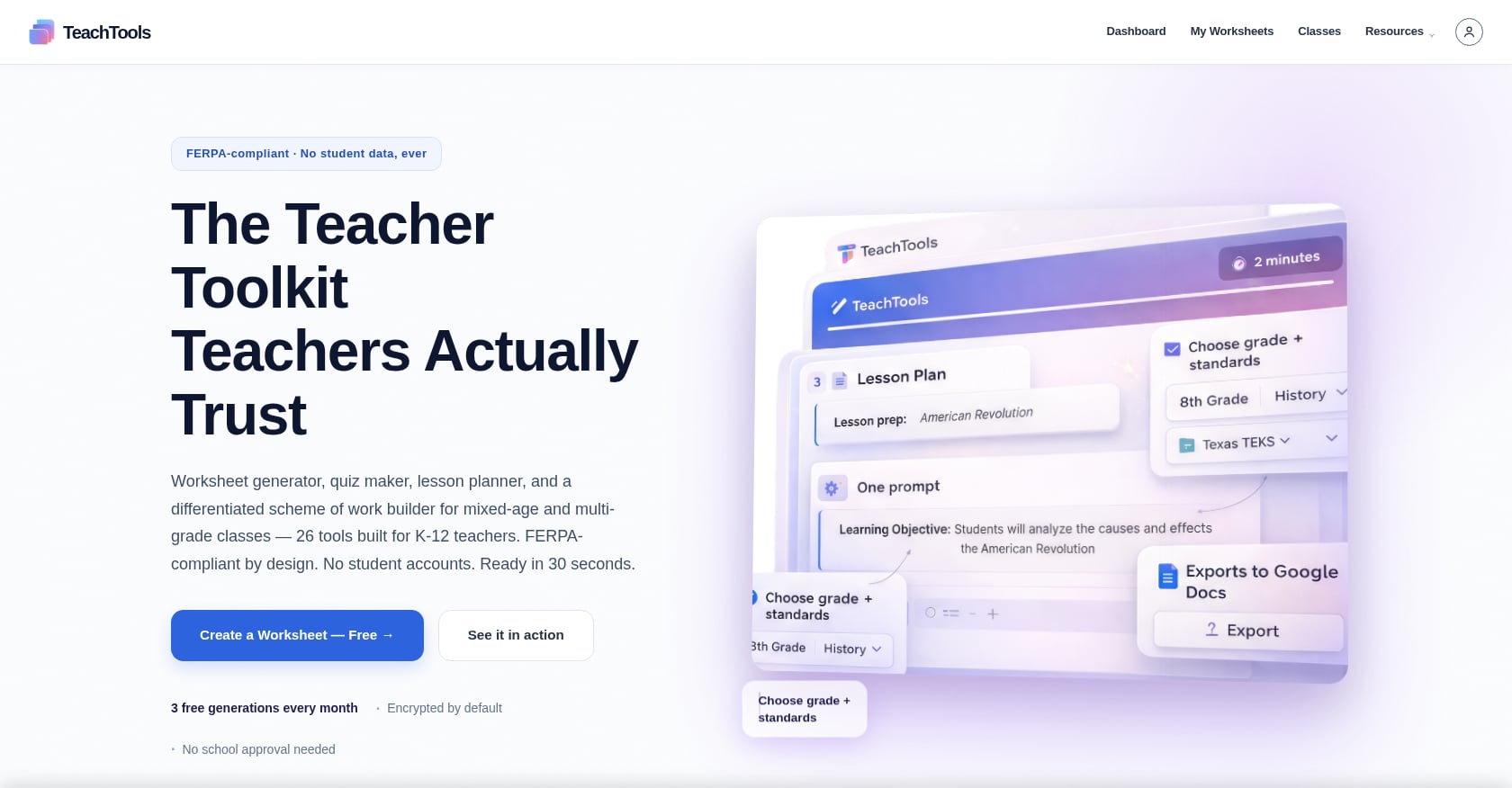
Purpose-built tools flip the model. Instead of a blank text box, you get a form: select a topic, pick a grade level, choose a difficulty, click generate. The tool handles the prompt engineering behind the scenes.
Practitioners on Reddit have landed on a nuanced take here. The consensus across r/Teachers threads is that purpose-built tools are faster to start with and require less prompt skill, but ChatGPT gives more control once a teacher has figured out how to use it well. That’s a fair assessment. But “once you figure out how to use it well” is doing a lot of heavy lifting for educators already working 50-hour weeks.
With TeachTools’ form-based generators, you pick your parameters and get structured output. No prompt iteration needed. For the 40% of teachers who haven’t adopted AI yet, the blank text box is often what stopped them.
2. Output Formatting and Print Readiness
Here’s a scenario every ChatGPT-using teacher recognizes: you generate a solid worksheet, then spend 15 minutes copying it into Google Docs, fixing the bullet points, adding a header, adjusting font sizes, and creating an answer key section. The AI did the thinking in 30 seconds. The formatting took ten times longer.
This is what TeacherMatic’s research team calls the editing trap. Educators using ChatGPT often spend more time editing the output than they actually saved generating it. A UK trial found that teachers using ChatGPT saved about 25 minutes per week on lesson planning compared to a control group, but that number shrinks fast when formatting time isn’t counted.
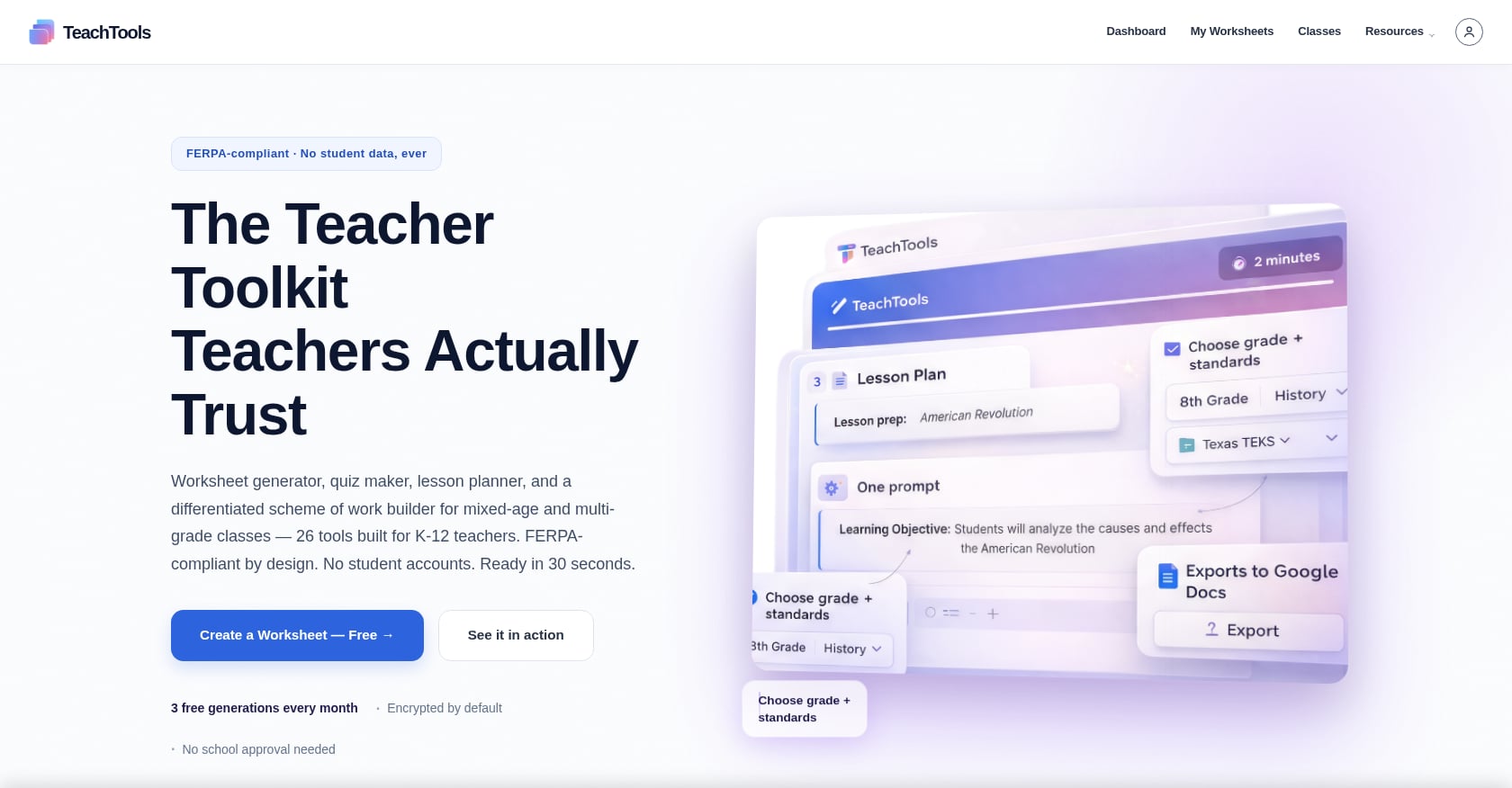
Purpose-built AI tools solve this by producing output in the format teachers actually need. A quiz generator produces a quiz that looks like a quiz, with numbered questions, answer blanks, and a separable answer key. A worksheet generator produces a worksheet ready to print or export to PDF.
ChatGPT, by contrast, produces markdown or plain text. That’s fine for brainstorming. It’s a problem when you need something in a student’s hands by first period.
If you regularly export materials to Google Docs or PDF, the formatting difference between ChatGPT and purpose-built AI isn’t a minor convenience. It’s the difference between a five-minute workflow and a twenty-minute one.
3. FERPA Compliance and Data Privacy
This is where the ChatGPT vs purpose-built AI comparison gets legally consequential.
Consumer ChatGPT (the free account, ChatGPT Plus at $20/month) is not FERPA-compliant. Full stop. When you type a student’s name, grade level, IEP detail, or behavioral note into a consumer AI tool, that data is potentially covered by FERPA. If the tool isn’t compliant and you haven’t obtained consent, you may be exposing your school to legal liability.
OpenAI’s ChatGPT for Teachers program changes this equation. The managed education workspace does not retain student data for model training and is designed with FERPA-aligned protections. But there’s a catch: your district has to enroll. The program currently reaches over 300,000 educators across 30 states, which means the vast majority of U.S. teachers don’t have access to the compliant version.
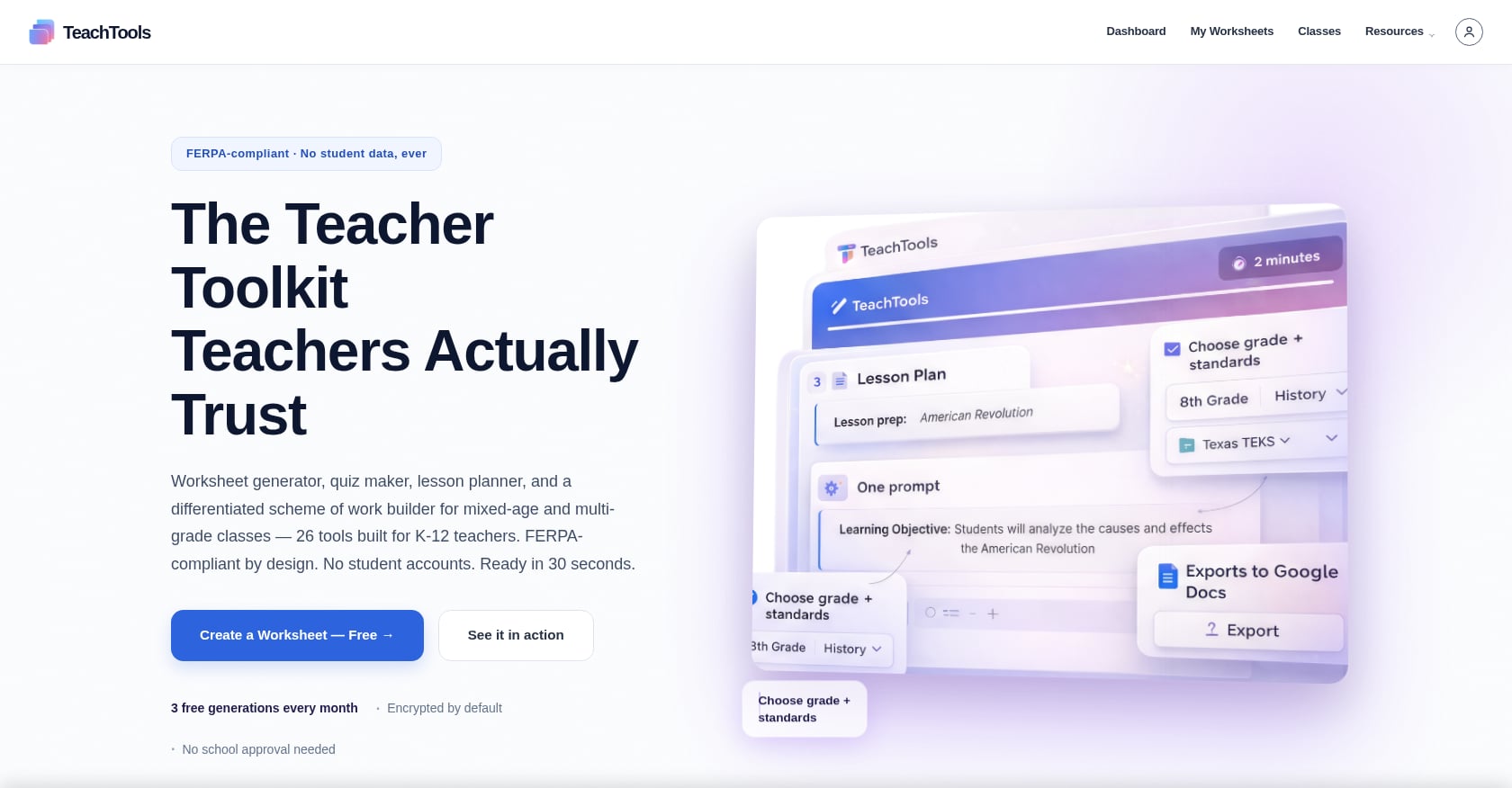
Purpose-built education AI tools like MagicSchool AI, Brisk Teaching, and TeachTools are designed with compliance from the start. MagicSchool AI carries a 95% privacy rating from Common Sense Privacy. Brisk states FERPA, COPPA, and SOC 2 compliance. TeachTools takes a FERPA-supportive approach: no direct student PII is required for generation, data is encrypted with AES-256 at rest and TLS 1.3 in transit, OpenAI’s API doesn’t train on user content, and a Data Processing Agreement is available for districts.
But here’s the nuance that matters: “compliant” does not mean automatically approved for use in your district. All tools still require a signed DPA at the district or school level before student data may flow through them. Out of the 126 tools in the aieducator.tools directory, 33 declare FERPA compliance, and only 14 of those also declare they collect no student data.
For a deeper look at how to navigate FERPA when using AI, including what qualifies as student PII and what doesn’t, that linked guide covers the practical steps.
Review TeachTools’ FERPA and privacy posture before making a district recommendation.
4. Consistency and Reliability of Output
Explore 26 free AI tools for teachers
Browse All Tools →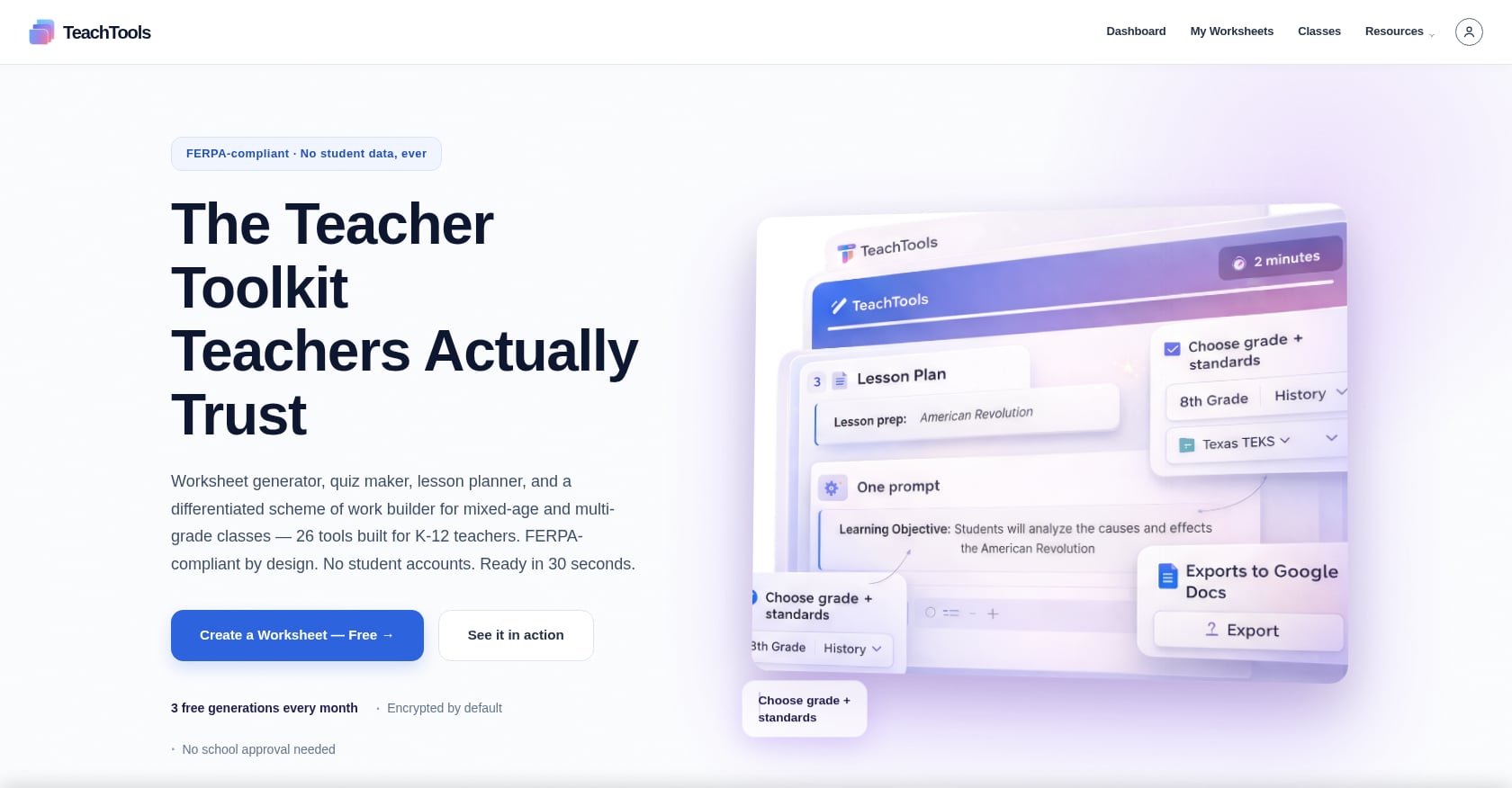
Ask ChatGPT to generate a 10-question quiz on the American Revolution for 8th graders. Then ask again with the same prompt. You’ll get two different quizzes, which is sometimes useful and sometimes maddening.
The variability of ChatGPT is a feature when you want creative brainstorming. It’s a problem when you need a predictable format. Teachers report that ChatGPT sometimes includes an answer key and sometimes doesn’t. Sometimes it generates exactly 10 questions, sometimes 8 or 12. Sometimes the difficulty is spot-on, sometimes it’s pitched two grade levels too high.
Purpose-built AI tools use constrained templates. A quiz generator that asks you for question count, format, and difficulty will always produce output matching those parameters. The answer key is always there. The formatting is always consistent. This predictability matters enormously when you’re building materials at scale, generating weekly assessments, quarterly review packets, or differentiated worksheets for mixed-ability classes.
Research backs this up at a deeper level. Professor Makransky and colleagues at the University of Copenhagen designed a purpose-built AI tool for specific learning scenarios and found it outperformed ChatGPT for learning outcomes in controlled studies published in Educational Psychology Review. The structured constraints aren’t just convenient. They produce better results.
One rule that surfaces repeatedly across Reddit teacher communities: anything that reaches a parent, a student’s file, or could be questioned for AI generation gets a human read-through first. Consistent formatting from purpose-built tools makes that review process faster because you know exactly where to look.
5. Breadth vs. Focus: The Tool Catalog Question
ChatGPT technically does everything. It can write lesson plans, generate quizzes, draft parent emails, create rubrics, and summarize YouTube videos. It can also write poetry, debug Python code, and plan your vacation. That breadth is its selling point and, for teachers, sometimes its weakness. Without guardrails or education-specific structure, the output is generic until you invest the prompt engineering to make it specific.
On the other end, MagicSchool AI offers 80+ education-specific tools. That’s the widest catalog in the market, and it’s earned the platform over 5 million educator users across 13,000+ schools. But multiple Reddit threads note that massive tool catalogs can overwhelm teachers who are new to AI. When every menu has 80 items, some teachers just close the menu.
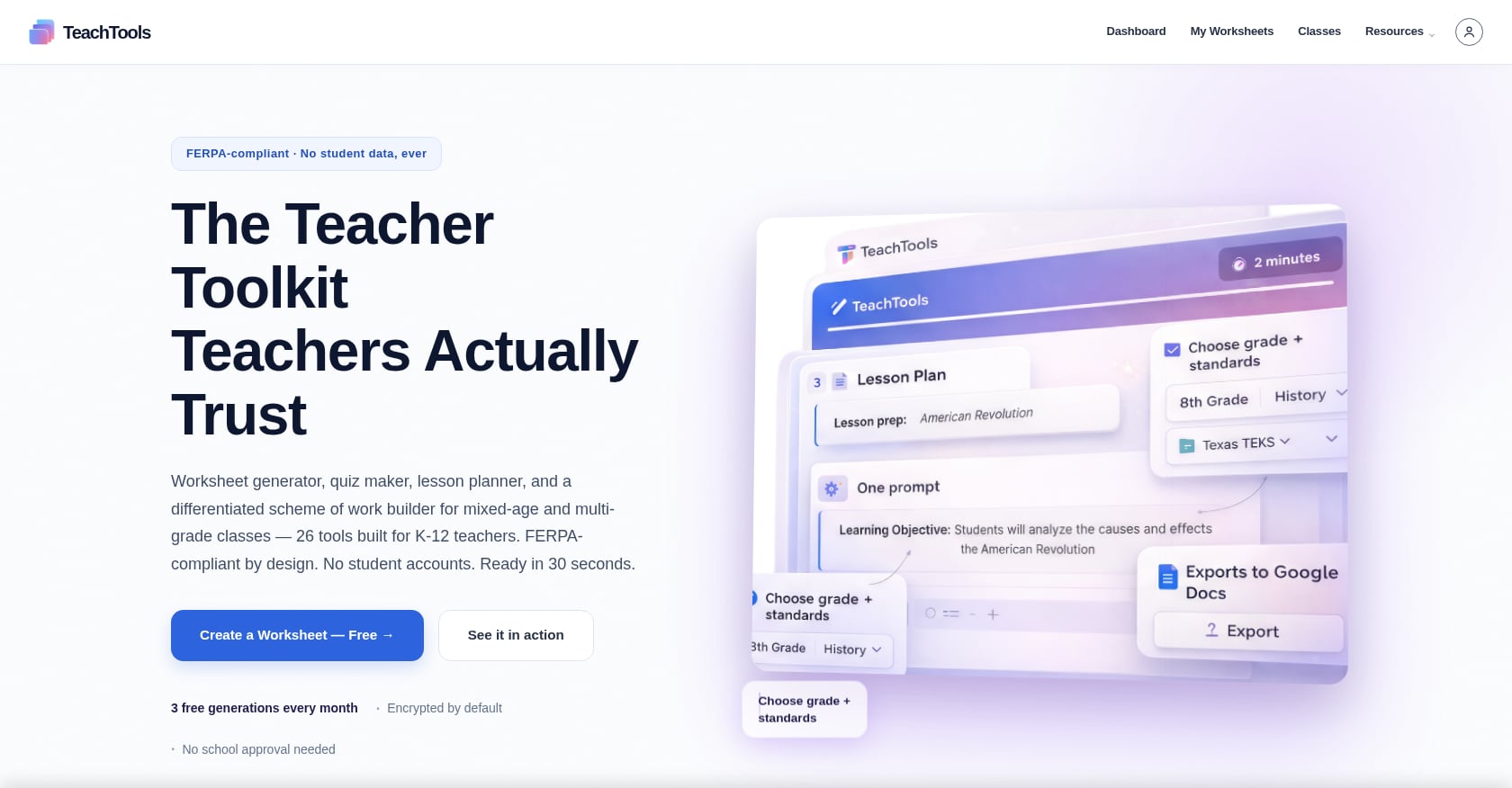
TeachTools takes a different approach with 23 specialized tools covering the core workflows: worksheets, quizzes, lesson plans, rubrics, report card comments, parent emails, and more. That’s enough to handle daily material creation without the paradox-of-choice problem.
Brisk Teaching occupies a middle ground with 20+ tools delivered as a Chrome extension, which works beautifully if you live inside Google Docs and Classroom. The tradeoff is that the browser-extension format limits what standalone features it can offer.
The right tool catalog size depends on your role. A curriculum coordinator who needs niche generators for 15 different subject areas may genuinely need MagicSchool’s depth. A 4th-grade classroom teacher who needs worksheets, quizzes, and lesson plans every week probably doesn’t.
6. Cost and Budget Flexibility
Teacher budgets for personal software are small. Most r/Teachers discussions prioritize free or institution-provided tools for exactly this reason. So pricing isn’t just about the number on the screen. It’s about whether the tool respects the reality that teachers often pay out of pocket and don’t use software from June through August.
Here’s how the costs break down:
ChatGPT: The ChatGPT for Teachers program is free for verified U.S. K-12 educators through June 2028, with full access to ChatGPT 5.1 Auto, unlimited messages, file uploads, and image generation. If your district isn’t enrolled, ChatGPT Plus costs $20/month year-round.
MagicSchool AI: Free tier with limited generations. Plus plan at $8.33/month billed annually ($12.99 month-to-month). Enterprise pricing for districts is custom.
Brisk Teaching: Free tier with 20+ tools. Premium at $99.99/year after a 14-day trial. District licensing is quote-only.
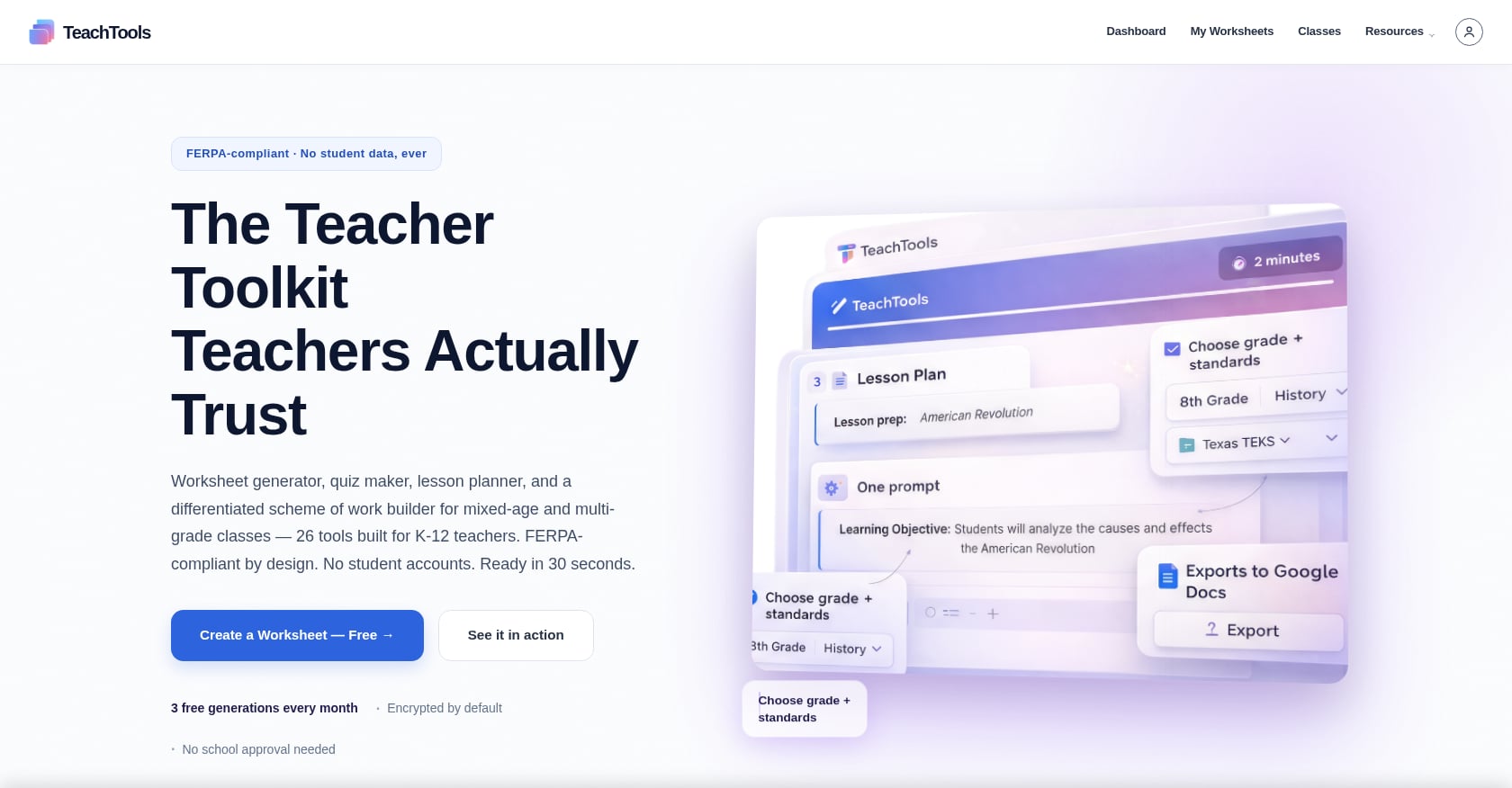
TeachTools: Free tier with 5 generations per month across all 23 tools (never expires). Pro at $9/month billed monthly, with the option to pause billing during summer and winter breaks. School plans at custom pricing per school year.
That pause feature is unique in this category. No other tool on this list lets you suspend your subscription during breaks and resume when school starts again. For a teacher paying out of pocket, the difference between $108/year (12 months) and $81/year (9 active months) is real money.
Compare plans and pricing to find the right fit for your budget.
7. Who Should Use What: A Decision Framework
The ChatGPT vs purpose-built AI decision isn’t binary. Many teachers use both. Here’s how to think about it.
Use ChatGPT if:
- Your district is enrolled in the ChatGPT for Teachers program (free, FERPA-aligned)
- You’re comfortable writing detailed prompts and iterating on output
- You want maximum flexibility for non-standard tasks like brainstorming project ideas, drafting unique rubric criteria, or generating creative writing scenarios
- You don’t mind formatting output into printable documents manually
Practitioners on Reddit confirm this pattern. ChatGPT remains in constant use among experienced AI-adopting teachers, mostly for brainstorming and quick explanations rather than the formatted classroom documents that purpose-built tools produce.
Use a purpose-built tool if:
- You want print-ready materials without formatting cleanup
- You care about FERPA compliance and don’t want to research it yourself
- You don’t want to learn prompt engineering
- You need consistent output formats for weekly or daily material generation
Use TeachTools specifically if:
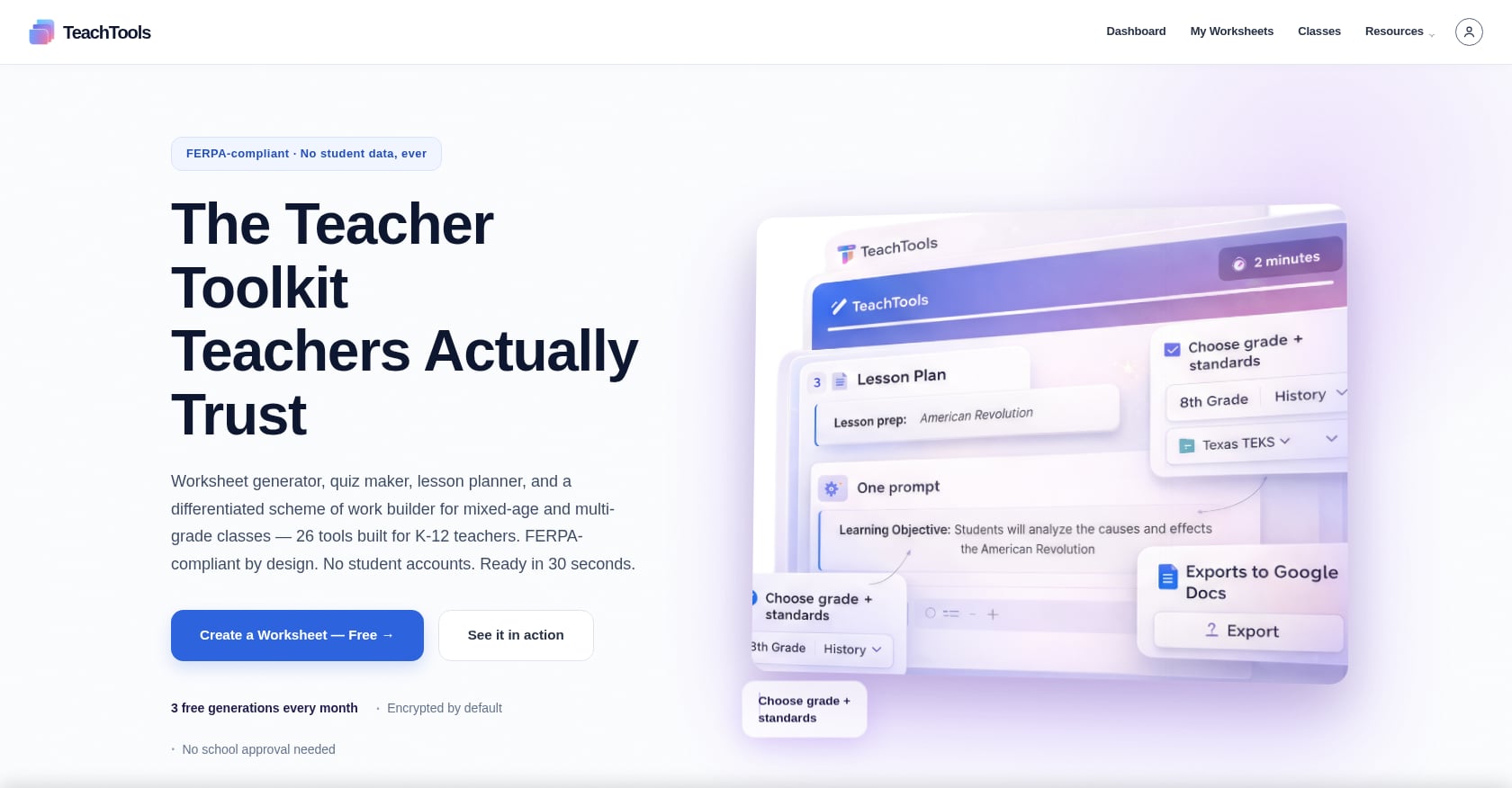
- You want simplicity over a massive catalog: 23 focused tools, form-based inputs, zero prompting
- Print-readiness matters: every tool exports to PDF and Google Docs
- Budget flexibility matters: $9/month with pause billing during breaks, plus a free tier that never expires
- You want FERPA-supportive design without requiring student PII
Use MagicSchool AI if:
- You need the widest possible tool catalog (80+) for diverse workflows across subjects
- Your district is evaluating enterprise deployments and wants the largest installed base
Use Brisk Teaching if:
- You work primarily inside Google Docs, Slides, and Classroom
- You want AI as a sidebar companion in your existing workflow rather than a separate platform
The honest answer for most teachers: start with a purpose-built tool for your daily materials, and keep ChatGPT around for the creative, unstructured tasks where its flexibility shines.
Start with TeachTools for free, 5 generations per month, no credit card required.
Frequently Asked Questions
Is ChatGPT FERPA-compliant for teachers?
Consumer ChatGPT (free and Plus accounts) is not FERPA-compliant. The ChatGPT for Teachers managed workspace, available through district enrollment, is designed with FERPA-aligned privacy protections and does not use student data for model training. If your district hasn’t enrolled, assume the consumer version is not safe for student data.
Can purpose-built AI tools completely replace ChatGPT for teachers?
Not entirely. Purpose-built tools excel at structured, repeatable tasks like generating worksheets, quizzes, and lesson plans. ChatGPT is better for open-ended brainstorming, answering unusual questions, and tasks that don’t fit a template. Most experienced AI-using teachers report using both.
How much time do teachers actually save with AI tools?
According to a Gallup-Walton Family Foundation poll, teachers using AI weekly save an average of 5.9 hours per week. A UK trial found ChatGPT specifically saved about 25 minutes per week on lesson planning. Purpose-built tools with print-ready output tend to save additional time by eliminating the formatting step that ChatGPT requires.
What is the “prompt engineering tax” and why does it matter?
The prompt engineering tax refers to the time and skill required to write effective prompts in ChatGPT. Without training, teachers often generate mediocre output, spend time rephrasing and regenerating, then edit the results manually. Purpose-built tools eliminate this by using form-based inputs (topic, grade, difficulty) that handle the prompting behind the scenes.
Are “FERPA-compliant” AI tools automatically approved for school use?
No. A tool declaring FERPA compliance means it has the technical and policy architecture to support compliance. Your district still needs to sign a Data Processing Agreement, verify the tool’s data practices, and formally approve it. Teachers should check with their administration before using any AI tool with student information.
How does TeachTools compare to MagicSchool AI?
MagicSchool AI offers 80+ tools and the largest market adoption (5 million+ educators). TeachTools offers 23 focused tools with an emphasis on simplicity, print-ready formatting, and budget flexibility (including pause billing). MagicSchool suits educators who need a wide catalog; TeachTools suits those who want fewer, more focused tools without feeling overwhelmed.
Is the ChatGPT for Teachers program available to all educators?
As of 2026, the program covers over 300,000 educators across 30+ states through partnerships with 100+ K-12 organizations. It’s free for verified U.S. K-12 educators through June 2028, but access requires district enrollment. Individual teachers cannot sign up independently unless their district participates.
What should I look for when evaluating an AI tool’s privacy practices?
Check five things: whether the tool is FERPA-compliant, whether it trains AI models on your data, what student PII it collects (or doesn’t), what encryption it uses for data at rest and in transit, and whether it offers a Data Processing Agreement for your district. Tools that require no student PII for core functionality reduce your risk profile significantly.