AI in the Classroom: 11 Best Tools for Teachers (2026)

TL;DR
Six in 10 U.S. K-12 teachers used AI for work during the 2024-25 school year, and weekly users saved nearly six hours per week on average. But most teachers lack formal training and worry about privacy, generic outputs, and student cheating. This guide ranks 11 AI classroom tools by what teachers actually care about: prep time saved, output quality, export options, privacy, and whether the teacher stays in control.
AI Is Already in Classrooms, but Most Teachers Are Flying Solo
A 2025 Gallup/Walton Family Foundation survey found that six in 10 teachers used an AI tool for work during the 2024-25 school year. Teachers who used AI at least weekly reported saving an average of 5.9 hours per week, roughly six weeks over a full school year.
That sounds like a game-changer. But there is a catch: 68% of those teachers had not received any school or district-provided AI training. And according to Pew Research Center, about one quarter of U.S. public K-12 teachers believe AI tools do more harm than good in education.
So the practical question is no longer “Will teachers use AI in the classroom?” It is “Which tasks should AI help with, which tools are safe enough, and where does teacher judgment still lead?”
This article focuses on practical, low-risk AI classroom uses and ranks 11 tools based on what teachers actually need. One guiding rule runs through everything here: AI should draft, not decide.
Explore TeachTools’ 23 AI tools for classroom-ready materials without prompt engineering.
What to Look for in an AI Classroom Tool
Before comparing tools, it helps to have clear criteria. The best AI tools for the classroom share a few traits:
- Saves meaningful prep time. Not just “generates something,” but generates something close to what you would actually hand out or use.
- Produces editable, classroom-ready outputs. Formatting matters. A wall of text from a chatbot is not the same as a printable worksheet.
- Exports to PDF, Google Docs, or LMS. If you cannot print it or share it without reformatting, it is not saving time.
- Has clear privacy policies. Does the tool collect student data? Does it offer a Data Processing Agreement? Is user content used to train models?
- Does not require student PII for teacher-only tasks. The safest starting point for AI in the classroom is teacher-side prep work, not student-facing chatbots.
- Lets the teacher review before students see anything. Teacher-in-the-loop is not optional.
Practitioners on LinkedIn echo this. Julia Kaufman, an education researcher, emphasized that intentional tool choice matters because weak tools can produce inaccurate worksheets and incoherent learning goals. The best tools tie to high-quality curriculum materials, not just flashy features.
For a deeper look at how focused AI tools fit into daily prep, this guide on reducing prep time walks through specific workflows.
Quick Comparison: Best AI Tools for the Classroom
| Tool | Best For | Starting Price | Free Plan | Student-Facing? | Key Tradeoff |
|---|---|---|---|---|---|
| TeachTools | Simple, classroom-ready K-12 materials | $9/mo | 5 generations/mo | No | Smaller tool catalog (23 tools) |
| MagicSchool | Broad AI suite for districts | $8.33/mo (annual) | Yes | Yes | Can feel overwhelming |
| Brisk Teaching | Feedback inside Google/Microsoft | Free (teacher plan) | Yes | Yes (Boost) | Browser-extension dependent |
| Eduaide | Low-cost instructional materials | $49.99/yr | Yes (limited) | No | Mixed user reviews |
| Diffit | Differentiated readings, ELL/SPED | Free (basic) | Yes | No | Narrow focus |
| SchoolAI | Supervised student AI spaces | Custom (school only) | Trial only | Yes | Not for individual teachers |
| Canva for Education | Visual classroom materials | Free for K-12 | Full access | Design projects | Not a curriculum tool |
| Khanmigo | Khan Academy-aligned tutoring | Free (teachers) | Yes | Yes | Requires student scaffolding |
| Curipod | Interactive live lessons | Free (limited) | 2 sessions/wk | Yes | Session caps on free plan |
| ChatGPT for Teachers | Flexible general-purpose AI | Free (through 2028) | Full (verified U.S.) | No | Requires prompt skill |
| NotebookLM | Source-grounded unit prep | Free (Workspace) | Yes | No | Not a materials generator |
1. TeachTools
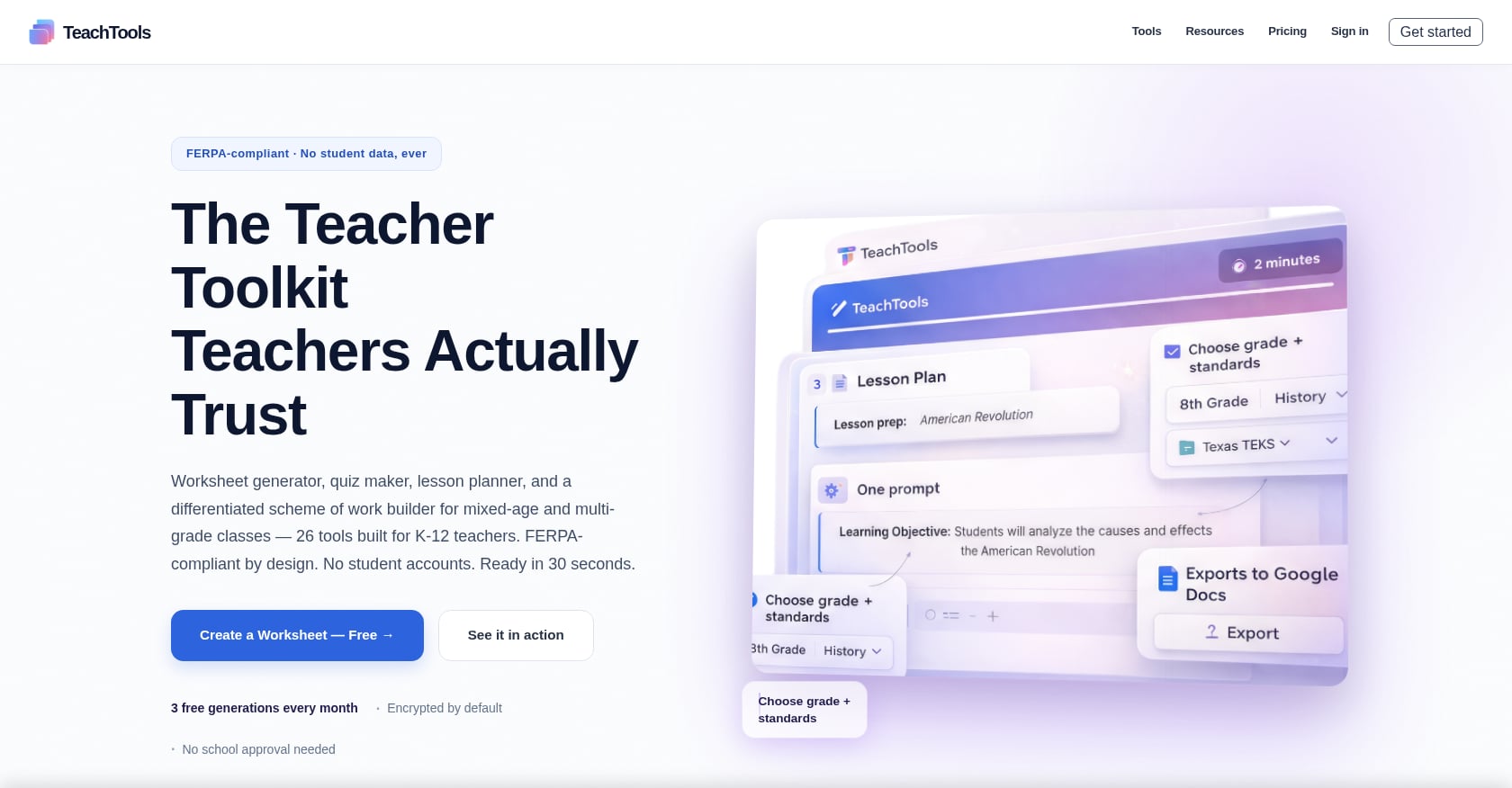
Best for: Individual K-12 teachers who want simple, print-ready worksheets, quizzes, lesson plans, rubrics, and parent communications without writing prompts from scratch.
Pricing:
- Free: $0, 5 generations/month across all 23 tools, PDF and Google Docs export
- Pro: $9/month (billed monthly), unlimited generations, all tools, priority support
- School: custom annual pricing, unlimited usage, team management, analytics, dedicated support
- No credit card required for the free tier
Key features:
- 23 purpose-built tools covering worksheets, quizzes, lesson plans, rubrics, crosswords, word searches, report-card comments, parent emails, announcements, and grading assistance
- Form-based inputs (topic, grade, difficulty) instead of open-ended prompts
- PDF and Google Docs export for immediate printing or sharing
- AES-256 encryption at rest, TLS 1.3 in transit
- No training on user data; DPA available for district adoption
Why it leads this list:
TeachTools is designed for teachers who care about Tuesday, not transformation. Instead of offering 80 tools and a chatbot, it focuses on the tasks teachers repeat every week. Pick a tool, fill in a few fields, get something you can print or export. That workflow removes the blank-page problem without requiring prompt skill.
The platform is newer and has a smaller public review footprint than MagicSchool or Brisk. But for teachers who mainly need classroom-ready materials and communications, a smaller focused toolkit often beats a giant AI suite.
Tradeoffs:
- Smaller tool catalog (23 tools) compared to platforms offering 50-80+
- Limited public detail on LMS integrations like Google Classroom or Canvas
- No published case studies with quantified outcomes yet
Compare free and Pro plans to find what fits your workload.
2. MagicSchool
Best for: Schools and districts that want a broad, recognizable AI platform with 80+ teacher tools and enterprise support.
Pricing:
- Free: $0 forever for individual teachers
- Plus: $12.99/month (monthly) or $8.33/user/month (annual)
- Enterprise: custom pricing for schools and districts
Key features:
- 80+ tools covering lesson plans, worksheets, rubrics, quizzes, writing feedback, differentiation, IEP support, and student-facing tools
- Raina AI chatbot for teacher questions
- Standards alignment and grade/subject customization
- Export to Google Docs, Slides, and other formats
What practitioners say:
G2 reviewers describe MagicSchool as a significant time-saver for lesson planning, IEPs, and personalized materials. Reddit sentiment is more nuanced. Some teachers call it helpful for specific tasks and less technical colleagues, while others describe it as “AI with training wheels,” essentially prompt presets wrapped in a teacher-friendly interface. One teacher in a MagicSchool pilot discussion said they never accept outputs without reviewing, revising, and fact-checking.
Stanford’s analysis of highly active MagicSchool users found that the most common uses involve routine but time-intensive tasks: communication, student support, text rewriting, and lesson planning.
Tradeoffs:
- Can feel overwhelming with so many tools
- Standalone platform requires context switching if you already work in Google Docs or an LMS
- High-stakes generators (IEP-related tools, behavior plans) need careful human review; Common Sense Media warns that AI tools generating critical documents can influence student trajectories without enough underlying data
3. Brisk Teaching
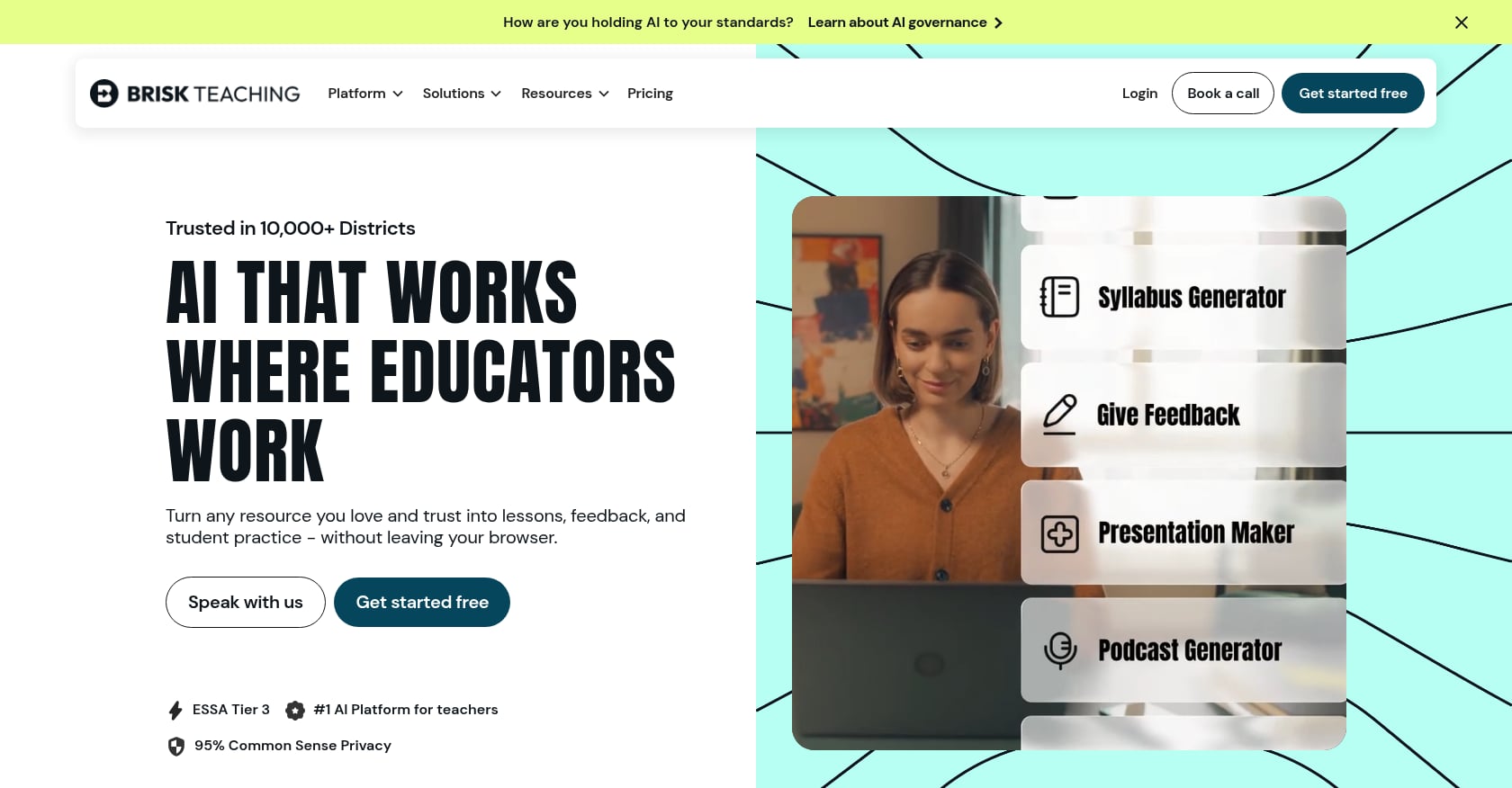
Best for: ELA teachers and writing-heavy subjects who want AI feedback and resource generation inside Google Docs, Slides, YouTube, and LMS tools.
Pricing:
- Free: $0 teacher plan with 20+ create tools
- Premium and Intelligence: custom pricing for schools and districts
Key features:
- Chrome and Edge extension that works inside existing workflows
- Feedback tools including glow/grow feedback, rubric criteria, and targeted comments directly in student documents
- Materials generation in 50+ languages
- Works inside Canvas, Schoology, and Google Classroom
- Admin dashboards, DPAs, and rostering for school plans
What practitioners say:
A teacher featured in Ditch That Textbook reader feedback said they use Brisk almost exclusively for writing feedback in Google Docs rather than lesson planning. That tracks with what makes Brisk different: it meets teachers where they already work instead of pulling them into another tab. On Reddit, teachers describe Brisk as simple and easy to use compared with similar classroom AI tools.
Tradeoffs:
- Depends on Chrome/Edge and supported web platforms
- Less ideal for teachers who want a standalone printable worksheet or quiz generator
- Pricing structure can be confusing with different tiers mentioned in different places
4. Eduaide
Best for: Teachers who want a low-cost annual plan for creating instructional materials, organizers, and assessments.
Pricing:
- Free: limited generations and input context
- Pro: $49.99/year ($4.17/month billed annually)
- Schools and districts: custom pricing
Key features:
- Lesson plans, worksheets, graphic organizers, classroom games, and assessments
- Pro unlocks unlimited AI generations, document chat, differentiation, image generation, and reasoning model access
- YouTube transcript source material for content creation
What practitioners say:
Reddit sentiment is mixed. An ESL teacher mentioned Eduaide can be helpful for specific tasks, but another teacher described it as disappointing compared to Brisk and ChatGPT. That split suggests Eduaide works better as a supplement than a primary tool for using AI in the classroom.
Tradeoffs:
- Mixed user reviews suggest inconsistent output quality
- Free plan limits both generations and how much context you can provide
- Less clear fit for schools needing admin dashboards and student-facing controls
5. Diffit
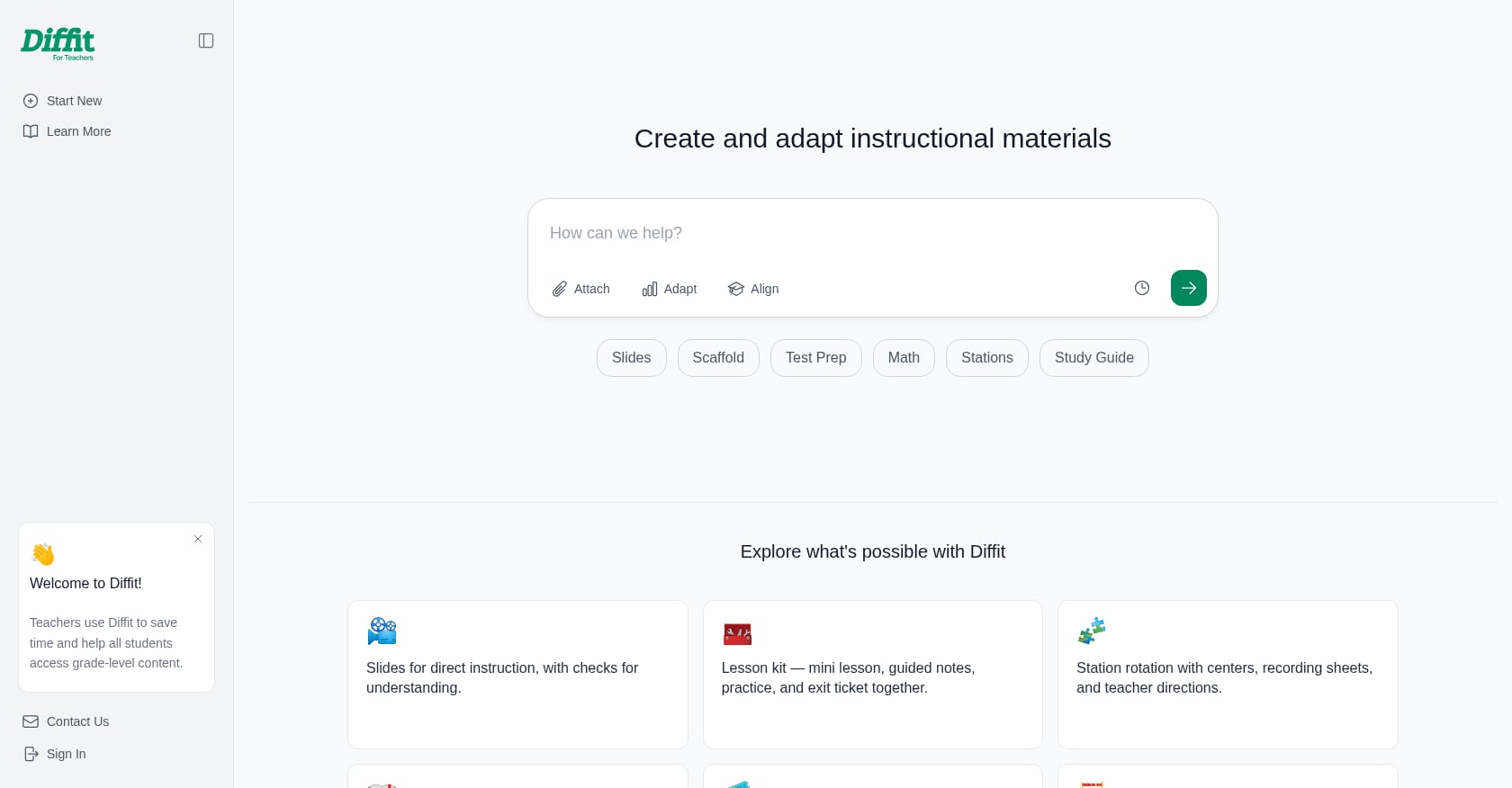
Best for: Differentiated readings, ELL support, SPED adaptation, and creating tiered materials for mixed-ability classrooms.
Pricing:
- Basic: free, includes classroom-ready content, PDF download, and access to content made in the last 90 days
- Diffit for Schools: flat-rate annual subscription tiered by student enrollment
Key features:
- Generates differentiated resources for any topic, book, standard, or skill
- Standards, MTSS tiers, and DOK alignment
- Print-optimized layouts designed to reduce screen time
- No student logins and no student AI
- Exports to Google, Canva, and Microsoft formats on school plans
What practitioners say:
Diffit comes up repeatedly in Reddit teacher threads as a go-to for adjusting reading passages to different grade levels. Teachers working with English learners mention it as particularly valuable for creating parallel materials at multiple reading levels. Others note it still requires source checking and editing.
For teachers building differentiation strategies into their planning, Diffit handles one piece of the puzzle well: leveled texts. It does not cover the broader workflow of creating worksheets, quizzes, rubrics, or parent communications.
Tradeoffs:
- Narrower focus than a full classroom material generator
- Individual premium pricing is not transparent on the public page
- Basic plan limits access to content older than 90 days
6. SchoolAI
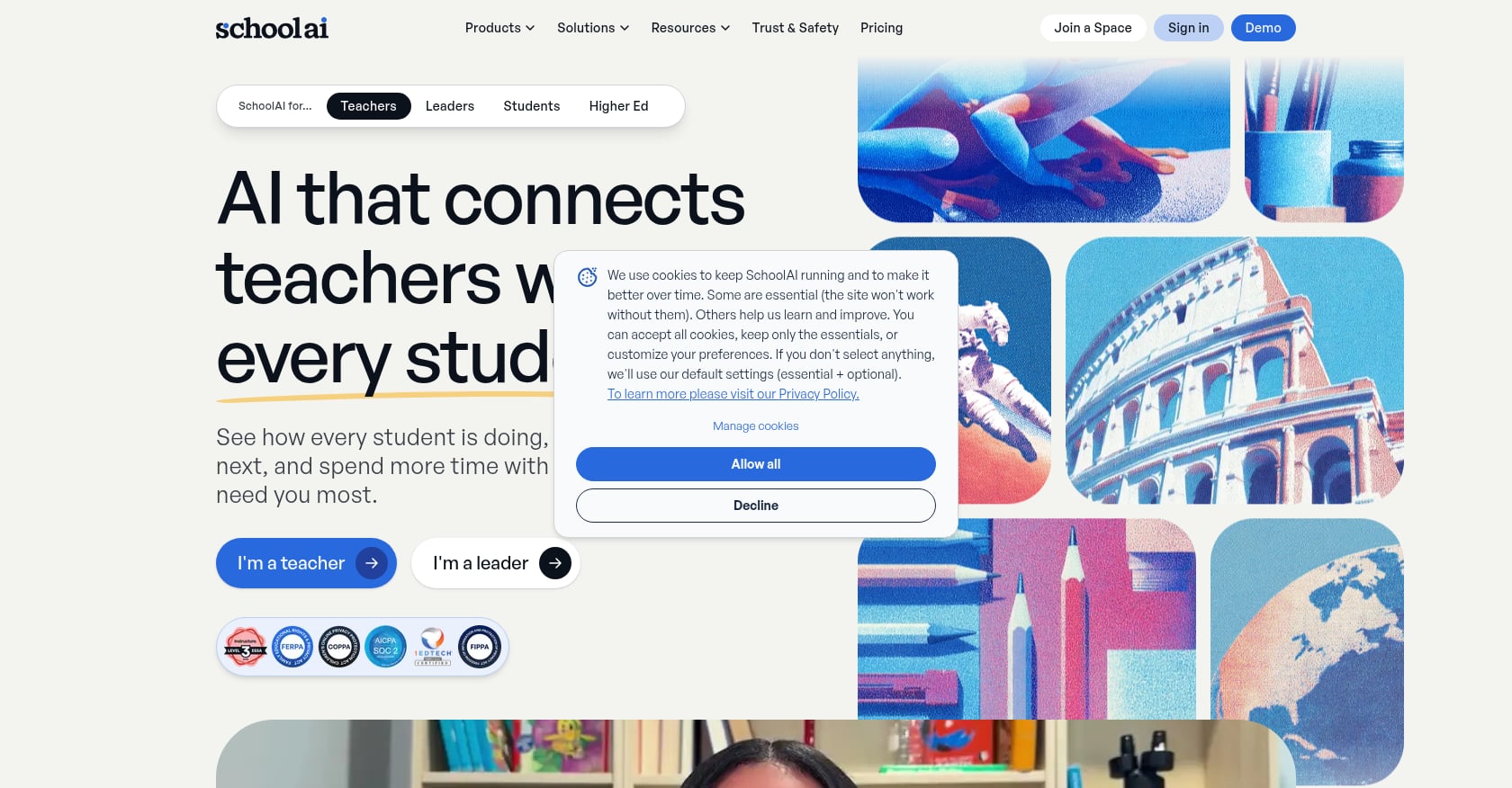
Best for: Schools and districts that want supervised, student-facing AI activities with real-time teacher monitoring and admin controls.
Pricing:
- Paid plans are available only through school or district purchase (no self-serve individual paid plan)
- Free Trial: limited Space launches
- Pro: unlimited Spaces, SIS rostering, admin alerts, usage reports, LMS integration
- Scale: adds student portals, AI Sidekick, Canvas-embedded tools, district management
Key features:
- Spaces: AI-powered learning experiences designed and managed by teachers
- Mission Control: real-time and post-session visibility into student interactions
- PowerUps: document editor, presentation creator, image generator, flashcards, mindmap, graphing calculator
- Critical alerts, student chat observability, audit traces
What practitioners say:
Stanford AI Hub research on SchoolAI found that teachers often use one multipurpose chatbot rather than switching between specialist assistants, and the most common use involved curriculum and content information. This matters: teachers want fewer tools that do more, not an endless menu of AI options.
Tradeoffs:
- District-oriented, not individual-teacher oriented
- Pricing is custom and gated
- Student-facing AI requires clear policies, consent review, and teacher-designed scaffolds
- Not the fastest path if you simply need printable worksheets and parent emails
7. Canva for Education
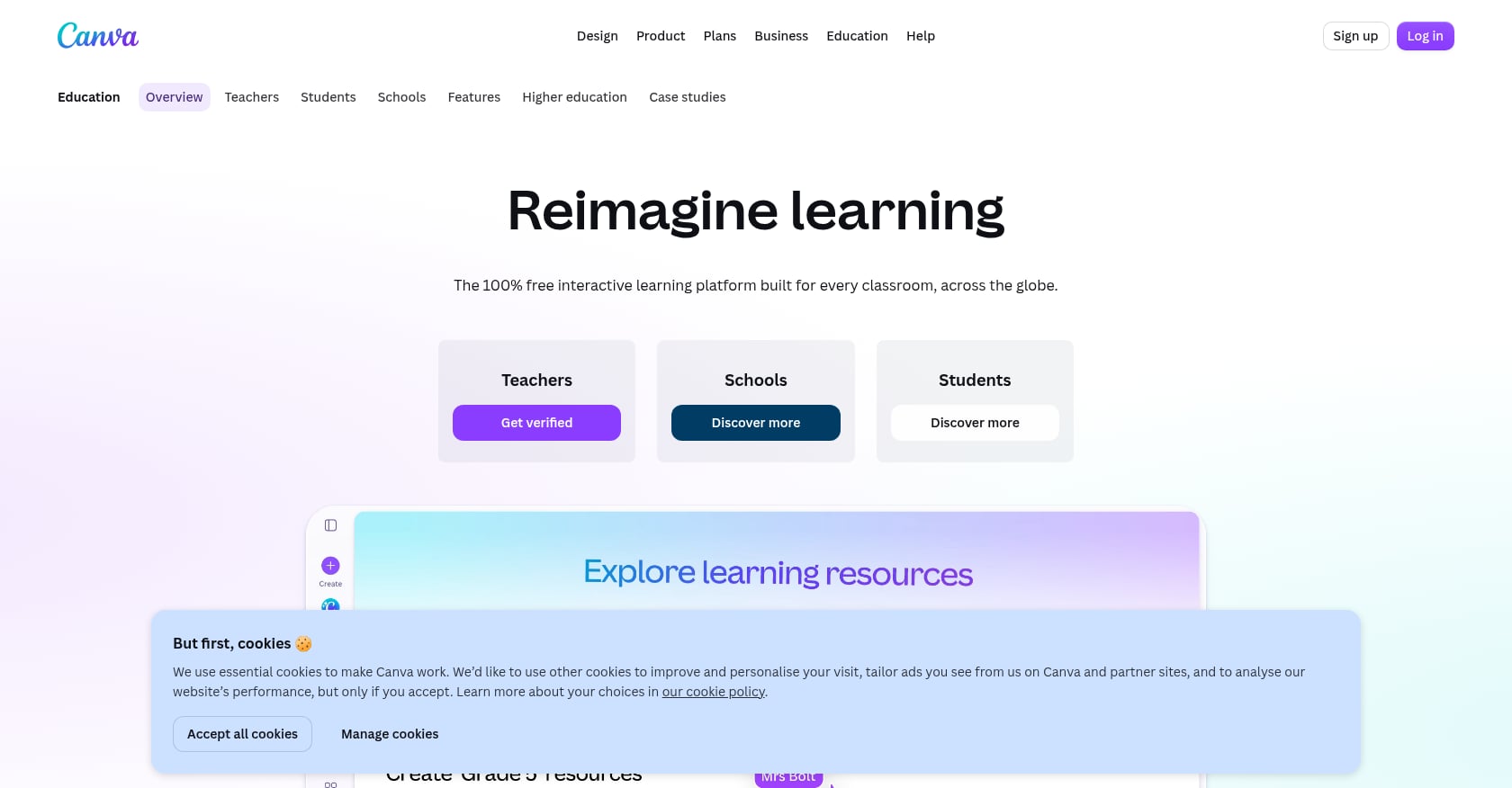
Best for: Teachers who want visually polished presentations, posters, worksheets, newsletters, and classroom displays.
Pricing:
- 100% free for K-12 educators, students, and qualified school districts (includes AI tools)
Key features:
- Education templates for presentations, posters, worksheets, classroom displays, and infographics
- AI quiz generator and worksheet generator from classroom presentation materials
- Magic Write for brainstorming teaching ideas and refining lesson-plan drafts
- LMS integrations and assignment sharing workflows
What practitioners say:
Reddit teachers consistently praise Canva for helping create crisp-looking classroom materials, graphic organizers, and visual handouts. Some report friction with the Education verification process, but once approved, the platform offers genuine value for visual materials.
Tradeoffs:
- Primarily a design tool, not a curriculum or pedagogy tool
- Does not align to standards or digest learning objectives the way purpose-built AI classroom tools do
- Teachers still supply all the instructional thinking; Canva makes it look good
8. Khanmigo
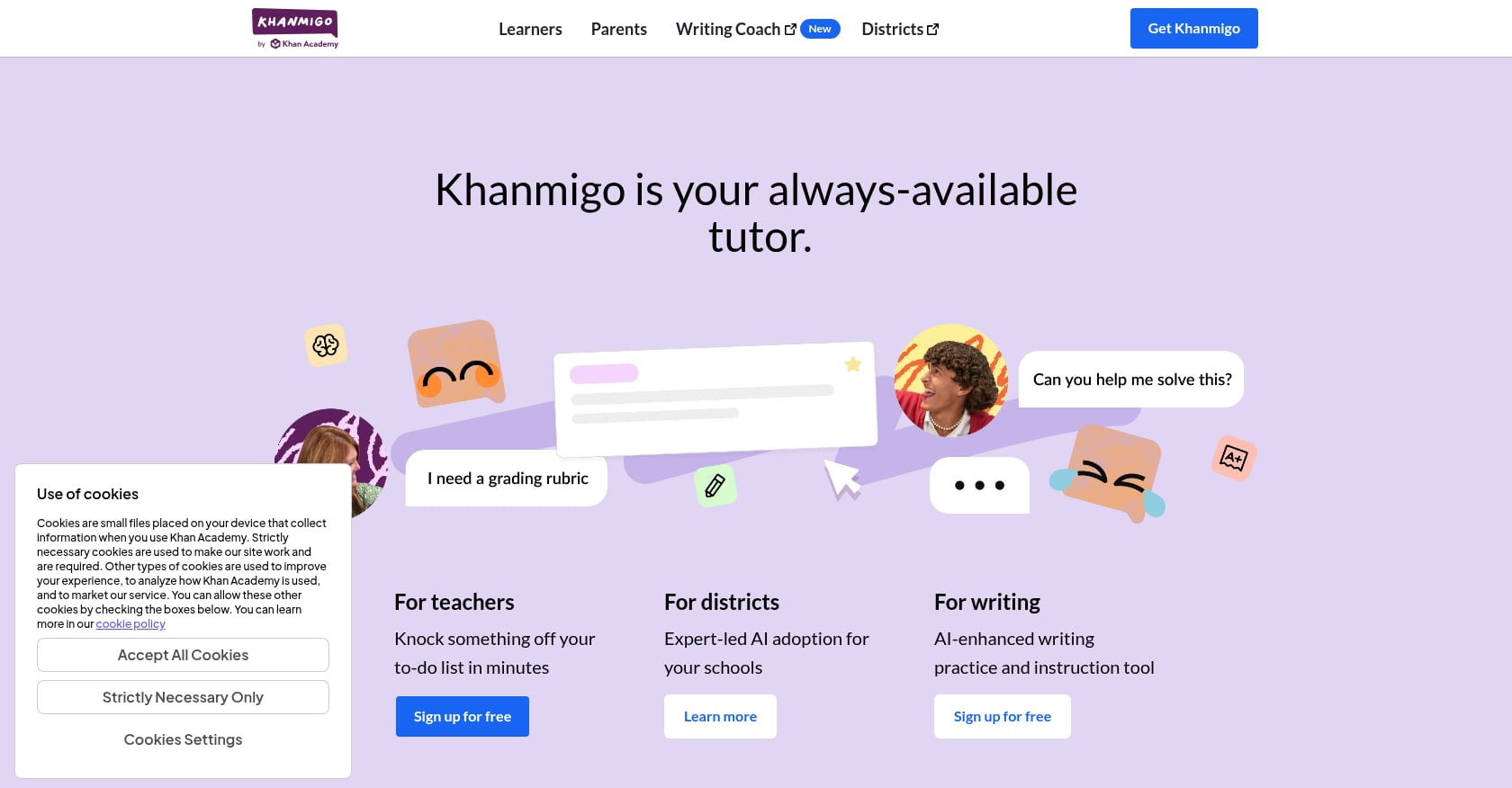
Best for: Math instruction and Khan Academy-aligned tutoring for teachers already using the Khan ecosystem.
Pricing:
- Free for U.S. teachers
- $4/month for parents and learners
Key features:
- AI-powered teaching assistant and tutor connected to Khan Academy’s content library
- Teacher tools include rubrics, standards-aligned lesson plans, differentiation, and question generation
- Socratic tutoring for students working through math problems
What practitioners say:
A Digital Promise report on Khanmigo implementation found that with consistent usage, the tool had potential to save teacher time and help students work through math questions more independently. But reliability and access issues affected whether teachers could responsibly plan lessons around it.
Practitioners on Reddit raised a deeper concern: struggling students often do not know what questions to ask, which means self-directed students get more out of AI tutors than the students who need help most. AI tutors in the classroom need structure, teacher-designed prompts, and explicit routines to work for all learners.
Tradeoffs:
- Student-facing tutoring is not automatically equitable without scaffolding
- Less useful for creating printable worksheets, rubrics, report-card comments, or parent emails
- Tightly coupled to the Khan Academy ecosystem
9. Curipod
Best for: Live interactive lessons, writing warm-ups, and structured classroom participation activities.
Pricing:
- Free: 2 teaching sessions per week (unlimited lesson creation and editing)
- Three School Plan trials per teacher (do not renew)
- School Plan: school-level purchase for full access
Key features:
- Interactive lessons with join codes for live classroom participation
- AI-assisted lesson creation
- Works well for warm-ups, discussions, and structured writing practice
- Teachers can run the same lesson across multiple class periods in a week and count it as one session
Tradeoffs:
- Free plan is constrained by session limits
- School Plan features are gated behind institutional purchase
- Less suited to quick printable materials or teacher communications
- More classroom-session oriented than prep-material oriented
10. ChatGPT for Teachers
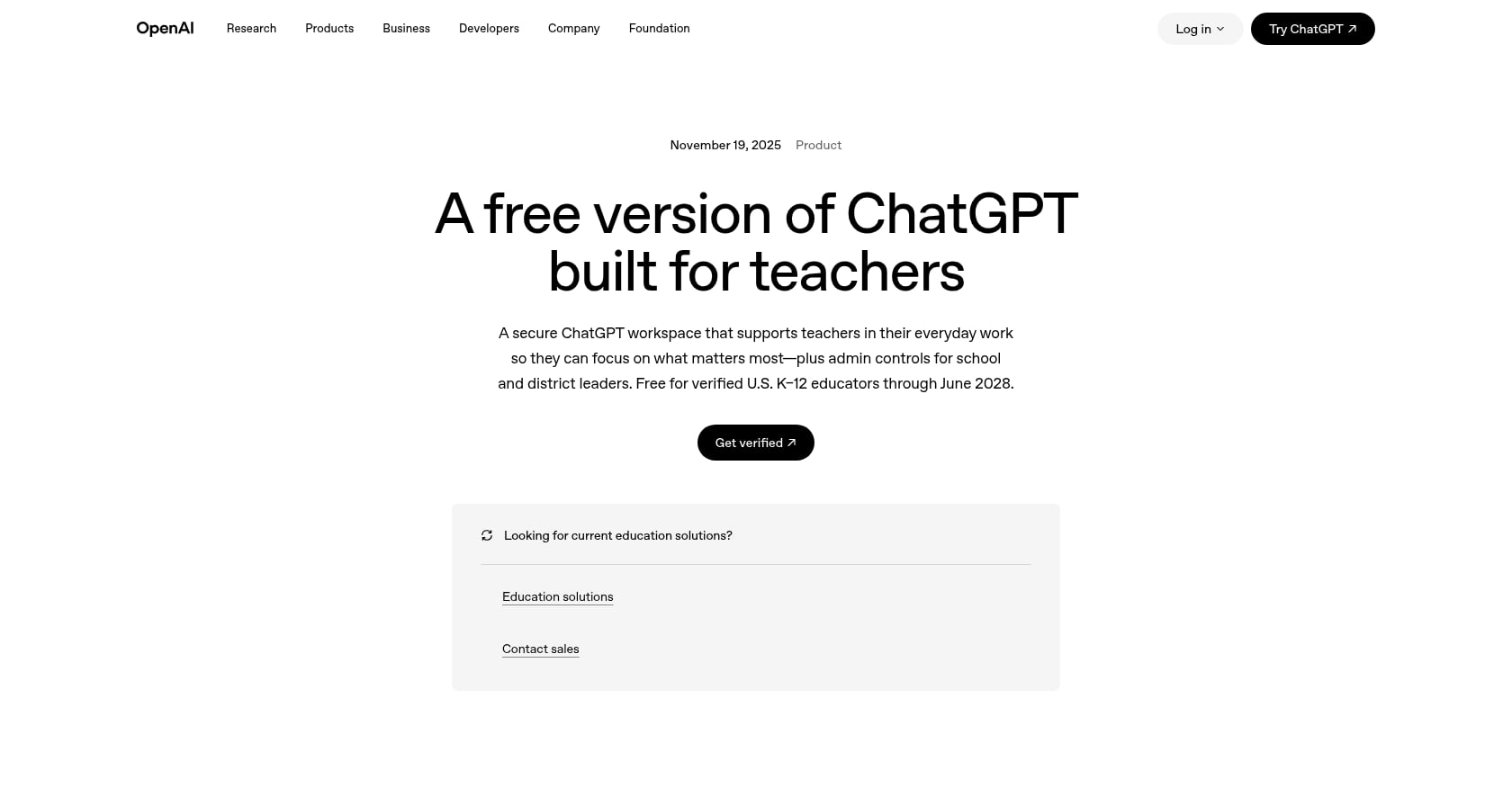
Best for: Teachers comfortable with writing prompts who want a flexible, general-purpose AI assistant for brainstorming, drafting, and adapting materials.
Pricing:
- Free through June 2028 for verified U.S. K-12 educators
- Not available for students in this plan
- Content is not used to train models by default
Key features:
- General-purpose AI assistant for brainstorming, rewriting, explaining, adapting, translating, and drafting
- OpenAI reported that educators sent more than 1.9 million messages related to time-saving tasks from January to July, including report cards, lesson planning, substitute plans, and teacher-evaluation materials
- Education-grade protections and admin controls for schools
- DPA available
What practitioners say:
Reddit teachers report using ChatGPT for parent emails, re-leveling texts, translations, brainstorming, and creating quiz questions. Others strongly object to overuse, saying AI-generated materials can feel generic. The gap between what ChatGPT can do and what it produces by default is wide. Teachers who write specific, detailed prompts get much better results than those who type “make me a lesson on photosynthesis.”
That is exactly why purpose-built tools exist. ChatGPT is flexible but requires more work to get classroom-ready formatting.
Tradeoffs:
- Requires stronger prompting skill and more teacher formatting
- Does not produce consistently formatted, print-ready resources without detailed instructions
- Not student-facing in the Teachers plan
- Personal ChatGPT accounts have different data handling than the managed Teachers plan
11. NotebookLM
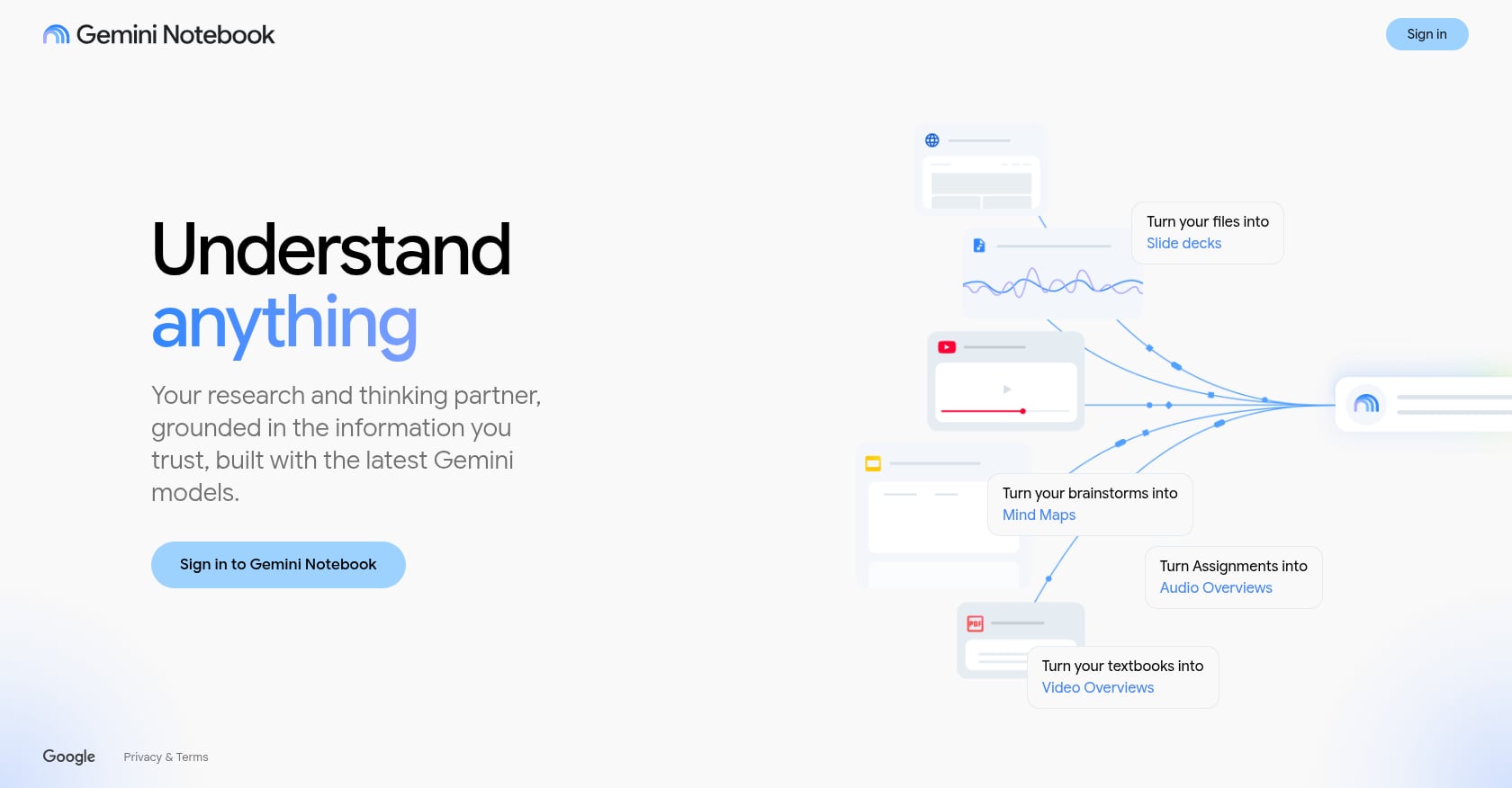
Best for: Secondary teachers in content-heavy subjects who want study guides, discussion questions, and summaries grounded in approved source materials.
Pricing:
- Free for Google Workspace for Education users with enterprise-grade data protection
- Expanded capabilities for Education Plus and Teaching & Learning add-on customers
Key features:
- Upload source documents, textbooks, PDFs, curriculum guides, and webpages
- Ask questions grounded in those uploaded sources
- Generate summaries, key concepts, study guides, and discussion prompts
- Useful for preparing units from dense material like primary sources or research papers
What practitioners say:
Reddit teachers using NotebookLM say it can help move from source documents to lesson plans by uploading standards, textbook sections, and pacing guides. But a teacher who audited NotebookLM as a science education tool found that source quality matters significantly. If uploaded PDFs are image-only or formatted poorly, the tool may produce confident-seeming output without clearly signaling gaps in the source material.
Tradeoffs:
- Not a full classroom material generator
- Output quality depends heavily on what you upload
- Better for unit planning than daily prep
- Does not produce print-ready formatted materials like worksheets or quizzes
Safe Ways to Use AI in the Classroom
Explore 26 free AI tools for teachers
Browse All Tools →These are the lowest-risk, highest-return classroom AI uses. Every one keeps the teacher as the final authority.
- Generate a first-draft worksheet. Specify topic, grade, and question types. Edit before printing.
- Create a quiz with an answer key. Verify all answers before distributing.
- Draft a rubric. Adjust criteria to match your actual assignment expectations.
- Re-level reading passages. Useful for mixed-ability classrooms and ELL support. Always check meaning and cultural fit.
- Translate or simplify directions. Helpful for supporting English learners with scaffolds they can access right away.
- Create parent email drafts. AI handles the structure; you adjust the tone and add specifics.
- Draft report-card comments. A strong time-saver during reporting periods, but always personalize before sending.
- Generate discussion questions. Use them as starting points, not finished products.
- Build a substitute plan. AI can organize your existing routines into a clear document for a sub.
- Create review games. Crosswords, word searches, and matching activities are easy wins for vocabulary practice.
- Brainstorm accommodations. Use AI to generate ideas, then verify everything through your SPED process.
A school AI pilot involving 13 teachers, shared on LinkedIn, found that teachers used AI for assessment creation, feedback, differentiation, EAL support, and lesson planning. The key conclusion: AI works best when guided by teacher expertise, not substituted for it.
The AI Classroom Control Ladder
This framework helps teachers decide which AI uses are safe to start with and which need more caution.
| Level | Use Case | Risk | Teacher Action |
|---|---|---|---|
| Level 1: Back-office drafting | Parent emails, report-card comments, newsletter drafts | Low | Edit tone, remove PII if needed |
| Level 2: Teacher-reviewed materials | Worksheets, quizzes, rubrics, lesson plans | Low to moderate | Check accuracy, standards, readability |
| Level 3: Differentiation support | Re-leveled texts, translations, accommodations | Moderate | Verify meaning, cultural fit, accessibility |
| Level 4: Student-facing AI | AI tutors, chatbots, live AI spaces | Higher | Use district-approved tools, supervise, set rules |
| Level 5: High-stakes decisions | Grades, IEPs, behavior plans, discipline, placement | Highest | AI may draft; human process decides |
Start at Level 1. That is where most classroom AI tools deliver the most value with the least risk.
What Not to Outsource to AI
Some decisions are too consequential for a first draft, and some carry legal risk.
- Final grades. AI can assist with scoring mechanics, but grades require professional judgment.
- IEP decisions. Common Sense Media warns that high-stakes AI tools generating IEPs or behavior plans can shape student trajectories while lacking the full data needed to make those decisions.
- Behavior plans and discipline decisions. These require context AI cannot access.
- Student placement. Too many variables and too much at stake.
- Sensitive parent communication without review. Let AI draft, but always read and edit before sending.
- Student-facing chatbot use without policy approval. Check with your district first. UNESCO recommends an age limit of 13 for student use of generative AI tools.
The U.S. Department of Education has said AI may be used across educational functions when aligned with applicable laws, but its guidance emphasizes responsible use, AI literacy, and teacher training. The message is clear: use AI, but do not skip the human review.
For teachers wondering whether they need district approval first, the answer depends on whether student data is involved and what your school’s policy says.
How to Avoid the Generic AI Output Problem
Practitioners on Reddit repeatedly flag that AI-generated worksheets and lesson plans can feel repetitive, shallow, or disconnected from what students actually need to learn. One teacher described AI-generated slides as missing important tested material. Others said they only use AI for narrow tasks like re-leveling texts or brainstorming, not full instructional replacement.
The problem is usually vague inputs. Compare these:
- Weak prompt: “Make me a lesson on photosynthesis.”
- Better prompt: “Create a 7th-grade NGSS-aligned photosynthesis exit ticket with 5 multiple-choice questions, 2 short responses, an answer key, and one accommodation for ELL students.”
- Best approach with a structured tool: Use form fields for grade, topic, difficulty, and output type. Tools like TeachTools handle formatting automatically, which is why structured-input tools often produce more usable output than open-ended chatbots.
Every AI output needs what teachers already do well: review, revise, and adapt for the actual students in front of them. The phrase worth remembering is simple. Draft, check, adapt, teach.
Using AI in the Classroom Without Sending the Wrong Message to Students
Teacher communities frequently raise a fair concern: it is hard to tell students not to use AI while teachers use it heavily for planning, feedback, and materials. Some draw a distinction between professional productivity and students using AI to skip learning. Others worry that heavy teacher AI use undermines the message.
A few practical steps help:
- Disclose AI-assisted materials when appropriate. Tell students when a worksheet started as an AI draft. Model transparency.
- Show the revision. Let students see that the teacher reviewed, edited, and improved the output.
- Create assignment-specific AI rules. Not every assignment needs the same policy. Some tasks might allow AI brainstorming; others require fully original work.
- Design AI-resistant assignments. Do more writing in class. Require oral defense of written work. Ask for drafts, revision history, and evidence of process. Personalize assignments to classroom discussions.
Reddit teachers discuss oral reviews and in-class work as the most practical ways to reduce inappropriate student AI use. The message to students should be consistent: AI is a tool, not a shortcut, and using it well means knowing when not to use it.
For more on keeping student data safe while using these tools, this guide covers AI and FERPA compliance in detail.
Quick Privacy Checklist for AI Classroom Tools
Before adopting any AI tool for classroom use, run through these questions:
- Does the tool require student logins or collect student PII?
- Does it offer a Data Processing Agreement?
- Is user data used to train the AI model?
- Can admins control or monitor student-facing AI?
- Can teachers export or delete their data?
- Is the tool approved by the district?
- Does it address FERPA and COPPA requirements?
The simplest rule: do not paste student names, grades, or other PII into any AI tool your district has not reviewed. For schools evaluating tools at scale, TeachTools provides FERPA and security details including encryption standards, DPA availability, and its no-training policy.
FAQ
What does AI in the classroom actually mean for teachers?
For most teachers today, AI in the classroom means using artificial intelligence tools to draft lesson plans, create worksheets and quizzes, generate rubrics, write parent communications, differentiate reading materials, and assist with grading. It can also include student-facing tools like AI tutors or interactive activities, though those carry higher privacy and policy requirements.
Can teachers use AI to make lesson plans?
Yes. AI lesson plan generators are among the most common classroom AI uses. Tools like TeachTools, MagicSchool, and ChatGPT can produce standards-aligned drafts in minutes. The key is treating these as first drafts that need teacher review for accuracy, standards alignment, and fit for specific students.
Is AI safe for students to use in school?
It depends on the tool, the age of the students, and your district’s policies. UNESCO recommends a minimum age of 13 for student use of generative AI. Student-facing tools like SchoolAI and Khanmigo offer teacher monitoring and controls, but still require clear policies and adult supervision. Teacher-only tools are the lowest-risk starting point.
What is the best free AI tool for teachers?
Several tools offer meaningful free plans. TeachTools provides 5 free generations per month across 23 tools with PDF and Google Docs export. Canva for Education is fully free for verified K-12 educators. ChatGPT for Teachers is free through June 2028 for verified U.S. educators. MagicSchool has a free tier as well. The best choice depends on whether you need printable materials, visual design, or a general-purpose assistant.
Can teachers put student names or grades into AI tools?
Generally, no, unless the tool has a signed Data Processing Agreement with your school or district and is approved for that use. FERPA protects personally identifiable information from education records. The safest practice is to use AI for generating template materials without entering any student-specific data.
Should AI grade student work?
AI can assist with scoring mechanics, like evaluating multiple-choice questions or providing initial feedback on writing. But final grades should reflect teacher judgment. AI grading tools work best as a first pass that speeds up review, not as the final decision.
How can teachers prevent students from using AI to cheat?
The most effective strategies involve assignment design rather than detection software. Do more thinking and writing work in class. Require oral defense of written work. Ask for drafts, revision history, and evidence of process. Personalize assignments to in-class discussions. Make AI-use rules specific to each assignment type.
Is ChatGPT FERPA compliant for teachers?
OpenAI’s ChatGPT for Teachers plan includes education-grade protections, does not train on user content by default, and offers DPAs. However, “FERPA compliant” is not a simple yes-or-no label. It depends on how the tool is used, what data is entered, and whether your district has an agreement in place. A personal ChatGPT account is not the same as the managed Teachers plan.
Ready to try AI for classroom prep without the complexity? See how TeachTools works and start with 5 free generations this week.